LinkedIn for Business: Company Pages, Employee Reach and Leads
LinkedIn for business works when a clear company page, people who post in their own voice and a defined path to leads run together. Here is how to set up all three.
On this page
LinkedIn for business works when three things run together: a company page that explains clearly what you do, people inside the company who post and share in their own voice, and a defined path from a post to a conversation or a lead. A company page on its own rarely reaches far, and employee posts without a page behind them are hard to connect to the business. This guide covers how to set up the page, what to post, how to get employees involved and how to turn attention into leads.
Set up a company page that does its job
Your page is where people go after they see a post from you or your team. Make it answer their questions quickly.
- Logo and cover image. Use a logo that reads at small sizes and a cover that says something specific, such as what you sell or an upcoming event, rather than a stock photo.
- Tagline. One sentence: what you do and who it is for. “Payroll software for restaurants with 5 to 50 staff” beats “Empowering businesses.”
- About section. Lead with the problem you solve, then your products or services, then proof such as customers, markets or years in business. Use the words your buyers would search for.
- Call-to-action button. Point it at the most useful next step, such as a demo, a contact page or a sign up.
- Showcase pages, only if needed. If you run distinct product lines or audiences, a showcase page can give each its own feed. Most small businesses do not need one.
Decide what to post
B2B buyers follow companies that teach them something or show how the work gets done. A useful content mix for a company page:
| Format | What works | Example |
|---|---|---|
| Text post with a point of view | A clear opinion or lesson in the first two lines | “Most onboarding fails in week two. Here is what we changed.” |
| Document or image carousel | Step-by-step guides, checklists, frameworks | “Five questions to ask before you switch suppliers” |
| Short native video | A customer, an employee or a quick demo | A 60-second walkthrough of one feature |
| Poll | A genuine question you will report back on | “How does your team handle approvals today?” |
| Newsletter | A regular, deeper take on one topic | A monthly market update |
| People and culture | Hires, milestones, behind the scenes | A team member explaining their role |
LinkedIn Pages can publish newsletters, and once the first edition is out, the page’s followers are invited to subscribe, according to LinkedIn Help. A page needs to meet LinkedIn’s access criteria to see the option.
For small businesses, two or three good posts a week usually beat a daily stream of filler. Choose a pace you can keep for months.
Give founders and leaders a voice
Posts from people tend to travel further than posts from pages, because people follow people. For many companies, the founder’s or CEO’s profile becomes the main channel and the page supports it.
A sustainable approach for leaders:
- Pick two or three topics they know well and can talk about for a year.
- Write from experience. Specific decisions, mistakes and numbers they are allowed to share.
- Reply to comments within the first hours. A post that gets a thoughtful reply invites more replies.
- Get help with drafts, not with opinions. A marketer can turn a voice note into a post, but the view should be the leader’s own.
Get employees to amplify, without forcing it
Employees reach networks the company page never will: their former colleagues, clients and peers. LinkedIn has built tools for this.
- Recommend to employees. Page admins can recommend posts to employees through the page’s My Company tab, where colleagues can find them and reshare them from their own profiles.
- Notify employees. Admins can alert associated employees about an important page post. LinkedIn allows this once per day, not for targeted posts, and employees can opt out, according to LinkedIn Help.
- Thought Leader Ads. If an employee’s public post performs well, the company can ask permission to sponsor it as an ad from Campaign Manager, keeping the post under the employee’s name.
What makes employees actually participate:
- Keep it optional and say so.
- Share posts people would be proud to put their name on, not press releases.
- Offer a suggested caption they can edit, and encourage them to add one line of their own.
- Celebrate the team’s work in the page’s posts, which employees are far more likely to share.
Turn attention into leads
LinkedIn is good at starting conversations. Turning them into leads takes a clear offer and a place to capture details.
Make an offer that matches the reader’s stage. Someone reading a post may want a checklist, a template, an event invite or a short call. Name the offer in the post and in the first comment.
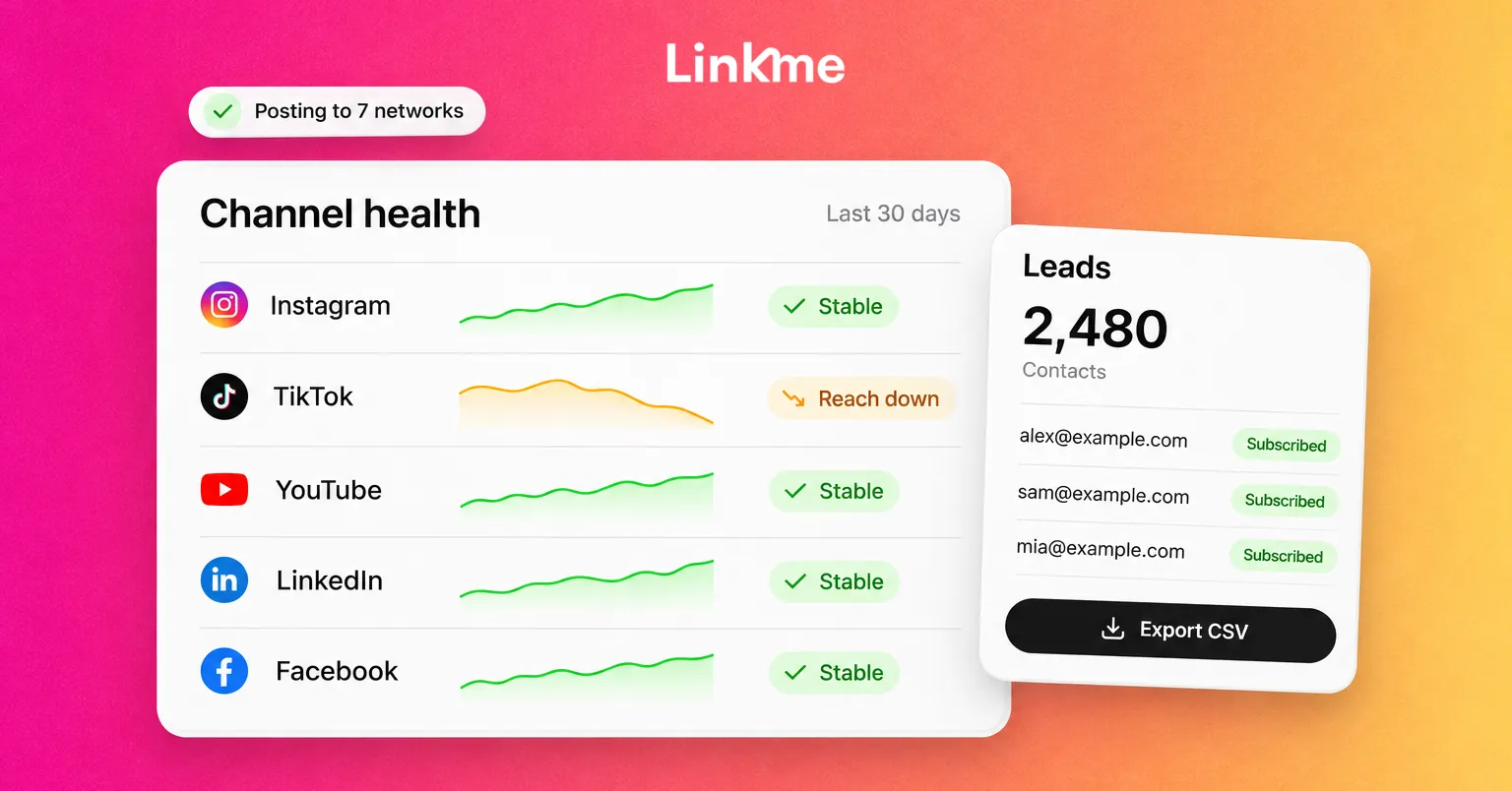
Choose where the lead lands. LinkedIn has retired lead gen forms on Pages, per LinkedIn Help, so organic page posts need a destination of your own. Lead gen form ads in Campaign Manager are a separate, paid option. For organic posts, a landing page or a Linkme page with a sign up form collects the name and email of everyone who asks for the offer. Forms come with Linkme Plus, and on Pro each sign up with an email lands in Leads with its source, where you can export a CSV or send an email campaign.
Follow up in the right channel. A comment asking for details deserves a reply and, where appropriate, a direct message. Decide who on the team owns those replies and how quickly they respond.
Count the right things. Track page followers and post engagement on LinkedIn, but also count sign ups, qualified conversations and sales. A post with modest reach that brings in three good leads did more than a viral post that brought none.
Publish consistently without living in LinkedIn
Consistency is where most company pages fall down. Scheduling helps: plan the week’s posts in one sitting, then let them go out on time.
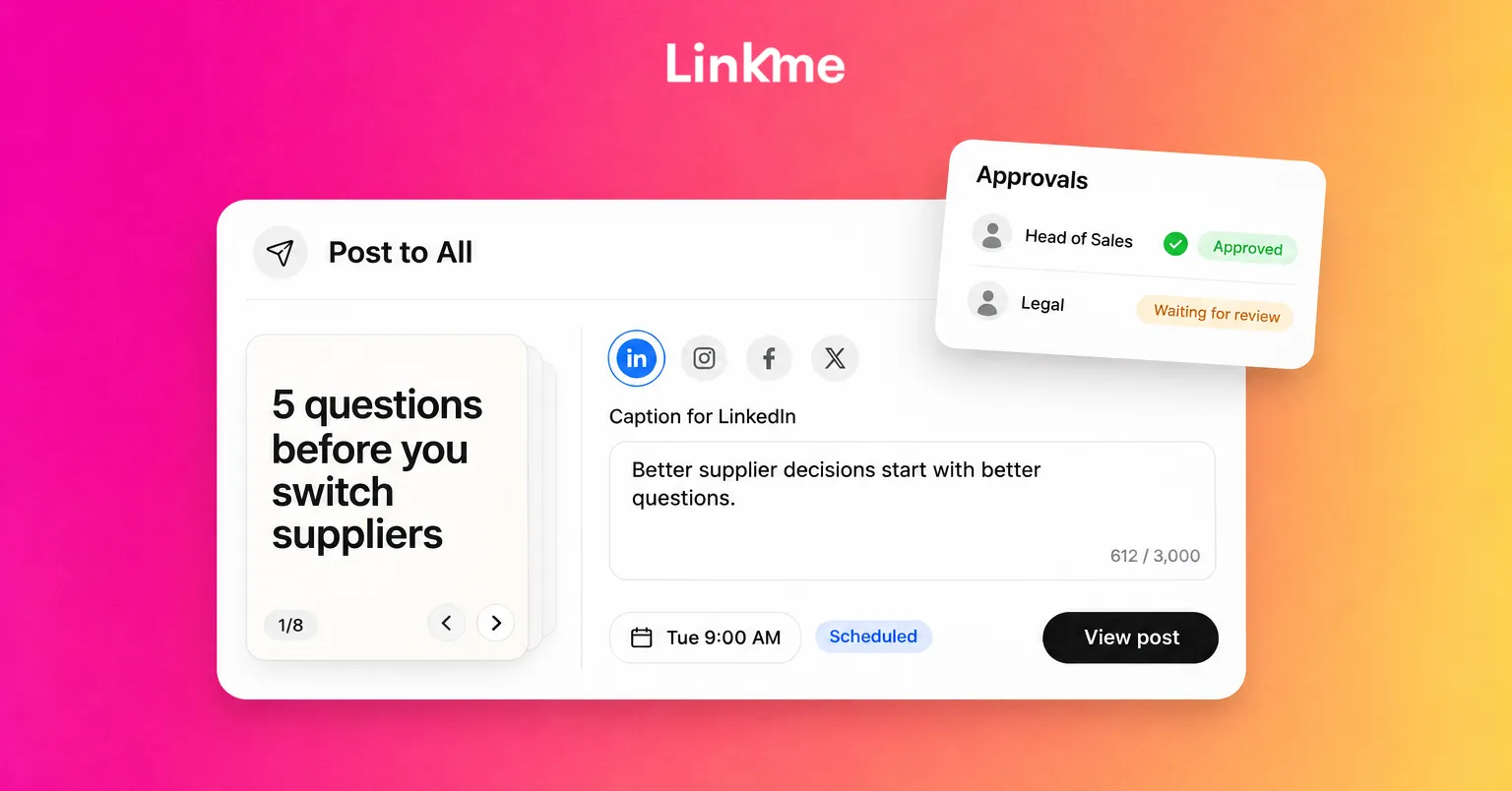
Linkme’s Post to All publishes to LinkedIn alongside YouTube, Instagram, TikTok, Facebook, X and Threads from one composer. LinkedIn posts can be video, an image, a carousel of up to 20 images or text, with captions up to 3,000 characters, and you can write a separate LinkedIn caption when the same post needs a more professional tone than it has on Instagram. Each network shows its own status, and failed networks can be retried. On Linkme Business, posts can wait for required approvers before they go out, which helps when leaders or legal need to sign off.
For the details of timing, formats and personal profiles versus company pages, see how to schedule LinkedIn posts.
Frequently asked questions
Is LinkedIn worth it for a small business?
Yes, especially if you sell to other businesses or hire skilled staff. A small business does not need to post daily. A clear page, two or three useful posts a week and an active founder profile are enough to build steady visibility.
Should we post from the company page or from employees’ profiles?
Both. The page is the official record and the place people check you out. Employee and founder profiles usually reach more people and feel more personal. Share the strongest page posts with employees and let leaders post in their own voice.
How often should a company post on LinkedIn?
Post at a pace you can sustain with quality, which for many small teams is two or three times a week. Consistency over months matters more than volume in any single week.
Can a LinkedIn company page collect leads?
Not directly anymore. LinkedIn has retired lead gen forms on Pages, so send readers from your posts to a landing page or sign up form you control, or use lead gen form ads in Campaign Manager if you run paid campaigns.
LinkedIn rewards companies that publish useful posts consistently and give their people a reason to join in. If you want one place to plan, approve and publish those posts alongside your other networks, see Post to All.