Traditional Networking vs Digital: How to Get the Best of Both
Events and referrals build trust; digital networking adds reach and memory. Here is how they compare and how to connect them with a page, a QR code and an email list.
On this page
Traditional networking vs digital is a false choice. Events, business cards and referrals build trust faster than any profile can, while digital networking gives you reach, a record of your work and a way to stay in touch after the handshake. The people who network well use both: they meet in person, then make it easy to find, save and hear from them online. This guide compares the two and shows how to connect them with a page, a QR code and an email list.
What each approach does well
Traditional networking covers anything that happens in person: conferences, trade shows, meetups, client dinners, introductions from a colleague and the business card you hand over at the end. Digital networking covers relationships that start or grow online: professional profiles, communities, direct messages, comments, newsletters and shared work.
Traditional networking vs digital, side by side
| Traditional networking | Digital networking | |
|---|---|---|
| Trust | Builds quickly through conversation, tone and shared context | Builds slowly, through consistent work and repeated contact |
| Reach | Limited to the room, the city and your schedule | Not limited by place; people can find you without meeting you |
| Cost | Travel, tickets, printed materials and time away from work | Mostly time; many tools have free plans |
| Information | A card holds a name, title and a few contact details | A profile or page can hold your work, links, videos and current role |
| Staying current | Printed details go out of date | You update once and everyone sees the latest version |
| Follow-up | Depends on whether anyone keeps the card | Can be built in, with a sign up or a saved contact |
| Measurement | Hard to know what led to what | Views, clicks and sign ups show what people acted on |
Where traditional networking still wins
Trust forms faster face to face. A ten-minute conversation tells someone how you think, listen and treat people. That is hard to compress into a profile.
Referrals carry someone else’s credibility. An introduction from a mutual contact skips the stage where a stranger decides whether you are worth replying to. Online, you have to earn that attention yourself.
Shared context makes you memorable. Meeting at the same event, panel or booth gives both people something to refer back to. “We met at the retail summit” opens a follow-up email better than “I saw your profile.”
Where digital networking wins
Reach without travel. People in other cities, industries and time zones can discover your work through a post, a search or a share.
Your work speaks before you do. A portfolio, case study, video or recent project shows more than a job title on a card.
It does not forget. A connection request, a saved contact or an email subscription stays put. A card in a jacket pocket often does not.
You can see what worked. Digital tools tell you how many people looked at your page, what they clicked and who left their details. Traditional networking rarely gives you that feedback.
The real problem is the gap between them
Most networking does not fail at the meeting. It fails afterward. You meet someone interesting, swap cards or follow each other, and then nothing happens. Their card ends up in a drawer. Your profile sits among hundreds of others they follow. Nobody had a clear next step.
The fix is not to pick one approach. It is to connect them, so every in-person meeting leads to something online that lasts, and every online contact has a route to a conversation.
How to combine traditional and digital networking
Build one page that holds your work and contact details
Start with a single destination you can send anyone to, wherever you meet them. It should answer three questions in a few seconds: who you are, what you do and how to reach you.
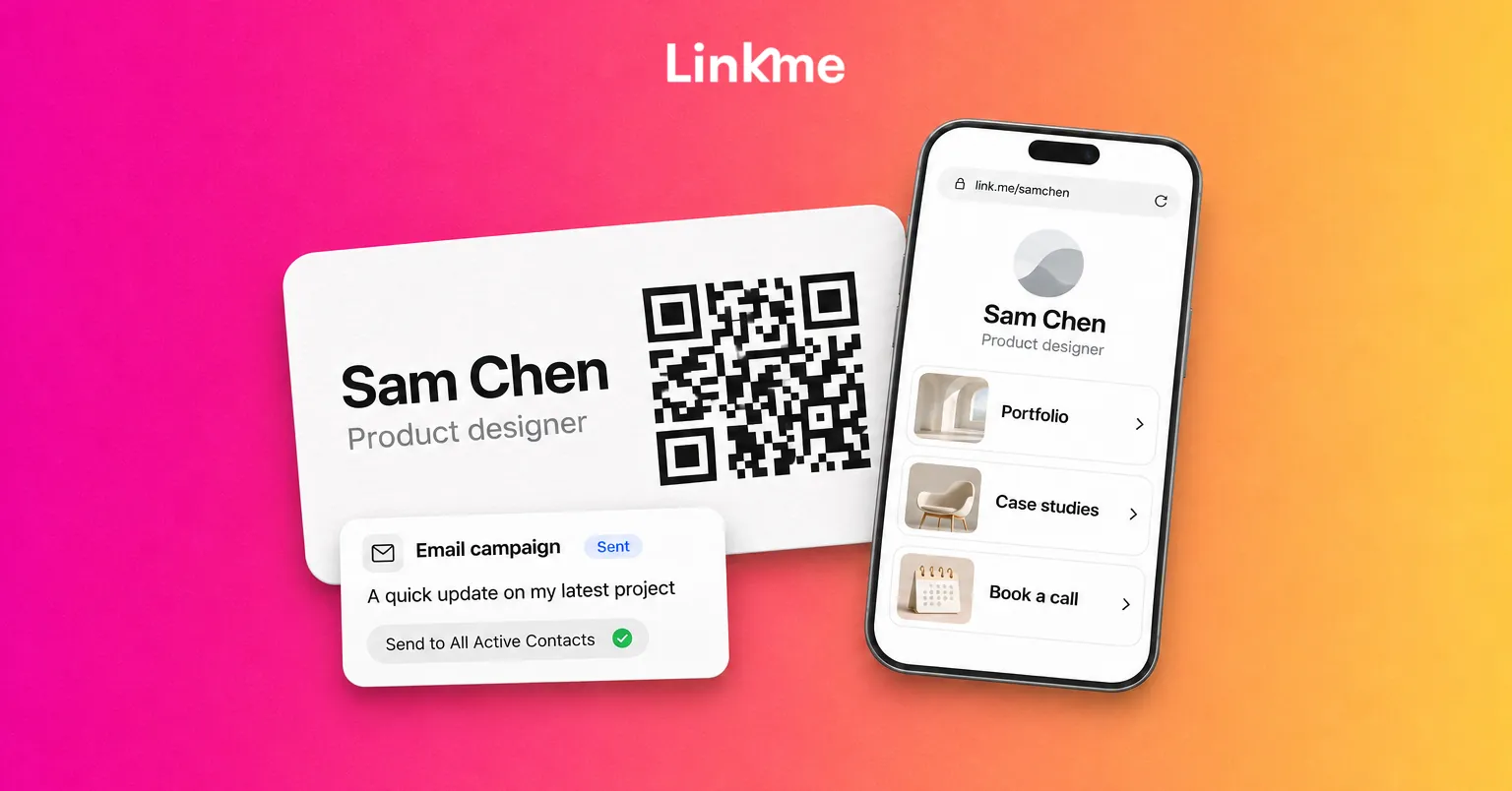
A Linkme page with its own QR code can do that at link.me/yourname. It can hold featured links in different sizes, a gallery, video feeds from Instagram, TikTok and YouTube, events, contact info and an email contact form. Keep it short and put the most important item first:
- A one-line description of what you do and who you help.
- Two or three examples of your work, such as a portfolio, a recent project or a talk.
- A clear way to book or contact you.
- Your main professional and social profiles.
Because the page is online, it changes as your work changes.
Put a QR code where people meet you
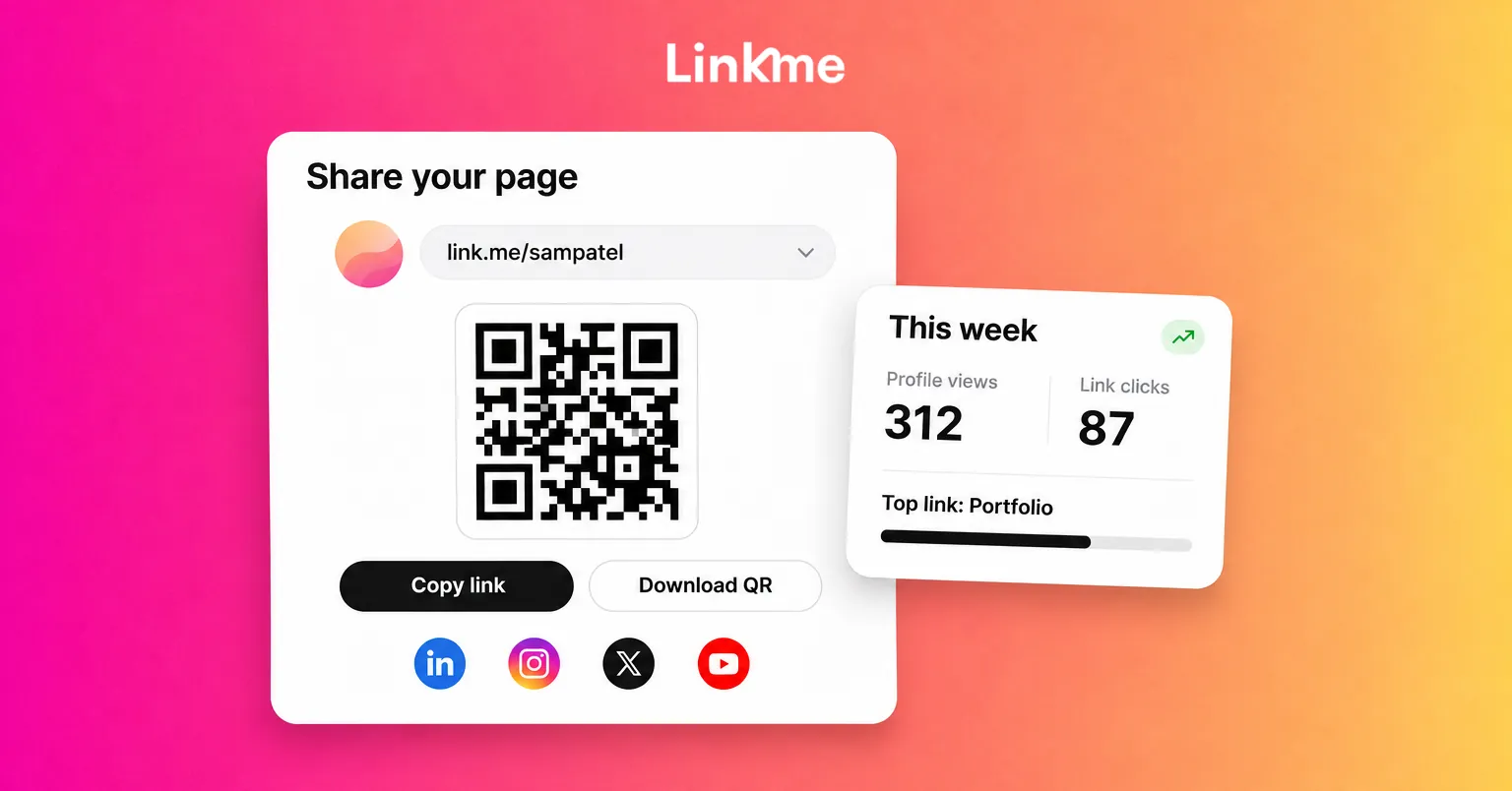
A QR code is the bridge between a handshake and your page. Every Linkme page has one QR code that opens link.me/yourname. Open Your QR Code from the dashboard and press Download to get an image for business cards, badges, slides or signage. When you edit the page later, the printed code keeps opening the live version.
Good places for the code:
- The back of a business card, if you still carry them.
- The last slide of a talk or presentation.
- A table sign or badge at an event.
Linkme does not show scans as a separate number. Each scan is a visit to your page, so it appears in your profile views, and the links people tap count as link clicks.
Capture details in both directions
A card only works one way: they get your details, but you rarely get theirs. Make it easy for people to leave their information when they visit your page.
On Linkme, two parts of the page do this. The email field under your bio, with a “Connect with” button, lets a visitor leave their email in one step. The me icon at the end of your social links lets them share their name, email and phone number. Both land in Leads, each with its source, and you can export the list as a CSV at any time. On People plans, Leads comes with Linkme Pro; every Business plan includes it.
Follow up through an email list
Social feeds decide who sees your updates. An email list does not. Once someone has shared their address, you can reach them directly when you have something worth sharing: a new project, a talk, an opening or a launch.
Keep follow-ups personal at first. After an event, write individually to the people you spoke to and mention something from the conversation. Later, send occasional updates to everyone who subscribed. Linkme’s email campaigns send to the subscribed contacts in Leads; on People plans you can draft for free, and sending comes with Linkme Pro and every Business package. Every email carries an unsubscribe footer, so people stay in control.
A simple hybrid routine
| When | Traditional move | Digital move |
|---|---|---|
| Before you go out | Choose one or two events where the right people will be | Update your page so it shows your current work first |
| When you meet someone | Have a real conversation and note something specific | Let them scan your QR code and save your details |
| Within a day | Write a personal follow-up that refers to the conversation | Check who left their details on your page |
| Every month | Ask a trusted contact for one introduction | Send a short update to your list and reply to anyone who answers |
Frequently asked questions
Is digital networking better than traditional networking?
Neither is better on its own. Traditional networking builds trust faster and gives you referrals, while digital networking adds reach, a record of your work and easier follow-up. The strongest approach uses in-person meetings to start relationships and digital tools to keep them going.
Are business cards still worth carrying?
They can be, especially in industries and countries where exchanging cards is expected. Add a QR code to the card that opens a page with your current work and contact details, so the card keeps working after your role or links change.
How do I keep in touch with people I meet at events?
Get their details at the time, follow up personally within a day and mention something specific from your conversation. After that, stay in touch with occasional, useful updates, for example through an email list they chose to join.
Can a QR code replace a business card?
For many situations, yes. A QR code that opens your page lets someone save your details, see your work and leave their own information in one scan. Keep a few printed cards for people who prefer them.
The best networkers do not choose between a handshake and a link. They make sure every good conversation has somewhere to go next.