Stress Management for Community Managers: How to Run a Calmer Inbox
Community manager stress comes from volume and negativity. Here is a system to handle both: inbox triage, saved replies, internal notes, automation with a human override and clear escalation rules.
On this page
- Key takeaways
- Where community manager stress comes from
- Triage the inbox in one pass
- Write saved replies for the repeats
- Leave internal notes so nobody starts from zero
- Let automation answer the predictable, and step in when needed
- Handling negative comments without carrying them home
- Write escalation rules before you need them
- Habits that prevent moderation burnout
- Frequently asked questions
Stress management for community managers starts with the inbox, not with a meditation app. The pressure in the job comes from two sources: volume (hundreds of comments and DMs, many asking the same thing) and negativity (complaints, pile-ons and the occasional abusive message that sticks with you after work). You cannot make either one disappear. You can build a system that sorts the volume quickly, answers the repeats without you, and sends the hard cases to the right person, so you are not carrying every message alone.
Where community manager stress comes from
Community manager stress usually has the same few causes:
- Volume without structure. Every new message feels urgent because nothing shows what is already handled.
- Repetition. Typing the same opening hours, the same link and the same refund policy 40 times a day.
- Unclear ownership. Two people answer the same customer while a third conversation waits for days.
- Being the face of the brand. Criticism of the company lands on the person who reads it.
- No clear rules for escalation. Deciding alone, in real time, whether a complaint is a legal risk.
Each of these has a practical fix. The sections below take them in order.
Triage the inbox in one pass
The biggest relief comes from never reading the same message twice without acting on it. Work from one list, newest first, and make one decision per conversation:
| What it is | Action | Who |
|---|---|---|
| A question with a standard answer | Saved reply, then resolve | Whoever is on the inbox |
| A question needing a specific answer | Reply, or leave a note and keep it open | Inbox owner |
| A complaint about an order, booking or service | Acknowledge publicly once, move to DM, escalate if needed | Inbox owner, then support |
| Spam or abuse | Hide, delete or report according to your policy | Inbox owner |
| A safety, legal or press issue | Do not reply. Escalate immediately | Named escalation contact |
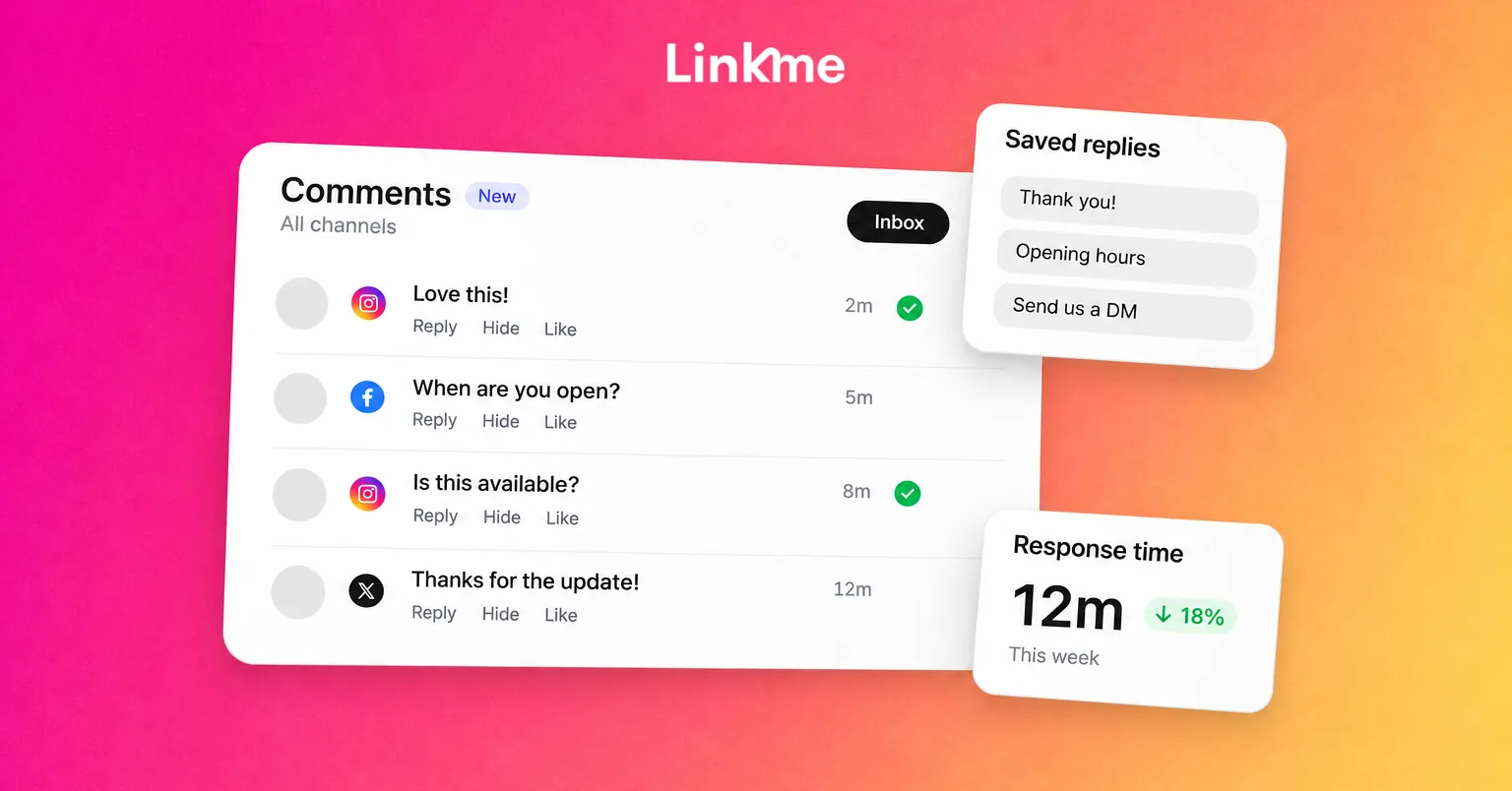
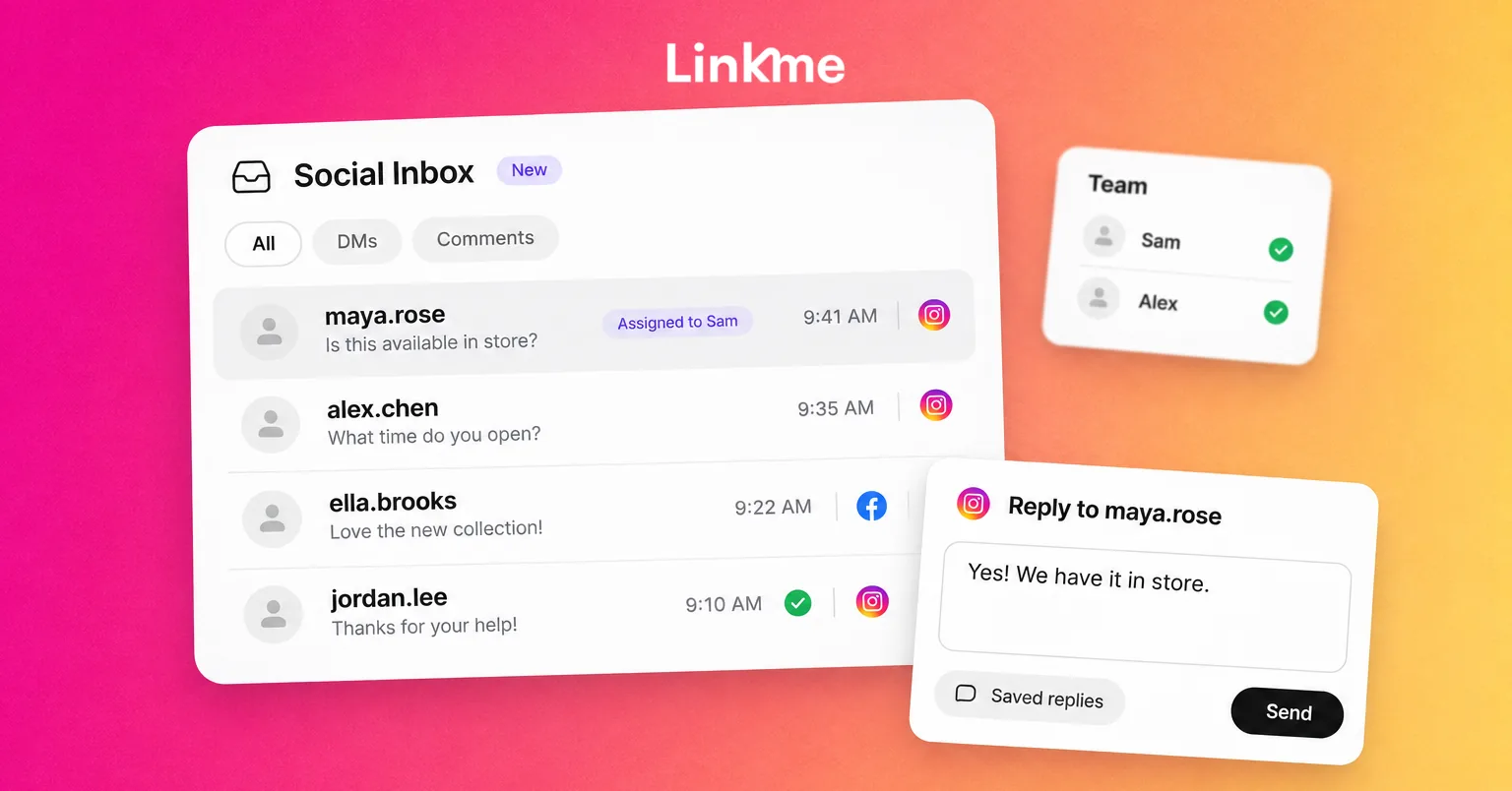
In Linkme’s Social Inbox, Instagram and Facebook comments and messages arrive in one place, with tabs for Messages and Comments and the states Open, Unread, Resolved and All. A comment opens with the post it was left on right above it, so a question under one night’s event poster gets that night’s answer. When a conversation is done, resolve it. It leaves Open for everyone, so the list shows only what still needs work.
Inbox triage works best in fixed sessions. Checking every few minutes keeps your stress high all day. Three or four focused passes, plus a quick check before you log off, is usually enough for most brands outside launches or crises.
Write saved replies for the repeats
Look back at the last two weeks of messages and list the ten questions you answered most. Write the answer to each once, with a clear title and the link people actually need: opening hours, booking, prices, shipping, the event page.
Saved replies do two things for your stress levels. They cut the typing, and they remove the small decision of how to phrase the same thing for the hundredth time. Keep them warm and specific, and personalize the first line when the message calls for it. On Linkme, saved replies have a title and can be inserted into any reply. A reply can be up to 2,000 characters.
Leave internal notes so nobody starts from zero
A lot of community manager stress comes from not knowing what already happened. Did someone promise a refund? Is the customer waiting for the venue manager? Internal notes answer that inside the thread and are never sent to the customer.
Agree on a simple note format: who is on it, what was promised, what happens next. For example: “Maya: offered a rebooking, waiting for the guest to confirm a date. Check Thursday.”
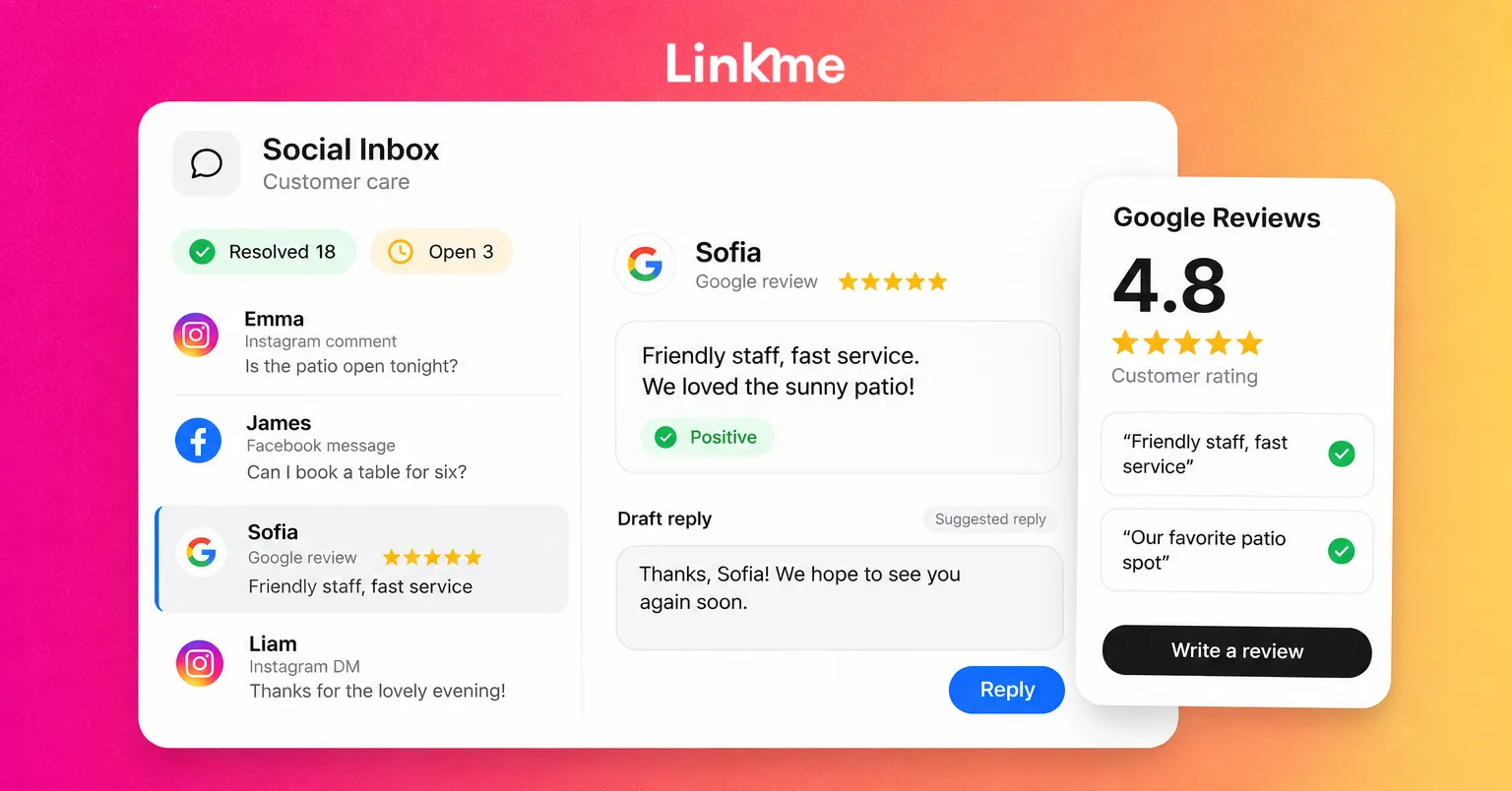
In Linkme’s standard inbox there is no assignment. Everyone signed in to the brand’s account works the same Open list, and notes show who is handling what. Teams that need to assign conversations can use the Linkme Business inbox, which adds Mine and Unassigned queues and Google reviews. See the Social Inbox setup guide for how the owner turns it on and gives each person access, and this guide to managing Instagram DMs and comments as a team for splitting the work.
Let automation answer the predictable, and step in when needed
If a question has one correct answer and a link, a person does not need to type it. DM Automations reply to a keyword or any comment with a public reply and a DM containing your link, and can answer incoming messages too. That takes a large share of repeat questions out of your day.
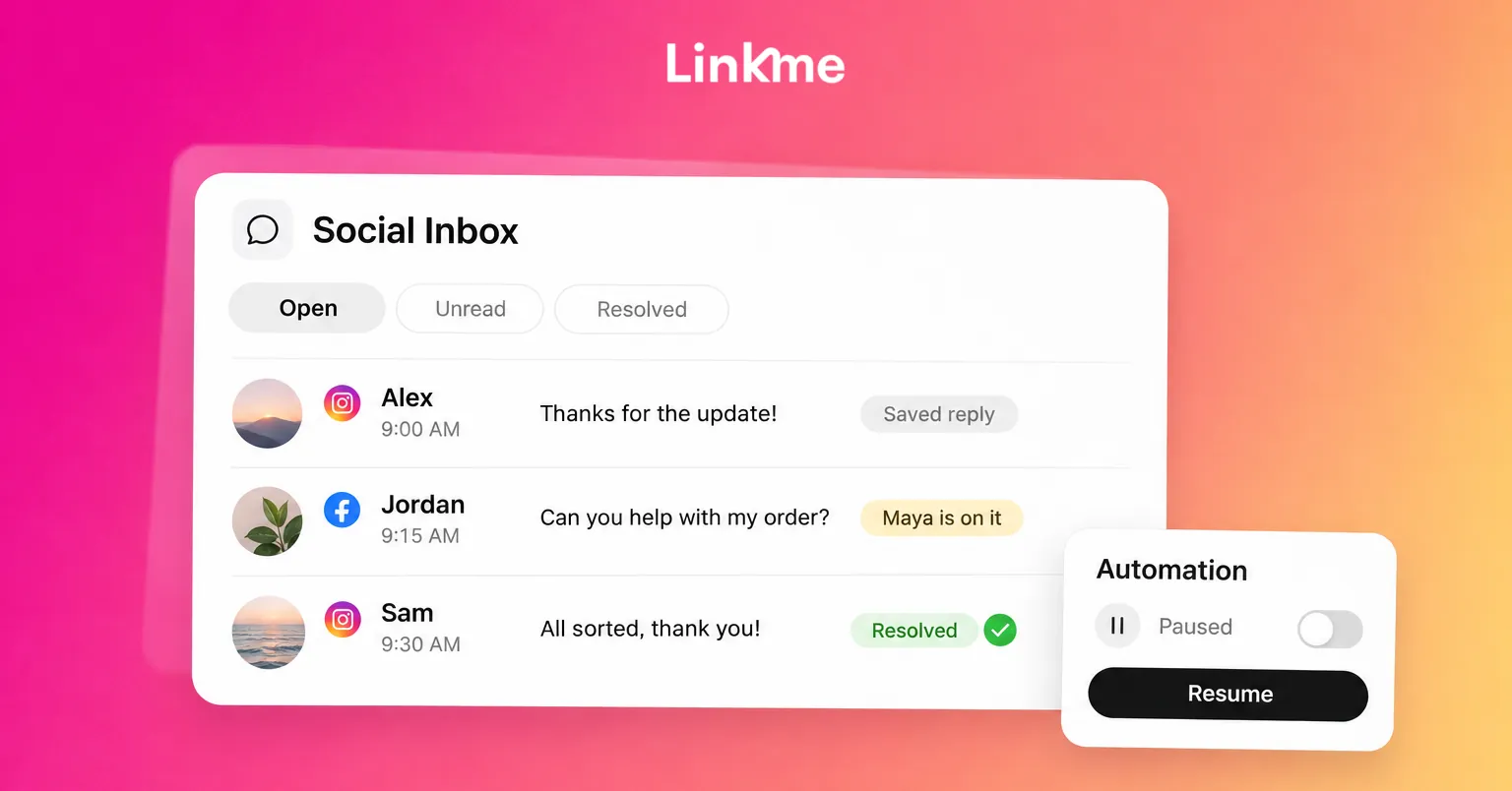
Automation needs a clear way for a person to take over. When a customer is upset, confused or has a question the automated message does not cover, pause the automation for that one conversation, answer it yourself and resume it when you are done. On Linkme, a manual reply does not pause the automation by itself. Pausing is a deliberate switch, so make it part of your routine for any sensitive thread.
Handling negative comments without carrying them home
Most of the emotional load in this job comes from negative comments. Sort them before you react:
- A real complaint. Acknowledge it publicly in one or two sentences, take the details to DM and follow up. Others reading the thread mainly want to see that the brand responded.
- A misunderstanding. Correct it once, politely, with the source or link. Do not keep arguing in the thread.
- Trolling. Do not engage. Hide it if it breaks your community rules and move on.
- Abuse, threats or hate. Hide or delete according to your policy, report it to the platform, document it with a screenshot and escalate if there is any safety concern.
Use the platform’s filters so you see less of the worst. On Instagram, “Hide unwanted comments” hides comments with common offensive words, phrases and emoji, and Hidden Words lets you add your own list of terms to hide from comments and message requests (Instagram Help). Add the slurs, scam phrases and recurring insults you see in your community.
Write a short public moderation policy and point to it. “We remove spam, hate speech and personal attacks” gives you something to rely on, so each removal is not a personal judgment call.
Write escalation rules before you need them
Without escalation rules, every serious message becomes your problem alone. Put this table in your team handbook and fill in the names:
| Trigger | Escalate to | Response time |
|---|---|---|
| Threat of harm, self-harm mention or safety risk | Named manager plus emergency guidance | Immediately |
| Legal threat, data or privacy request | Legal or operations lead | Same day |
| Press or journalist inquiry | Communications lead | Same day |
| Refund or compensation above a set amount | Customer service lead | Within one business day |
| A comment thread gaining traction fast | Social lead, to decide on a statement | Within the hour |
Add a holding reply for each type, such as “Thanks for flagging this. We’re looking into it and will reply here by tomorrow.” Then the inbox owner can respond safely while the decision moves up.
Habits that prevent moderation burnout
- Rotate the hardest work. If one person reads every negative comment during a crisis, take turns in shifts.
- Talk it through after a bad day. A 15-minute debrief after a pile-on helps the team separate the brand’s problem from personal feelings.
- Close the loop. Send recurring complaints to the people who can fix the cause. Fewer repeat problems means a lighter inbox.
- Keep the numbers in proportion. Ten angry comments under a post seen by thousands feel big. Look at the whole picture before you react.
A calmer inbox does not depend on willpower. It comes from clear states, prepared answers, automation for the repeats and rules that tell you when to hand a problem on.
Frequently asked questions
How do community managers deal with stress?
Mostly through structure: a single inbox with clear Open and Resolved states, saved replies for repeat questions, internal notes for handovers, automation for predictable questions and written escalation rules. Fixed inbox sessions, shared duty during crises and short debriefs after bad days help with the emotional side.
How should a brand respond to negative comments on social media?
Acknowledge a genuine complaint publicly in a sentence or two, move the details to a private message and follow up. Correct misunderstandings once with a source. Do not engage with trolls, and hide or report abuse according to your published moderation policy.
When should a community manager escalate a comment?
Escalate anything involving safety, legal threats, privacy or data requests, press inquiries or a fast-growing thread that may need a brand statement. Agree the contacts and response times in advance, and use a holding reply while the decision is made.
Should you delete negative comments?
Not because they are negative. Deleting fair criticism usually makes things worse. Remove spam, hate speech, threats and personal attacks under a clear moderation policy, and reply to genuine complaints instead of hiding them.