Customer Happiness on Social Media: Social Customer Care That Works
Fast first replies, a human tone, real fixes and answered reviews. The parts of social customer care that keep customers happy.
On this page
Customer happiness on social media comes from a few things done consistently: answering quickly, sounding like a person, actually fixing the problem and following up. Customers now ask questions in comments, send complaints by DM and leave reviews on Google, often about the same visit. Treating all three as one stream of conversations, rather than three separate chores, is what keeps people coming back.
This guide covers the parts of social customer care that make the biggest difference to how customers feel: response time, tone, resolution, reviews and measuring whether it is working.
Why social customer care decides how customers feel
A customer who asks a question under your post and gets no answer draws a conclusion about your business, and so does everyone who reads the thread afterward. Comments and reviews are public. Every reply is customer service and marketing at the same time.
Unhappy customers rarely expect perfection. What they want is to be noticed, to get a straight answer and to see the problem handled. Customer satisfaction on social media is mostly about meeting those three expectations reliably.
Respond quickly, and set expectations when you cannot
Make the first reply fast
The first response matters most, because it tells the customer someone is on it. Even if you need to check stock, ask a colleague or look up an order, a quick acknowledgment buys you time: “Thanks for flagging this. We’re checking with the store and will reply here by this afternoon.”
Cover the hours people actually message
Look at when questions arrive. For many businesses, evenings and weekends are busy. If nobody is watching then, say so in an automatic reply or your bio, and make sure the first person in the next morning starts with the overnight queue.
Answer the common questions automatically
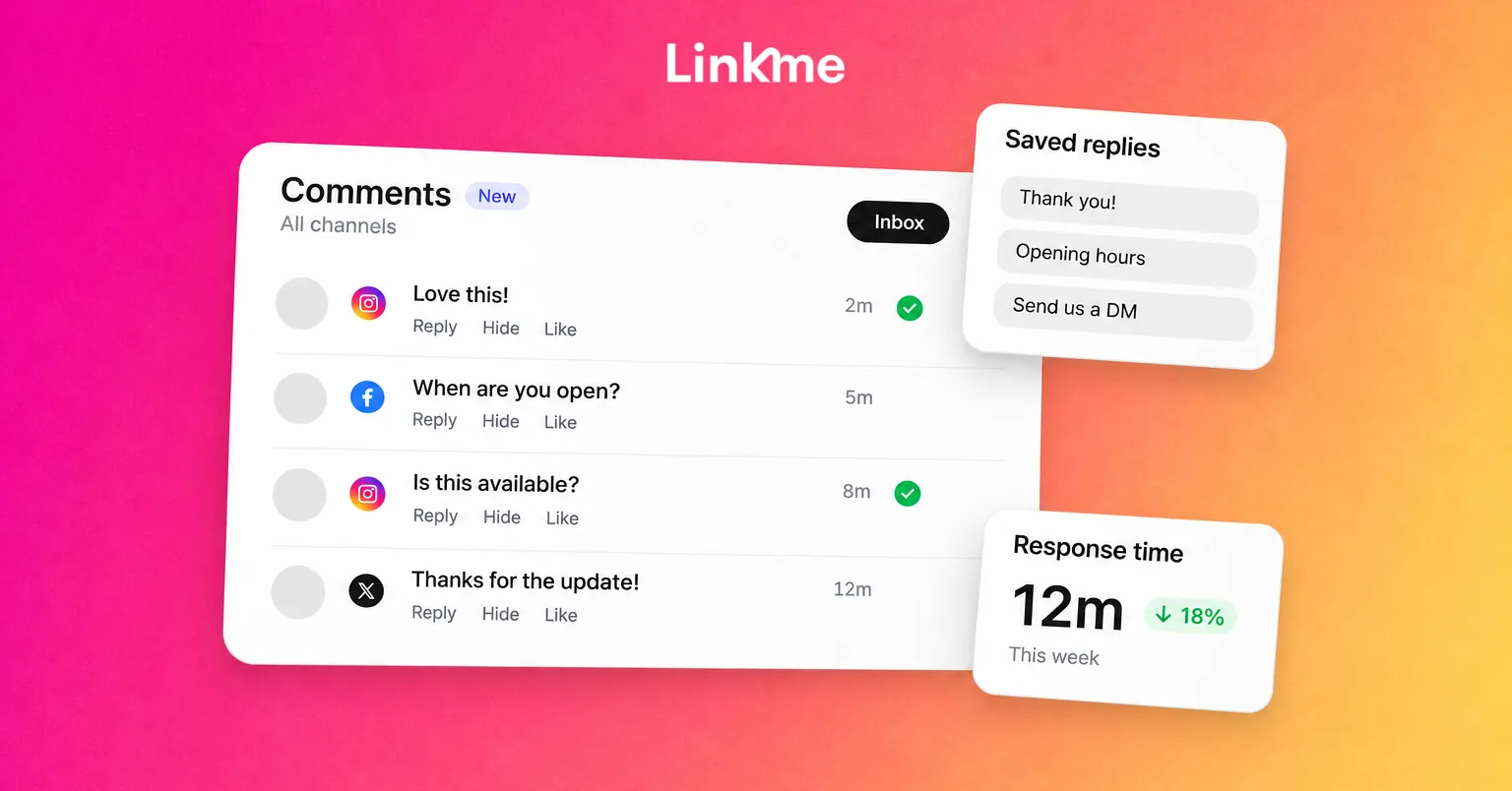
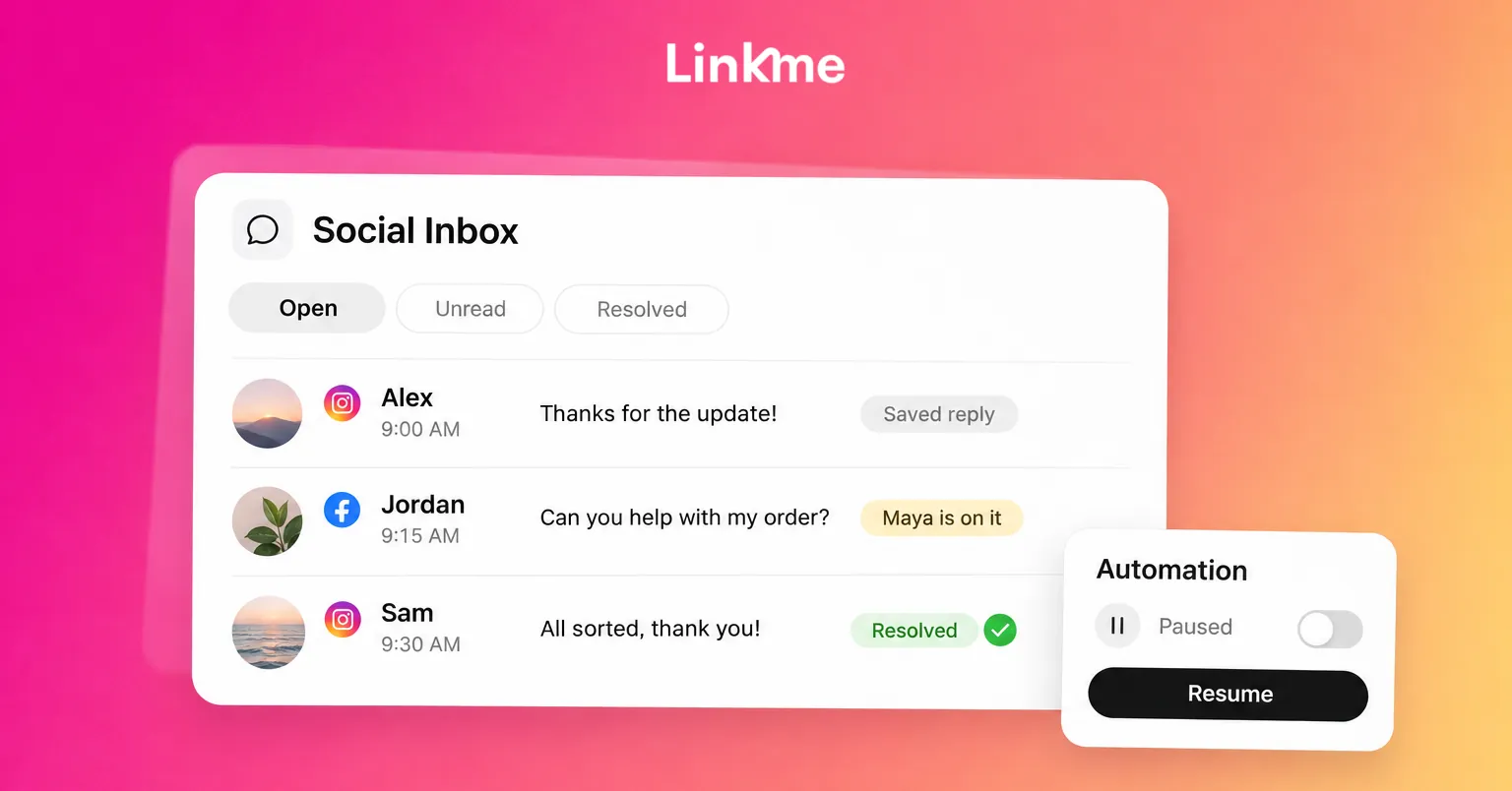
Many messages are the same few questions: opening hours, menus, prices, booking links. Automate those so people get an answer instantly, and keep your team’s time for the conversations that need a person. With DM Automations on Linkme, a keyword in a comment or message can trigger a reply with your link, and in the Social Inbox you can pause the automation for a single conversation when someone needs a human, then resume it.
Get the tone right
Tone is where happy and unhappy customers diverge, even when the answer is the same.
- Use names and plain language. “Hi Sam, sorry about the wait on Saturday” lands better than “We apologize for any inconvenience.”
- Match the channel. Public replies should be short and calm. DMs can be warmer and more detailed.
- Do not argue in public. If the customer is wrong about a detail, correct it gently once and offer to continue privately.
- Avoid templates that sound like templates. Saved replies are useful, but personalize the first line every time.
Once your team agrees how you sound, write it down so every person answers the same way.
Resolve, then follow up
A reply is not a resolution. Before closing a conversation, check that the customer has one of these:
- The answer they asked for.
- A fix, such as a refund, replacement, rebooking or correction.
- A clear next step, with who will do it and by when.
When to move a conversation private
Move to DMs when you need an order number, address, phone number or anything personal. Say so publicly first, so other readers see you responded: “We’ve sent you a DM so we can look up your order.” Then reply in the DM promptly. Asking someone to DM you and then going quiet makes things worse.
Close the loop
After a fix, check back. “Did the replacement arrive OK?” is a short message that turns many complaints into loyal customers. If the conversation started in public comments, a brief public update that it was sorted helps everyone reading.
Respond to reviews as part of the same work
Reviews are often where happy and unhappy customers speak most clearly, and they are read by people deciding whether to visit.
How to respond to reviews
- Reply to positive reviews too. Thank people specifically: mention the dish, the class or the staff member they named.
- For negative reviews, acknowledge, explain briefly and offer a fix. Keep it factual and avoid blaming the customer.
- Move details offline. Give a contact route rather than debating the details in public.
- Do not copy and paste the same reply. Readers notice.
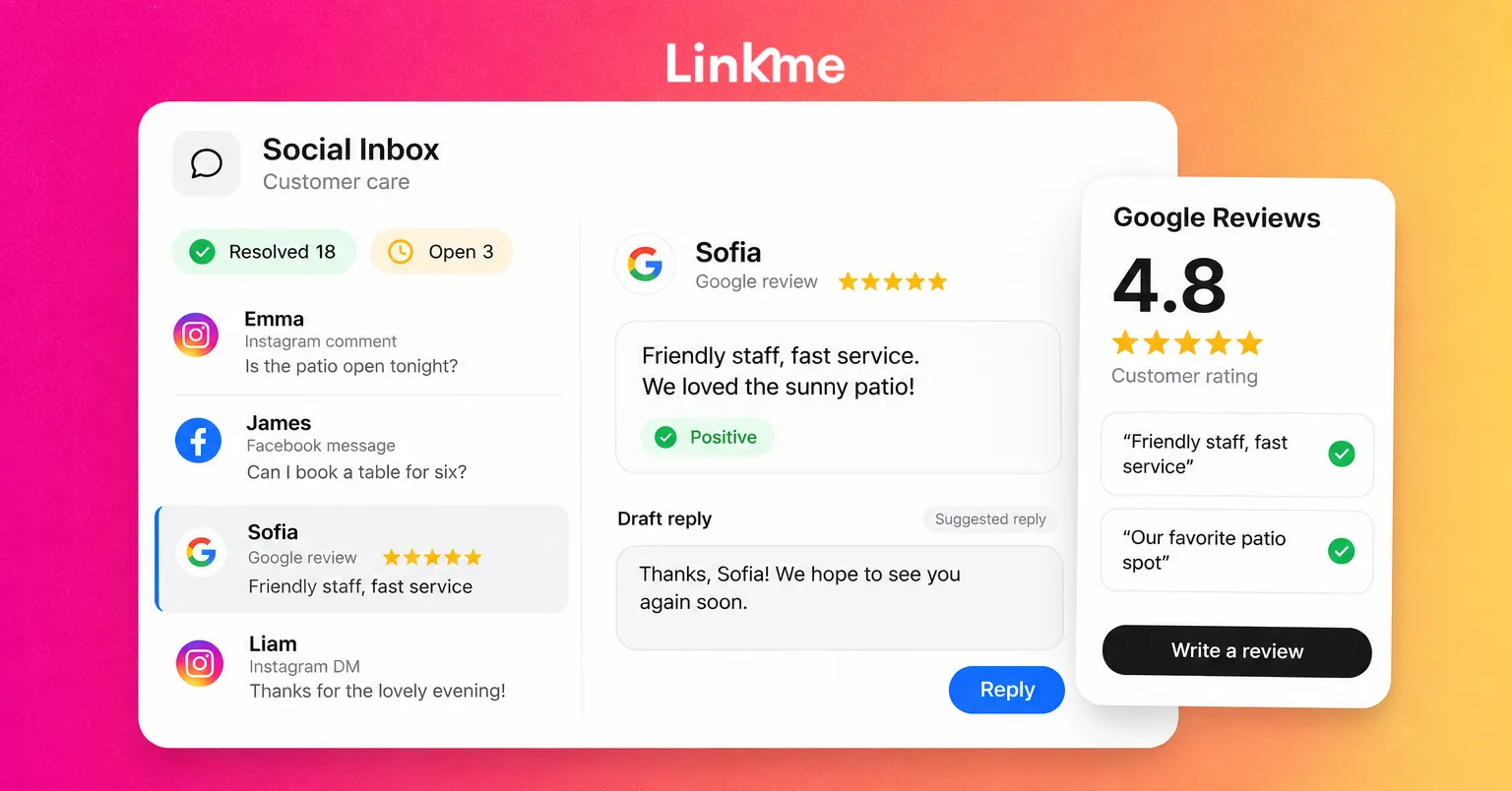
On Google, you need to verify your Business Profile before you can reply. Google reviews each reply against its content policies before posting it publicly under the review, and the reviewer is notified when you reply. Customers can update their review after reading your response, which is one reason a good reply is worth the effort. Google’s guide to managing customer reviews covers the steps.
Keep reviews, comments and DMs in one place
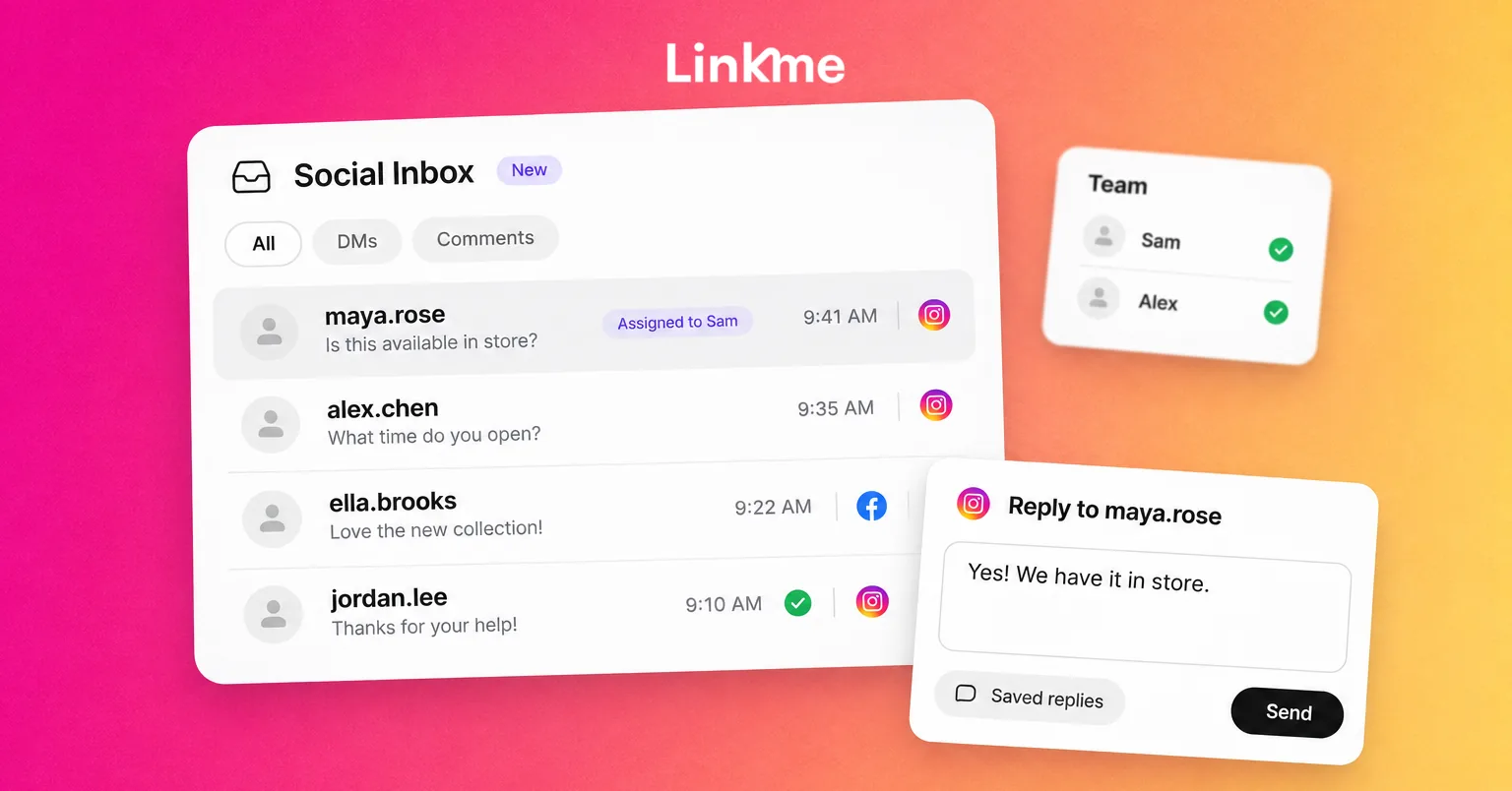
When a complaint arrives as a Google review, a DM and a comment, three different people may answer it three different ways. The Linkme Social Inbox brings Instagram and Facebook comments and messages into one list, shows the post behind every comment, and lets your team leave internal notes and use saved replies. The Linkme Business inbox, included with Linkme Business plans, adds assignment and Google reviews to the same list, so the person handling a complaint can see every channel it came through.
Show your reviews where customers look
Happy customers’ words persuade new ones. A Linkme page can include a Google Reviews section alongside your links, menus and booking options, so people who tap through from your bio see what others say before they visit.
Measure customer happiness
You cannot improve what you do not track. A simple monthly review covers most businesses:
| Measure | What it tells you |
|---|---|
| Time to first reply | Whether customers feel noticed |
| Conversations resolved vs left open | Whether problems actually get fixed |
| Most common questions | What to automate or fix at the source |
| Google rating and review volume | How customers feel overall |
| Repeat complainers | Problems that replies alone are not solving |
The most useful column is often the third. If the same question comes up every week, the fix is usually outside social media: clearer opening hours, a better booking page, a menu that says which dishes are vegan. For more on running this work as a team, see how to manage Instagram DMs and comments as a team.
Frequently asked questions
How fast should a business reply on social media?
As quickly as you reasonably can, especially for the first reply. A fast acknowledgment with a clear time for the full answer keeps customers patient. Set response targets that match your staffing, and say when your team is offline.
Should you reply to negative reviews?
Yes. A calm, specific reply shows future customers that you take problems seriously. Acknowledge the issue, apologize where appropriate, offer a fix and move the details to a private channel.
When should a complaint move from comments to DMs?
Move it when you need personal or order details, or when the conversation becomes long. Reply publicly first to say you have messaged them, then follow up privately and promptly.
What is social customer care?
Social customer care is answering customer questions, complaints and feedback through social media and review sites. It includes comments, direct messages and reviews, and it aims to resolve issues as well as respond to them.
Customer happiness on social media is built one conversation at a time. Linkme brings comments, DMs and, on Business plans, Google reviews into one place so nothing slips through. Book a demo to see it on your brand.