Paperless Networking at Events: Replace Flyers With One QR Code
Cut event print runs by putting one QR code on the signs, wristbands and table tents you already have, and keeping the lineup, menu and map on a page you can edit.
On this page
Paperless networking at a venue or event means guests get the lineup, the menu, the map and your contact details from one QR code instead of a stack of flyers. You print the code once, keep everything it opens on a page you can edit, and stop reprinting every time a set time, a price or a sponsor changes. Done well, the switch saves paper and gives guests information that is actually current when they read it.
This guide is for venues, promoters, conference organizers and festival teams who want to cut print runs without making the event harder to navigate.
Where event paper actually goes
Before you replace anything, list what your team prints for a typical event and why each item gets reprinted. A common pattern looks like this:
| Printed item | Why it gets reprinted | Paperless replacement |
|---|---|---|
| Flyers and handbills | Date, lineup or ticket link changes | QR code on the poster that opens the live page |
| Printed schedules | Set times shift, sessions move rooms | Schedule section on the page, updated as it changes |
| Menus | Prices, specials and allergens change | Menu link on the page, with a few printed copies on request |
| Sponsor inserts | Sponsors are confirmed late | Sponsor links added to the page the day they sign |
| Contact cards for staff | People join, leave or change roles | One page with the right contacts, edited in minutes |
The goal is not zero paper. It is to stop printing information that will be out of date before the event ends.
One QR code instead of flyers
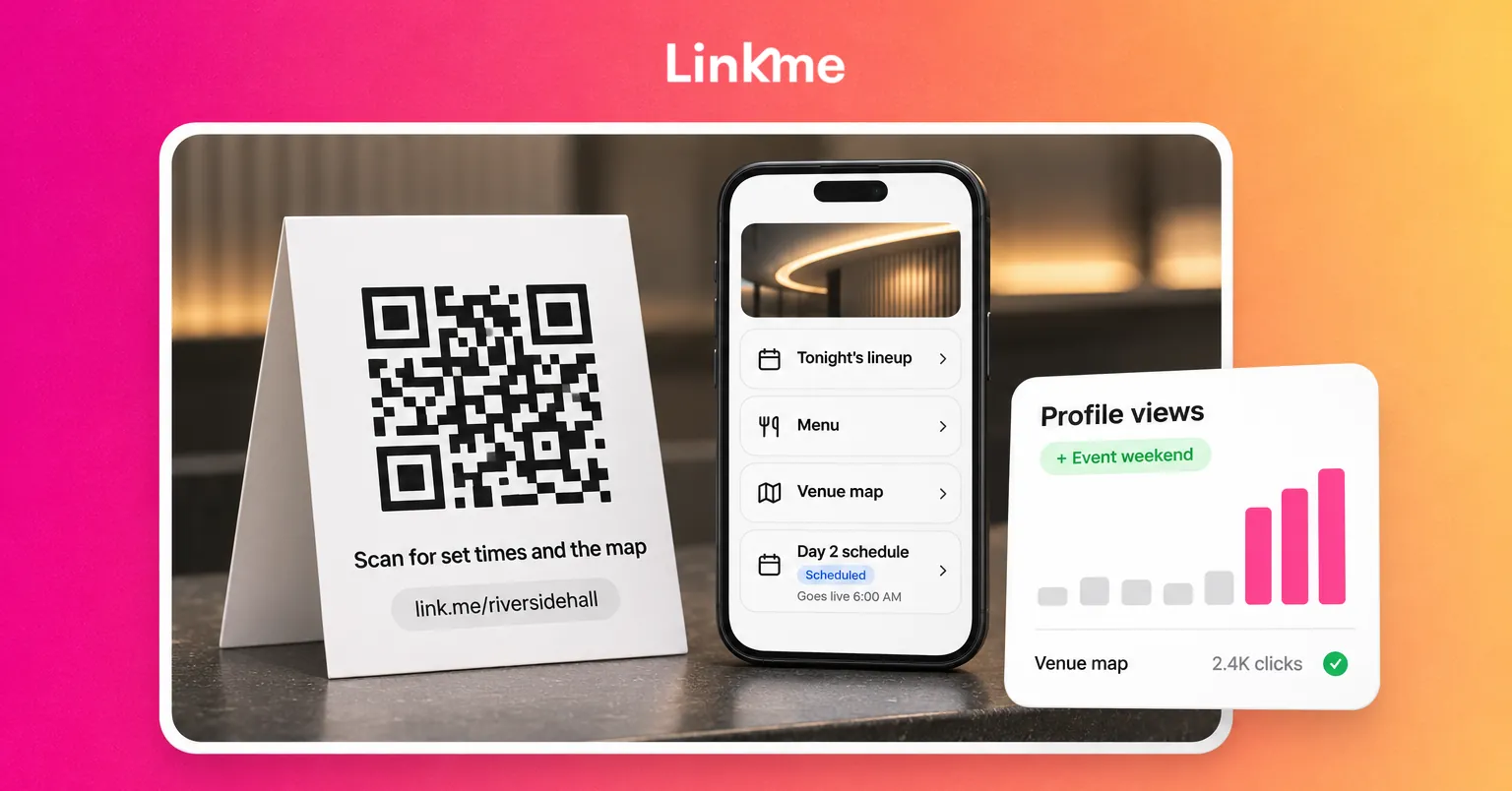
The simplest model is one page per venue or event and one QR code that opens it. The code goes on the surfaces you already print or own: the entrance sign, table tents, wristbands, lanyards, screens and the back of the badge. Everything that changes lives on the page.
What the page should hold
Order the page by what a guest needs right now, not by what your organization wants to say:
- What’s on next. Today’s schedule or tonight’s lineup, with times and rooms or stages.
- Tickets or registration. One clear link to your ticket seller or registration system.
- Food and drink. The menu or vendor list, with dietary information.
- Getting around. Map, accessibility information, parking and transit.
- Contacts. Guest services, press, and a way to reach the organizers.
- Stay in touch. An email sign up for the next event.
Make the code easy to scan
- Print the code large enough to scan from where people actually stand, and test it from that distance before you order.
- Put a short line next to it that says what people get, such as “Scan for set times and the map.”
- Use high contrast and keep it off glossy surfaces that reflect stage lighting.
- Print the page address under the code so people can type it if scanning fails.
Change the page with the program, not the print run
Events move. Paper cannot. The way to avoid emergency reprints is to plan the page changes in advance, the same way you plan the program.
Schedule links to the program
Think of the event as a series of windows: pre-sale, doors, each day or session, and the night after. Each window needs different links at the top of the page. Ticket links matter before doors open; the stage schedule matters during the show; the feedback form and next-event sign up matter afterward.
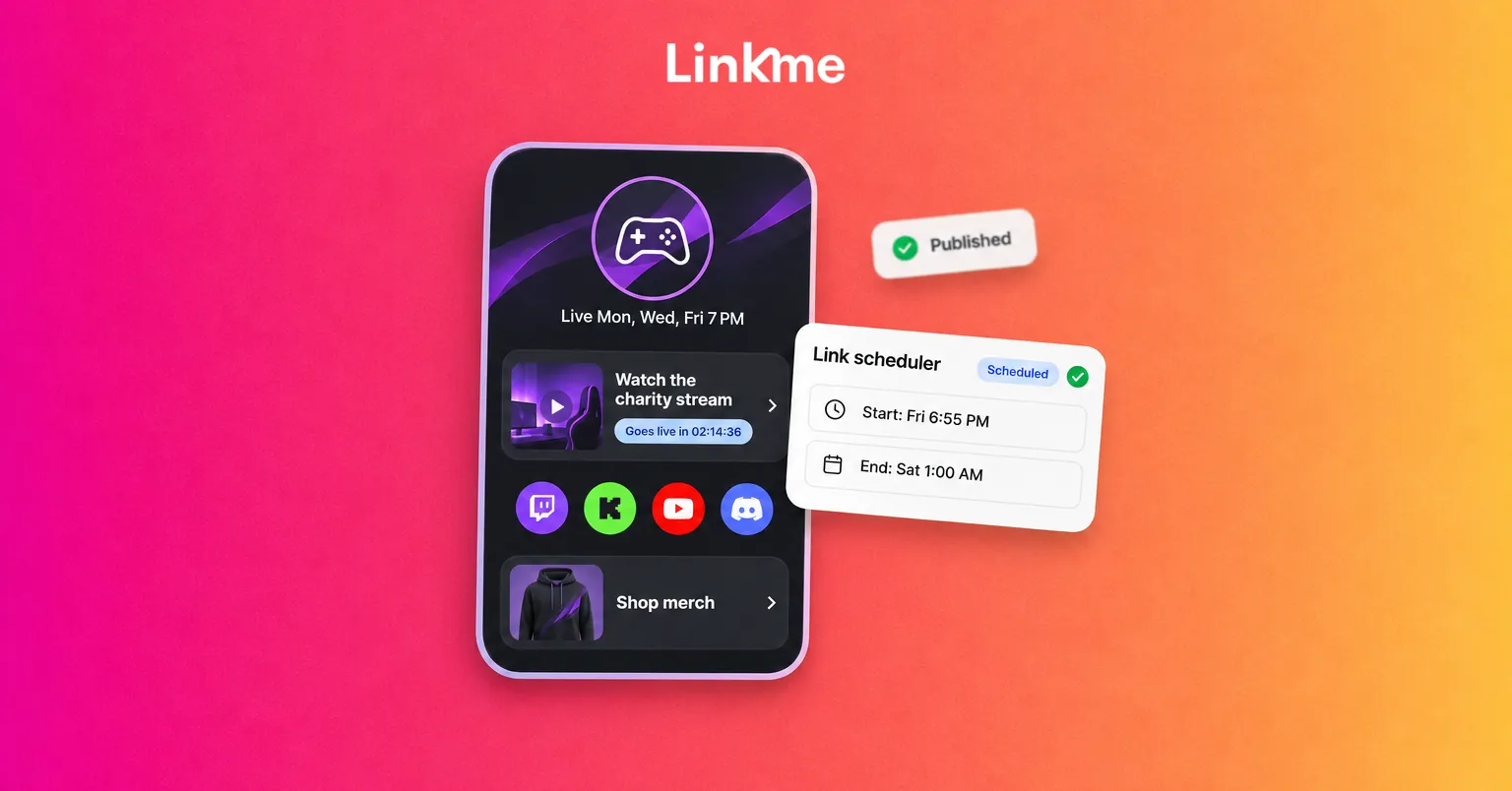
With Linkme’s link scheduler, you give any link a start date and time and an end date and time. It goes live on its own, shows a countdown on the page while it waits, and comes off when the window closes. A ticket link can appear the minute sales open, and a day-two schedule can replace day one overnight, without anyone touching the page during the event.
Keep a change log for the team
Decide who can edit the page during the event and write down the changes you expect: set-time shifts, room changes, sold-out notices. A short checklist keeps the page accurate when the team is busy on the floor.
Running it on Linkme
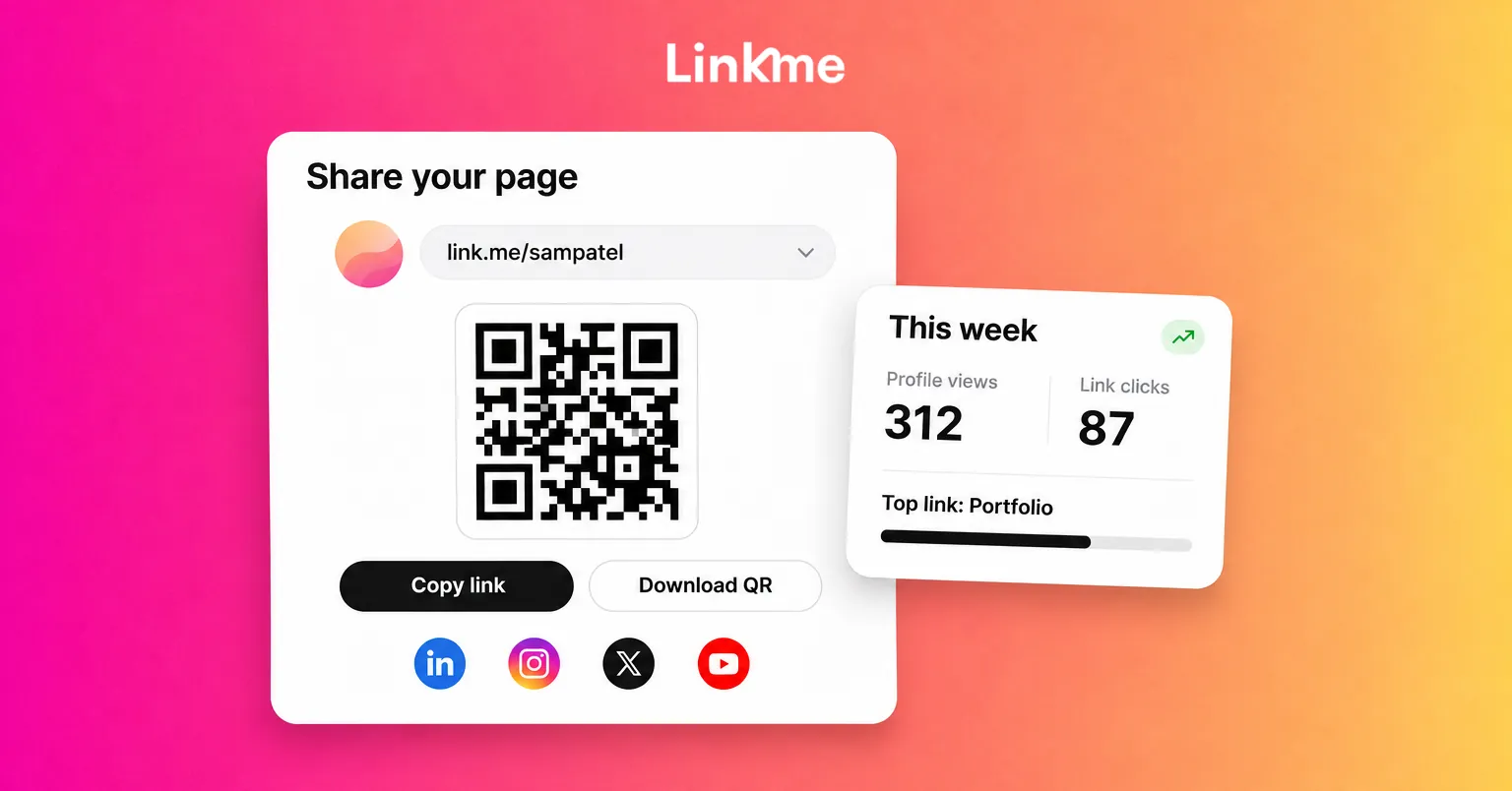
Linkme’s Pages & QR is built around this pattern. Each page has its own QR code, and the code always opens the live page, so every edit shows up on codes you have already printed. You download the code from Your QR Code in the dashboard as a PNG ready for print.
A page can hold featured links, headers, events with dates, venues and ticket links, video feeds, a gallery, contact info and an email sign up. Linkme does not sell tickets; each ticket link opens your existing ticket seller. Venues that run several stages, rooms or properties can give each one its own page and code, all under one account, which the events and entertainment setup describes in more detail.
For guests who want to hear about the next event, the page’s email sign up sends each contact to Leads with its source. That replaces the paper sign-up sheet at the merch table, which is one more thing nobody has to type up afterward.
Measuring what the switch achieved
Paperless networking is easier to defend when you can show what changed. Track two kinds of results.
Paper and cost
- Count the print orders you did not place: flyer runs, schedule reprints, menu updates.
- Note the last-minute changes that would have meant a reprint and were handled on the page instead.
- Record what you still print and why, so next year’s plan starts from real numbers.
Guest use
Every scan of a page’s code opens the page, so scans count as page visits rather than as a separate number. Linkme’s analytics show profile views and link clicks for any date range, the period before for comparison, traffic sources, and the countries and cities visitors come from. Every link has its own click count.
For an event, compare the event dates with the weeks before. A rise in visits during doors, and clicks on the schedule and map links, tells you guests used the code. Links that get few clicks can move down the page or come off it next time. If you run a separate page per stage or venue, you can see which one people opened most.
Keep paperless events accessible
Not every guest has a phone with battery or signal, and not every guest wants to use one. A few habits keep the switch fair:
- Keep a small number of printed maps, menus and schedules at the information desk.
- Make sure the page works on a slow connection: short text, compressed images, no heavy downloads.
- Use plain link labels that work with screen readers, such as “Saturday schedule” rather than “Click here.”
- Train staff to read out the key information when asked.
A sustainable event is one people can still enjoy. The paper you keep should be the paper someone needs.
Frequently asked questions
What is paperless networking at an event?
It means sharing the program, menus, maps and contact details through a QR code or link instead of printed handouts. Guests scan one code and get information that stays current, and the organizer avoids reprinting materials when details change.
Does the QR code need to change when the event details change?
No, as long as the code opens a page you can edit. On Linkme, each page’s QR code always opens the live page, so changes to the lineup, menu or links appear on codes you have already printed.
How do I know if guests are using the QR code?
Watch page visits and link clicks during the event compared with the period before. On Linkme, a scan counts as a profile view rather than a separate scan number, and each link shows its own clicks, so you can see which information guests opened.
Should we stop printing completely?
Usually not. Replace the materials that go out of date, such as flyers and schedules, and keep a few printed copies of essentials for guests who need them. Print the code on items you already produce, like signs and wristbands.
If your venue reprints the same materials every season, try one event with a single code and a page you edit as the program changes. See how Pages & QR works and decide what you still need to print.