What Is Linkme? 10 Common Questions, Answered
Straight answers to the questions people ask before signing up for Linkme, from the free plan and Post to All to payouts, agencies and support.
On this page
What is Linkme? It is a social operating system for creators and brands: your page at link.me/yourname, plus the tools behind it for posting, replying, selling and measuring. This page answers the ten questions people ask most often before they sign up, from what the free plan includes to how payouts and support work. For setup steps, the help center and the Linkme FAQ go further on each topic.
Getting started
1. What is Linkme?
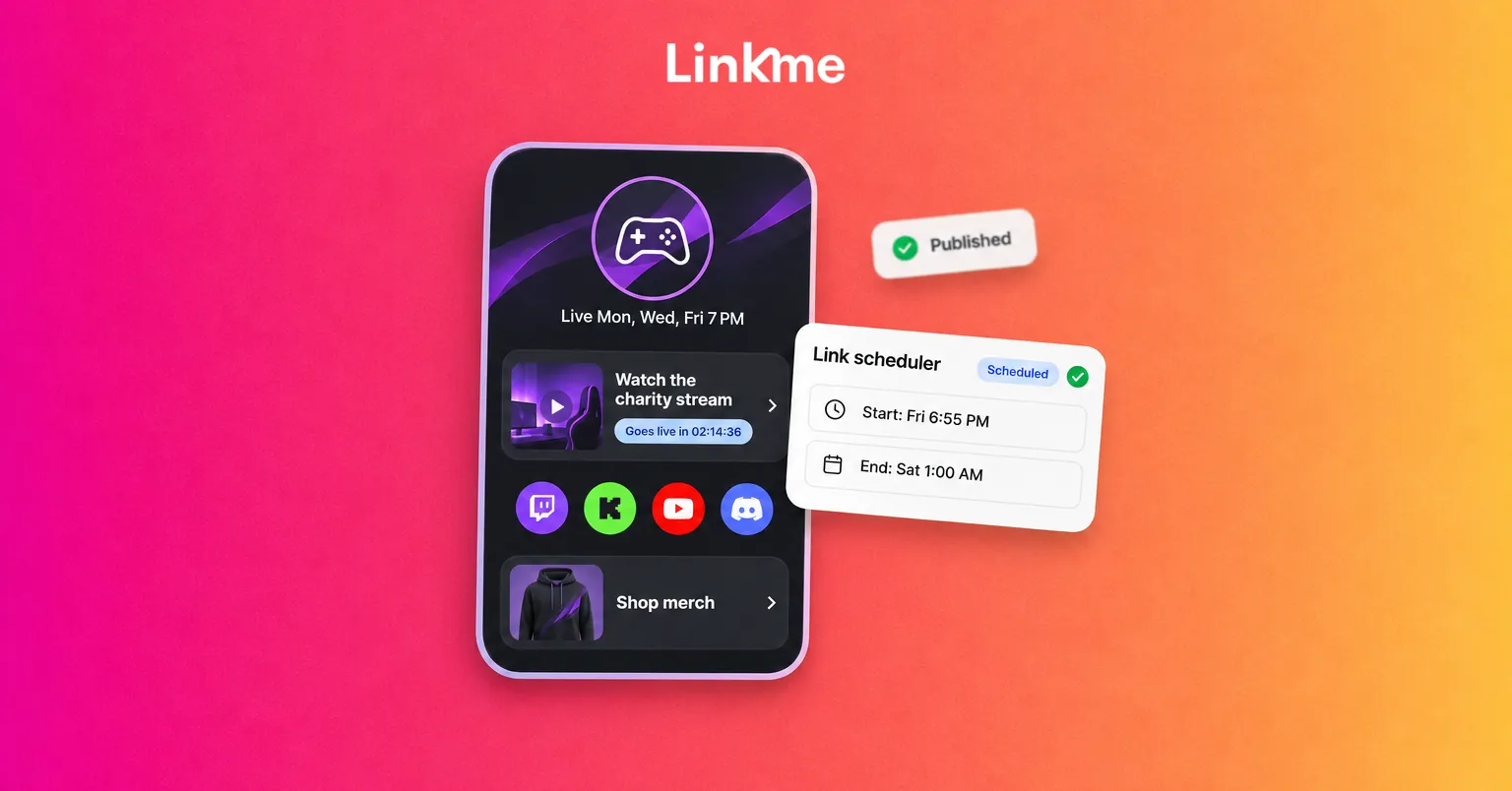
Linkme gives you a page at link.me/yourname that holds your links, social accounts, videos, events and products. Behind the page sit the tools that do the work around it:
- Post to All sends one post to your connected social accounts at once.
- DM automations reply to comments and messages on Instagram and Facebook Pages.
- A shop sells merch, downloads, courses and tips from the same link.
- Analytics and lead capture are built in.
It is no longer a networking or chat app. Everything now centers on your page and the accounts you connect to it.
2. Who is Linkme for?
Three groups. Creators, musicians and athletes use it as one link that also sells and posts for them. Businesses use it when a team publishes to several social accounts and needs reports on them. Agencies use it to run many client profiles from one dashboard.
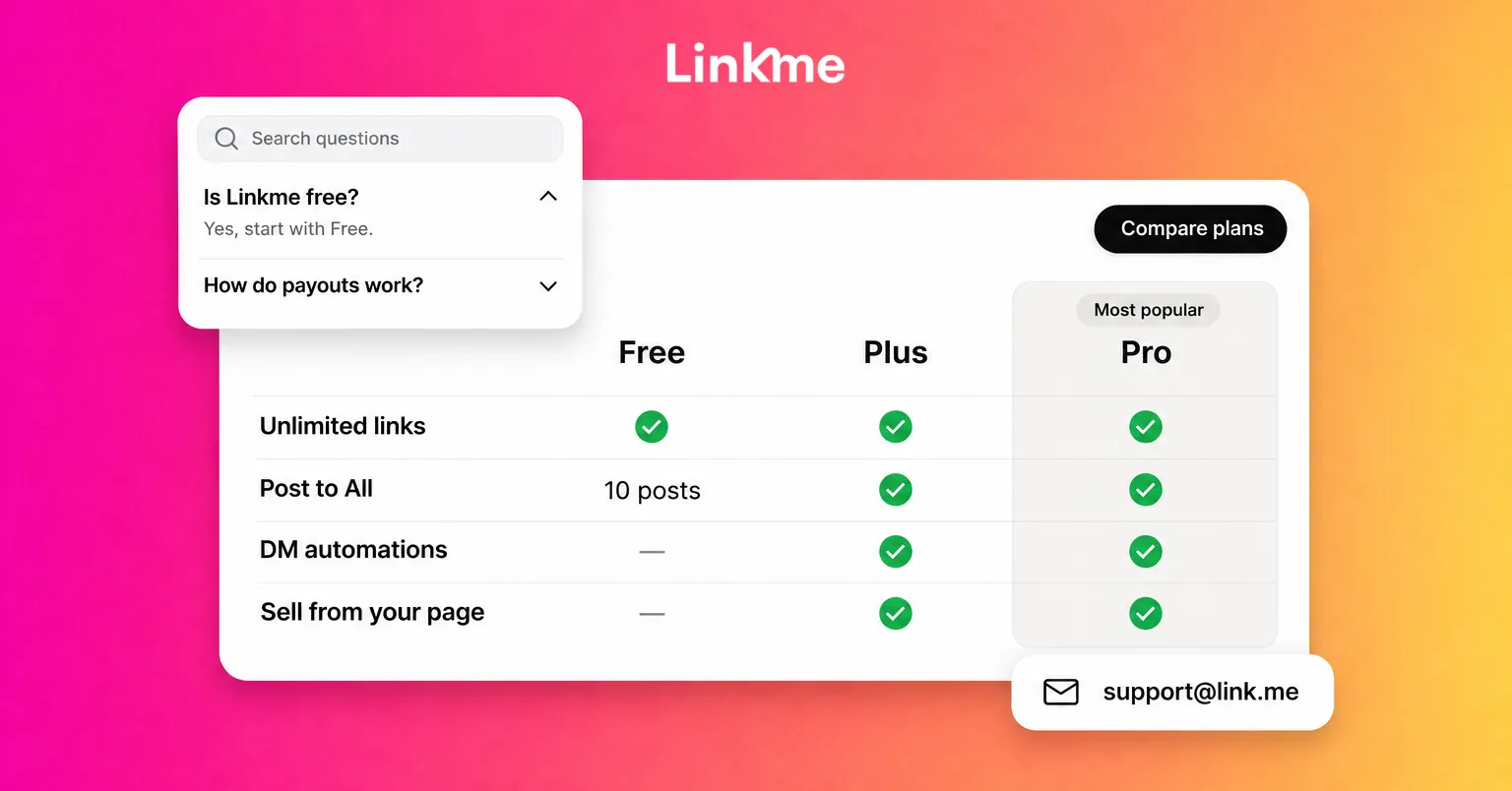
3. Is Linkme free?
Yes, and the free plan stays free. It includes:
- A profile and mini website with unlimited links
- Tips, and merch sales at a higher fee
- Links to products you sell elsewhere
- Basic analytics: profile visits and link clicks
- 10 posts with Post to All in total, to every platform, with one account on each
- Up to 3 keyword automations
Your page carries a Powered by Linkme badge on the free plan.
Plans and pricing
4. What do Plus and Pro add?
Plus is built for growing and selling. Pro adds AI, higher limits and lead tools on top.
| Free | Plus | Pro | |
|---|---|---|---|
| Links | Unlimited | Unlimited | Unlimited, plus animated links |
| Post to All | 10 posts total, 1 account per network | Unlimited, 1 account per network | Unlimited, up to 10 accounts per network |
| Keyword automations | Up to 3 | Up to 5 | Unlimited |
| Automation contacts | 100 a year | 1,000 a month | 100,000 a month |
| Selling | Tips, merch, external products | Adds digital products and courses, lower merch fee | Same as Plus |
| Analytics | Visits and clicks | Advanced analytics | Adds real-time analytics |
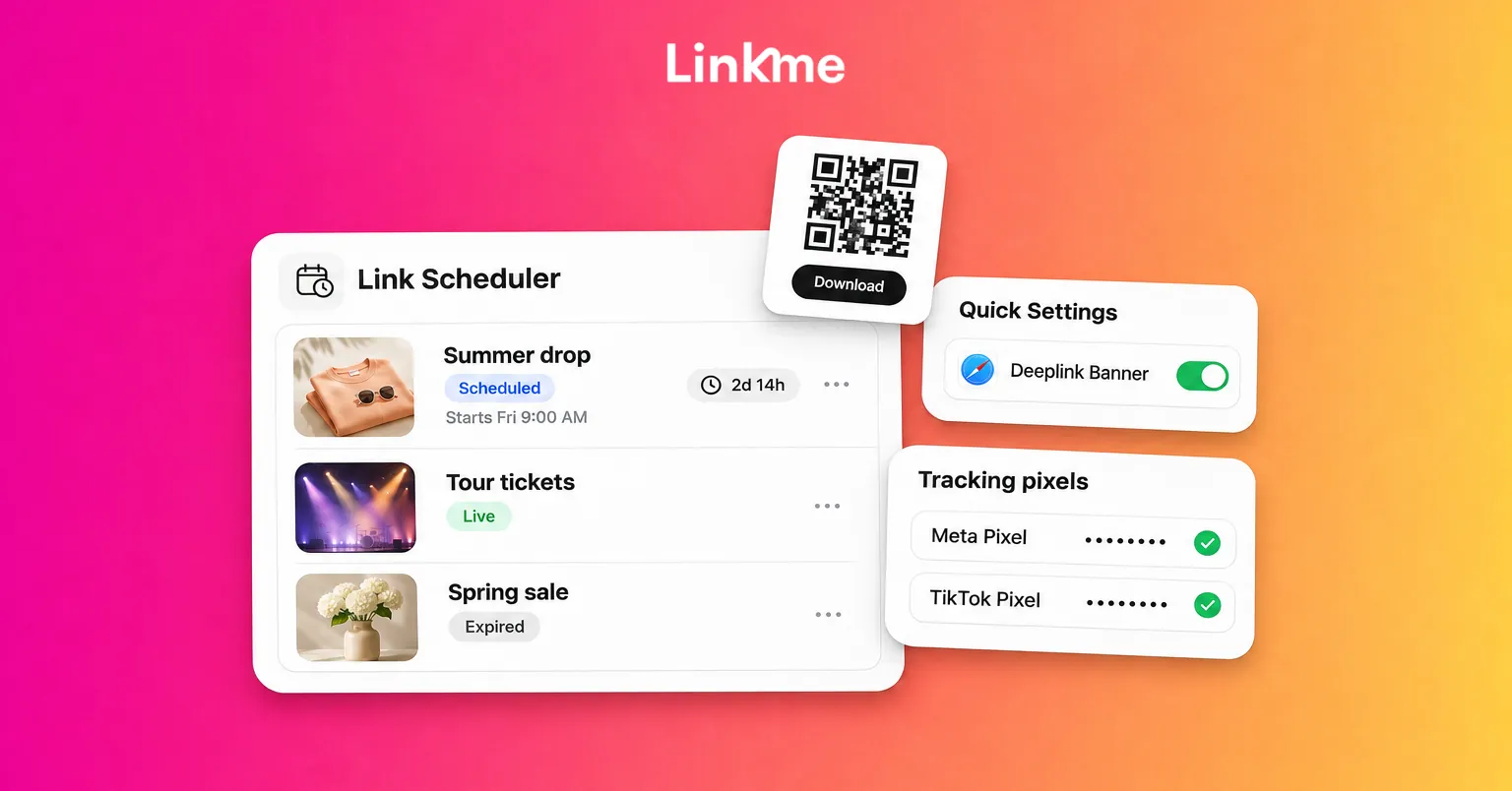
| Extras | Verification badge, total followers, forms, link scheduler | Link, Leads and email campaigns, deeplinks, your own logo |
Some plans include a free trial. When one does, the checkout button says how many days it runs before you pay. Current prices are on the pricing page.
Publishing and automations
5. Which networks can I post to?
Post to All publishes to seven networks: YouTube, Instagram, TikTok, Facebook, X, Threads and LinkedIn. Upload a video, image or carousel once, write one caption or one per network, then post now or schedule it. Each network shows its own status, and if one misses you can retry just that one. Linkme Business adds Pinterest, Reddit, Bluesky, Telegram, Discord and Google Business Profile, for 13 in total.
6. How do DM automations work?
DM automations run on an Instagram business account and on Facebook Pages you manage. A comment automation watches the posts you choose, and when a comment matches your keyword, or on any comment, it posts a public reply and sends the person a DM with your text and link. A DM automation replies to messages in your inbox.
Every plan can run automations, including Free. The limits are in the table above. People your automations message count as automation contacts toward your plan’s limit, and you can buy more if you run out.
Selling and leads
7. What can I sell, and how do payouts work?
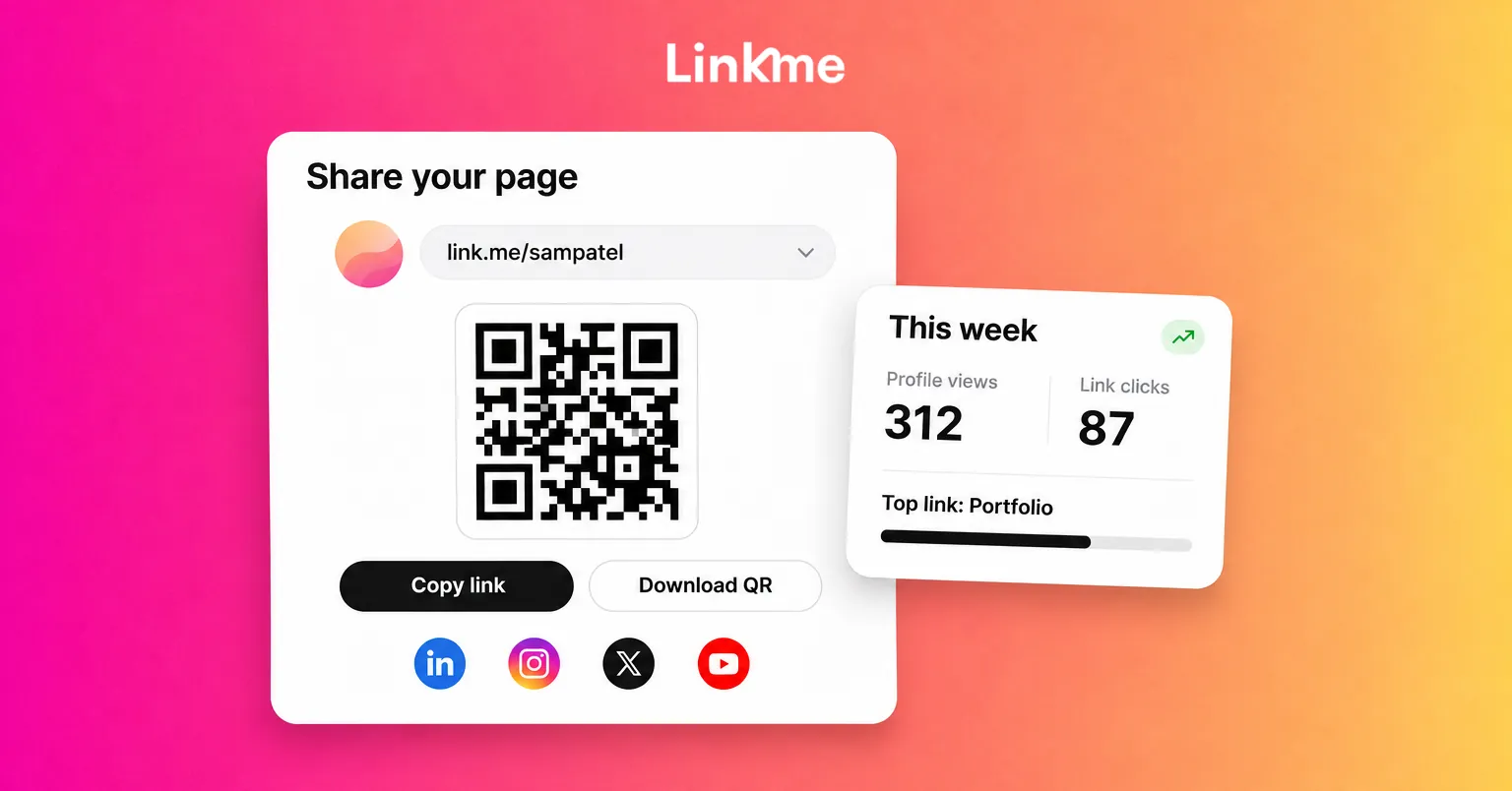
You can sell print-on-demand merch, digital downloads, pay-to-unlock content, courses and tips. Products live at link.me/yourname/shop, and buyers pay with Apple Pay, Google Pay or a card in a checkout on your page.
- Merch needs no inventory. Linkme prints and ships each order.
- Digital products and courses start on Plus.
- Products you already sell elsewhere can be listed with a link to your own checkout.
You connect a Stripe payout account once, and Stripe pays tips, shop sales and course revenue out to your bank on its schedule for your country. Linkme takes a platform fee set by your plan, plus Stripe’s processing fee. See Sell & Monetize for details.
8. What are Leads, and can I email my audience?
Leads is your contact list. Visitors join it through a form or the Connect with button on your page, and you see total, active and unsubscribed contacts and can export a CSV. On Pro you can write an email in Leads and send it to all active contacts, a selection or a filtered list, then see delivered, open rate and click rate. Forms start on Plus; Leads and campaigns are on Pro.
People messaged by your automations are not added to Leads on their own. To grow the list, put your page link in the automated DM so people can choose to sign up.
Teams, agencies and support
9. Can an agency or a team run several pages?
Yes. The Agency plan covers a set of client profiles, each with Linkme Pro. You invite clients and managers by their Linkme username, assign roles and open any client’s editor without sharing a password. A single analytics page ranks every client by profile views, link clicks, average CTR and sales.
Businesses with several brands, locations or approvers use Linkme Business, which adds a shared content calendar, post approvals and team roles. You start by booking a demo.
10. How do I change my plan or get support?
Go to Settings, then Subscriptions, to switch between Plus and Pro or cancel. Cancelling keeps your plan until the end of the paid period. If you subscribed in the iOS or Android app, manage it through the App Store or Google Play. For anything else, email support@link.me.
Frequently asked questions
Does Linkme have a mobile app?
Yes. The Linkme app is on the App Store for iPhone and on Google Play for Android. You can also create and edit your page on the web.
Can I use my own domain with Linkme?
No. Your page lives at link.me/yourname, and its QR code opens that address. On Pro you can replace the Linkme mark on your page with your own logo.
How do I cancel Linkme?
Open Settings, then Subscriptions, and cancel. You keep Plus or Pro until the end of the period you paid for. Subscriptions bought in the iOS or Android app are cancelled through the App Store or Google Play.
Can I delete my Linkme account?
Yes. Cancel any active subscription first, then open Delete account in Settings and confirm with your password and an emailed code. The account is deactivated for 30 days and permanently deleted after that.
The quickest way to see whether Linkme fits is to claim a free page, add your links and send a first post. You can upgrade when you need a feature, and the plan comparison shows exactly what each step adds.