

Onboarding by the Linkme team
We map every brand, venue and location with you, set up each page, help connect your social accounts and invite your team.
One account for every page you own, and the right access for every teammate.
All workspacesSample group · Six real Linkme customer pages shown as one account
The Linkme Business dashboard. A sample group built from six real Linkme customer pages and their real Total Followers; every other figure is illustrative.
The new Linkme Business dashboard for a group. All workspaces lists Mall of America, American Dream, FIFA World Cup 26, Papi Steak, LIV Miami and Pure Green with each page's Total Followers, posts published, leads captured and trend. Dana opens the workspace switcher and picks Mall of America; its Overview shows Key metrics and its top links, led by Twin Cities Fear Fest Tickets. She switches back to All workspaces.
Brands, venues and events that run their pages on Linkme
Three screens your team will live in, shown on real Linkme customer pages and posts.
Pure GreenJuice franchise · The brand page and its location pages in one list
Pages & QR
Pure Green · 1 brand page, 2 locations
 Pure Greenlink.me/puregreen · Brand pageLiveEdit
 Pure Green Hobokenlink.me/puregreen_hoboken · Location pageLiveEdit
 PureGreen East Austinlink.me/puregreen_austin · Location pageLiveEdit
 Pure Green Utahlink.me/pg_saratoga · Location pageLiveEdit

Settings
Triple Five Group
 link.me/mallofamericaLinkme page
 link.me/americandreamLinkme page
Plan
Monday, August 17 · 3 posts need review
Thursday, August 20 3 posts

 Approvers 0 of 2
 Approvers 0 of 1
 Approvers 1 of 2
Pure Green's real brand page and location pages, live on Linkme, shown as one account.
Head office sets the rules. Each location works on its own pages.
HQThe owner and admins at head officeLocal managerA manager on the pages they are given
Write a post once on the calendar and pick the brands and locations it goes to. Local managers draft for their own pages.
HQLocal managerAn owner or assigned admin approves the post before it can publish. Approval keeps the scheduled time.
HQApproved posts go out on each location's connected accounts at their time. The owner can let a trusted manager publish without approval.
HQLocal managerComments and messages for each location land in the social inbox. Managers answer for their own pages once the owner turns on their inbox.
Local managerEvery location's views, clicks, leads and posts side by side for the month, saved as a PDF. Managers can read the reports for their pages.
HQEvery Business product on every page, set up with the Linkme team.
We map every brand, venue and location with you, set up each page, help connect your social accounts and invite your team.
Every brand, venue and location keeps its own page, link, look and leads. Your team signs in once and works on any of them.
Owners, admins and managers, each with their own login, and each manager on the whole business or only the pages you choose.
Every page's views, clicks, leads and posts side by side for the month you pick, saved as a PDF. Every page also has its own analytics.
Turn on approval and one owner or assigned admin approves each post before it can publish, at the time it was scheduled for.
Every contact arrives with the page or form it came from. Export them as a CSV whenever you like; unsubscribes are handled for you.
Live: in the product todayIncluded: work the Linkme team does for you
What your procurement team will ask about, in three lists.
Every teammate gets their own login, on only the pages you pick.
Owner, Admin and Manager, with access to the whole business or specific pages. A sample team.
Team & Roles for Triple Five Group: Dana Weiss is the Owner, Maya Oren a Manager on the whole business, Avi Rosen an Admin, Jonah Pratt a Manager on Mall of America, Lena Costa a Manager on American Dream and Theo Grant a Manager on West Edmonton Mall. Dana sends an invitation to events@example.com as a Manager with access to two specific pages, Mall of America and American Dream, and the new teammate appears in the list as Invited.
Holds the account and its plan.
Runs the team day to day at head office.
Works on the pages they are given.
When approval is on, one owner or assigned admin must approve a post before it can publish. The owner can let a trusted teammate publish without approval, account by account.
The owner can remove anyone from the business, an admin can remove managers, and either can revoke an invitation before it is accepted. The person loses the business's pages and sees that they are no longer part of it. There is no shared password to change.
Every location's views, clicks, leads and posts, side by side.
The By page report. Pure Green's real location pages with sample figures. Counts are sped up.
Reports, By page, for Pure Green's three location pages: Pure Green Hoboken, PureGreen East Austin and Pure Green Utah with profile views, link clicks, leads, posts published and a trend for each. Dana switches the month from June to July, the numbers count to July's and the trends change; Hoboken lights up with the most leads. She presses Save PDF and the July report is saved.
Planned with you on the first call, at your pace.
A call about your brands, your locations and how your teams post, approve and answer today.
Needs from you: Who runs social now and which brands are in scope.
We list every brand, venue and location page you need, and who works on each one.
Needs from you: Your list of brands and locations, with a contact for each.
An owner or admin connects each location's social accounts to its page, with the Linkme team on hand.
Needs from you: Someone who can sign in to each social account.
Your current link pages are rebuilt on Linkme, location by location. Your old links keep working until you swap them.
Needs from you: The links and look of the pages you use now.
A few locations post, approve and answer for real first, so roles and approvals are right before everyone joins.
Needs from you: A few pilot locations and their managers.
Owners, admins and managers each learn their own part: the calendar, approvals, the inbox and the reports. What it covers is scoped on the call.
Needs from you: Time with the people who will use it.
Invite the rest of the team, swap the link in every social profile and turn on approvals where you want them.
Needs from you: The go-ahead from head office.
Read the By page report, add locations and people, and change roles as your teams change. How often is set in your agreement.
Needs from you: Who should join each review.
All three run many pages. They differ in whose pages and how the plan is set.
For multi-brand teams posting at scale.
50,000 AI credits a month
Best when you run a handful of brands and want a set package.
For large organizations with custom needs.
100,000+ AI credits a month, custom
Best when you run many brands or locations with a head office and local teams.
For agencies and talent managers
A plan of its own
Best when you manage other people's accounts, not your own brands.
Five customers on their live pages, three in their own words.
 Mall of America


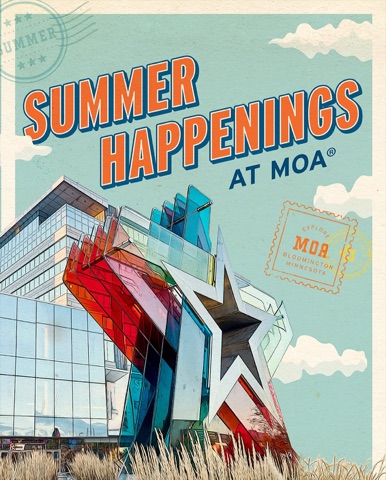
“Linkme gives our properties a cleaner, more modern, and measurable way to guide social media traffic while creating a better experience for our customers across American Dream, Mall of America, and West Edmonton Mall.”



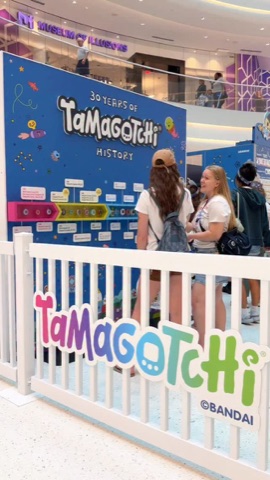
“We've enjoyed using Linkme as a clean, centralized destination for our audience. It's intuitive, easy to manage, and fits seamlessly into our digital ecosystem.”
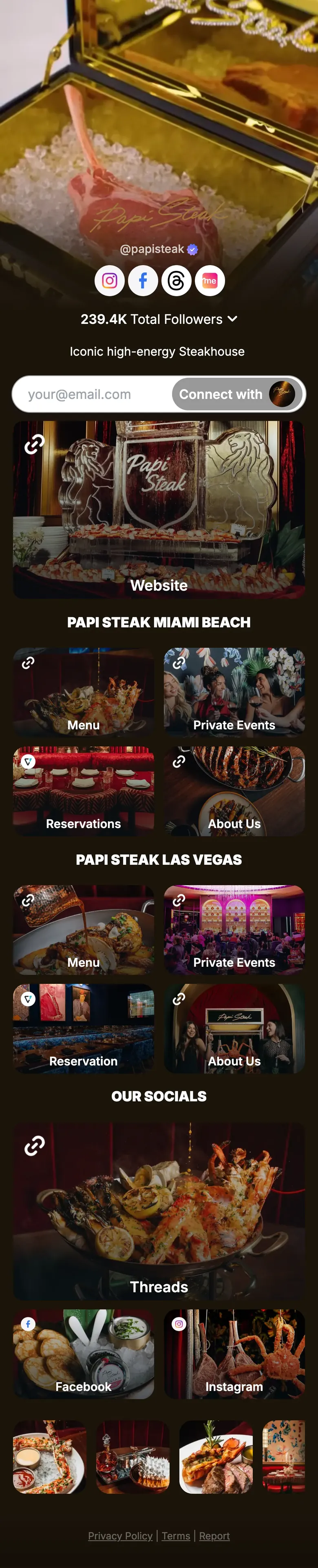
“Linkme has provided us with a centralized platform that streamlines navigation across all of our brands while allowing us to easily track click traffic for key activations in one place.”
Pure Green's brand page shows its juices with prices and links to its shop, and points fans to a location near them. Locations such as Pure Green Hoboken and PureGreen East Austin run Linkme pages of their own.
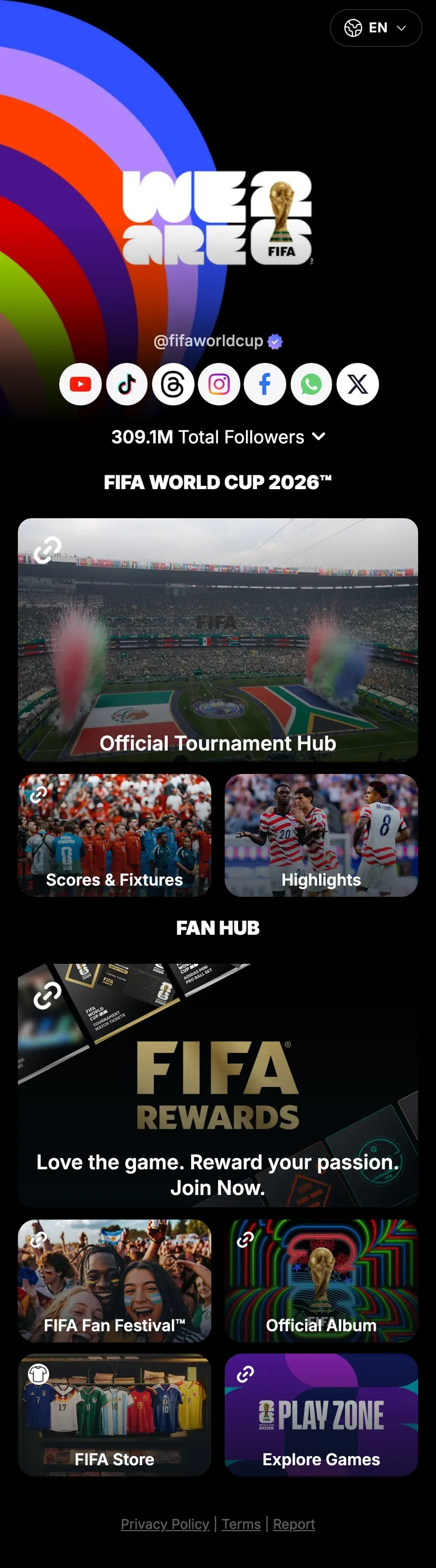
The official tournament page sends fans to the tournament hub, scores and fixtures, highlights, the FIFA Store and FIFA Rewards from one link.
Total Followers as each live Linkme page showed it on October 7, 2026, and FIFA World Cup 26's on October 8, 2026.
Questions
Price, single sign on, your data and how the rollout works. Anything else, ask us on the call.
Book a demoBook a demo and the Linkme team will map your brands, locations and teams with you and put together a quote.
The call is 30 minutes with one of our experts. We map your brands, locations and roles with you and leave you with a scoped rollout and a price.