






Upload once. Publish to all social platforms, or schedule it.

Upload a video, an image or a carousel, write one caption or one per network, and publish to YouTube, Instagram, TikTok, Facebook, X, Threads and LinkedIn, now or on a schedule.

Hard Rock Hollywood's real video from their Linkme page. The caption, file name and statuses are illustrative.

See it on your brand

In the Post to All composer, Hard Rock Hollywood drags in its Guitar Hotel video, which uploads and plays. The caption box is clicked and Write with Link writes the caption word by word. Select all switches on YouTube, Instagram, TikTok, Facebook, X, Threads and LinkedIn, Schedule stays off, and Post to All is pressed. The post lifts out as a card, lines run from it into the seven networks, all seven fill and turn green at the same moment, and the status reads Published to all!

  1. 01Upload onceA video, an image or a carousel, added one time for every network.
  2. 02Fit every networkOne caption, or one per network, checked against each limit.
  3. 03Schedule itPick the date and the time, or publish right now.
  4. 04See it publishedA status for every network, and a retry if one misses.

Used by the brands people line up for

  • FIFA World Cup
  • Mall of America
  • Papi Steak
  • LIV Miami
  • New York Islanders
  • American Dream
  • Hard Rock Hollywood
  • MILA Miami

Everything you can do with Post to All

Seven screens from the composer and Plan, the calendar where every post waits, from the first upload to the last network going live. Pick one, or let the tour play. Posts, captions and times are samples.

Video, photos, carousels or text

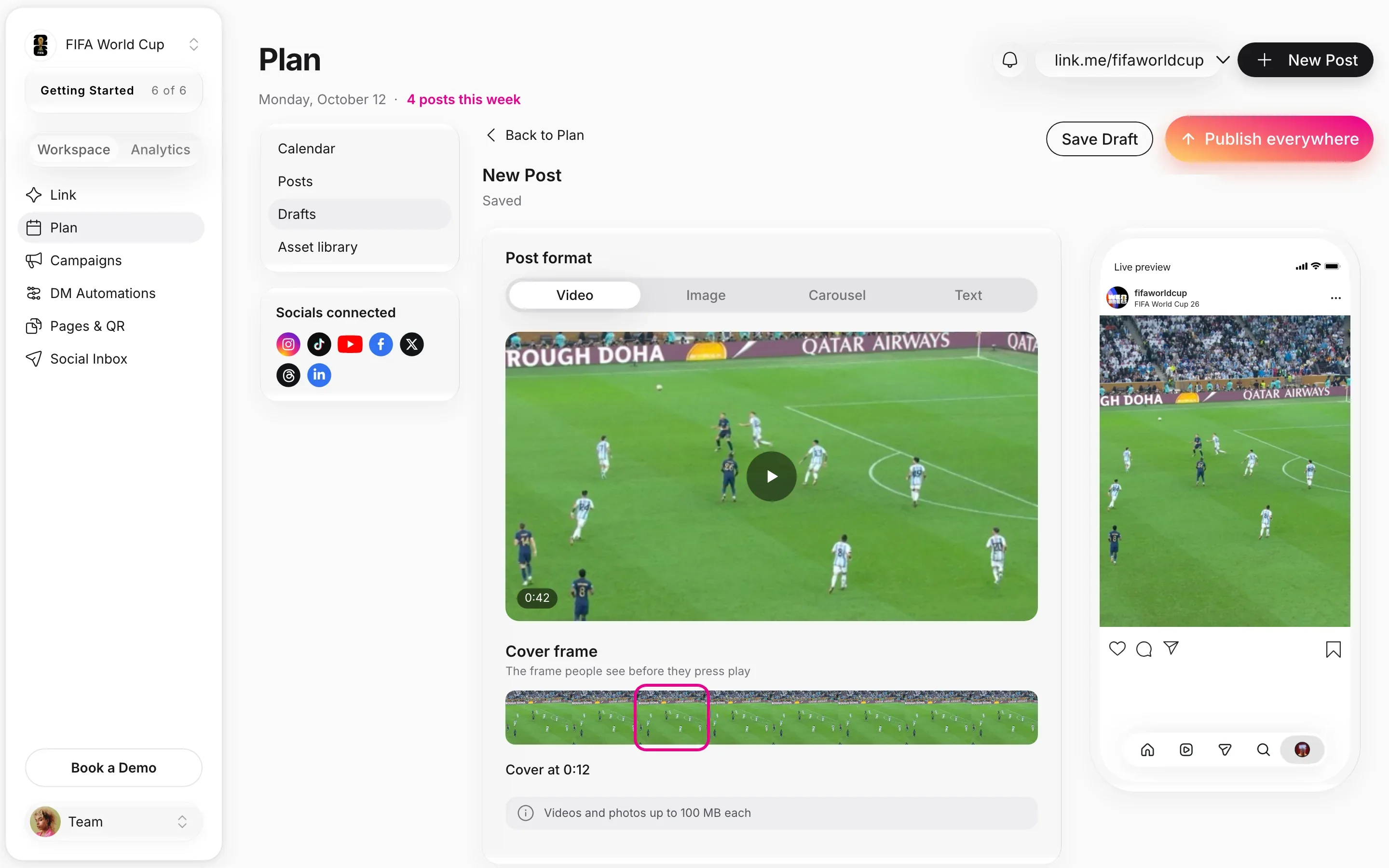
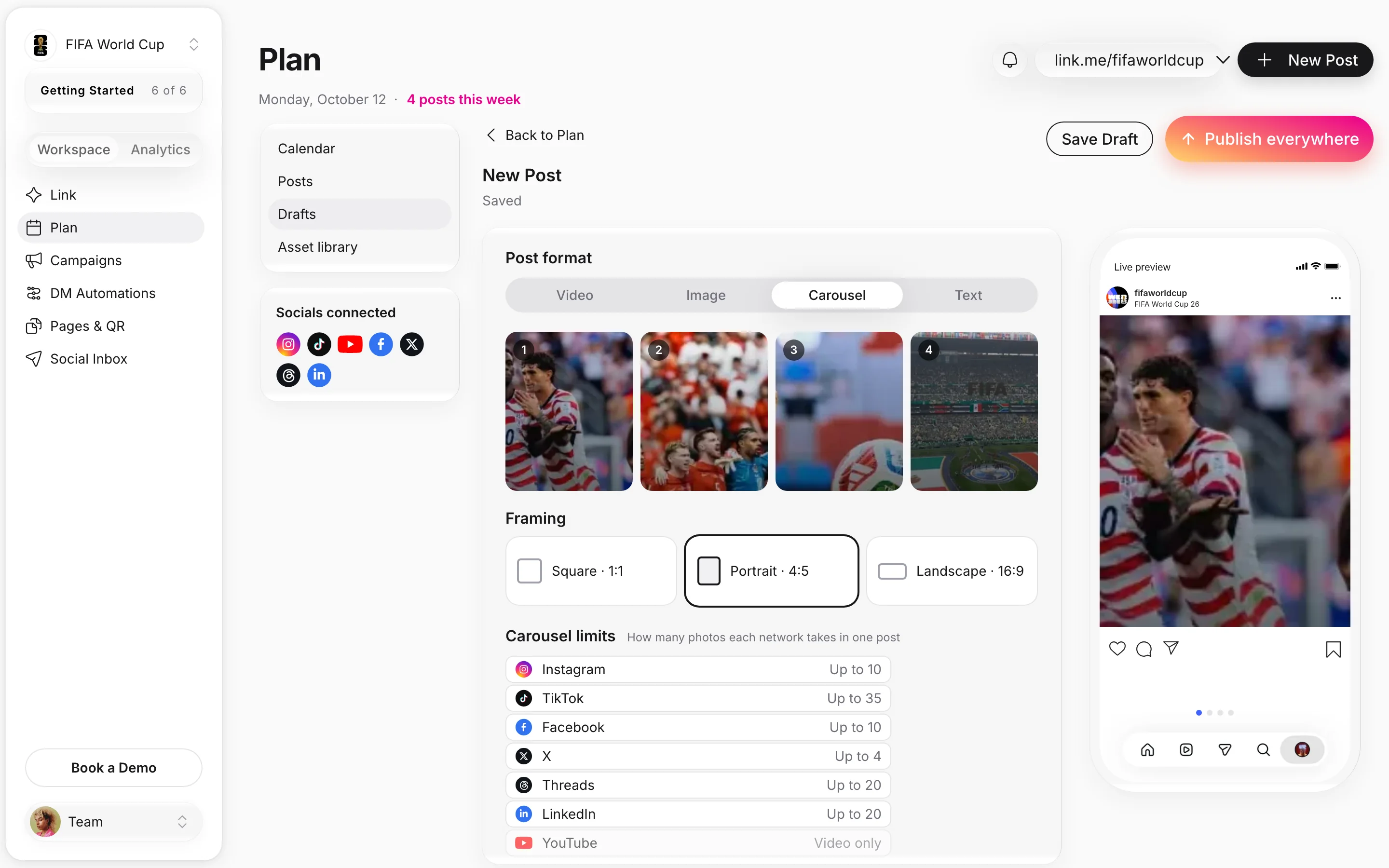
Pick the post format, upload or pick from your Asset library, frame photos square, portrait or landscape, and see how many photos each network takes in one carousel. A video gets the cover frame you pick.

How teams use Post to All

Real Linkme customers and creators: the post each one would send, where it goes, and the tile on their Linkme page it points to.

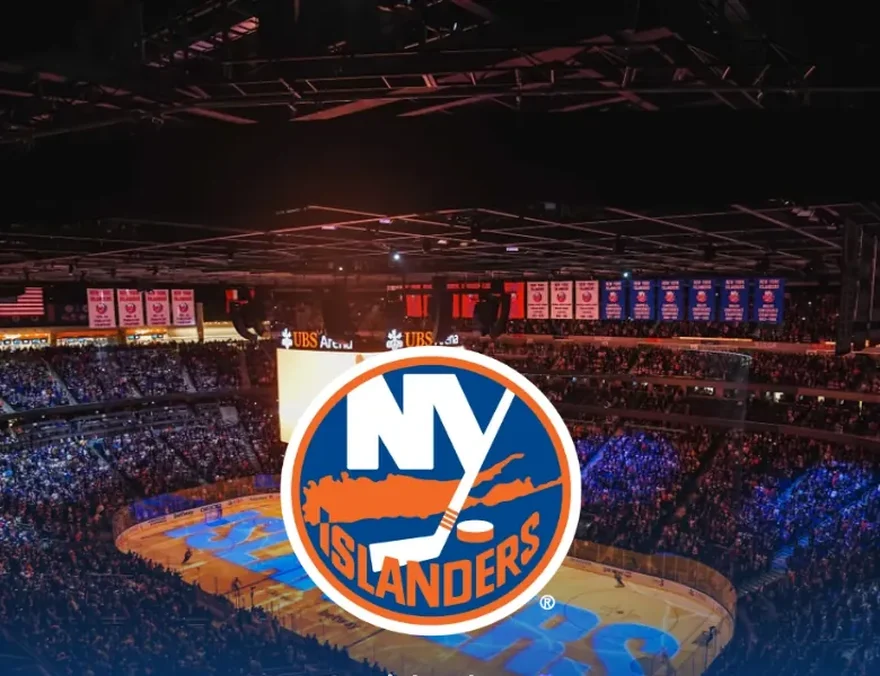
New York Islanders's live Linkme page
New York IslandersNHL team, UBS ArenaSports teams

Game day, on every network at once

New York Islanders@nyislanders
New York Islanders's post picture

nyislanders Single game tickets for the 26-27 season are on sale now. See you at UBS Arena.

Posted to
Set upImageLandscape 16:9Publish now
Links to26-27 Single Game Tickets on Sale NOW!

Sample post. Accounts, captions and times are illustrative.

One upload reaches fans on five networks together, with tickets one tap away on the page.

See sports teams on Linkme

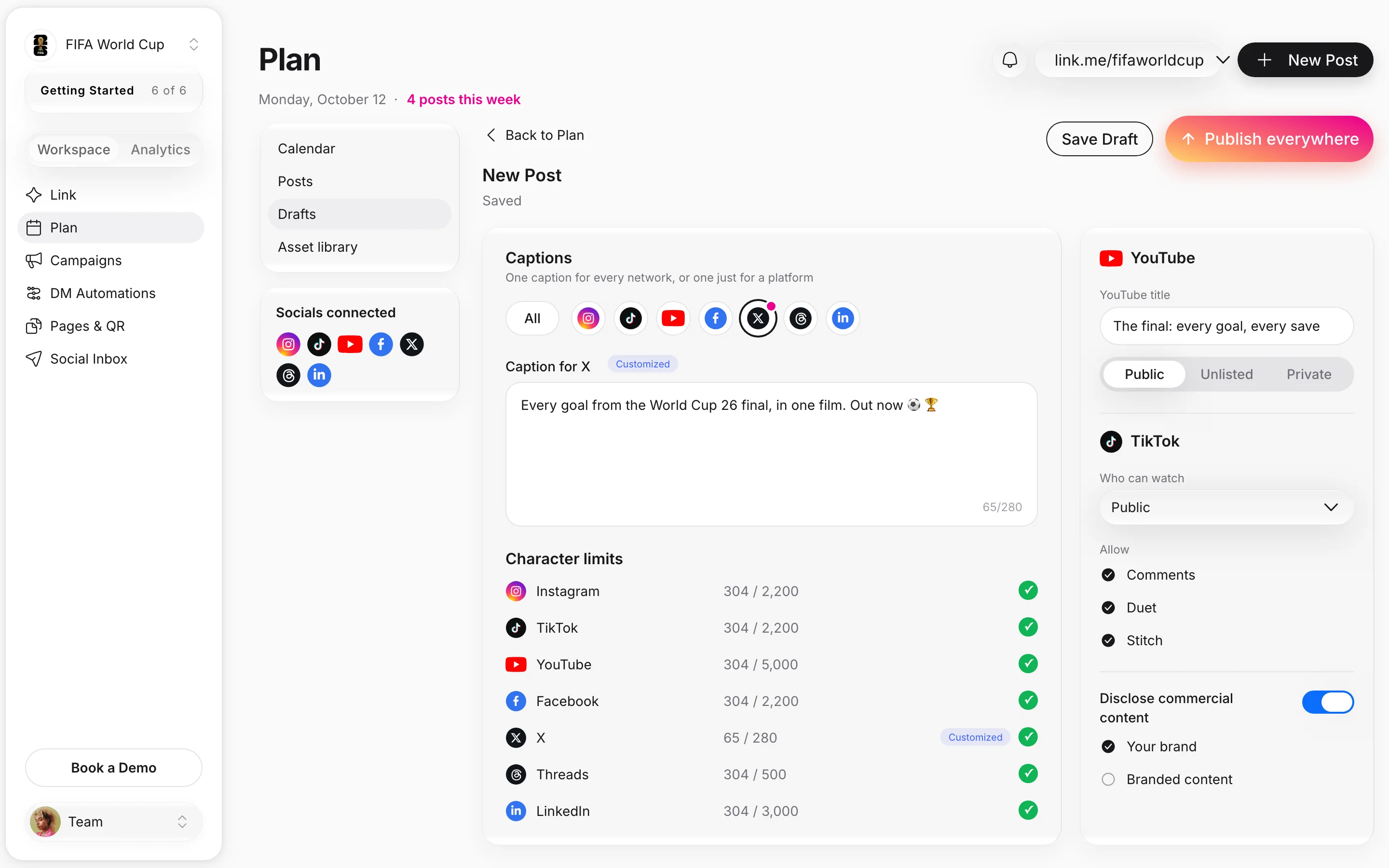
One caption, or one per network

Write one caption for all platforms. When a network needs something different, open its tab and give it a caption of its own. Each limit is checked as you type, from 280 characters on X to 5,000 on YouTube.

  • A caption for all platforms, or one per network
  • X 280, Threads 500, LinkedIn 3,000, YouTube 5,000
  • Instagram, TikTok and Facebook up to 2,200
Every network's status, live

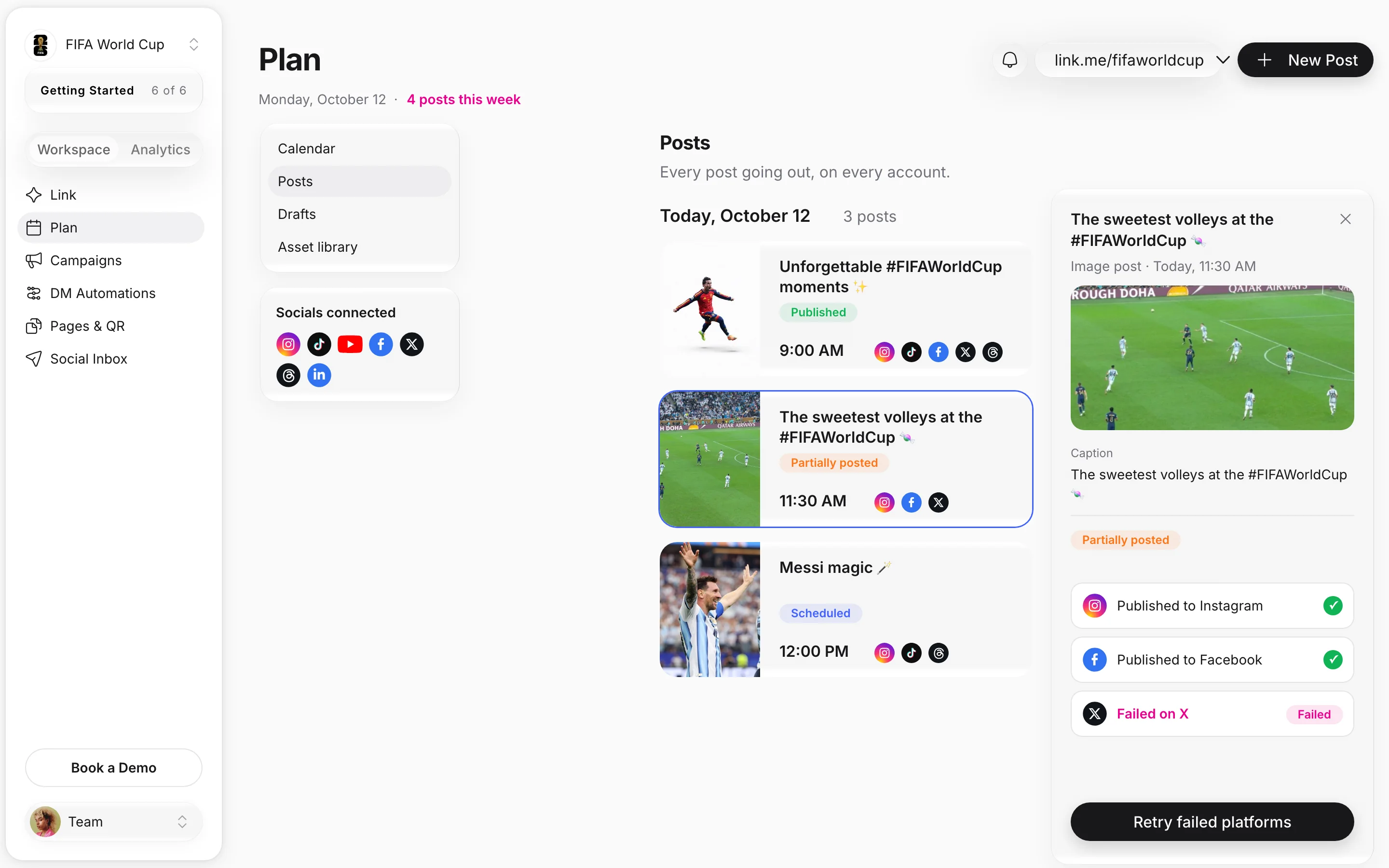
See where a post stands on every network, all in one place. If one network misses, the post is marked Partially posted, and Retry failed platforms sends it again to just that network.

  • Published, Scheduled, Failed or Cancelled
  • Partially posted when one network misses
  • Retry failed platforms in one click

Real FIFA World Cup posts. Times and statuses are samples.

Built for teams that post for many accounts

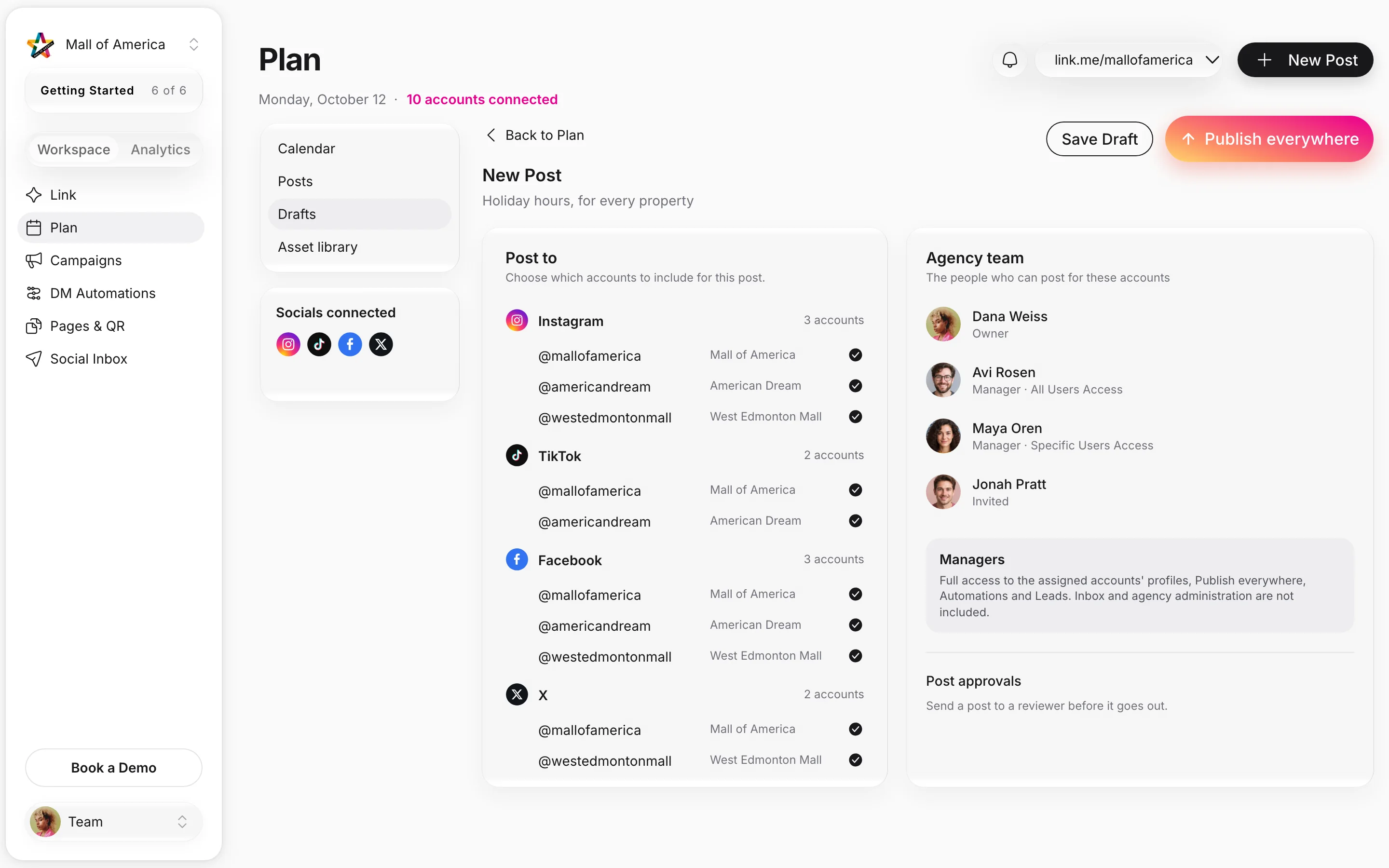
Connect several accounts on every network and pick them post by post. Agency managers post for the client accounts they are assigned, and approvers sign off before posts go out. Accounts and people in the picture are illustrative.

Linkme for enterprise
  • Several accounts on every networkConnect more than one account per network and pick them post by post, within your plan's limits.
  • Managers on the accounts they runAgency managers get full access to the assigned accounts' profiles, Post to All, Automations and Leads.
  • One calendar for everything going outEvery scheduled post with its status, with Search posts and a platform filter.
  • Post approvalsPosts wait in the Publishing Queue for the people who must sign off before they go out, in the new Plan calendar.

Seven networks, one composer

Post to All posts to seven networks on the web, each with its own formats and limits.

  • YouTubeVideo, with a title and Public, Unlisted or Private. Up to 5,000 characters.
  • InstagramImage, carousel up to 10, or video. Up to 2,200 characters.
  • TikTokImage, carousel up to 35, or video, with Who can watch, Duet and Stitch. Up to 2,200 characters.
  • FacebookVideo, image, carousel up to 10, or text. Up to 2,200 characters.
  • XVideo, image, carousel up to 4, or text. Up to 280 characters.
  • ThreadsVideo, image, carousel up to 20, or text. Up to 500 characters.
  • LinkedInVideo, image, carousel up to 20, or text. Up to 3,000 characters.

Posting app by app, and with Linkme

The same job, side by side, from the upload to the last network going live.

The jobBy hand, or with separate toolsWith Linkme
Posting to seven networksBy handSeven apps, seven uploads, seven copies of the caption.With LinkmeOne upload and one press of Post to All.
Fitting each networkBy handCaptions cut off on X and carousels too long for one app.With LinkmeA caption per network when you need one, with every limit checked as you type.
Knowing it went outBy handOpening each app to check the post is live.With LinkmeA live status for every network, and Retry failed platforms when one misses.
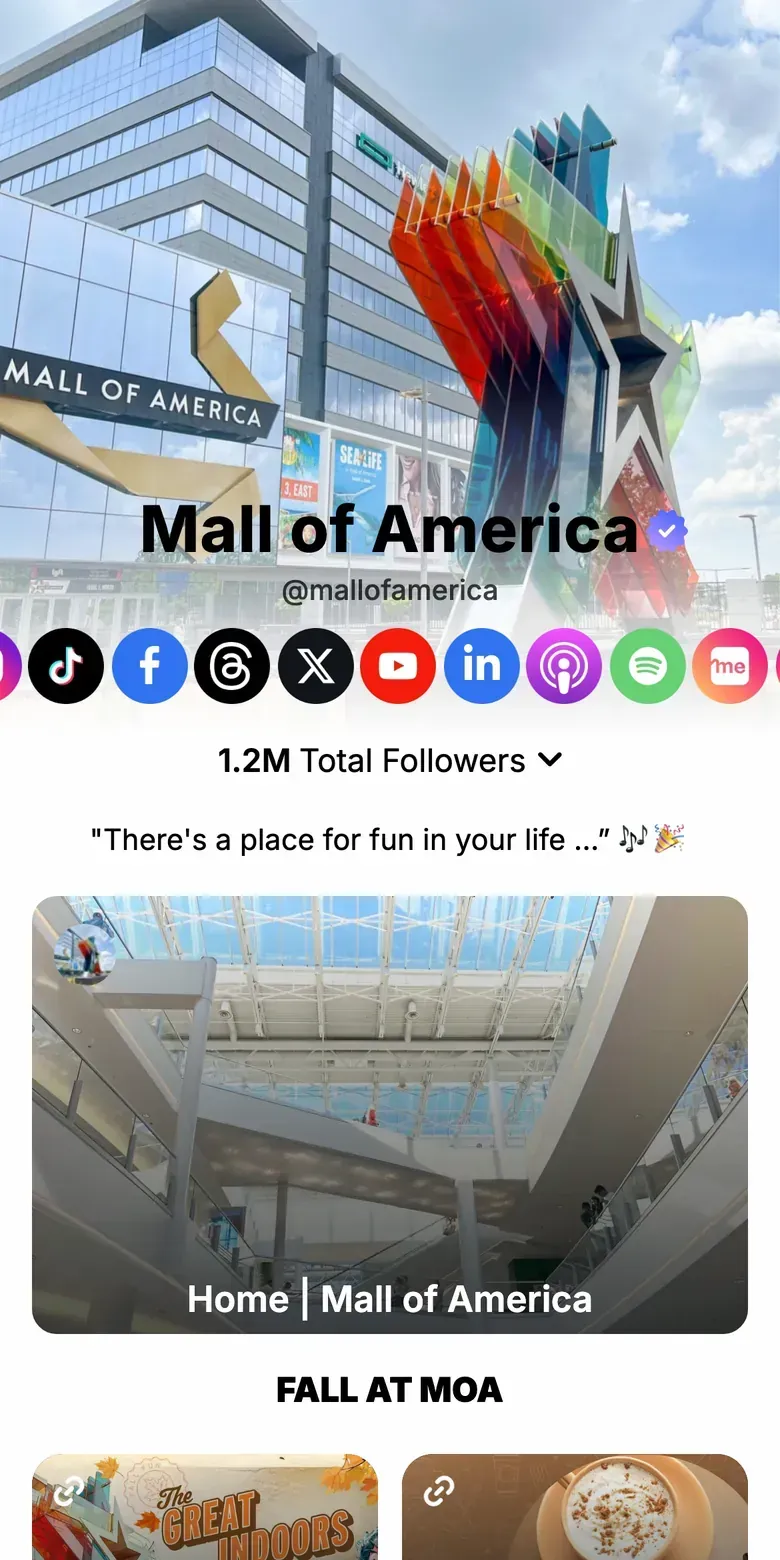
Mall of America's live Linkme page

Mall of America: one page behind every post

Every post, on every network, can point back to one page. Mall of America's live Linkme page leads with seasonal events and tickets, followed by the directory, dining guide and parking, so a post on any network sends everyone to the same place.

  • Seasonal events and tickets lead the page
  • The directory, dining guide and parking one tap away
  • One of three Triple Five properties on Linkme
Read the Mall of America storylink.me/mallofamerica

Questions about Post to All

Which networks can Linkme post to?

Seven on the web: YouTube, Instagram, TikTok, Facebook, X, Threads and LinkedIn. Connect each account once, then pick the ones every post goes to. Snapchat is not available for posting on the web.

How do we connect our accounts?

Open Post to and press Connect on a network. You sign in to that network once, and the account appears in the list for every post after that. If a network signs you out, the account shows Reconnect; reconnect it before including it in a post, and your existing posts are not affected.

How many accounts can we post to?

Several per network. Your Business package sets how many, and you agree it on your demo. A social profile is one connected account on one network. On People plans, Free and Plus connect 1 account per network and Linkme Pro connects up to 10.

What happens if a post fails on one network?

The post is marked Partially posted and shows which network missed. Retry failed platforms sends the post again to just those networks. If an account needs reconnecting, reconnect it first.

Can a manager approve posts before they go out?

Yes. Approvals come with required approvers and a Publishing Queue, so a post waits for sign off before it goes out.

Which plans include Post to All?

Every Business package includes the content calendar and social publishing: AI Standard, AI Power Maxed and Enterprise. On People plans, Linkme Plus and Linkme Pro are unlimited, and the free plan includes 10 posts in total.

Is Post to All on the free plan?

Yes. The free plan includes 10 posts in total, on every network, with 1 account per network. Linkme Plus and Linkme Pro are unlimited, and every plan takes videos up to 3 minutes and uploads up to 300 MB.

Works with Post to All

Upload once.
Post to all platforms.

Book a 30 minute call with one of our experts and go live the same day.