





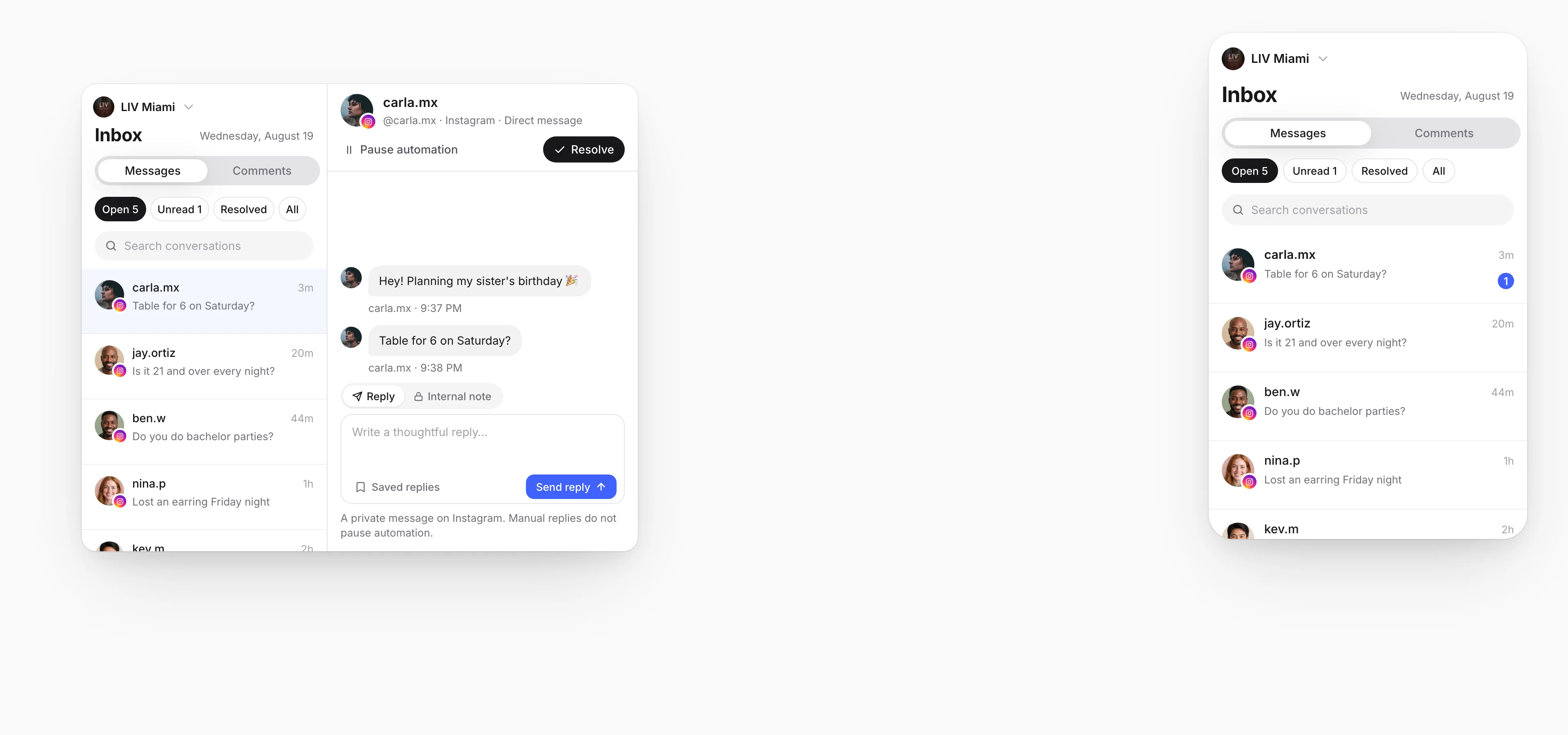





Every message and comment, in one inbox.

Answer your socials from one place. See the post behind every comment, leave your team a note and send a saved reply.

Real Linkme pages and public posts. People, messages and counts are illustrative.

See it on your brand

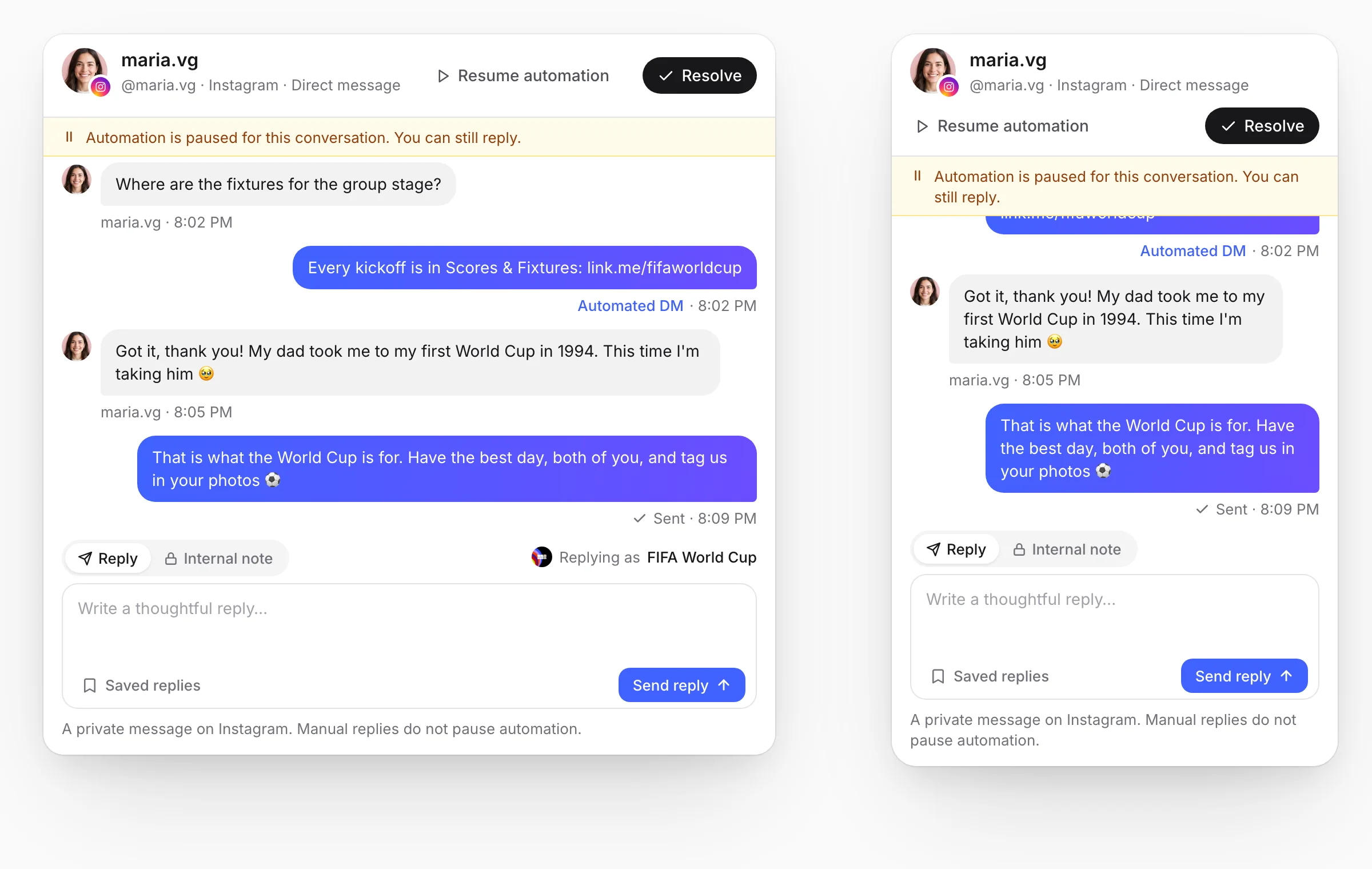
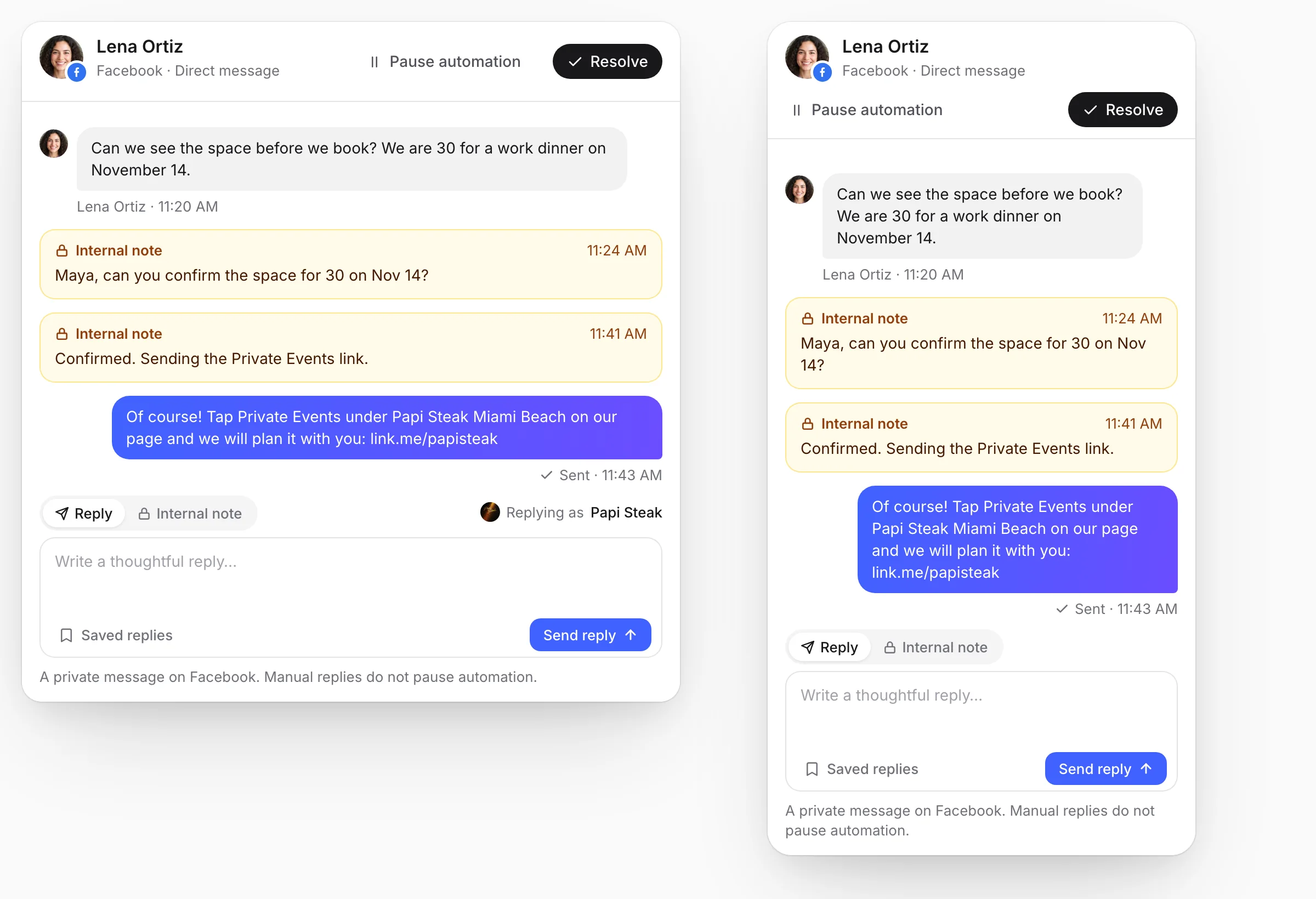
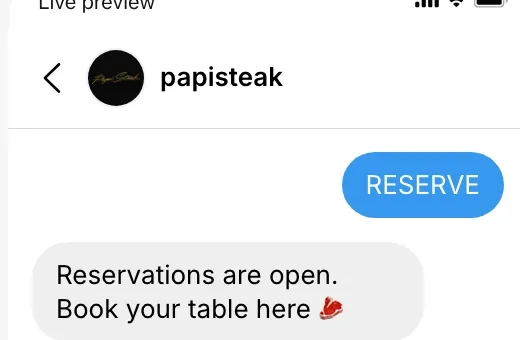
On the left, the customer's own phone; on the right, the Linkme Social Inbox, where Dana works through a day's questions. A comment under LIV Miami's QUAVO poster asks who is playing this week; it lands at the top of Open, Dana answers with a saved reply, the reply appears under the comment on the phone, and the phone opens LIV's Linkme page with the Events row and the email sign up ringed. A Facebook message to Papi Steak about a birthday for 30 gets an internal note for Maya, then a reply that points to Private Events under Papi Steak Miami Beach, and the phone opens that tile. An Instagram comment on Mall of America's Summer Happenings post is answered with the post in view, pointing to Plan Your Trip and Happenings at MOA. On a FIFA World Cup message the automation has already sent Scores & Fixtures, so Dana pauses it, answers as a person with the FIFA Fan Festival tile, and resumes it. Each conversation is resolved and leaves Open.

  1. 01Your socials, one inboxConnect your social accounts and answer the messages and comments here.
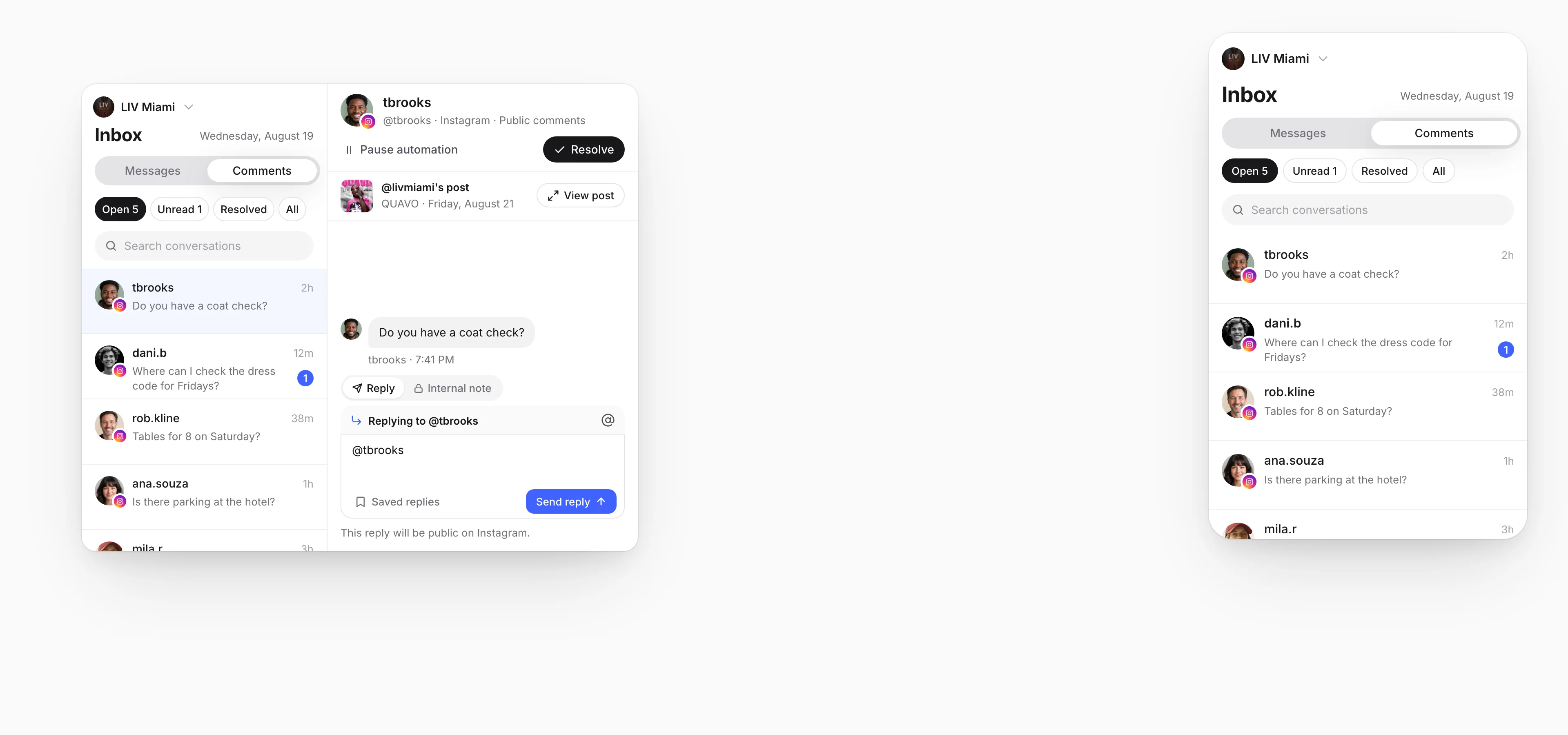
  2. 02The post behind every commentOpen a comment and the post it was left on is right there.
  3. 03Notes and saved repliesContext for the team, and the answers you give every day.
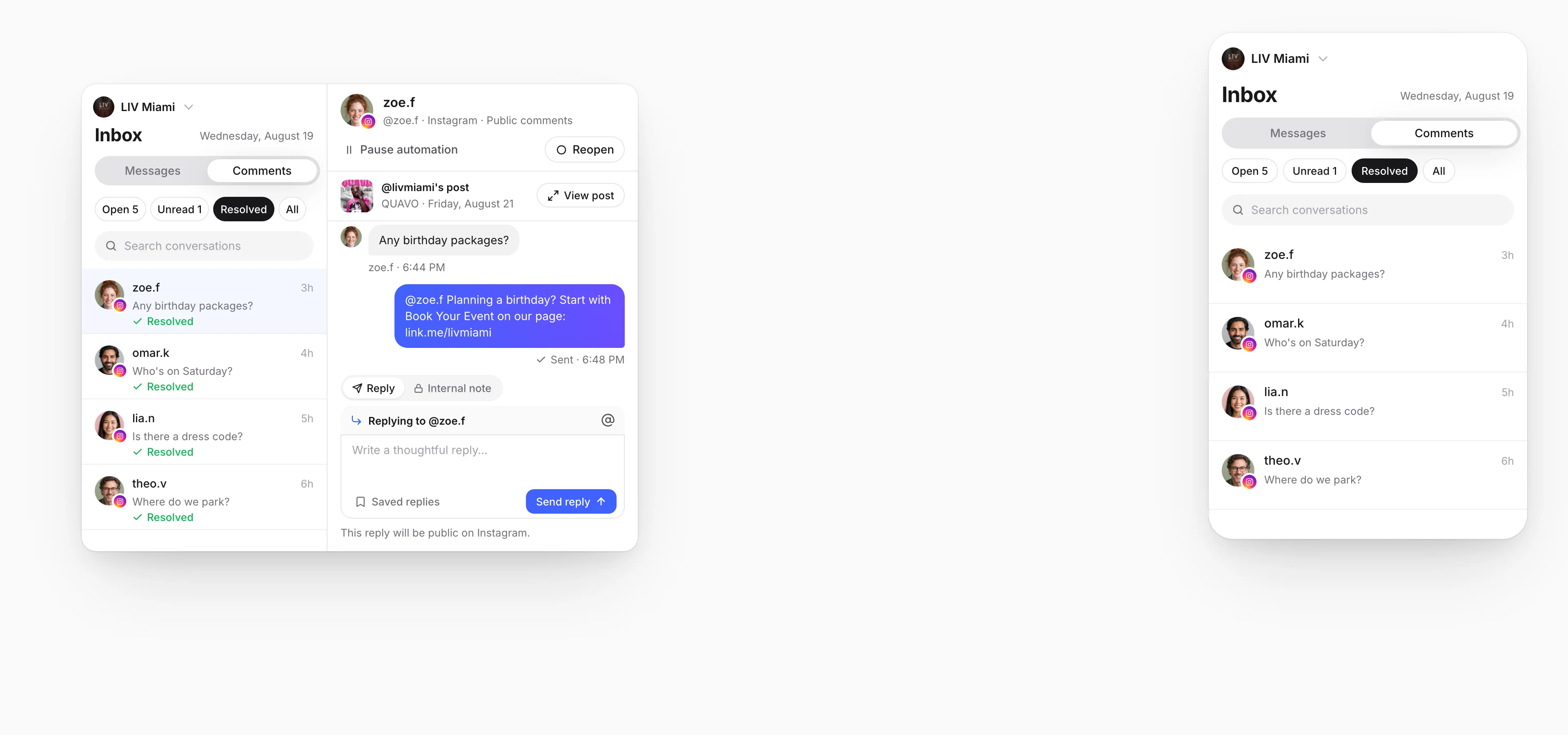
  4. 04Resolve and move onMark it done and it leaves Open.

Used by the brands people line up for

  • FIFA World Cup
  • Mall of America
  • Papi Steak
  • LIV Miami
  • New York Islanders
  • American Dream
  • Hard Rock Hollywood
  • MILA Miami

Everything the inbox does, screen by screen

Six screens, from the first message to the last one resolved. It sits next to your DM Automations and your Linkme page: the automation answers the common question, a person answers the rest, and every answer can point to your page. Real brands and posts; people, messages and counts are samples.

Switch accounts without leaving the inbox

Switch between your connected accounts at the top. Messages and Comments each have a tab, and Open, Unread, Resolved and All show what is still waiting, newest first.

Four teams, one inbox each

Real brands on Linkme, how each would run Social Inbox, and the exact tile every answer points to on their live page. People and messages are samples.

LIV Miami's live Linkme page
LIV MiamiNightclub, Miami BeachEvents and entertainment

Questions under a show poster, answered with the night's page

  1. 1Comment on the poster
  2. 2Saved reply
  3. 3Resolve
jay.pWho's playing Thursday?
@jay.p Thursday and every night after it are in Events on our page: link.me/livmiamiEvents

Everyone who asks under the poster gets the same answer and the page.

See events and entertainment on Linkme

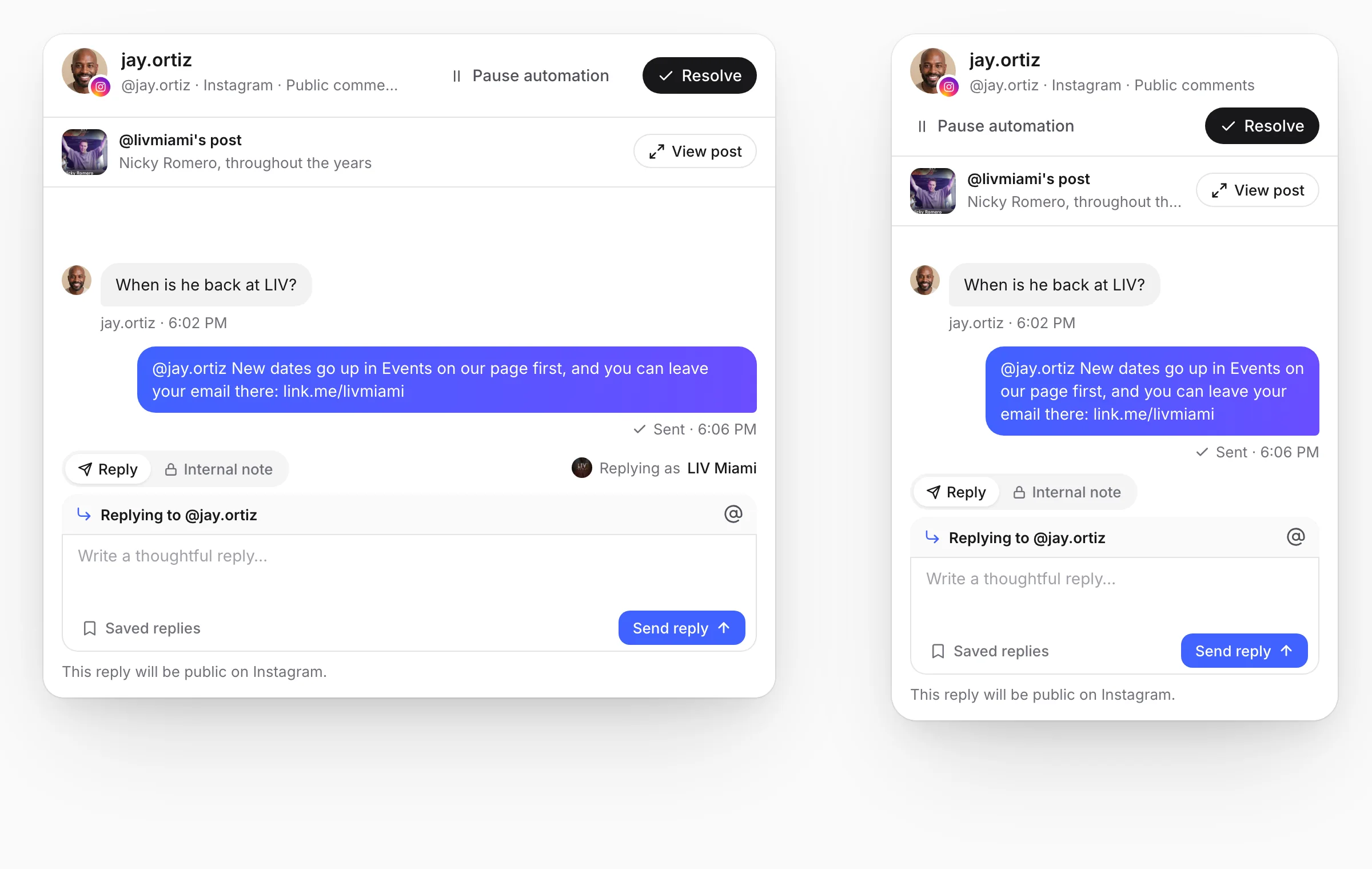
The post behind every comment

A comment opens with the post it was left on, right above it. View post shows the original, so a question under one night's poster gets that night's answer, and the public reply starts with their @username.

  • The post above every comment
  • View post opens the original
  • Public replies start with their @username
Notes and saved replies

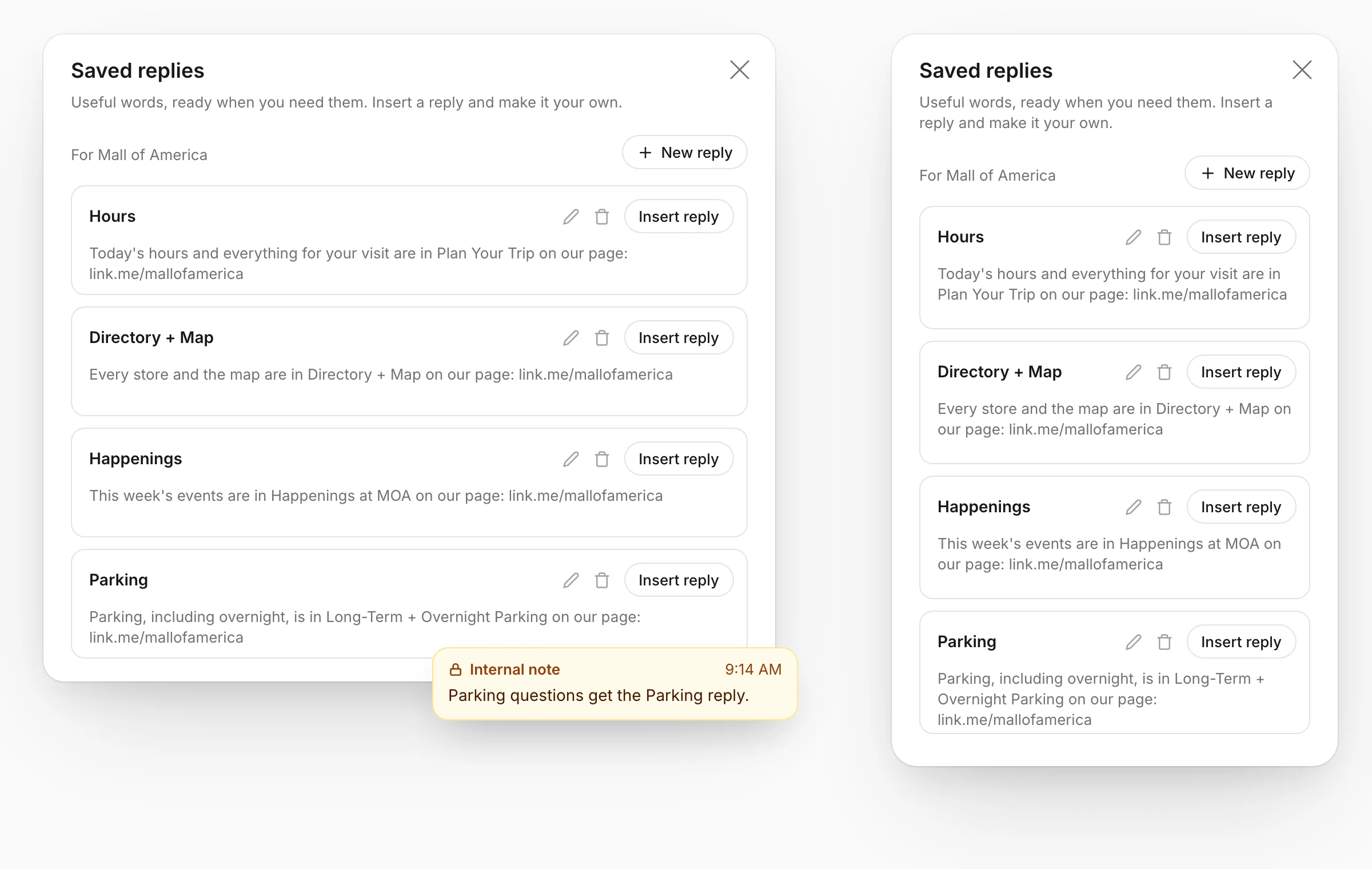
Write the answers your team gives every day once, each with a title, and insert one into any reply. Notes stay in the thread for the next person, and they are never sent to the customer.

  • Saved replies with a title, ready to insert
  • Internal notes stay inside Linkme
  • Replies of up to 2,000 characters

When the automation should step back

DM Automations send the link to everyone who asks, from the same Linkme account as the inbox. When a person needs a person, pause the automation for that one conversation, answer yourself and resume it. The switch is yours: manual replies do not pause it.

  • Pause automation for one conversation
  • The automated DM stays in the thread
  • Resume automation when you are done

What it takes to start

Connect an account, bring in the last 30 days and write your saved replies. Then everyone signed in to the brand's Linkme account works the same Open list. There is no assignment: notes in the thread say who is on it, as in this Papi Steak message. Agency manager access does not include the inbox.

Linkme for enterprise
  • 1. Connect an accountConnect an Instagram professional account or a Facebook Page to bring its messages and comments here.
  • 2. Bring in the last 30 daysImport the messages and comments from the past 30 days. It runs in the background while you work.
  • 3. Write your saved repliesKeep the answers you send every day ready, each with a title and the link to your page in it.
  • 4. Work one list, resolve when doneEveryone signed in to the account sees the same Open, Unread and Resolved. Resolved means done for everyone.
Papi Steak's live Linkme page

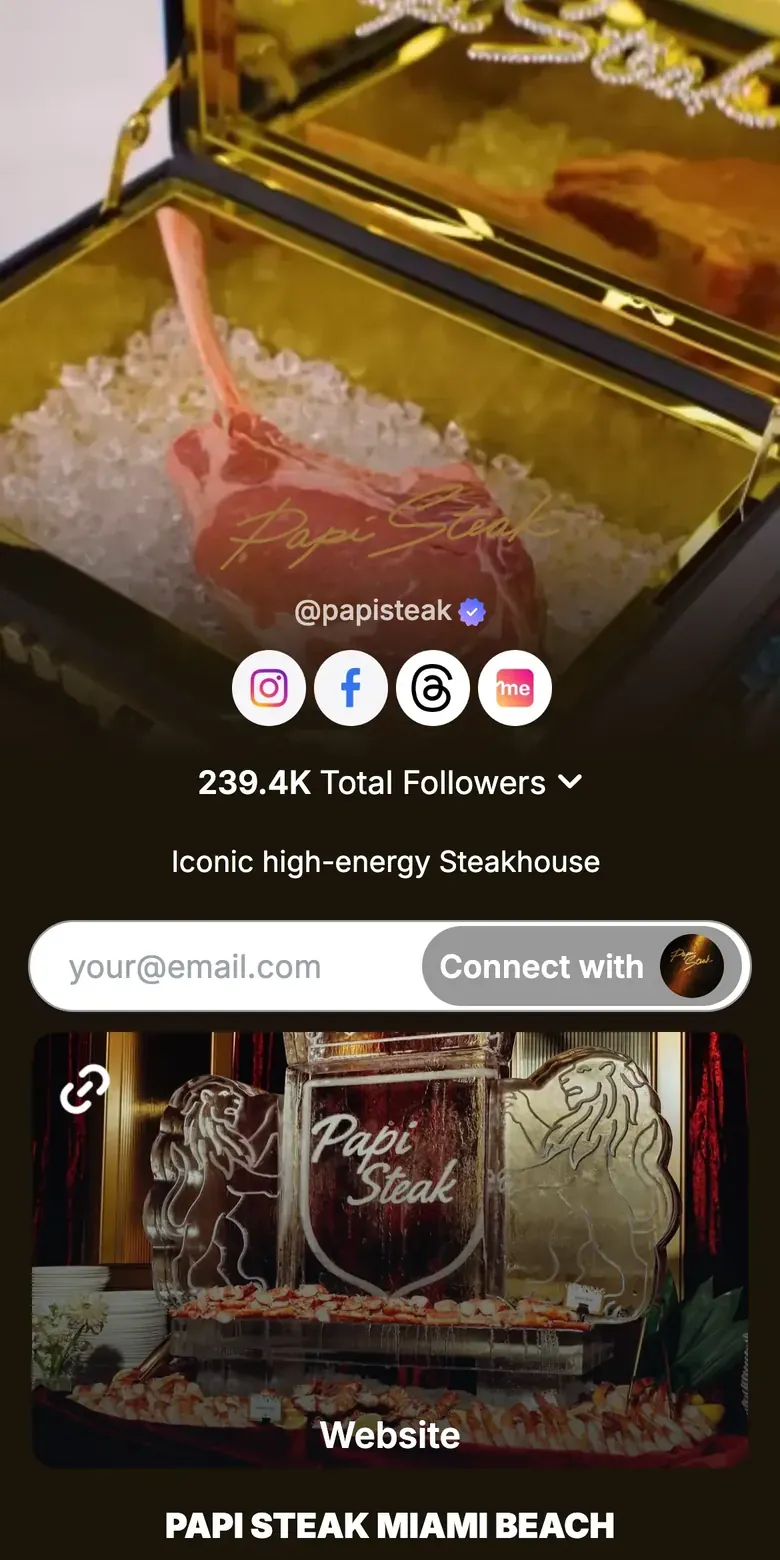
Papi Steak runs two cities from one Linkme page today

Papi Steak's page gives Miami Beach and Las Vegas their own sections, with menus, private events and reservations behind one link. It is the page an answer from the inbox would point to.

  • Miami Beach and Las Vegas, each with its own section
  • Private Events and reservations one tap from the profile
  • An email sign up at the top of the page
Read the Papi Steak storylink.me/papisteak

Questions about Social Inbox

Which networks does Social Inbox cover?

It covers Instagram and Facebook. Direct messages and the comments on your posts and reels both land in the inbox.

Who on our team can open the inbox?

Everyone signed in to the brand's Linkme account. Agency manager access does not include the inbox.

What do we need to connect?

An Instagram professional account or a Facebook Page. Connect it and its messages and comments arrive in the inbox.

Can we assign conversations to teammates?

No. Everyone signed in to the account sees the same list, and internal notes keep the team in sync.

Can we run several brands or locations?

Yes, one connected account at a time: each Instagram account and Facebook Page has its own inbox, and you switch between them at the top.

Does it work with DM Automations?

Yes. Pause automation on a conversation to answer it yourself, then resume it. Manual replies do not pause automation on their own.

How far back does it go?

When you connect an account you can import the messages and comments from the past 30 days. The import runs in the background, and new messages arrive automatically.

What does it cost?

It comes with every Business plan. See the plans, or book a demo and we will walk you through them.

Works with Social Inbox

Every question answered, from one inbox

Book a demo to see it working.