
A page for everything you run. A QR code that opens it.

Build a Linkme page with links, events, videos, products and sign ups, then print its QR code anywhere. Change the page any time and the printed code keeps working.

Real Linkme pages and venue photos. Signs, dates and editor steps are illustrative.

See it on your brand

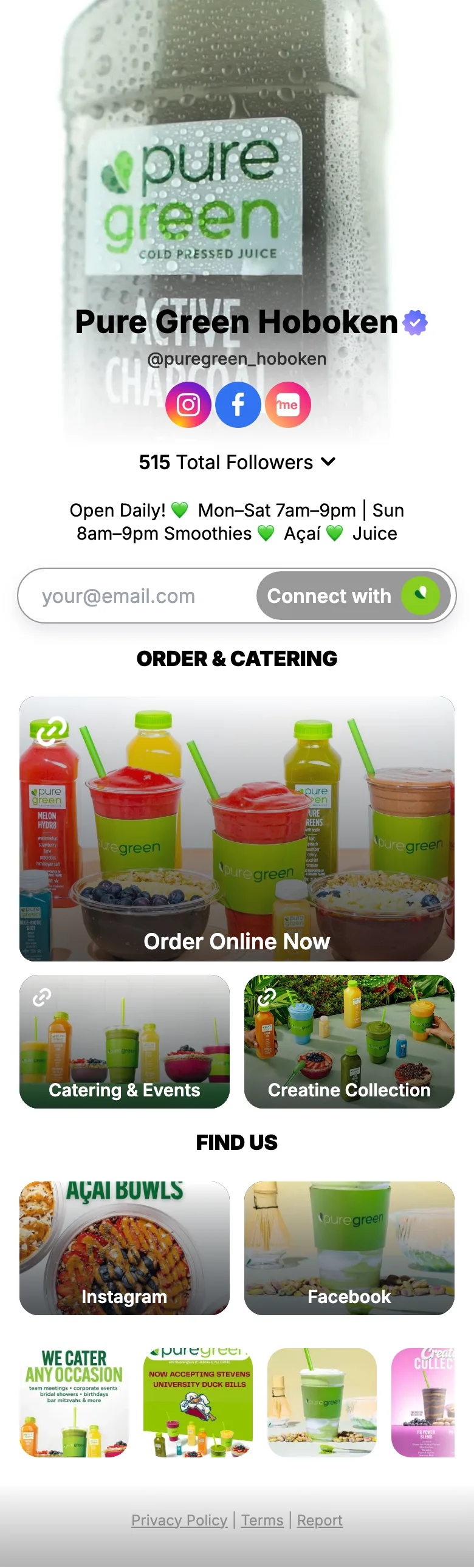
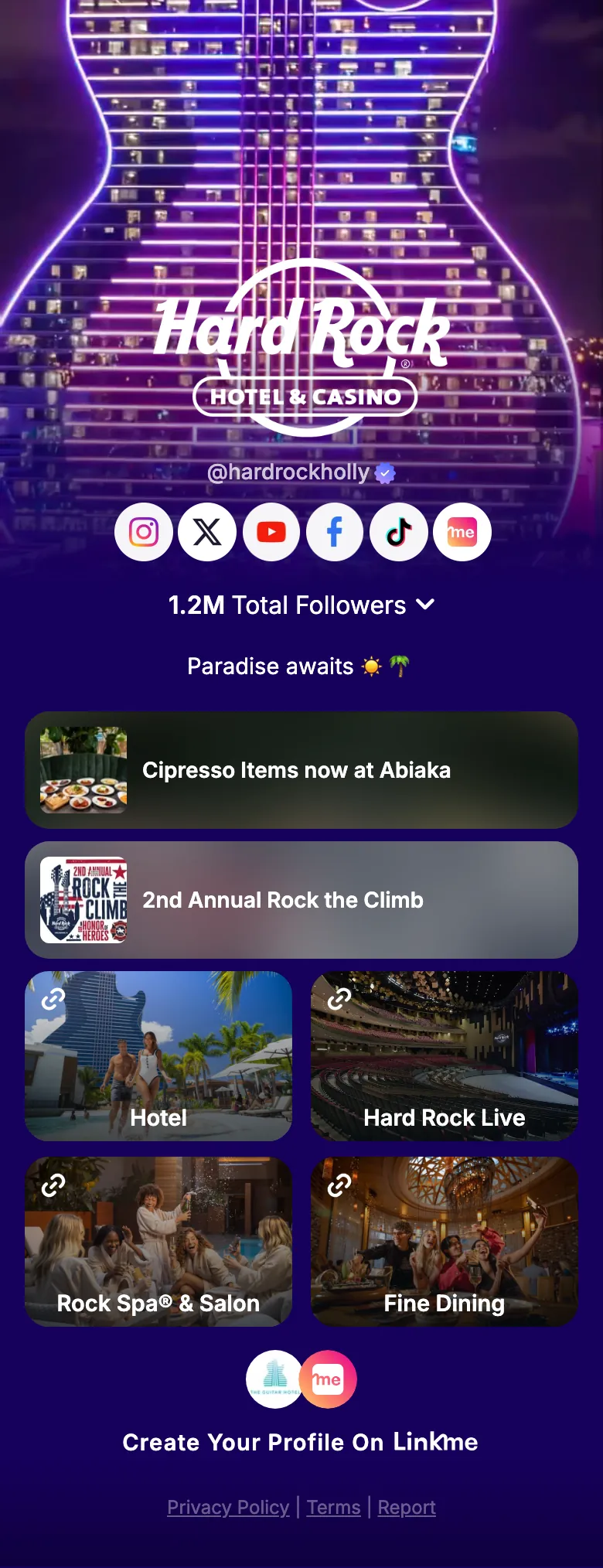
Four real Linkme customers change their page after its QR code is printed. Mall of America downloads its code and prints a fall poster, then schedules its Taste of Fall link, which goes live on its own four days later. FIFA World Cup 26 makes its Official Tournament Hub a Big link, Papi Steak moves Reservations up under the menu, and LIV Miami switches its events on. Each time, a phone scans the same printed code and the brand's real Linkme page opens on the link that changed.

  1. 01Build the pageLinks, headers, events, videos and products, in the order you choose.
  2. 02Schedule what goes liveA start and an end for any link, with a countdown on the page.
  3. 03Make it yoursYour fonts, your logo and links that move.
  4. 04Print the codeOne QR code per page. It always opens the live page.

Used by the brands people line up for

  • FIFA World Cup
  • Mall of America
  • Papi Steak
  • LIV Miami
  • New York Islanders
  • American Dream
  • Hard Rock Hollywood
  • MILA Miami

Everything a page can hold

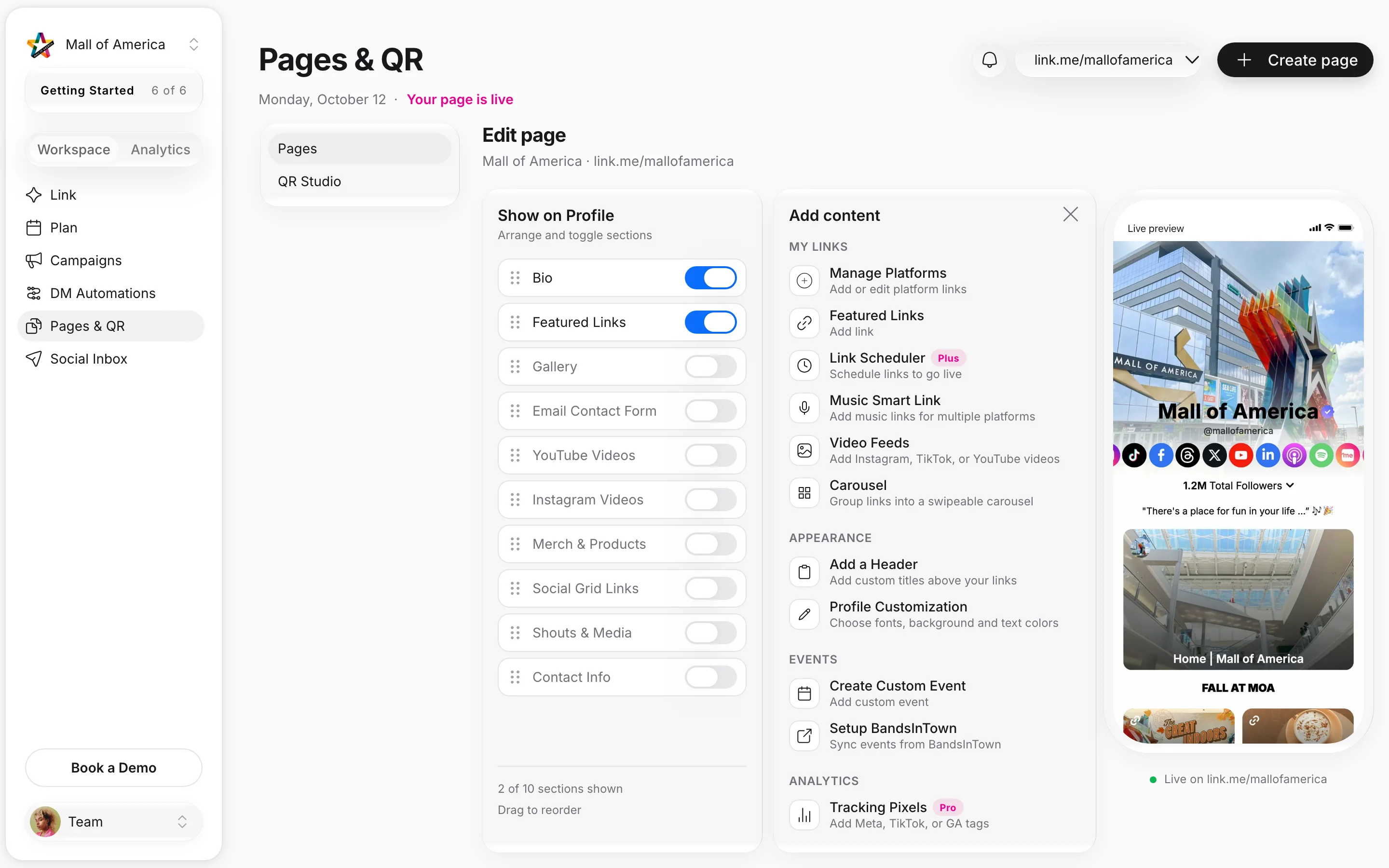
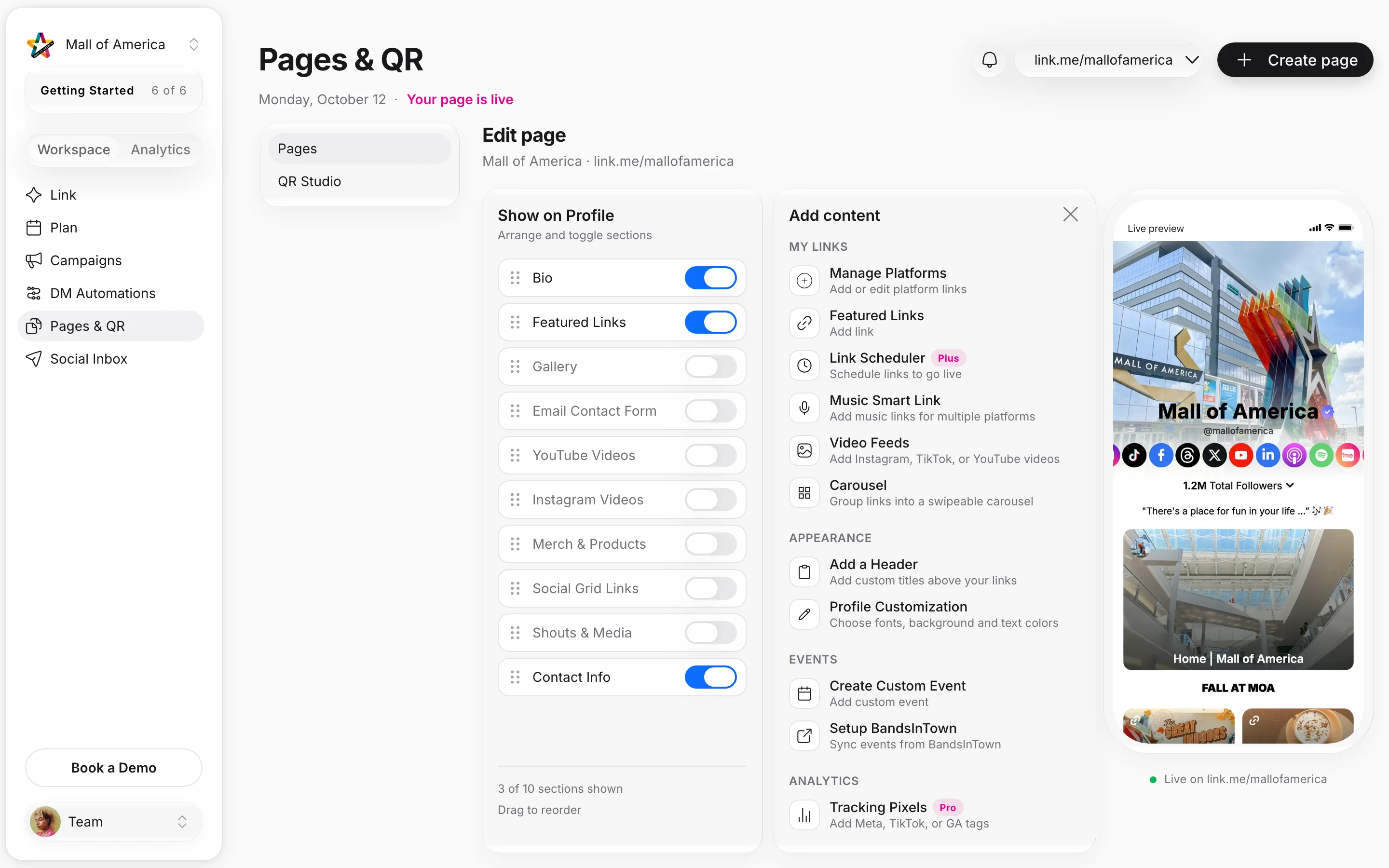
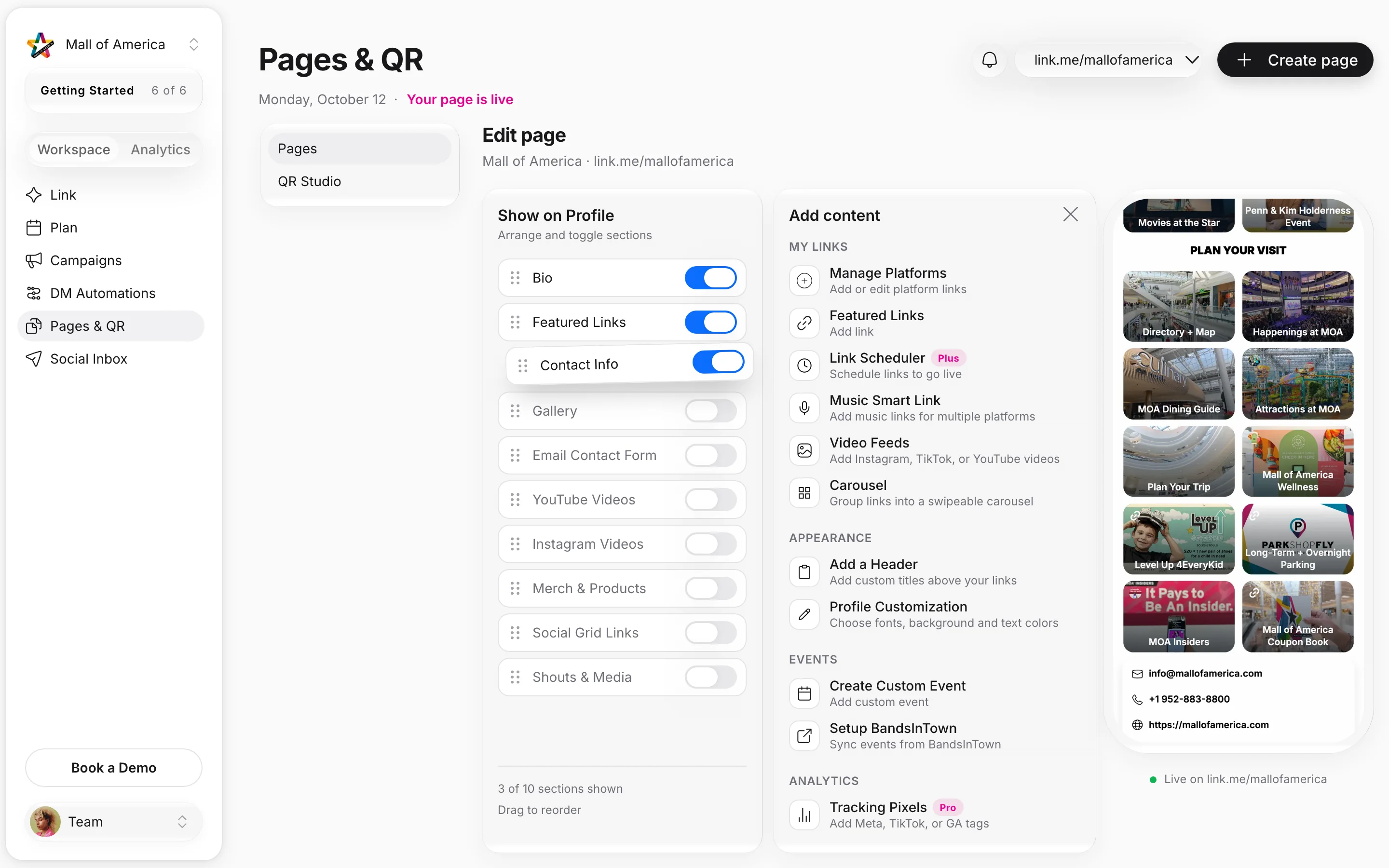
Four screens from the Linkme editor, on real Linkme pages. Dates, URLs, IDs and sample products are illustrative.

Blocks to add, sections to arrange

Add platform links, featured links, a Music Smart Link, video feeds, a carousel or a header. Then switch sections on or off and drag them into the order you want.

One page, one code, four places it works

Four real Linkme pages, where their code goes, and the tile a scan opens. Placements are illustrative.

On every directory sign
The QR code that opens link.me/mallofamericalink.me/mallofamerica

Printed once. Every scan opens the live page.

Mall of America's live Linkme page
Mall of AmericaMall, Bloomington, MinnesotaMalls and retail

One code on every directory sign

Built withAdd a HeaderLink SchedulerYour QR Code
On the signScan for events, hours and the mapDirectory + Map

Print the signs once. Change the season, the events and the hours on the page.

See malls and retail on Linkme

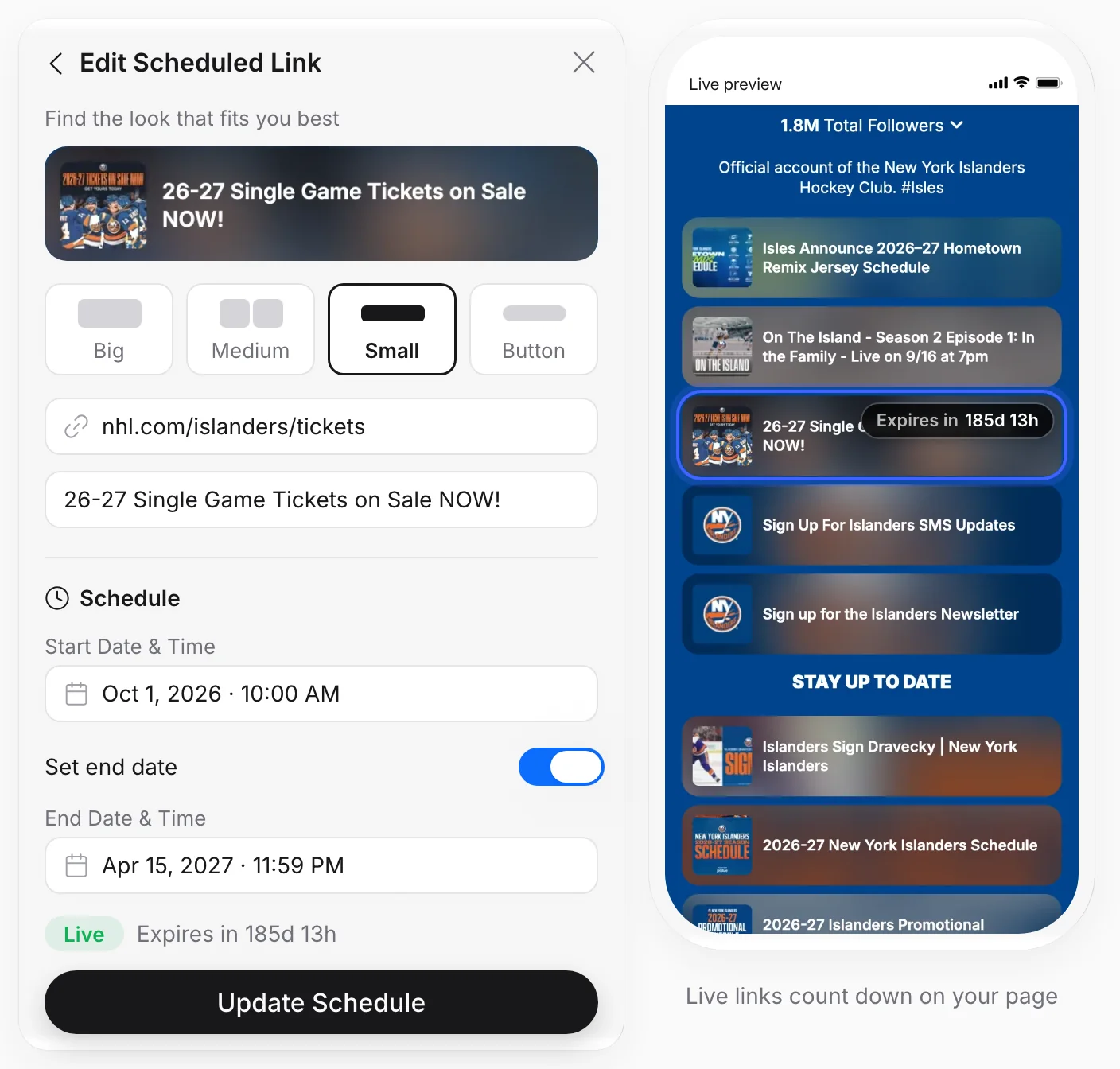
Links that go live on time

Give any link a Start Date & Time and an End Date & Time. It goes live on its own, counts down on your page while it runs, and comes off when the window closes. Nobody has to swap a link at midnight.

  • Start Date & Time and End Date & Time
  • Live, Scheduled, Draft and Expired in one list
  • On every Business seat; on People plans, Plus and Pro

Real Linkme page and link. The address and dates are illustrative.
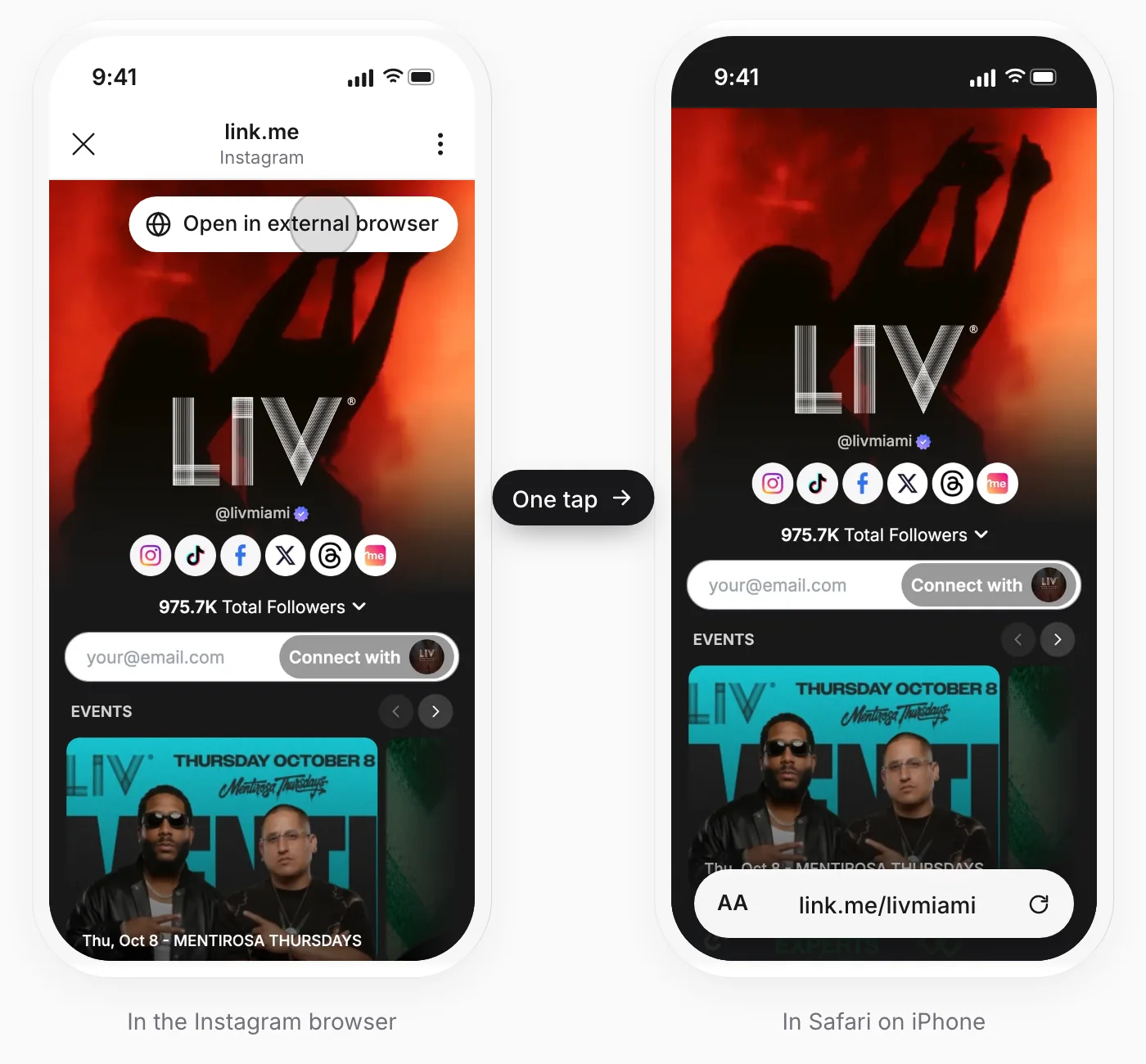
Out of the Instagram browser in one tap

Inside the Instagram or Threads browser, people are signed out of everything. The Deeplink Banner puts one button on your page that opens it in Safari on iPhone or Chrome on Android, where your links work the way people expect.

  • Works in the Instagram and Threads browsers
  • Safari on iPhone, Chrome on Android
  • One switch in Quick Settings, on every Business seat and on Pro

Real Linkme page, in the Instagram browser and in Safari.

Your ad pixels on every visit

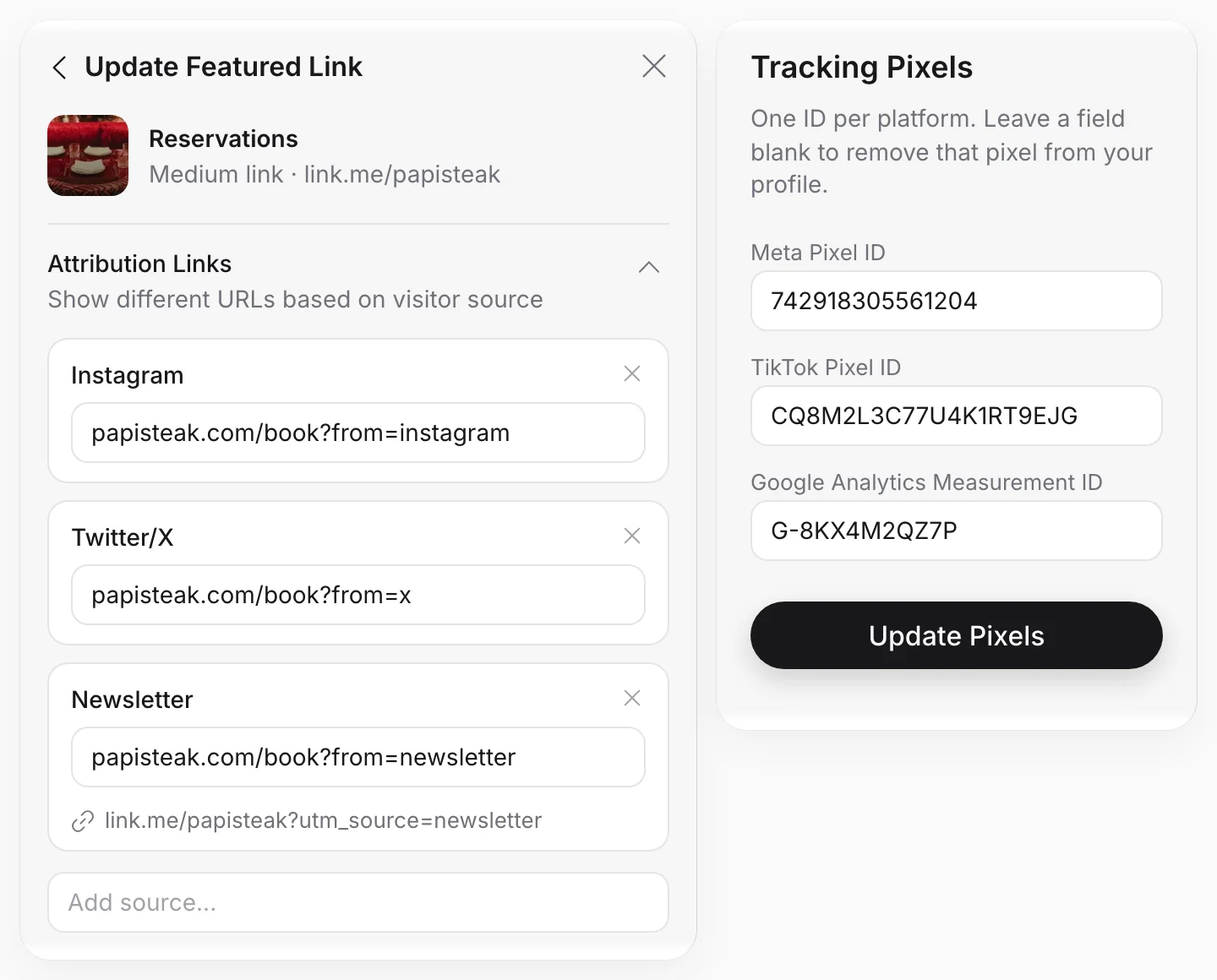
Add your Meta Pixel ID, TikTok Pixel ID and Google Analytics Measurement ID once, and those tools see every visit to your page. Attribution Links send visitors from Instagram, X or your own utm source to a different URL for the same link.

  • Meta, TikTok and Google Analytics IDs
  • A different URL for each visitor source
  • Tag a campaign's visitors with a utm source

Real Linkme link. IDs and destinations shown are examples.

A page and a code for every property

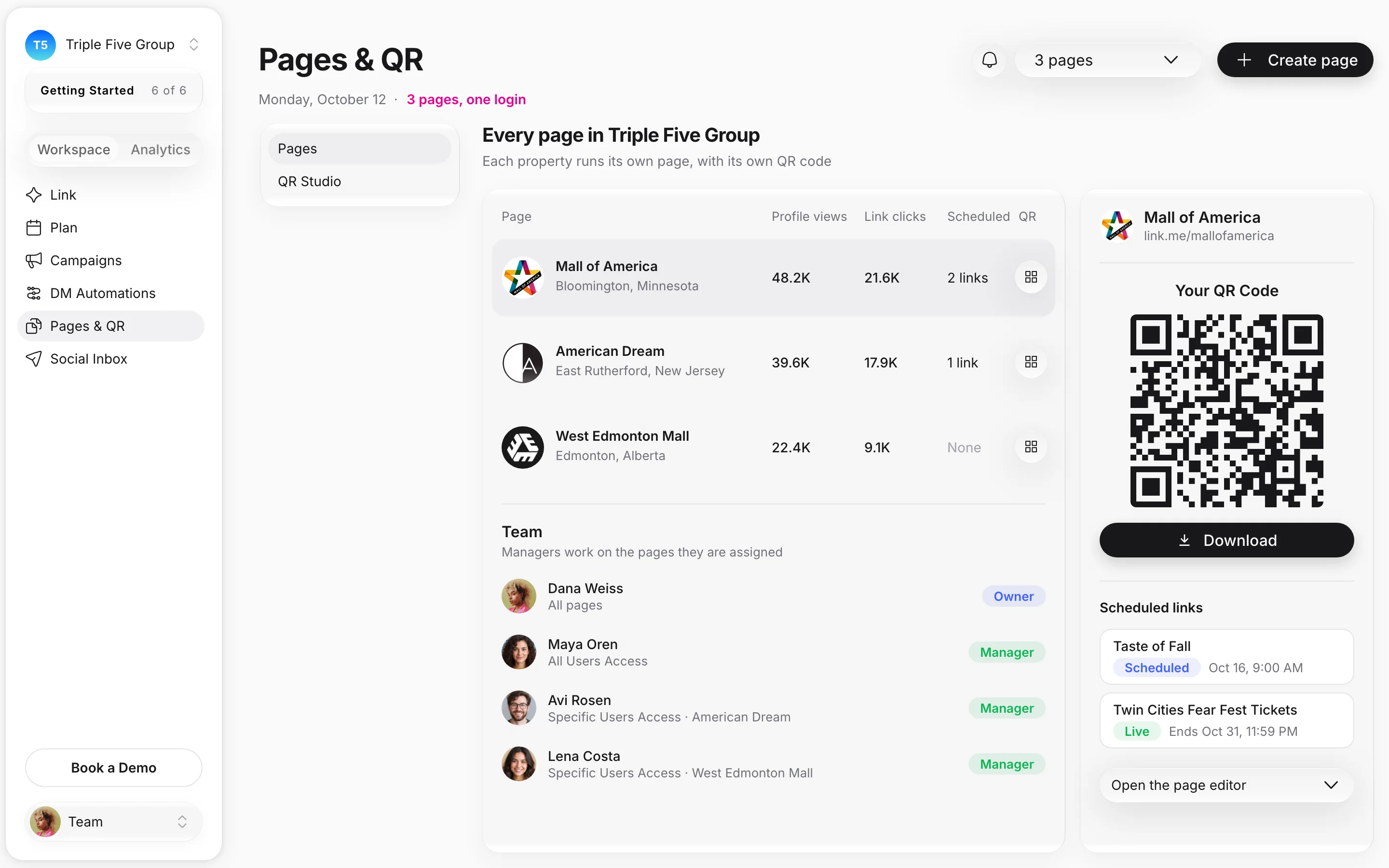
One agency account runs every page your group owns. Each page prints its own QR code, and each manager works on the pages they are assigned. Shown: Triple Five's three properties; the team and the figures are illustrative.

Linkme for enterprise
  • A page and a code per propertyLinkme pages: unlimited on every Business package. Each one has its own QR code.
  • Managers on the pages they runOwner and Manager roles. Give a manager All Users Access, or Specific Users Access to one property.
  • Set up with youBook a demo and one of our experts sets up your pages and codes with you.
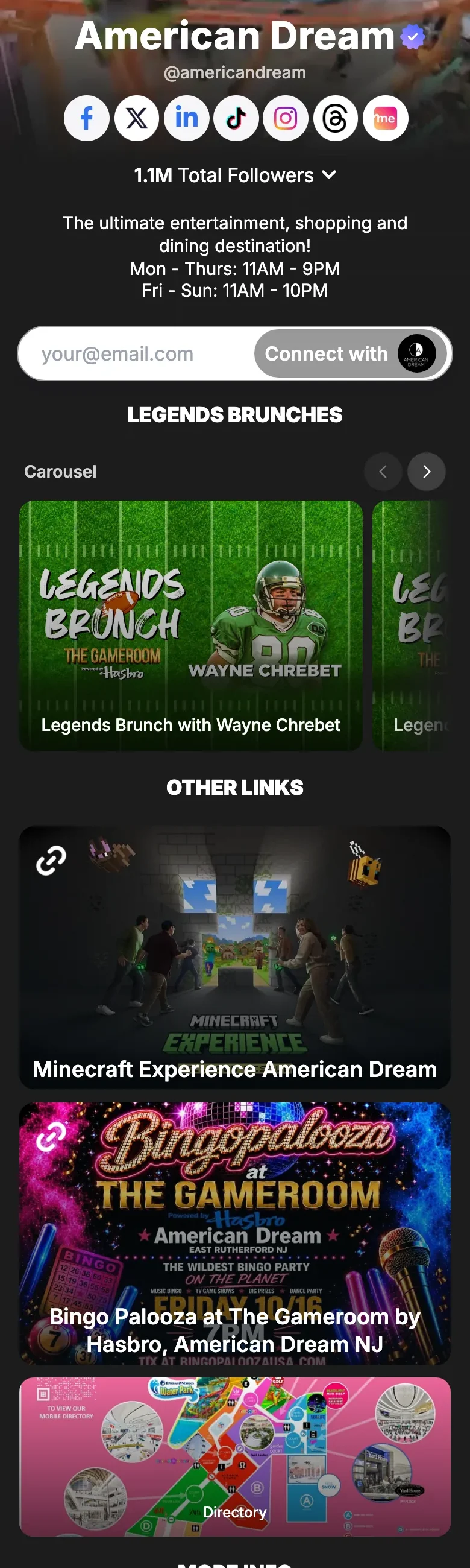
American Dream's live Linkme page

American Dream: the whole destination on one page

American Dream's live Linkme page opens with its hours in the bio, then a Legends Brunches carousel, the Minecraft Experience, the directory, and links to its parks, hotels, dining and shops. One page, one code, for the whole property.

  • Hours in the bio, events in a carousel
  • Directory, parks, dining and shopping one tap away
  • One of three Triple Five properties on Linkme
Read the American Dream storylink.me/americandream

Questions about Pages & QR

Does the QR code change when I edit the page?

No. Your QR code always opens your Linkme page, so every edit shows up on the codes you have already printed. Open Your QR Code in your dashboard and press Download for a PNG ready for print.

Can I see how many people scan my code?

Not as a separate number. Every page gets its own QR code that opens your live page, so each scan is a visit that counts in your profile views, and the links people tap count as link clicks.

Can I make a QR code per campaign?

No. Each page has its own QR code, and each digital product has its own.

Can I use my own domain?

No. Your page lives at link.me/yourname, and its QR code opens that address.

What can I put on my page?

Platform links, featured links in Big, Medium, Small or Button sizes, a Music Smart Link, video feeds from Instagram, TikTok and YouTube, carousels, headers, events, a gallery, contact info, an email contact form, merch and products.

Your page, on everything you print

Book a 30 minute call with one of our experts and go live the same day.