Build your list. Own your audience.
Your Linkme profile doesn't just attract an audience. It captures one. Enable a simple one-tap email capture that lets visitors connect with you instantly, or build a fully customizable form to collect exactly the information you need. Your audience is your most valuable asset. Start capturing it.
On Ashton Hall's real Linkme page, a fan taps Connect with and fills Share your info with Ashton Hall: Name, Email and Phone Number, then CONNECT. Beside the phone, in his Leads, the fan lands as a new row at the top of Newest contacts with the source Subscribe, and Total contacts and Subscribed each go up by one.
Navigate to Edit Profile on your Linkme dashboard → Create Form
- One-tap capture
- Custom fields
- Stored in your dashboard
How to use it
4 steps, in the order you take them in your Linkme dashboard.

- 1
Navigate to Edit Profile on your Linkme dashboard → Create Form
- 2
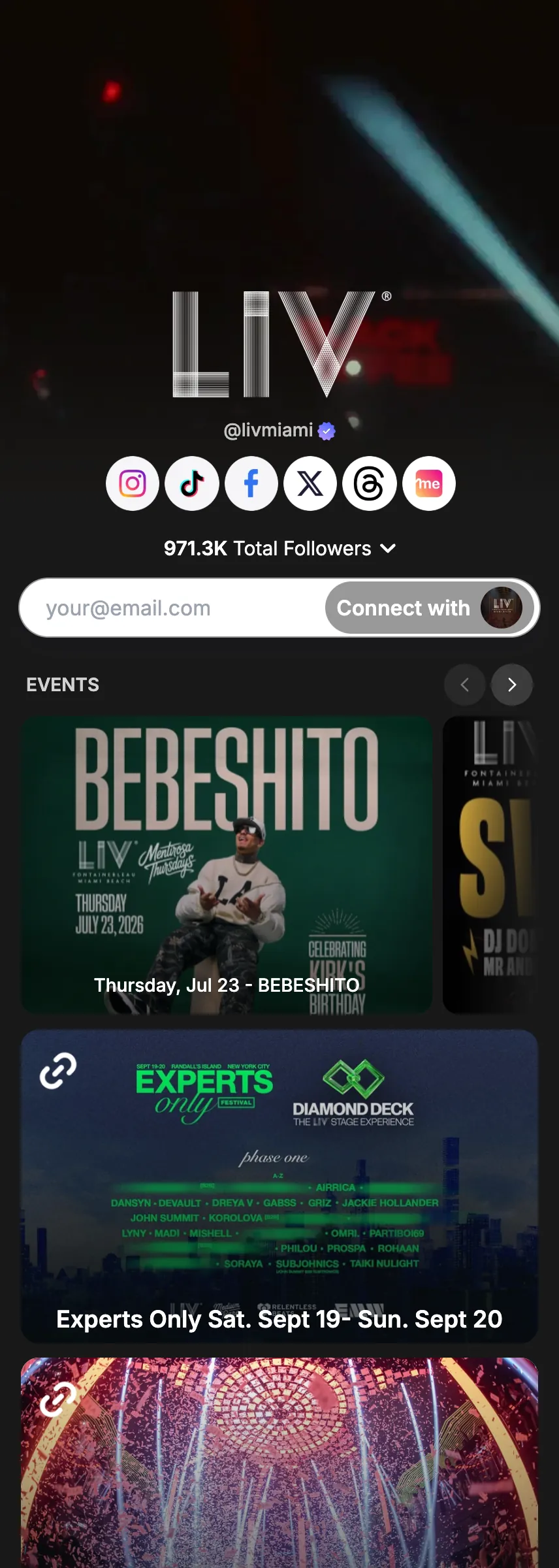
Toggle on email capture to instantly add a “Connect with [your name]” button to your profile
- 3
Or create a custom form: add fields for email, phone number, and any custom text you want, like name, brand, Instagram handle, business, and more
- 4
Your submissions are collected and stored directly in your Linkme dashboard
Good to know.
What to have ready for Lead forms, what you see after, and the fixes for the problems people hit.
Before you start
- Decide what you want to ask. Forms take text, email, mobile and name fields.
Which plans include it
- Forms: Plus and Pro.
- Leads and email campaigns: Pro.
- Every Linkme Business package: AI Standard, AI Power Maxed and Enterprise, each priced on a demo.
What you will see after
- Every answer lands in Form Submissions.
- With an email field, each person also lands in Leads, where you can export a CSV.
If something goes wrong
- Submissions are not showing up in Leads.
- A form creates a lead only when it has an email field and Add submitters to my leads is on. It is on by default.
- The email composer warns about some leads.
- Leads you add by hand are marked not opted in. Only send to people who agreed to hear from you.
Try Lead forms on your own page.
Claim your link.me in a minute. The free plan needs no card.