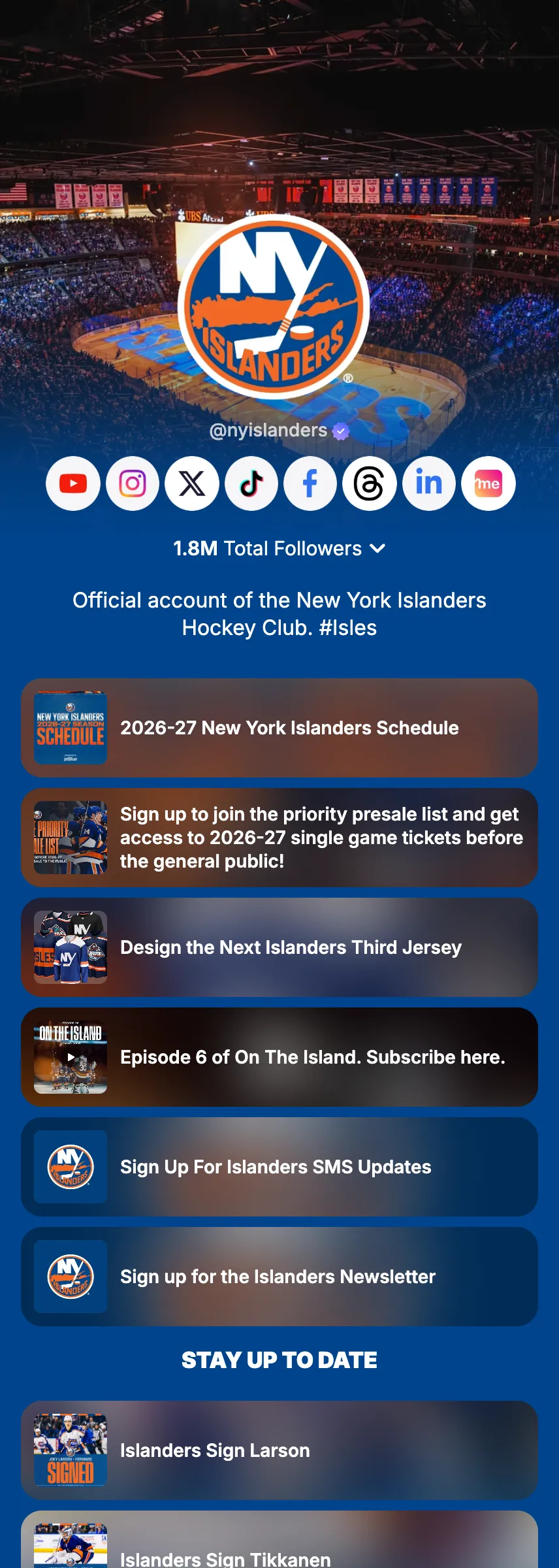
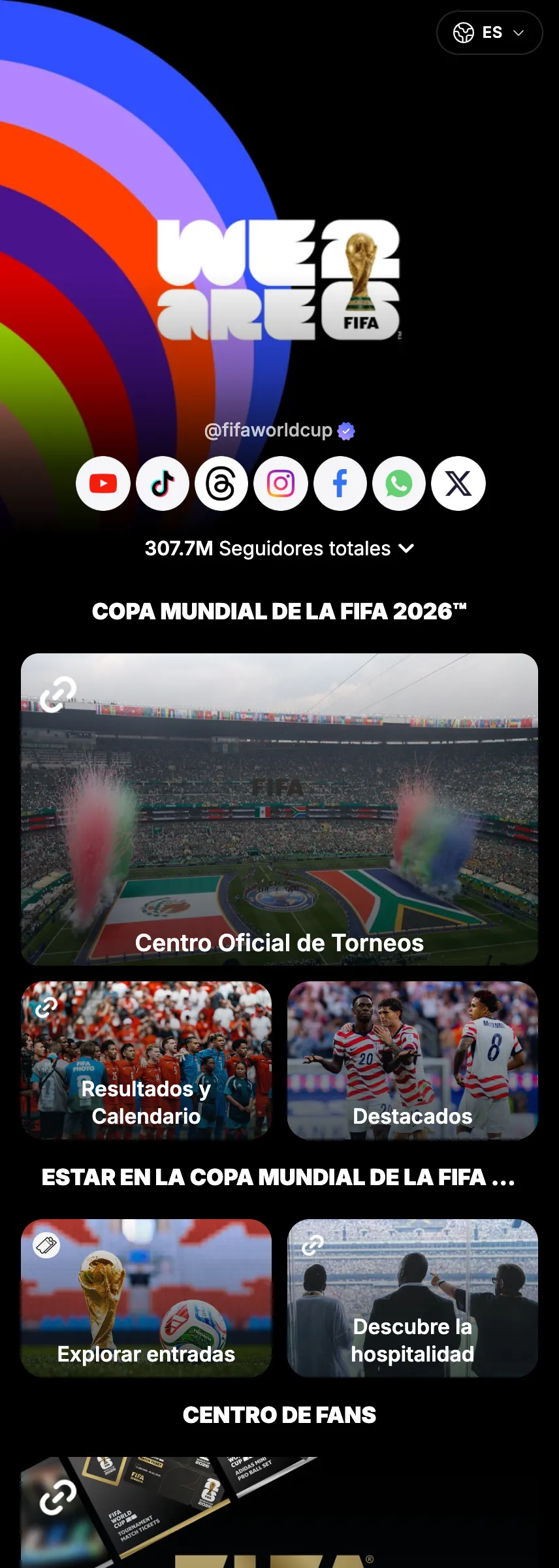
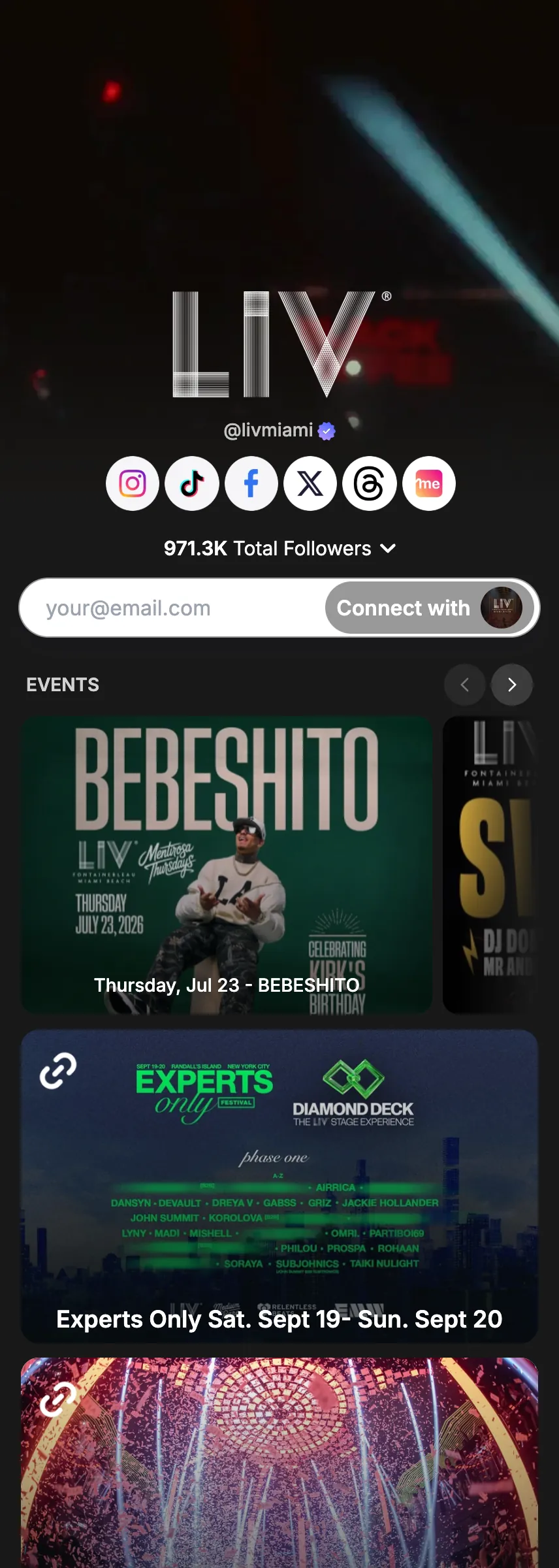
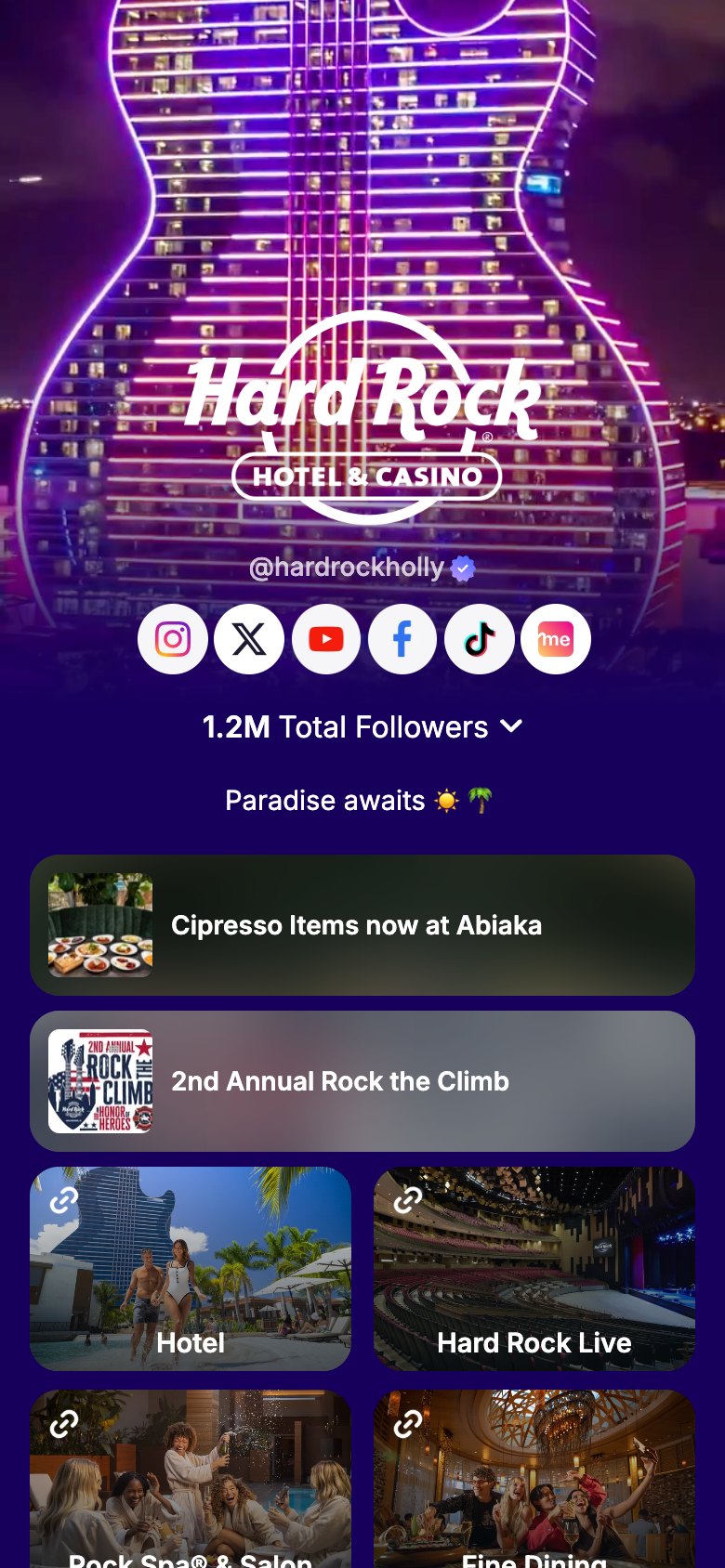
One post. Every platform. Instantly.
Your content deserves to be everywhere. Upload your video on Linkme, write your caption, pick your platforms, and hit Post to All. One tap and your video gets uploaded live across every selected social platform simultaneously. Or schedule a post for the perfect moment. No switching apps, no reposting, no wasted time.
In the Post to All composer, Hard Rock Hollywood drags in its Guitar Hotel video, which uploads and plays. The caption box is clicked and Write with Link writes the caption word by word. Select all switches on YouTube, Instagram, TikTok, Facebook, X, Threads and LinkedIn, Schedule stays off, and Post to All is pressed. The post lifts out as a card, lines run from it into the seven networks, all seven fill and turn green at the same moment, and the status reads Published to all!
Navigate to Post to All on your Linkme dashboard
- 7 platforms at once
- Schedule ahead
- Per-platform tweaks
How to use it
5 steps, in the order you take them in your Linkme dashboard.

- 1
Navigate to Post to All on your Linkme dashboard
- 2
Write your caption, attach media, and add any platform-specific tweaks
- 3
Select which platforms to publish to: Instagram, TikTok, X, Facebook, YouTube, LinkedIn, Threads
- 4
Hit Post to All or schedule for later, and it goes out on all channels at once
- 5
Track engagement per platform right from your analytics hub
Good to know.
What to have ready for Post to All, what you see after, and the fixes for the problems people hit.
Before you start
- Connect your social accounts. Free and Plus connect one account per platform, Pro connects up to 10.
- Have your video or photos ready. Uploads from the web stay under 100 MB.
Which plans include it
- Free: 10 posts in total.
- Plus and Pro: unlimited posts.
- Every Linkme Business package: AI Standard, AI Power Maxed and Enterprise, each priced on a demo.
What you will see after
- Each post shows as Scheduled, Processing, Published or Failed.
- Each network gets its own status, so you can see where the post went live.
If something goes wrong
- One network failed and the others went out.
- Open your post history and retry. Only the networks that failed post again.
- An account will not post.
- Reconnect it from your connected accounts and try again.
- Some photos are missing from a carousel.
- Each network caps a carousel: Instagram 10, Facebook 10, X 4, Threads 20, LinkedIn 20 and TikTok 35. YouTube takes video only.
- The caption is too long.
- Caption limits follow each platform, for example 280 characters on X and 2,200 on Instagram. Shorten it for that network.

Try Post to All on your own page.
Claim your link.me in a minute. The free plan needs no card.