How to Become a Twitch Affiliate: Requirements and a 30-Day Plan
Twitch lowered the Affiliate bar to 25 followers, 4 hours, 4 days and 3 average viewers. Here is how the invite works, a 30-day plan to qualify and what Affiliate unlocks.
On this page
To become a Twitch Affiliate, you need at least 25 followers, 4 hours streamed across 4 different broadcast days and an average of at least 3 concurrent viewers on those days. Twitch tracks your progress in the Creator Dashboard and invites you once you meet every requirement; you do not apply. Twitch lowered these numbers in 2026, so older guides that list 50 followers, 8 hours and 7 days are out of date.
Twitch affiliate requirements today
In May 2026, Twitch announced it was opening monetization to more streamers and lowering the Affiliate requirements from early June. The Twitch blog post lists the change:
| Requirement | Before | Now |
|---|---|---|
| Followers | 50 | 25 |
| Hours streamed | 8 | 4 |
| Broadcast days | 7 different days | 4 different days |
| Viewers | Average of 3 concurrent viewers | Average of at least 3 concurrent viewers on 4 different days |
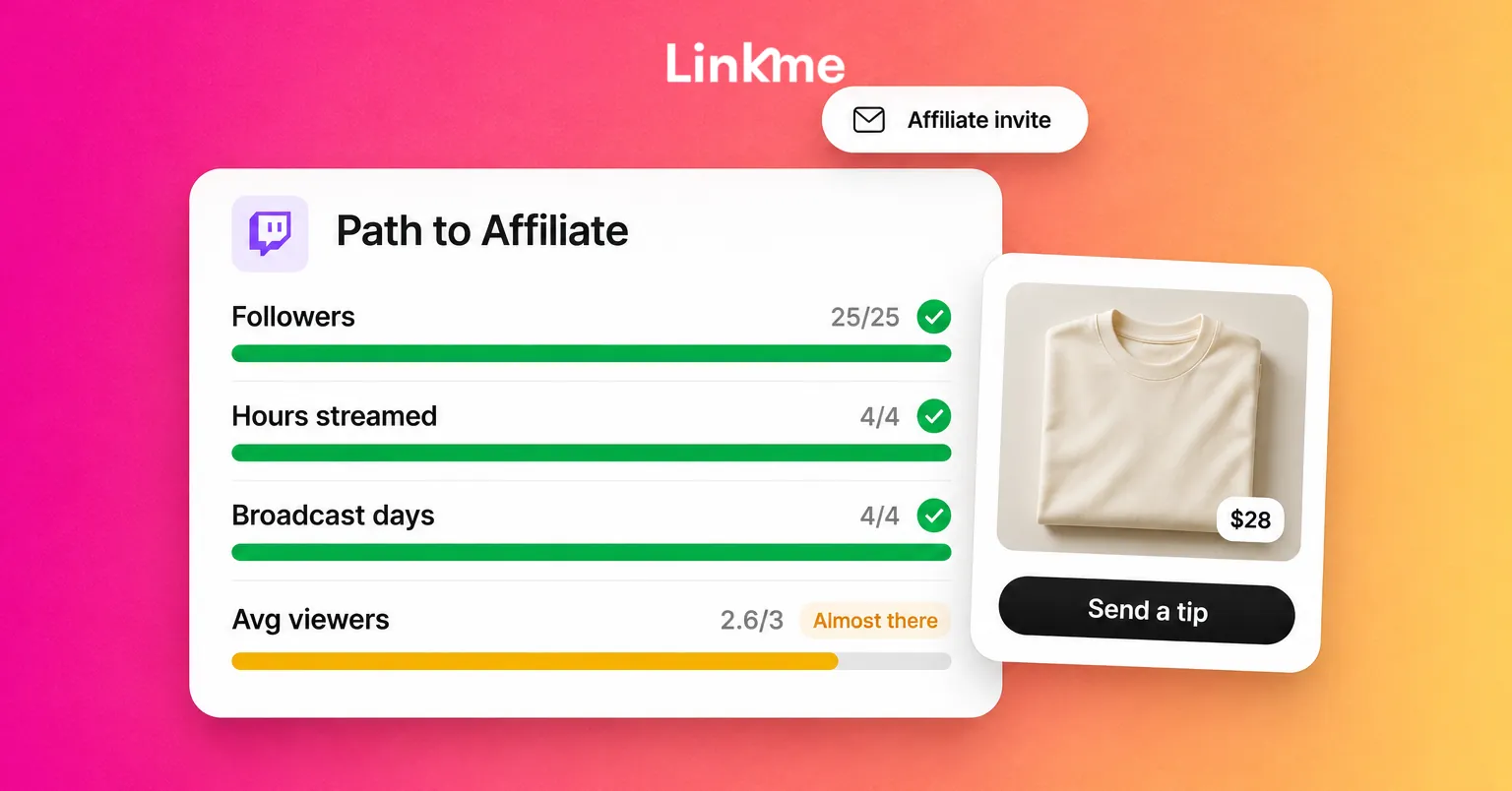
Your progress appears under Achievements in the Creator Dashboard, where the Path to Affiliate shows each requirement and how close you are. The streaming, day and viewer requirements are measured over a recent window, so a strong week three months ago will not count. Check Twitch’s help article on joining the Affiliate program for the current wording before you plan around it.
What changed, and why Affiliate still matters
The same announcement opened Bits, subscriptions, emotes, badges and Channel Points to all eligible streamers, not just Affiliates and Partners. You turn them on from the Creator Dashboard.
The catch is payouts. Twitch says streamers must reach Affiliate or Partner status to receive a payout, and payouts start once the balance reaches $50. In the US, a Spendable Balance lets streamers spend their Twitch balance on Bits and gift subs before it reaches the $50 payout minimum.
So the Affiliate invitation is now less about unlocking features and more about turning what viewers already give you into money in your bank account.
How to accept the invitation
When you qualify, Twitch notifies you on the site and by email. Onboarding usually goes like this:
- Open the invitation and follow it to the Creator Dashboard.
- Confirm your personal details.
- Read and accept the Affiliate agreement.
- Complete the tax information interview.
- Choose and set up a payout method.
Payouts only start once the tax and payout steps are complete, so finish them the same day.
A 30-day plan to hit the numbers
Followers and hours are rarely the problem. The viewer average is. Three concurrent viewers means three people watching at the same time, on average, across your streams. That takes a routine, not luck.
Week 1: set a schedule you can keep
Pick three or four fixed slots a week and stream at least an hour each time. Shorter, consistent streams beat one long session, because the requirement counts days as well as hours. Put the schedule in your Twitch panels and your other bios.
Week 2: choose where you stream
In the biggest categories, a new channel sits at the bottom of a very long list. Look for categories where a small stream appears on the first screen, or where you can offer something specific, such as a challenge run, a teaching angle or a language few others stream in. Write titles that say what is happening right now.
Week 3: bring people in from outside Twitch
Most new viewers come from somewhere else. Cut your best moments into short vertical clips and post them where your audience already scrolls. Invite friends and people from your communities to specific streams, not just “sometime this week.” Tell them the time, the game and why it is worth showing up.
Week 4: give people a reason to stay
Talk to chat, even when it is quiet, and greet people by name. A viewer who gets a reply is far more likely to stay and come back next time. Ask newcomers to follow if they enjoyed the stream. Do not use view bots or follow-for-follow schemes: they break Twitch’s rules and inflated numbers can put the channel at risk.
What Affiliate unlocks, and how it compares with Partner
As an Affiliate, you can receive payouts from subscriptions and Bits, and you can earn from ads that run on your channel under Twitch’s ad programs. Twitch’s simulcasting guidelines allow Affiliates to stream to other services at the same time, within conditions Twitch sets, so read those guidelines before you go live elsewhere.
| Affiliate | Partner | |
|---|---|---|
| How you get it | Automatic invitation once you meet the requirements | Application reviewed by Twitch after you complete the Path to Partner achievement |
| Typical audience | Small, growing channels | Established channels with consistent viewership |
| Payouts | Yes, from the $50 threshold | Yes |
| Extras | Core monetization | Additional features and support from Twitch |
Partner requirements are much higher and include an editorial review, so treat Affiliate as a step, not the destination.
Build income beyond Twitch
Affiliate payouts depend on how many people watch, subscribe and cheer. Income you run yourself, such as tips, merch and digital products, depends on your audience wherever they find you, including clips and posts that never lead to a live stream.
A Linkme page for creators gives your stream a home with link.me/yourname in your Twitch panels, your bios and your clips. With Linkme’s Sell & Monetize tools you can add:
- Tips, so viewers can support you directly from your page, including people who found you through a clip.
- Print-on-demand merch designed with Linkme’s built-in AI or your own artwork. Linkme prints and ships each order, so there is no stock to hold. The merch guide walks through the setup.
- Digital products and courses, such as overlays, guides or coaching, on Linkme Plus and Pro.
- An email sign up, so you can tell people about a special stream even if they miss the Twitch notification.
Checkout happens on your page, with Apple Pay, Google Pay or a card, and Stripe pays you out to your bank. Linkme takes a platform fee set by your plan, plus Stripe’s processing fee, and both are shown before you publish a product. Tips and merch are available on the free plan.
Frequently asked questions
How long does it take to become a Twitch Affiliate?
It depends on how quickly you meet all four requirements together. Streaming on at least four days and building an average of three concurrent viewers is the slowest part. Followers and hours come quickly with a fixed schedule; the viewer average can take a few weeks or several months, depending on your category and how much you promote outside Twitch.
What are the Twitch Affiliate requirements?
At least 25 followers, 4 hours streamed, 4 different broadcast days and an average of at least 3 concurrent viewers on those days. Twitch lowered these from 50 followers, 8 hours and 7 days in 2026. Check the Creator Dashboard for your progress.
Do I still need Affiliate status now that everyone can turn on subs and Bits?
Yes, if you want to be paid. Twitch opened subs, Bits and Channel Points to all eligible streamers, but payouts still require Affiliate or Partner status and a balance of at least $50.
Can a Twitch Affiliate stream on YouTube or other platforms?
Yes, within limits. Twitch’s simulcasting guidelines allow Affiliates to stream to other services at the same time, with conditions on how the streams are run. Read the current guidelines in Twitch’s help center before you start.
Affiliate is the first real milestone for a Twitch channel. Hit it with a steady schedule and consistent promotion, then build income you control alongside it, so your stream can grow into something that lasts.


