Articles by Linkme Team

Best Social Media Scheduling Tools in 2026
The best social media scheduling tool is the one that fits how your team publishes. That means supporting your accounts and post formats, giving the right people approval access, and making it clear when a post succeeds or fails.
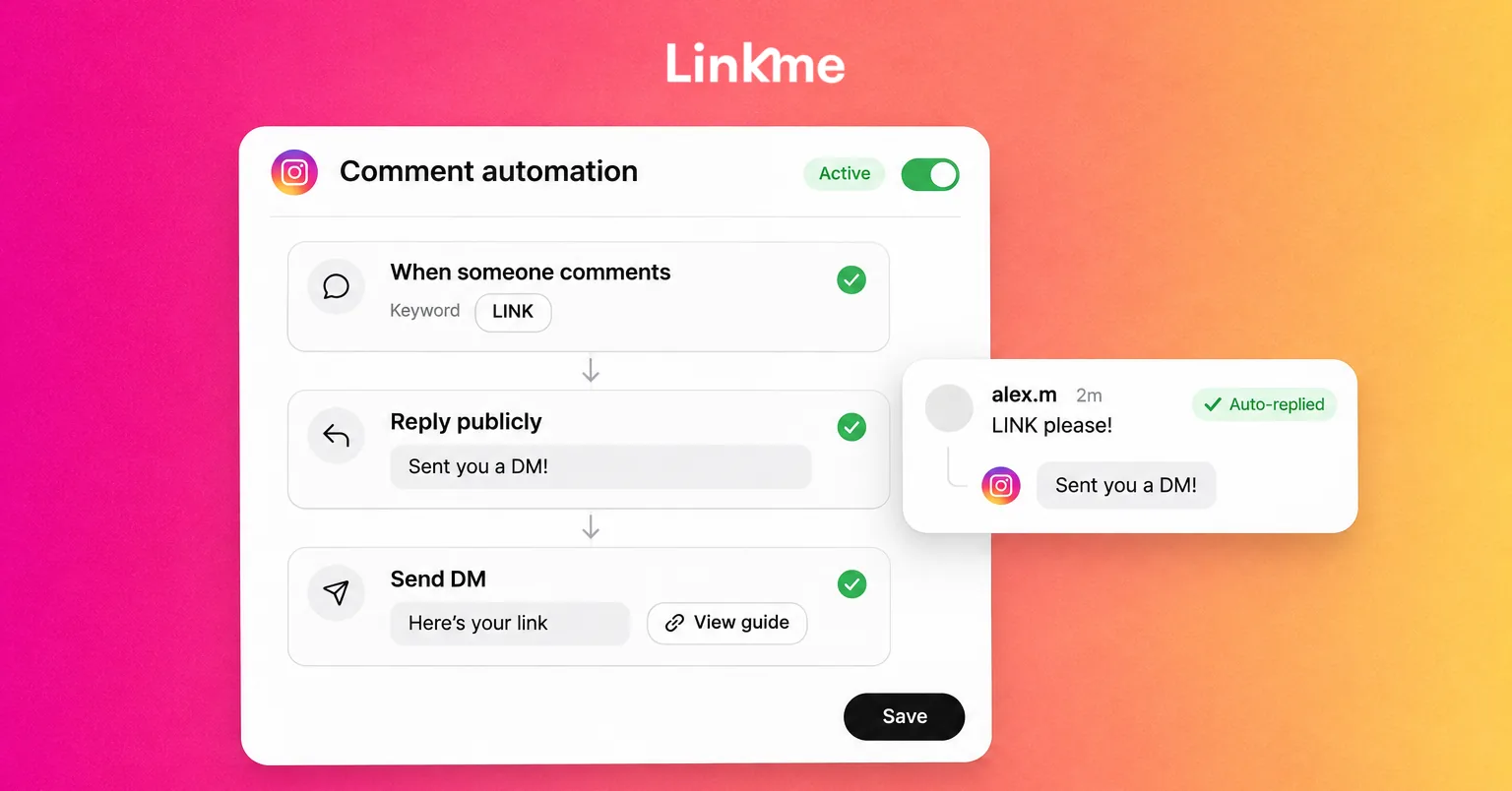
Instagram Comment Automation: How to Automate Replies and DMs
Instagram comment automation lets a business respond when someone leaves a matching comment on its posts or Reels. The response can be a public reply, a private message or the supported combination you configure.
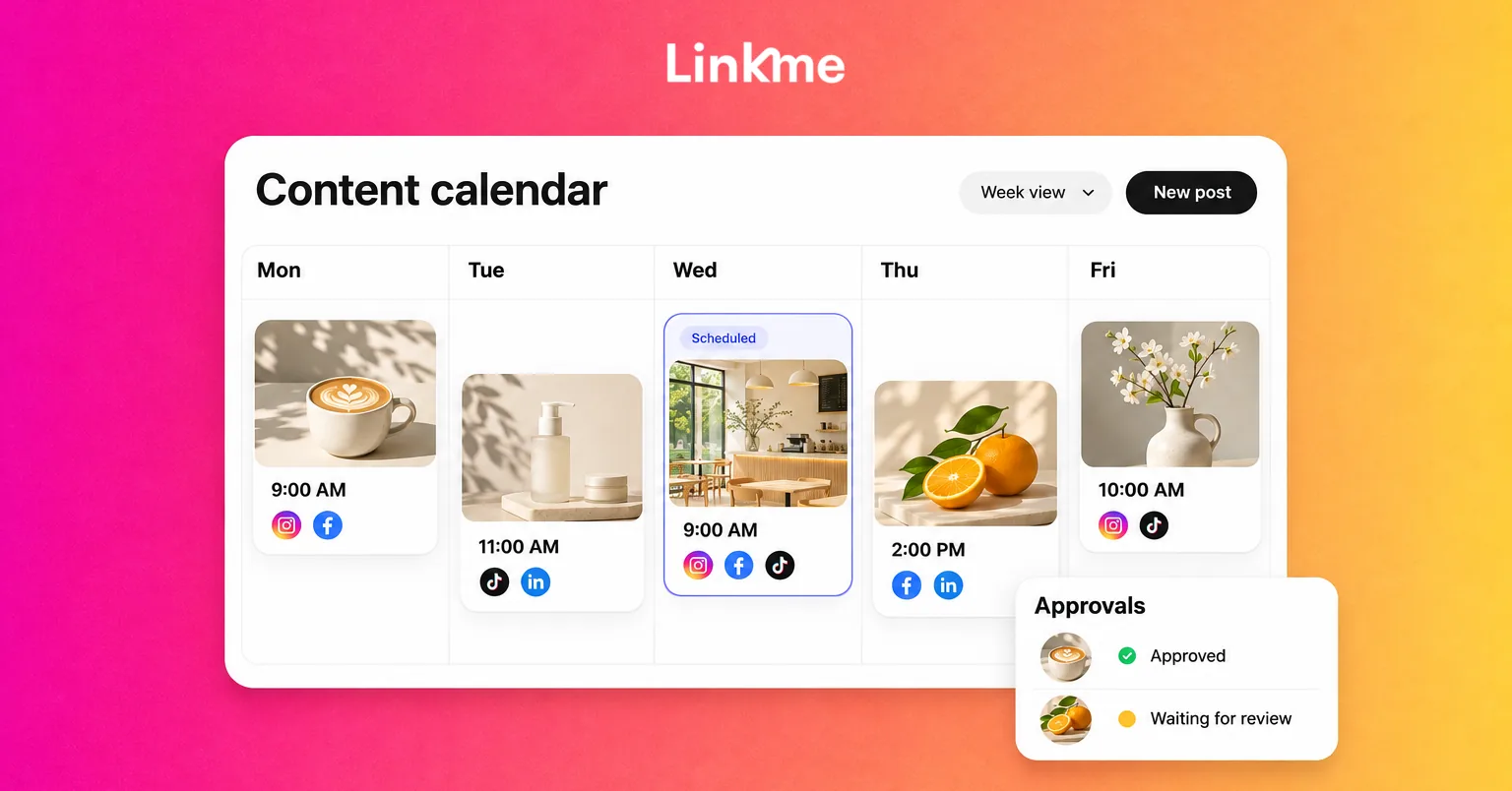
How to Create a Social Media Calendar, With a Template
A post has a date in the calendar, but the image is unfinished. Nobody owns the review, and the person responsible for publishing assumes somebody else has already scheduled it.
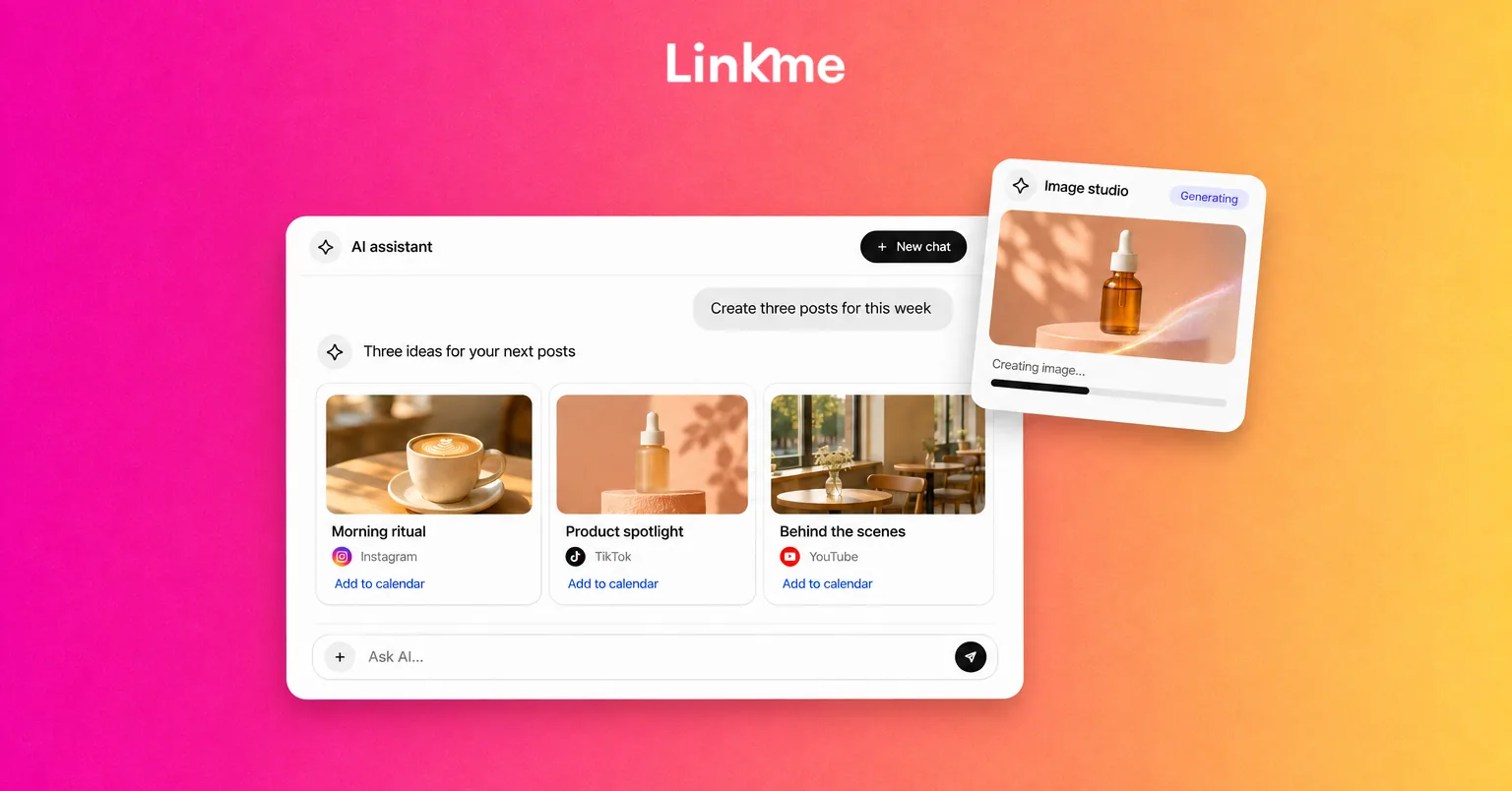
Best AI Tools for Social Media Content Creation in 2026
Does your business need a better caption draft, an editable promotional graphic or a short clip from a recorded interview? Each is a social media content task, but each asks something different of an AI tool.
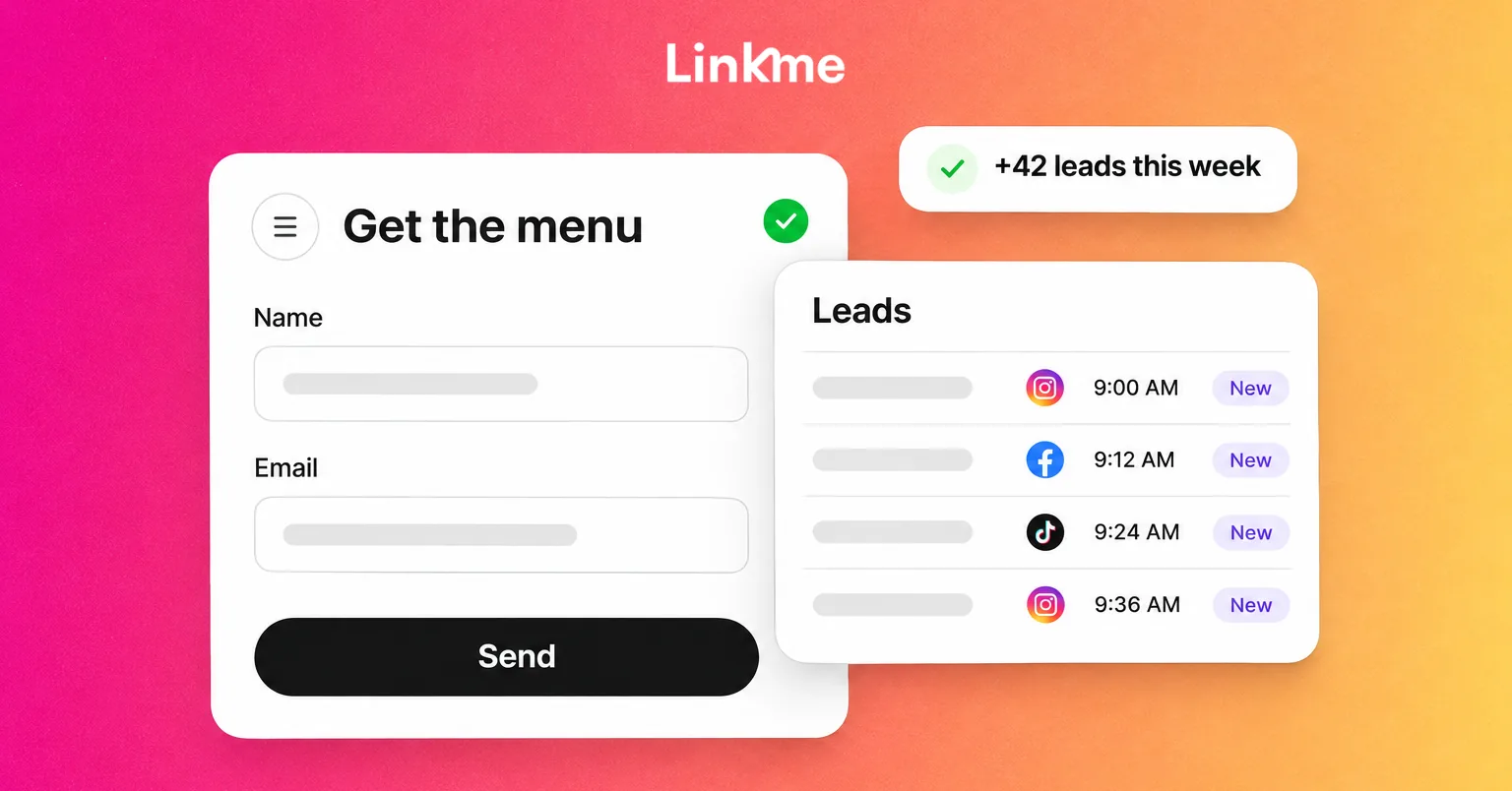
Social Media Lead Generation: How to Capture and Qualify Business Leads
Social media can introduce a business to people who need its product or service. Turning that interest into a useful inquiry takes a clear next action, a workable way to respond and someone responsible for what happens afterward.
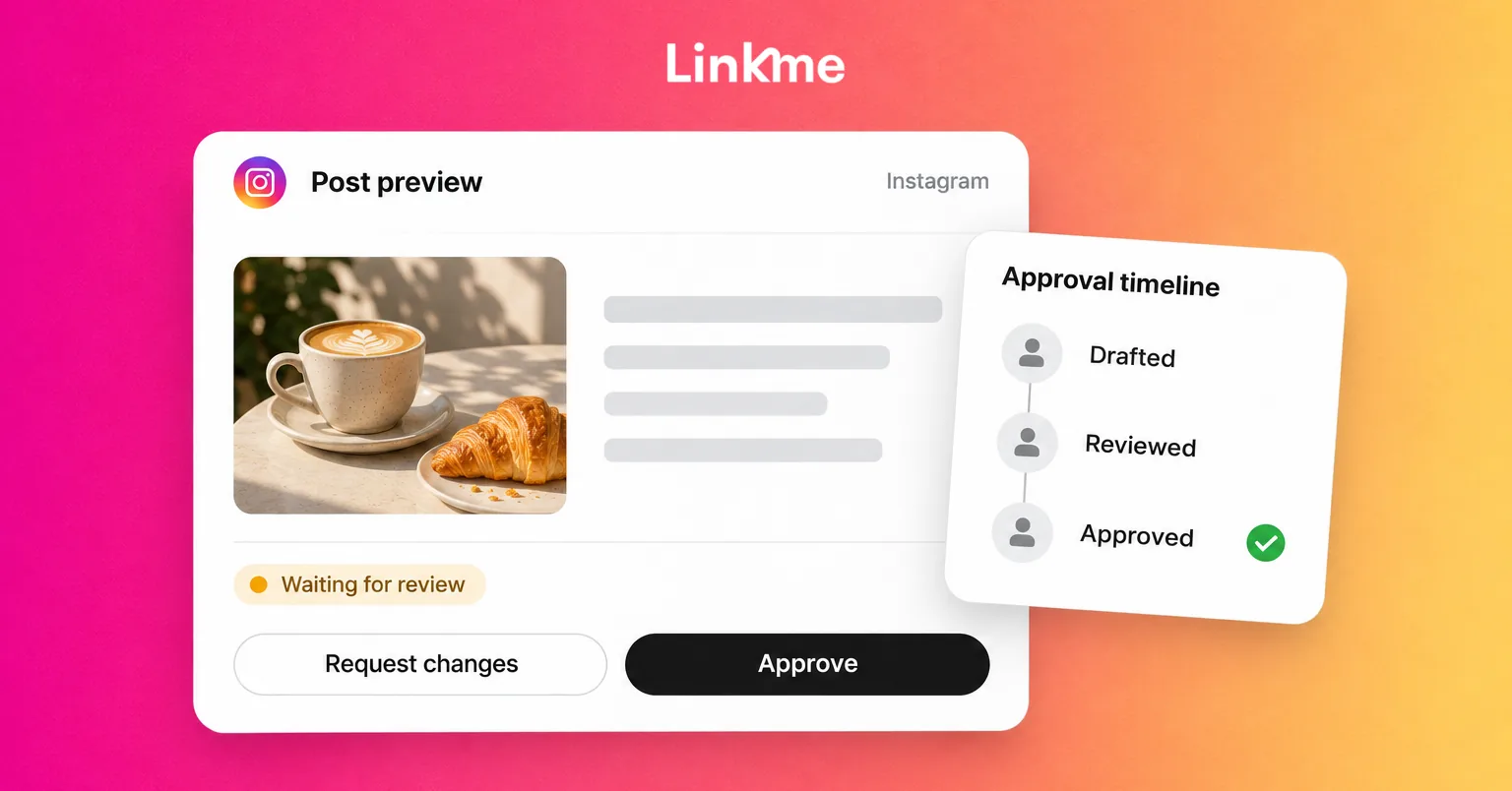
How to Build a Social Media Approval Workflow
A manager approves a caption in a message. The image changes afterward. When the post reaches its scheduled time, the publisher cannot tell whether the approval covers what is about to go live.
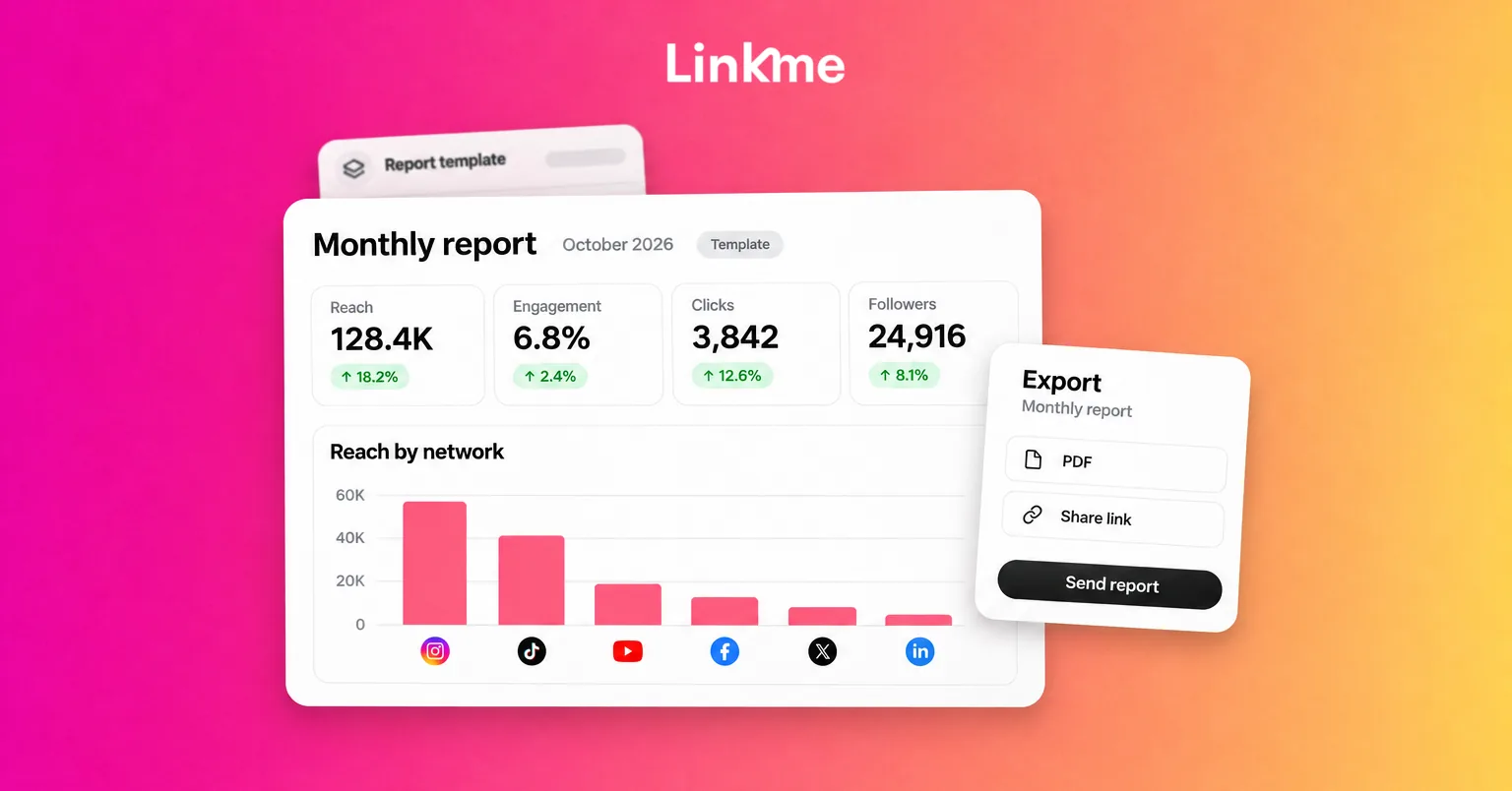
Social Media Reporting: How to Create a Report, With a Template
A useful social media report explains what happened, why it matters to the business and what the team should do next. The metrics support that explanation. They do not replace it.
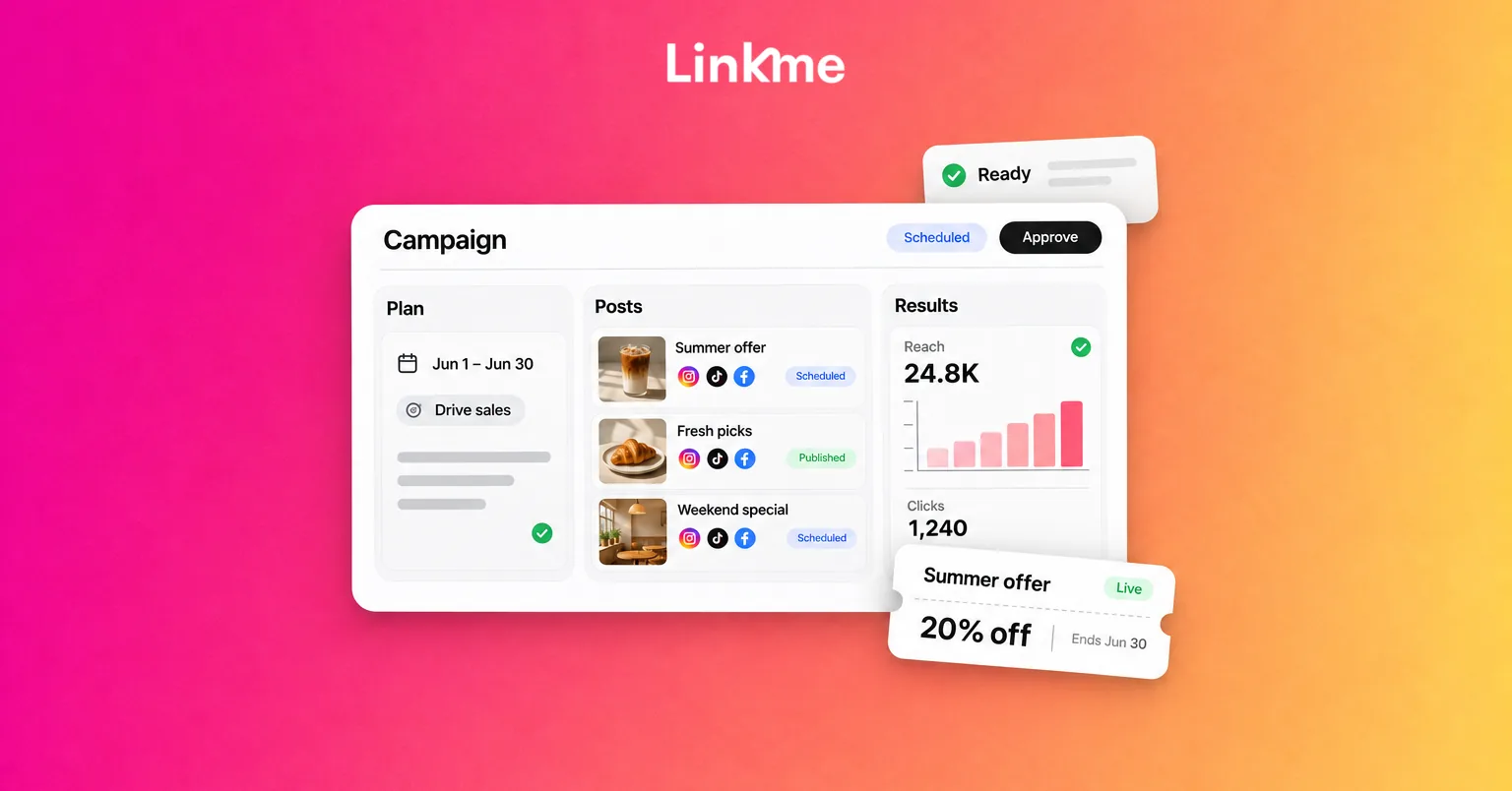
Social Media Campaign Template: Posts, Offers and Reporting
A campaign can have polished posts and still miss something basic: the offer page has the wrong date, a reminder runs after registration closes, or nobody checks the inquiries.
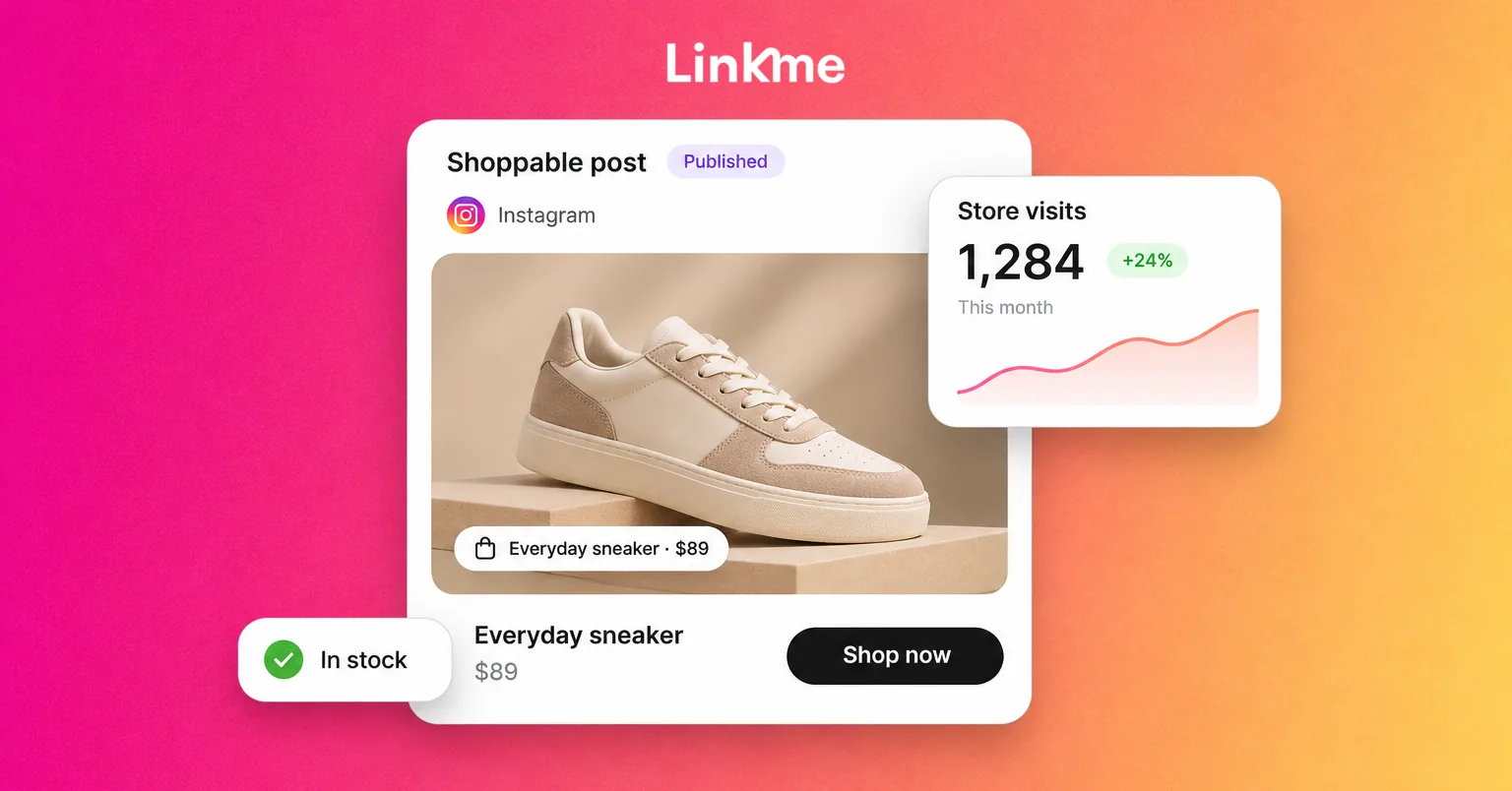
Social Media for Retail: A Practical Strategy for Stores and Online Shops
Social media for retail should help shoppers discover products, decide what suits them and take a useful next step. For one person, that means opening the right product page. For another, it means checking a store's location or getting an answer before making the trip.
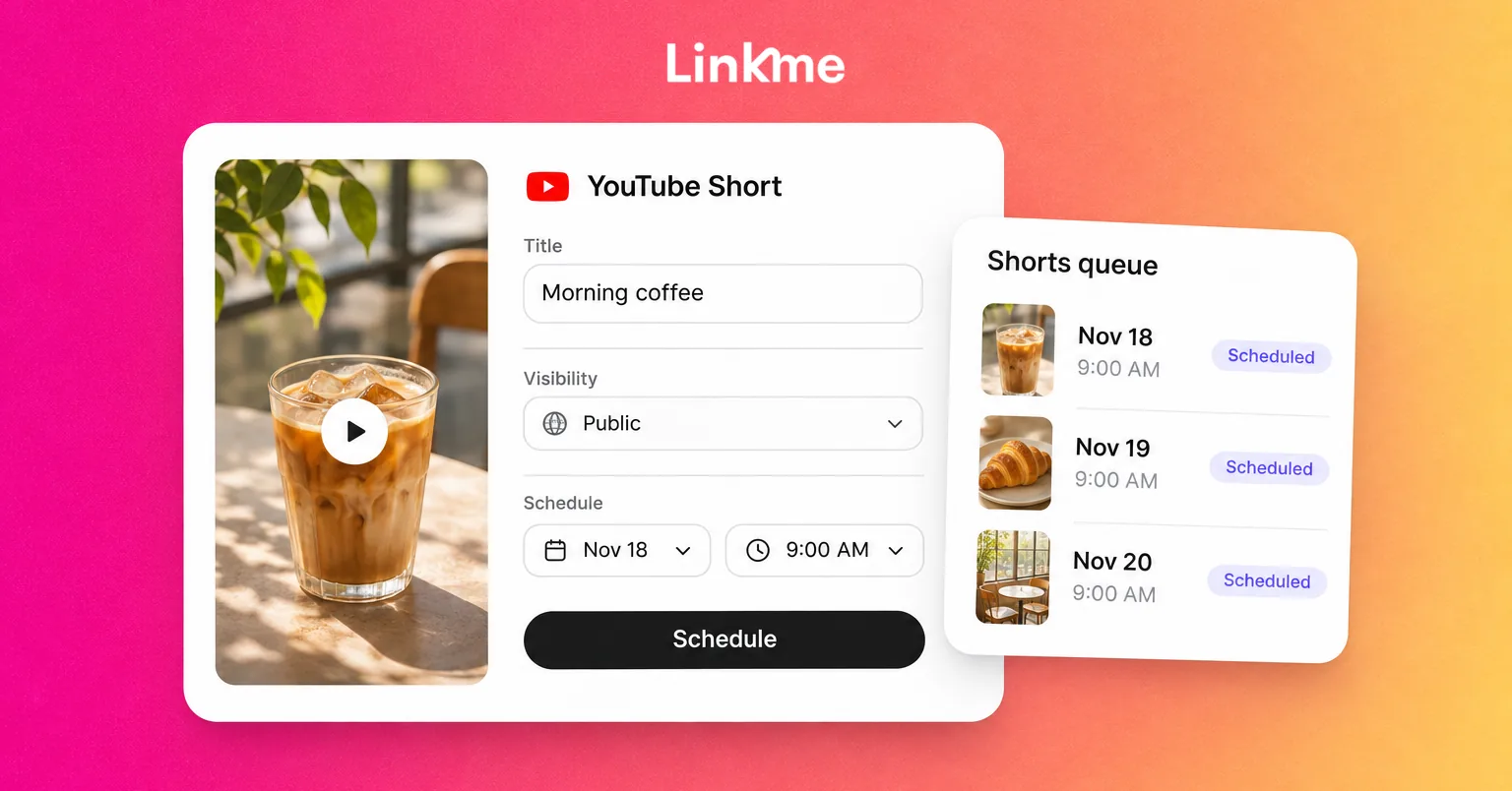
How to Schedule YouTube Shorts
You can schedule a YouTube Short in YouTube Studio by uploading an eligible video, completing its details and audience settings, then choosing Schedule for a future date and time. The video stays private until its scheduled public release.
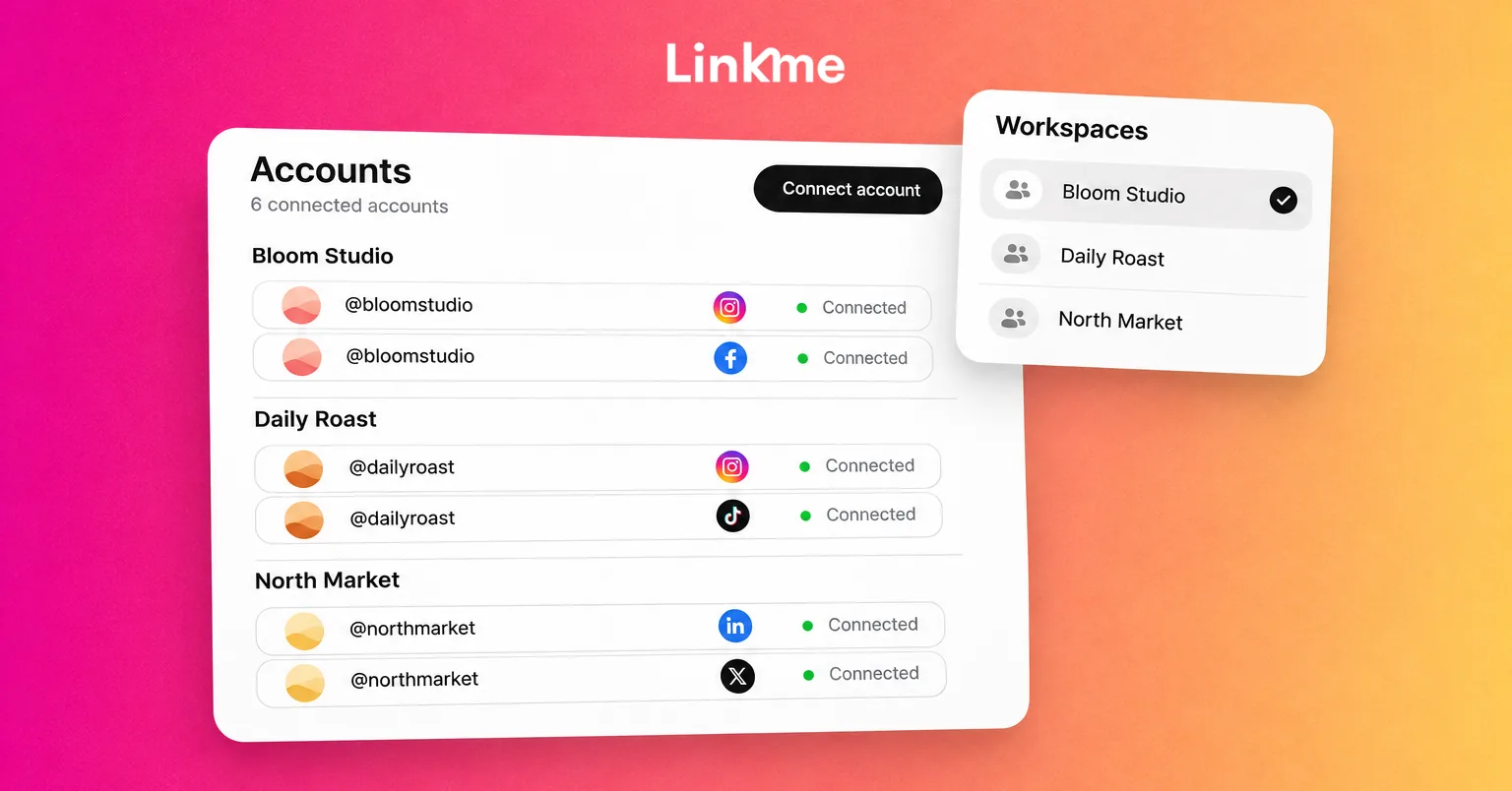
How to Manage Multiple Social Media Accounts for Your Business
Two Instagram profiles have similar avatars. A teammate can access both brands, but the post in front of them belongs to only one. Elsewhere, a scheduled post has failed after an authorization change during a staff handoff.
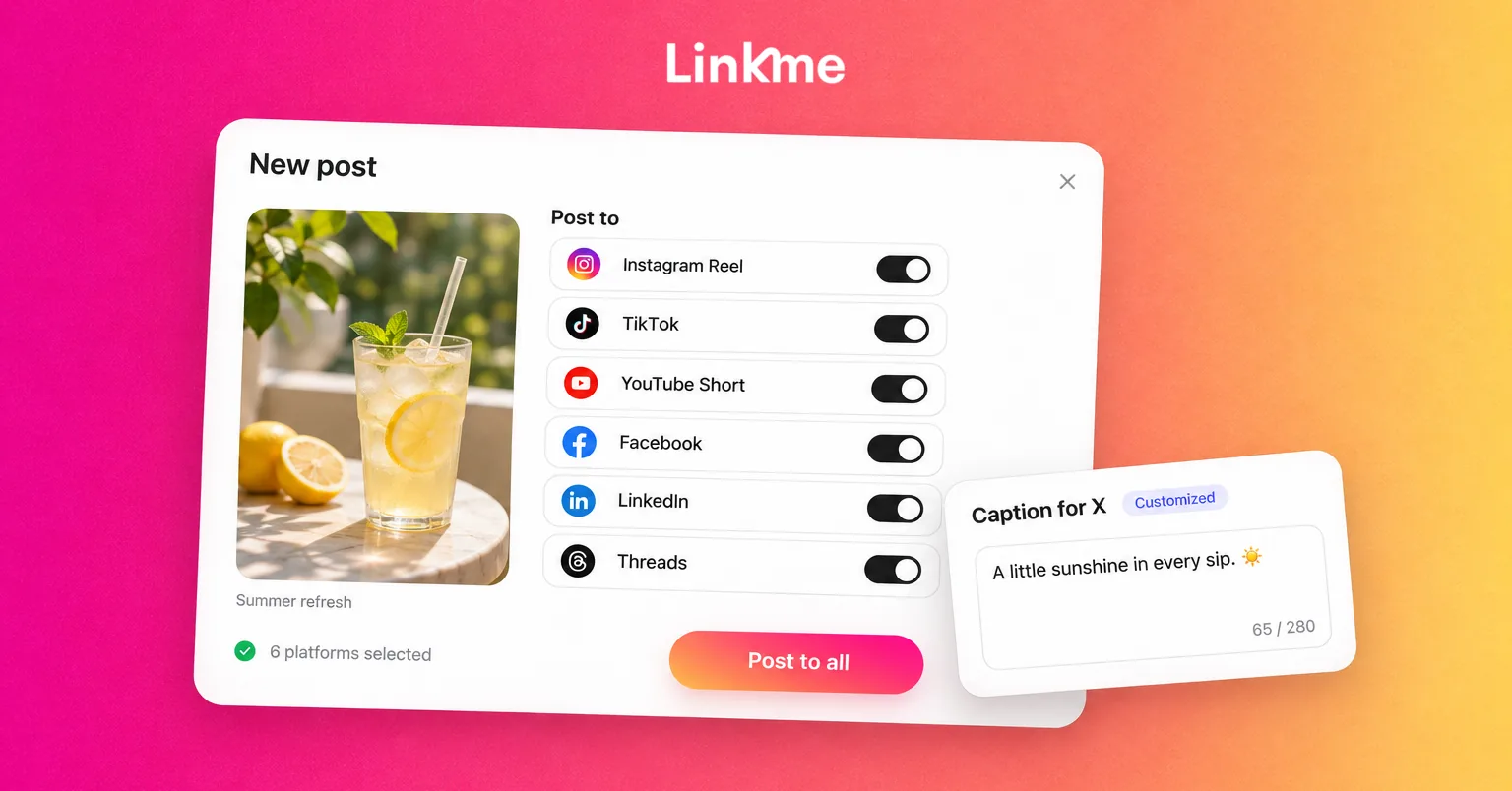
How to Cross-Post on Social Media: A Practical Guide
To cross-post on social media, prepare one core message, choose the accounts where it belongs, adapt each version, and publish or schedule the posts. Then check that every version went live with the right media, caption and destination link.
See Linkme for Business
Plan, approve and publish posts, automate replies, answer messages and report on results from one workspace.