How to Get the Blue Checkmark on Twitter (Now X)
The blue check on X now comes with a Premium subscription and a review. Here are the requirements, the steps and the gold and grey checks.
On this page
To get the blue checkmark on Twitter, now X, you subscribe to X Premium at a tier that includes it (Premium or Premium+), meet a short list of account requirements and wait for X to review your account. There is no application form and no notability test anymore. The checkmark now shows an active paid subscription, not that X has confirmed who you are. This guide covers the requirements, the steps, the gold and grey checks for organizations and whether it is worth paying for.
What the checkmark means on X today
The old Twitter verification program, which gave a blue check to accounts judged active, notable and authentic, has ended. X no longer accepts applications under those criteria, and accounts verified that way kept their check only if they subscribed.
According to X’s help page on the blue checkmark, the blue check means the account has an active X Premium subscription and meets X’s eligibility requirements. X states that it does not mean the account has been ID verified. The check has also drawn scrutiny from European regulators, so the way it is labeled can differ by region.
There are three colors of checkmark on X:
| Checkmark | Who it is for | How you get it |
|---|---|---|
| Blue | Individuals and organizations | An X Premium or Premium+ subscription, after review, or as an affiliate of a subscribed organization |
| Gold, with a square avatar | Businesses and nonprofits | X’s paid subscription for businesses (formerly Verified Organizations), after X approves the organization |
| Grey, with a square avatar | Governments and multilateral organizations | X’s subscription for government and multilateral organizations |
X has renamed and restructured its organization plans more than once, so check X’s help center for the current plan names and prices before you buy.
Requirements for the blue checkmark
X’s help center lists these requirements for an account to receive and keep the blue checkmark:
- Subscription: an active Premium or Premium+ subscription.
- Complete profile: a display name and a profile photo.
- Active use: the account has been active in the past 30 days.
- Security: a confirmed phone number.
- No recent changes: no recent change to your profile photo, display name or username (@handle).
- Not deceptive: no signs of being misleading or deceptive, and no signs of platform manipulation or spam.
Notice what is not on the list: follower counts, press coverage, a website or a public profile elsewhere. A small account can get the blue checkmark and a famous one can go without it.
How to get the blue checkmark, step by step
- Finish your profile first. Settle your profile photo, display name and handle before you subscribe. Any change afterward costs you the checkmark until a new review.
- Confirm a phone number in your account settings if you have not already.
- Open Premium. On the web, select Premium in the left-hand menu at x.com. In the iOS or Android app, open the profile menu and tap Premium.
- Pick a tier that includes the checkmark. Choose Premium or Premium+, not Basic.
- Subscribe and pay. Prices can differ between the web and in-app purchases, so compare before you pay.
- Wait for the review. X reviews subscribed accounts automatically. It says the review can take several business days. Do not edit your photo, name or handle while you wait.
How to keep it
- Keep paying. The checkmark goes away if the subscription ends.
- Plan rebrands carefully. A new photo, name or handle removes the checkmark until X validates the account again, and no further changes are allowed during that review.
- Follow the X Rules. X may remove the checkmark at any time, including from accounts that break its rules or are suspended.
The gold checkmark for businesses and nonprofits
If you post for a company or nonprofit, the gold checkmark is the one that signals an official organization account. It comes with X’s paid business subscription rather than Premium. To apply, X asks organizations for:
- A matching, active X account that the organization controls.
- A current organization email address and website domain.
- A complete profile with an accurate photo, bio and display name.
After approval, the account gets a gold checkmark and a square avatar. Higher tiers let the organization affiliate related accounts, such as executives, brands or support handles, which then show a small badge with the organization’s profile picture next to their checkmark. These plans are meant for organizations, not personal accounts.
Is the blue checkmark worth paying for?
It depends on what you use X for. The subscription includes other Premium features, which X lists on its Premium page, but the checkmark alone does three things and leaves out others.
What it does:
- Shows that the account pays for Premium and passed X’s eligibility review.
- Adds a recognizable badge that some readers still look for.
- Comes bundled with the other Premium features of your tier.
What it does not do:
- Prove who you are. X says the blue check is not ID verification.
- Guarantee reach, followers or replies.
- Stop impersonators on its own. Others can subscribe too.
It is more likely to be worth it if X is a main channel for you or your business, you post there daily, and you have a budget for it. If X is one of several networks you post to occasionally, the money may do more elsewhere.
Other ways to show your account is the real one
Whether or not you pay, make it easy for people to confirm which accounts are yours:
- Use the same handle and profile photo across networks.
- Link your official accounts from your website.
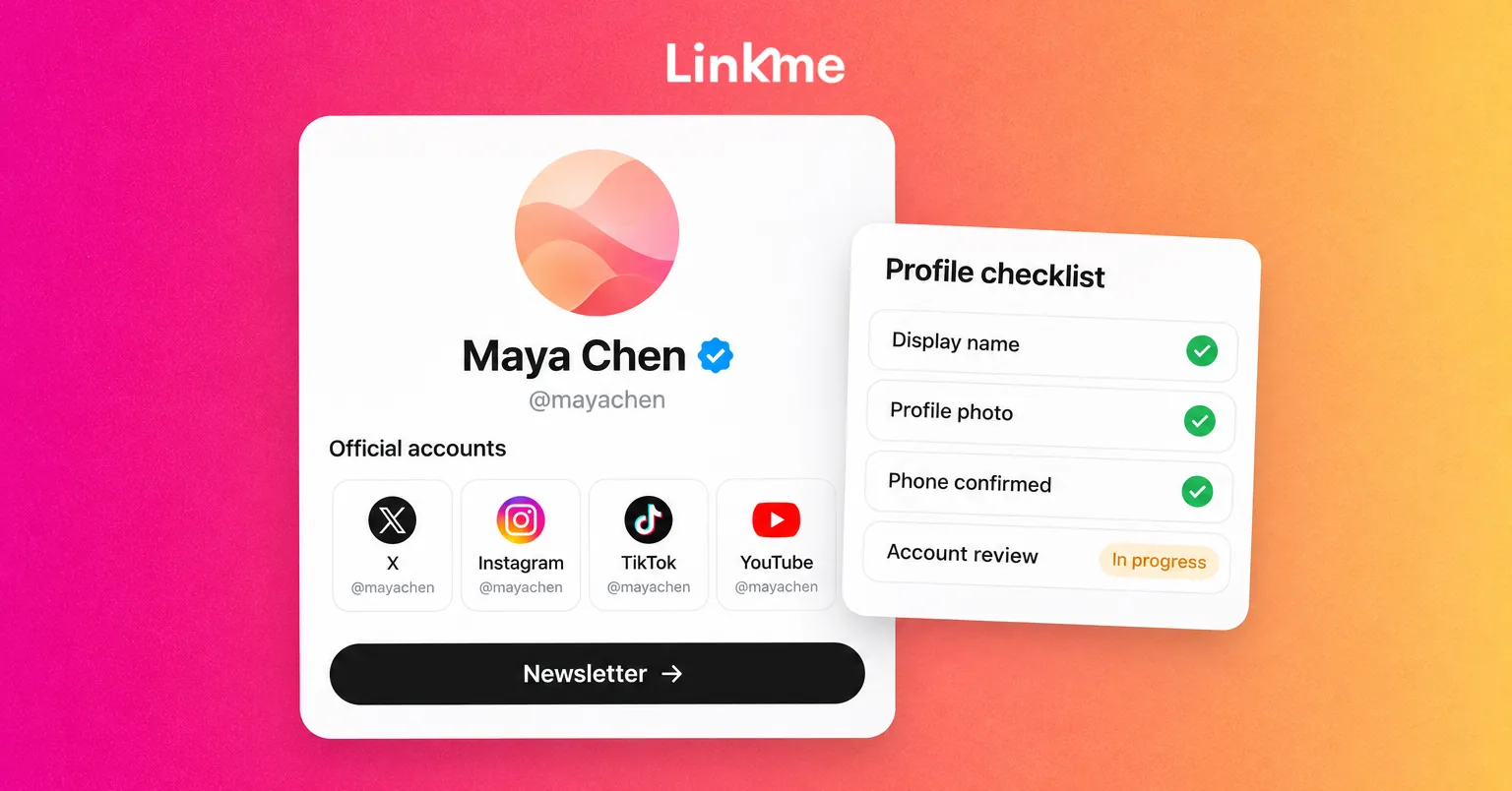
- Keep one page that lists every official account and put it in every bio.
A Linkme page for creators does that last job: your X profile, your other channels, your videos and anything you sell, at one address you control. If you post to X along with other networks, Post to All sends one post to your connected X, Instagram, TikTok, Facebook, YouTube, Threads and LinkedIn accounts at once, or at a time you schedule, which keeps your activity steady without managing each app separately.
Frequently asked questions
Is Twitter Blue still a thing?
Not by that name. Twitter Blue became X Premium, and the blue checkmark now comes with the Premium and Premium+ tiers. Legacy verified accounts kept their checkmark only if they subscribed.
Can you get the blue checkmark on X for free?
Not as an individual. The blue checkmark requires an active Premium or Premium+ subscription. An account can also receive one as an affiliate of an organization that subscribes to X’s business plan and invites it, but the organization pays for that.
How long does it take to get verified on X after subscribing?
X says its review can sometimes take several business days. The checkmark appears once X confirms your subscribed account meets the requirements. Avoid changing your profile photo, display name or handle during the review.
Does the blue checkmark mean the account is real?
No. X describes the blue checkmark as a sign of an active Premium subscription that meets its eligibility requirements, and says it does not mean the account has been ID verified. Check the account’s history, linked website and other official profiles if you need to confirm who is behind it.


