Best Social Media Scheduling Tools in 2026
Compare six social media scheduling tools by publishing features, approvals, pricing structure and business fit. Find the right option for your team.

On this page
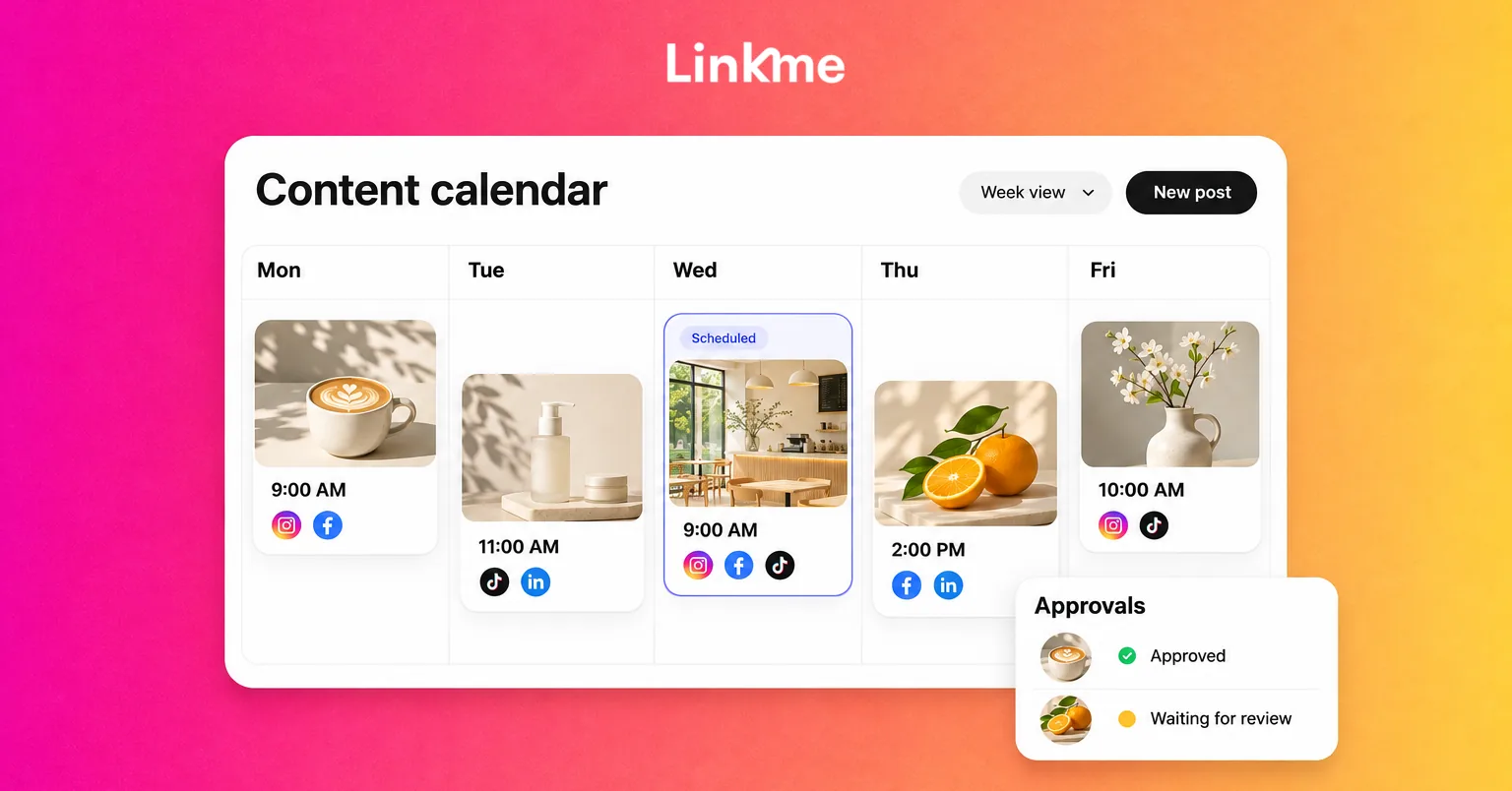
The best social media scheduling tool is the one that fits how your team publishes. That means supporting your accounts and post formats, giving the right people approval access, and making it clear when a post succeeds or fails.
A solo marketer planning a few posts needs something different from an agency coordinating client reviews. A business running campaigns across several locations may also need its publishing schedule connected to campaign pages and lead capture.
Below, we compare six options: Linkme, Buffer, Hootsuite, Sprout Social, Later and SocialPilot. Each has a useful place on a shortlist, depending on what your team needs to accomplish.
Social media scheduling tools at a glance
| Tool | Good fit | Publishing and team workflow | Pricing structure | Main consideration |
|---|---|---|---|---|
| Linkme | Business teams coordinating publishing and approvals | Shared calendar, drafts, approvals and failed-network recovery | Business pricing discussed through a demo | Match the Business package to your accounts, team and required formats |
| Buffer | Lean teams prioritizing straightforward scheduling | Queues and calendar; approvals on Team | Per connected channel; free option available | Count profiles, not just networks, when comparing costs |
| Hootsuite | Teams coordinating publishing and customer care | Publishing calendar; approvals on Advanced | Per user, with plan-based features | Include the required seats and approval tier in your budget |
| Sprout Social | Teams combining publishing with detailed reporting | Approval workflows on Professional and Advanced; external approvers on Advanced | Per seat, with optional add-ons | Separate included reporting from premium analytics and listening |
| Later | Teams prioritizing visual planning and content reviews | Visual scheduling; approvals on Growth and higher | Social-set and user bundles | Check publishing permissions, post allowances and account combinations |
| SocialPilot | Agencies managing multiple client accounts | Manager approval on Standard; client approval and bulk scheduling on Premium | Account/user bundles plus add-ons | Choose the tier that matches your review process |
Six social media scheduling tools to consider
1. Linkme: shared scheduling and approvals for business teams
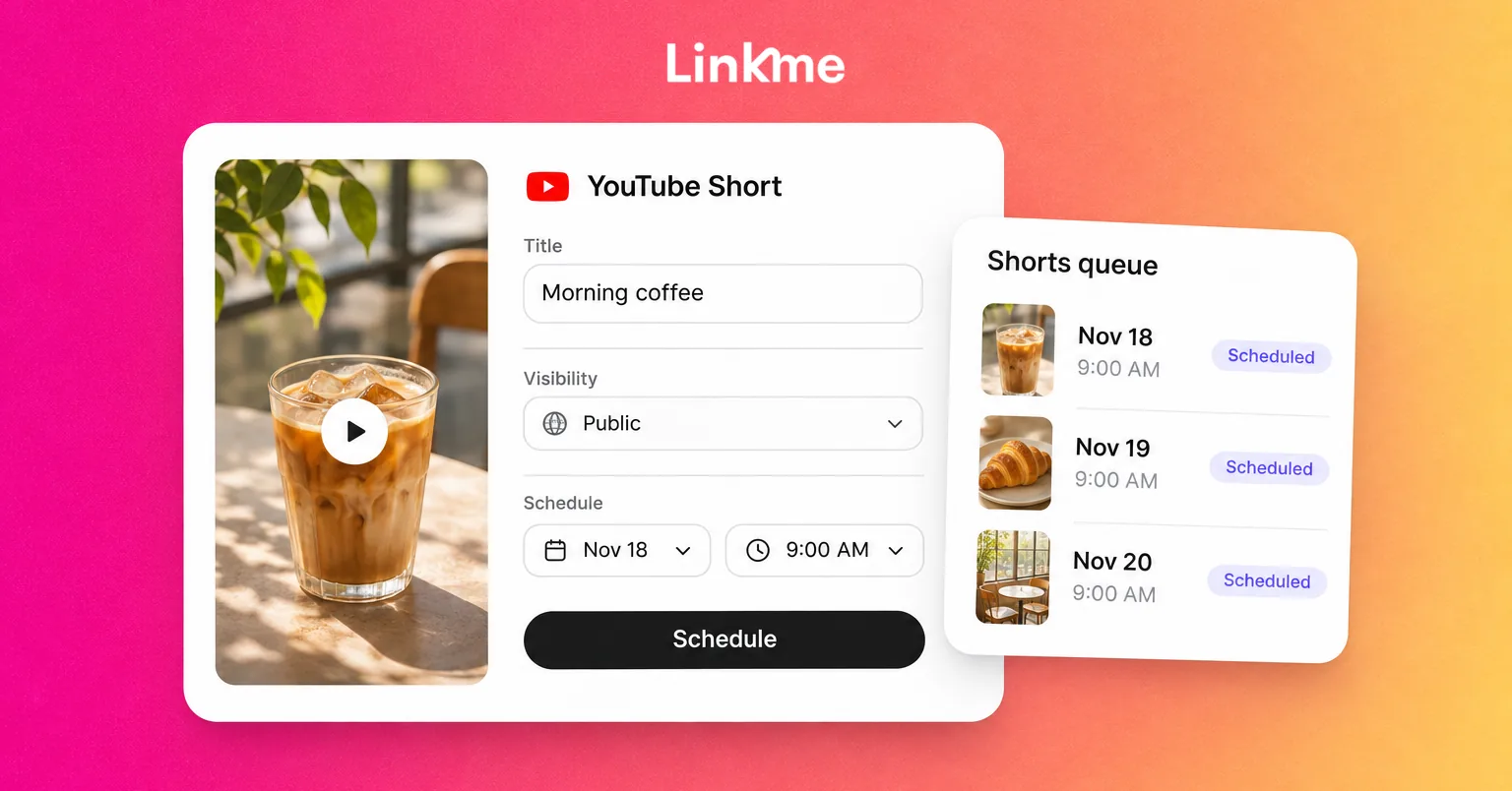
Linkme Business brings planning, review and scheduled publishing into a shared workspace. Its Business composer supports 13 networks: Instagram, Facebook, TikTok, X, Threads, LinkedIn, YouTube, Pinterest, Reddit, Bluesky, Telegram, Discord and Google Business Profile.
Your team can work from shared drafts, adapt captions by network and schedule posts in the business timezone. Video, image, carousel and text options depend on the destination network. Format checks help identify incompatibilities before publication.
The review process gives the team control over who can publish. Managers can submit posts for approval, while authorized owners and admins review them. Trusted managers can receive permission to publish directly. Comments and change history stay with the post, and changes to its content invalidate the previous approval.
That matters when an offer changes after someone has signed off. The revised version needs attention before it goes out. If publication fails on one network, the team can retry that failed destination without resending the successful ones.
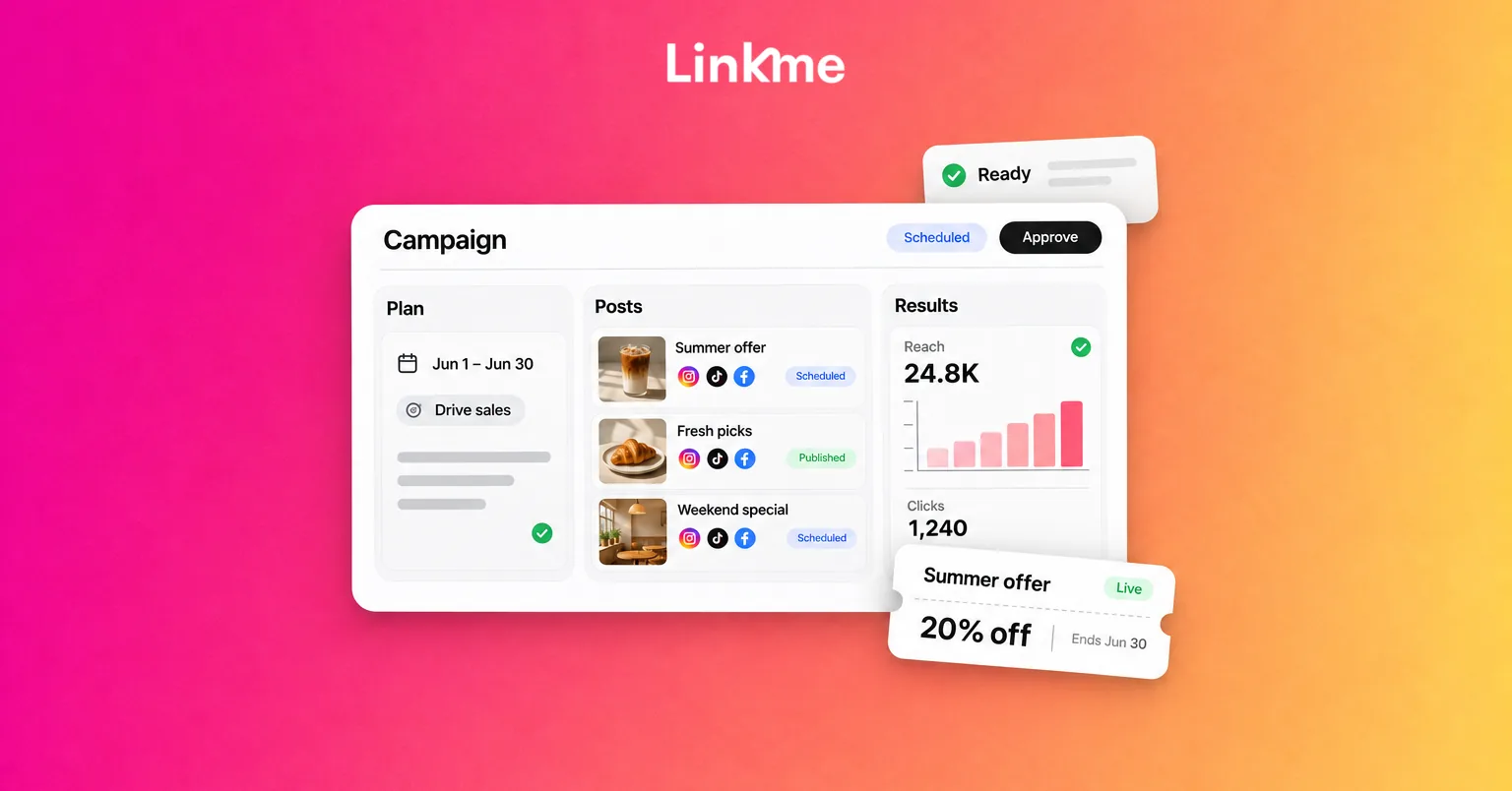
Linkme’s social publishing and scheduling tools also sit alongside its business pages and lead capture. For example, a team promoting a new service could prepare the announcement, adapt it for its networks, obtain approval and schedule publication. The posts could then direct visitors to a Linkme page with the offer and a form to capture interested leads.
That keeps the publishing schedule, campaign destination and captured contacts within the same broader workspace. Compare that complete process when deciding whether Linkme fits your business.
Reporting covers social performance and page activity, including engagement, clicks and leads, so the team can review both its publishing activity and what happens on its Linkme pages.
Pricing and fit: Linkme for Business is priced through a demo. Discuss the accounts, team access and publishing formats your package needs. If you only need occasional scheduling, Linkme also offers People plans with different account allowances and features.
2. Buffer: straightforward scheduling for lean teams
Buffer is worth considering when the main job is keeping a manageable set of channels active. Its publishing tools organize content in a queue or calendar and let you tailor posts to different networks.
Its supported channels include Instagram, Facebook, LinkedIn, TikTok, YouTube Shorts, X, Threads, Pinterest, Bluesky and Google Business Profile. Eligible Instagram Business and Creator content can publish automatically; personal Instagram accounts use notifications. Reporting coverage also varies by channel.
The distinction between solo and team work matters. Essentials is a single-user plan; Team adds approval workflows, access levels and unlimited team members, with pricing based on connected channels. Paid plans also include advanced analytics.
Pricing and fit: Buffer charges by connected channel. Its free plan supports three channels and a queue of ten scheduled posts per channel, which you can refill as posts publish. For a business with several profiles on the same network, count every connected profile when costing a paid plan.
Buffer makes a useful shortlist option for a lean publishing operation. If several people must review work, compare Team against the collaboration plans of other tools, rather than comparing their team packages with Buffer’s solo price.
3. Hootsuite: publishing and customer-care workflows
Hootsuite is a candidate when publishing and responding to customers are closely connected jobs. Its publishing workspace includes a calendar, bulk scheduling and recommendations for posting times. The broader platform also includes inbox and reporting capabilities.
For example, a promotion may create a wave of questions after it goes live. A team evaluating Hootsuite should look at both the publishing process and how those messages reach the people responsible for answering them.
Its publishing connections include Facebook Pages, Instagram professional accounts, LinkedIn, X, TikTok, Threads, Bluesky, YouTube and Pinterest. Some Facebook, Instagram and TikTok content can use a mobile-notification workflow for completion in the native app. Check the formats you use: connecting an account does not mean every publishing action is supported.
Pricing and fit: Hootsuite’s plans charge per user. Standard allows up to ten social accounts; Professional expands the account allowance and reporting capabilities. Advanced adds content approvals and message routing.
If sign-off is essential, build the comparison around Advanced and the seats your team needs. A lower plan may cover scheduled posting without covering the review process you are buying the software to manage.
4. Sprout Social: publishing with reporting and social intelligence
Sprout Social suits a shortlist where the team needs to plan content and explain its performance to stakeholders. Its publishing features include a multi-profile calendar, suggested posting times, asset management and internal or external review workflows.
It also supports URL tracking, helping teams distinguish traffic from different campaigns in their analytics setup. That can be useful when a report needs to connect publishing activity with website visits rather than stop at the number of posts published.
Publishing covers major networks including Facebook, Instagram, LinkedIn, X, TikTok, Threads and Bluesky, with format restrictions. Some Instagram content needs mobile completion. Sprout’s approval documentation places approval workflows on Professional and Advanced; external approvers require Advanced. That distinction matters if clients must review without their own Sprout accounts.
Pricing and fit: Sprout charges per seat, starting with an Essentials plan focused on publishing and reporting. Profile allowances vary, and Premium Analytics and Listening are separate add-ons available from Standard upward.
Choose around the reports and review workflow your team actually needs. If you are comparing the broader platforms, Linkme vs. Sprout Social provides another starting point for evaluating their different business functions.
5. Later: visual planning and content collaboration
Later is worth evaluating when reviewing the appearance and sequence of content is central to the team’s work. Its plans combine scheduling with analytics, and Growth adds team approval workflows and shareable links for external feedback.
Later’s social sets contain one profile on each supported network: Instagram, Facebook, Threads, Pinterest, TikTok, LinkedIn, YouTube and Snapchat. Its YouTube publishing supports Shorts, rather than long-form videos. A set is not an arbitrary pool of eight profiles, so a business with several Instagram accounts should check how many sets it needs.
Eligible Instagram and TikTok posts can use automatic or notification publishing. There is also an important approval detail: approval status alone does not prevent a scheduled post from publishing. If sign-off must be mandatory, configure publishing permissions and the draft-submission process accordingly. This approval feature is desktop-only and excludes Instagram Stories.
Pricing and fit: Compare the social sets, users and post allowances in the plan. Starter and Growth have posting limits, and extra collaborators or sets can change the cost. Review the analytics history you need as well as the publishing features.
Later is a useful option for teams with a strong visual-review process. If both products are on your shortlist, the Linkme vs. Later comparison explores their broader differences.
6. SocialPilot: multi-client publishing and approvals
SocialPilot is a candidate for agencies coordinating multiple clients, account groups and review processes. Its calendar and publishing tools help organize scheduled content, while its plan structure separates internal review from client approval.
Standard includes manager approval. Premium adds client approval, bulk scheduling and white-label reports. An agency that prepares a month’s content and needs each client to sign off should compare the Premium workflow, rather than assume the entry plan includes it.
Supported networks include Facebook, Instagram, TikTok, X, LinkedIn, Threads, Bluesky, YouTube, Pinterest and Google Business Profile. For example, SocialPilot offers direct publishing or mobile reminders for TikTok videos. Instagram personal accounts require reminders, while eligible professional-account Reels can publish directly.
Pricing and fit: SocialPilot bundles accounts and users by plan, with additional accounts or users available on applicable tiers. Calculate the package around the clients you manage and the people who need access.
The decision is especially practical for an agency: can a draft move from writer to manager to client without copying feedback between separate systems? Use that process, along with the reporting you must deliver, to judge the fit.
How to choose the right scheduler for your business
Check your exact accounts and content formats
Write down the accounts you publish to and the formats you use each week. “Instagram support” is less informative than knowing whether your Business account can publish the Reels, carousels and Stories your campaigns require.
Ask whether each format publishes directly or needs a notification and a final action in the native app. If a post relies on a specific music track, sticker or other native feature, test that exact requirement.
Also separate one post sent to several networks from a bulk upload of many posts. Those capabilities solve different problems, and a tool may offer them on different plans.
Match the tool to your approval process
Map who drafts, who reviews and who is allowed to publish. Then check what the software actually enforces.
Can a writer bypass approval? Does changing approved copy trigger another review? Can a client comment without having publishing access? What happens when someone leaves the company?
A team that needs formal sign-off should test permissions with a realistic draft. Linkme’s post approval workflow is one example of the process to examine. An approval label is useful only if the surrounding permissions match your rules.
Compare the total usable cost
Use the same requirements for every quote: connected profiles, users, brands, publishing volume, approvals and reporting.
Suppose a three-person team manages two brands with four profiles each. That means pricing eight connected profiles and three users, even if both brands use the same four networks. Compare plans that include the required approvals, account for add-ons, and identify whether the quoted monthly amount requires annual payment.
This gives you a more useful comparison than lining up the cheapest number on each pricing page.
Decide what you need to measure after publishing
Separate four questions:
- Publication: Did the post go live on the intended accounts?
- Response: Did people view, click or engage with it?
- Destination activity: What happened on the page people visited?
- Business outcome: Did visitors submit a form, make an inquiry or buy?
Ask which answers the tool provides, which require another system, and what tracking must be configured. Shared dashboards do not automatically establish complete attribution.
Try one real campaign before you commit
Use an upcoming promotion as your trial or demo checklist:
- Choose the campaign and accounts. Include the profiles and formats your team regularly uses.
- Prepare channel-specific versions. Check captions, previews and required media changes.
- Run a real review. Have a colleague approve or request changes using the permissions you intend to use.
- Check the schedule. Confirm the timezone, destination link and automatic versus manual publishing steps.
- Inspect failure handling. Find out how partial failures appear and how to retry only the affected destination.
- Review reporting and cost. Confirm the available results and price the complete setup.
- Check switching and control. Establish who owns the accounts, what must be reconnected or recreated, and how to pause scheduled posts.
You should finish knowing whether the tool fits your team’s work, not simply whether you like its calendar.
Frequently asked questions
Can one tool schedule posts to every social media platform?
No tool should be assumed to support every platform, account type and format. Start with the networks your business uses, then confirm the specific publishing actions available on each. Network counts are a useful starting point, but format and account restrictions determine whether the tool fits your workflow.
Do scheduling tools publish automatically?
They can publish supported posts automatically. Other posts require a notification and completion in the network’s own app. The method can depend on the network, account permissions and creative features in the post. Check the exact format you plan to use rather than assuming all scheduled content works the same way.
Is a free scheduler enough for a business?
It can be enough for a single publisher with a small number of accounts and modest scheduling needs. Check whether the free limit is a queue limit, monthly allowance or lifetime allowance. Paid plans become relevant when you need more accounts, collaborators, enforced approvals or reporting beyond the free tier.
What is the difference between scheduling and cross-posting?
Scheduling determines when a post goes live. Cross-posting distributes content across multiple networks, often with changes to the caption or format. You can cross-post immediately or schedule the different versions for later. Bulk scheduling is a separate capability for preparing many posts together.
Choose around your team’s publishing workflow
Build your shortlist around the accounts you use, the people who review content and the results you need to see. A tool should make that process clearer from the first draft through publication and reporting.
If your business needs shared scheduling and approvals alongside campaign pages and lead capture, explore Linkme’s Business workspace. Book a demo to see how Linkme fits your team’s publishing and approval process.