How to Manage Instagram DMs and Comments as a Team
Organize Instagram DMs and comments with clear ownership, saved replies and team handoffs. Build a practical workflow for business conversations.
On this page
- Key takeaways
- 1. Choose where your team will manage Instagram replies
- 2. Give every actionable conversation an owner and a backup
- 3. Triage public comments and private messages together
- 4. Use saved replies without losing the customer’s context
- 5. Keep unfinished conversations visible through handoffs
- Example: handle a booking inquiry from comment to resolution
- 6. Review the backlog and improve the routine
- Frequently asked questions
- Build a reply workflow your team can follow
Two colleagues answer the same booking question. Meanwhile, another customer is still waiting for an answer that someone promised yesterday. Everyone has checked Instagram, but nobody is sure which conversations still need work.
To manage Instagram DMs and comments as a team, choose an agreed working inbox, give each actionable conversation a responsible person, and record the next step before handing it over. A shared view helps people see the work. Clear ownership helps them finish it.
That process matters whether your business receives a few questions a day or has different people covering the inbox throughout the week.
1. Choose where your team will manage Instagram replies
Check accounts, access and message coverage
Start with the accounts your team handles and the people who need access. Identify who can read messages, send replies and make decisions about customer problems. Use the supported individual access options for your setup, keep permissions appropriate to the job, and remove access when someone leaves.
Connected inbox tools generally work with professional Instagram accounts. Follow the connection requirements of the tool you choose: a Facebook Page connection is required for some integration routes, but it is not a universal prerequisite for every Instagram tool.
Before moving your daily work into an inbox, check what arrives there. Include comments, ongoing DMs and new conversations from people who do not follow you. Review Instagram’s Requests and Hidden Requests where available, too. Do not assume that a connected inbox contains every historical message or every message type.
Agree on where the team will work for each account. If someone answers directly in Instagram, they should tell the current responder and update the team’s record. Read and resolved labels may behave differently across tools, so opening a message in one place should not become your only sign that it has been handled.
Choose the inbox around the work you need to do
Instagram’s native tools and Meta Business Suite are useful starting points to evaluate. More than one person replying does not automatically mean your business needs another subscription. Look at where your process breaks down: missing context, repeated typing, unclear responsibility or unfinished conversations between shifts.
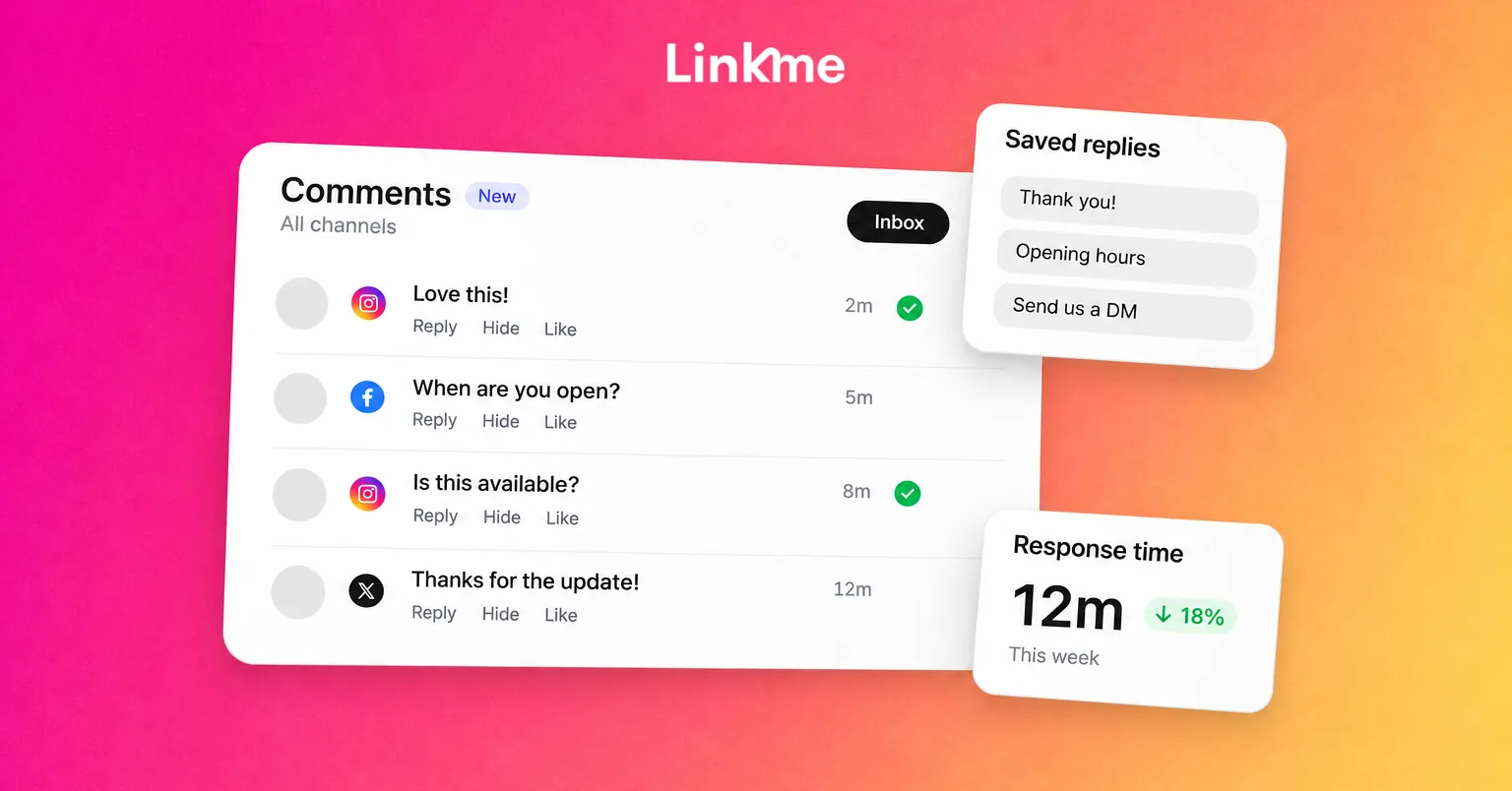
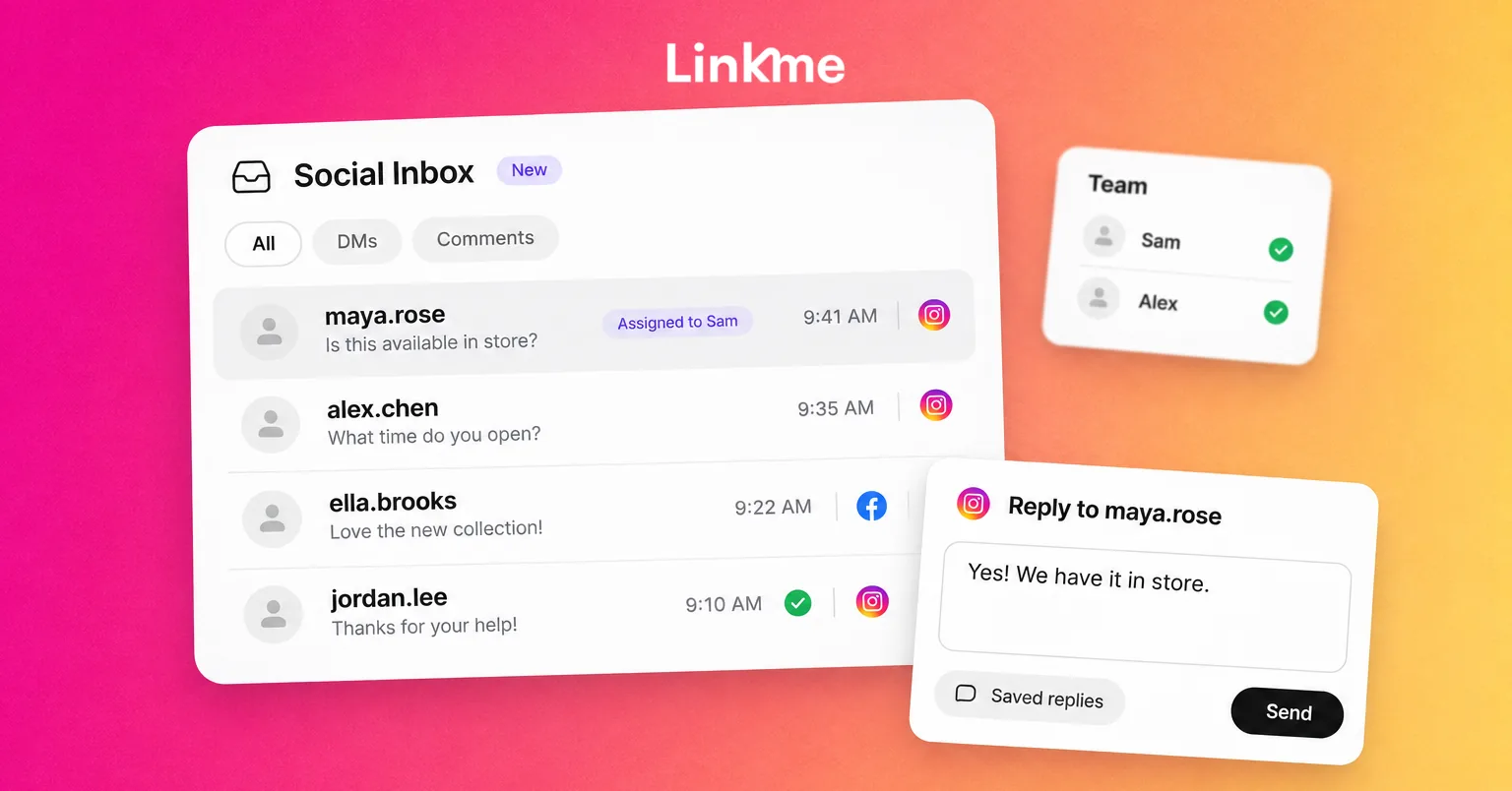
Linkme’s Social Inbox brings Instagram messages and comments into a working inbox, shows the post behind a comment, and supports internal notes and saved replies. That gives a responder the context for the question and a place to leave information for the next person.
It is a relevant option when your business wants those response tools alongside its DM automations. Team coordination uses notes rather than built-in conversation assignment. Agency manager access does not include the inbox, so confirm who can access it in your setup. If your process depends on assigning tickets, restricting each responder’s access or preventing simultaneous replies, check those requirements before choosing a tool.
2. Give every actionable conversation an owner and a backup
Define responsibility before anyone replies
A shared inbox can still leave a question unanswered if everyone expects someone else to handle it. Name a person to check incoming work during each coverage period, then decide who will take responsibility for questions that need action.
The right owner is usually the person who can move the issue forward. A booking question may need a venue colleague. An order problem may need customer support. The fact that something arrived as a DM does not make it a sales inquiry, and a public comment can need specialist help.
Where your tool supports assignment, use it. Otherwise, record the responsible person and next action in an internal note. For example:
Maya is checking Saturday availability with bookings. Follow up with the customer after the booking team confirms. Alex covers if Maya’s shift ends first.
A note records the agreement. Do not assume it reserves the conversation or alerts the next person. Notify the backup through your team’s normal communication channel and confirm they have taken over.
Set coverage hours and response expectations your team can meet. Someone should also know what to do when the usual responder is absent or a customer needs a decision that person cannot make.
Use a simple ownership table
Adapt this example to your business. One person may fill several roles on a small team.
| Issue type | First owner | Backup or escalation | Reply approach | Follow-up rule |
|---|---|---|---|---|
| General hours, location or product question | Inbox responder | Operations contact | Answer publicly when useful; check the relevant post | Resolve when the question is answered and no action remains |
| Booking, stock or sales inquiry | Named sales or booking contact | Shift lead | Answer the general question; move personal details privately | Keep open while availability or another promised answer is pending |
| Existing order or service problem | Support contact | Operations manager | Acknowledge publicly if needed; use the approved private support route | Record the next action and promised follow-up |
| Complaint requiring a decision | Designated responder | Manager with authority | Gather context before promising a remedy | Track the escalation until the required action is complete |
| Spam or abuse | Inbox responder | Moderation lead | Apply the business’s moderation policy | Escalate serious issues when relevant; do not treat criticism as spam |
3. Triage public comments and private messages together
Prioritize the issue, then choose the right channel
Check outstanding work before answering only the newest messages. A customer waiting for a promised answer may need attention before a new comment that simply says they enjoyed a post.
Look for questions needing an immediate operational answer, purchase inquiries, existing customer problems, ordinary engagement and spam. Let the issue guide the response. For example, a question about today’s opening hours and a complaint about a missed delivery need different next steps, even if both arrive as comments.
For a compliment or simple reaction, a brief acknowledgement may be enough. Save the ownership and handoff process for conversations that need further action.
Keep broadly useful answers public. If someone asks where an event takes place, answering under the post also helps other people reading it. Moving every question into DMs adds an unnecessary step.
For personal case details, invite the customer to send a DM or use your approved support channel. Do not ask them to publish booking references or contact details under a post. Never request their account password or full payment-card details in a conversation.
If a public comment leads to a DM, leave enough internal context to connect the two pieces of work. Do not assume the tool automatically joins them into a single conversation.
A complaint also needs a different decision from spam or abuse. Use your moderation policy and the controls available in your chosen tool. Removing criticism simply because it is uncomfortable does not resolve the customer’s problem.
4. Use saved replies without losing the customer’s context
Check the post, previous replies and current offer
Saved replies are useful for questions your team answers repeatedly, such as opening hours, booking information or where to find a product. Before sending one, read the conversation and check the original post. A reply about the wrong location or last month’s promotion creates more work.
Use this as a public-comment reply template:
For [location/date], [answer the booking question]. For booking details, open our profile and select [booking link title]. If you need help with an existing booking, please send us a DM.
Replace the placeholders and adapt the answer to the actual question. Before directing someone to your profile, check that the named booking link is there and reaches the right page. If the customer is already speaking to you in a DM, answer there instead of inviting them to start one.
For a public complaint, an acknowledgement might begin:
I’m sorry this happened. Please send us a DM so we can check the details and help with the next step.
That acknowledgement needs follow-through. Record who will investigate, and obtain a manager’s decision before promising a refund, exception or remedy outside the responder’s authority.
Keep colleague discussion in an internal note. A request for manager input is a team procedure; it should not depend on assuming your inbox blocks a reply until someone approves it.
Pause automation when a person takes over
An automation can send a frequently requested link, while a person handles a question that requires checking availability, understanding a complaint or making a decision.
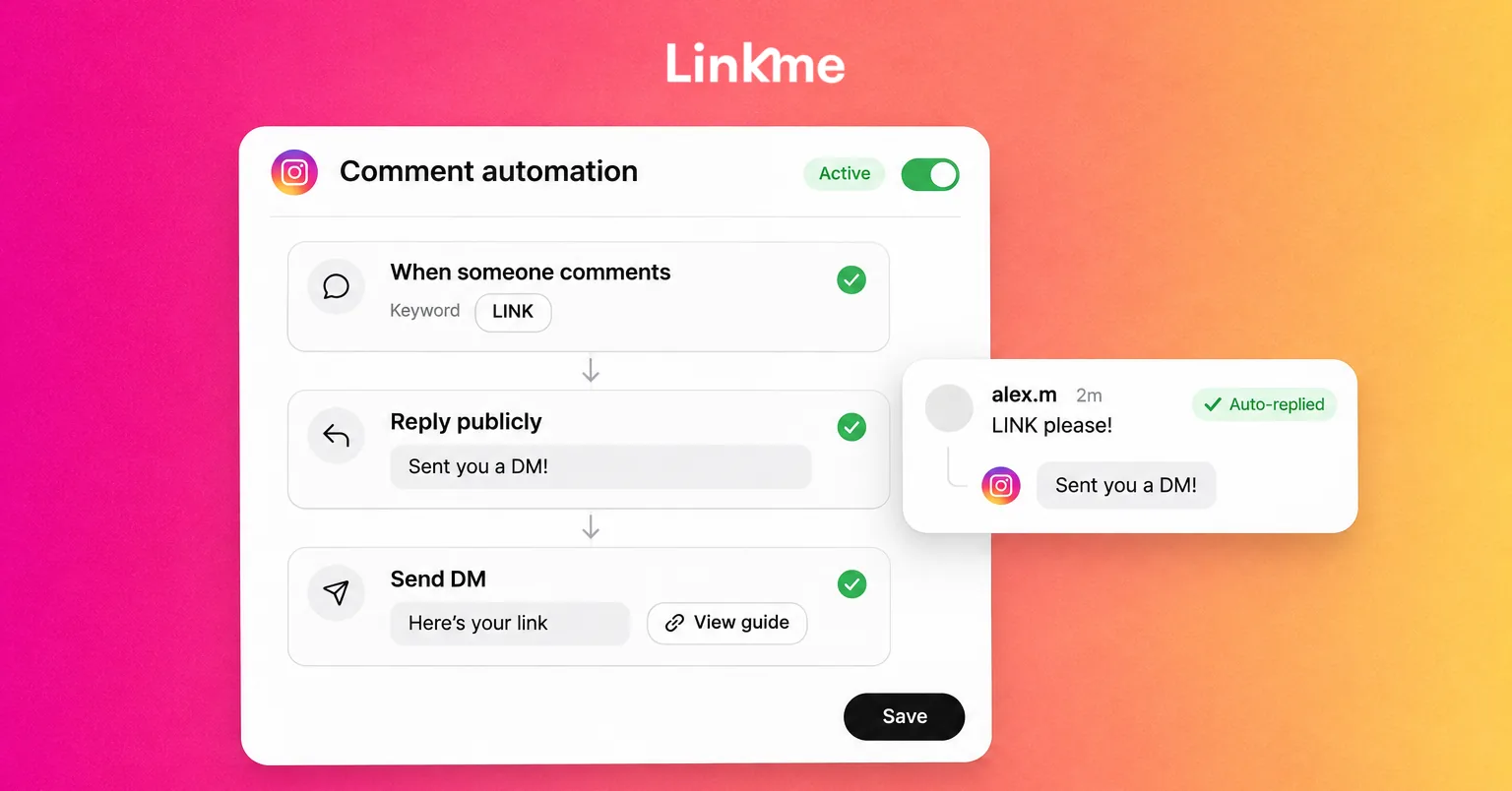
When using Linkme’s Instagram DM automations, pause automation for the conversation before handling it personally. Sending a manual reply does not pause it automatically. Resume it deliberately when it makes sense for that conversation.
This avoids leaving a customer in a personal exchange while an unrelated automated answer continues. An automated acknowledgement also does not mean someone has taken ownership or completed the work.
Keep follow-ups within the channel’s messaging permissions and reply restrictions. A reminder in your task list does not by itself mean you can send a DM whenever it becomes due. If a conversation needs a different support route, agree that next step with the customer.
5. Keep unfinished conversations visible through handoffs
Separate answered, waiting and resolved
“We’ve replied” can describe several different situations. The question may be answered, the customer may need to provide details, or your colleague may still owe them a decision.
Record that distinction in your working process. In Linkme, use the shared open work and internal notes for the context your team needs. Put follow-up reminders in your existing task process when needed.
Resolve a conversation when the required action is complete or your team’s agreed closure rule has been met. Sending “we’re looking into it” is an acknowledgement. The promised investigation still needs an owner and a next step.
If a customer stops responding, follow your agreed follow-up and closure process rather than keeping the conversation open indefinitely. If they later return with something that needs action, bring it back into the team’s working process.
Copy this handoff note
Before finishing a shift or asking a colleague to take over, leave the context they need:
Conversation / account:
Customer’s question:
Current owner:
What has already been answered or done:
What is still needed:
Next action and responsible person:
Follow-up due, including timezone:
Backup / escalation contact:
Automation paused or active, if applicable:
Keep the note internal and include only the information needed to continue the work. Tell the next person about the handoff through your usual team channel and confirm they have received it. A note that nobody knows to check is easy to overlook.
Example: handle a booking inquiry from comment to resolution
Imagine a venue receiving a comment under an event post: “Can we book for a group?”
The responder checks which event the customer means, answers with the general group-booking information, and invites them to DM a case-specific question. The customer sends a DM asking about a particular date.
Availability needs checking, so the responder leaves an internal note naming the booking contact, the date requested and the next action. If automation is active in the conversation, it is paused before the personal exchange continues.
The shift ends before the booking team replies. The responder updates the handoff note with the promised follow-up time, tells the next colleague, and confirms that colleague will handle the answer.
When availability is confirmed, the new owner replies through an available, permitted channel with the next step. That might be the venue’s booking page or contact with its bookings team. The responder closes the inbox work when the promised action is complete.
The customer should not have to repeat the question to every colleague. The note preserves the context even when the public comment and DM are separate threads.
6. Review the backlog and improve the routine
At the start of each coverage period, check requests, older unresolved questions, pending internal answers and promised follow-ups. Include work carried over from the previous shift.
During a weekly review, ask where the process became unclear. Did two people reply? Did a colleague miss a handoff? Did the same product question appear repeatedly? Use those answers to update saved replies, ownership rules and escalation contacts.
A few operational measures help:
- Outstanding conversations: Which questions still need action?
- Longest wait: Is an older question being overlooked while newer ones are answered?
- Time to the first meaningful reply: How long does a customer wait for an answer that addresses the issue or gives a useful next step?
- Resolution quality: Was the promised action completed, or did the conversation simply disappear from view?
Track these through the records available in your inbox or a lightweight team log. Keep automated acknowledgements separate from substantive answers when reviewing response quality.
Frequently asked questions
Can multiple people manage one Instagram inbox?
Yes, using supported account access and an agreed workflow. Confirm each person’s permissions in your chosen setup, then decide who handles incoming work and who covers unfinished conversations. Avoid sharing passwords as a substitute for an access process.
Can Instagram comments and DMs be managed in the same tool?
Yes. Supported inbox tools, including Linkme’s Social Inbox, handle Instagram comments and DMs. Check the account requirements, message coverage and how you switch between accounts before relying on one tool for all your reply work.
How do we stop two teammates replying to the same message?
Give the conversation one responsible person, record ownership and check the latest messages before sending. Agree on how someone else takes over. Internal notes support coordination, but they should not be treated as a lock that prevents another person from replying.
Why might a message appear in Instagram but not our connected inbox?
Check the correct profile is connected, messaging permissions are granted and the connection is working. Review Requests, supported message types and the tool’s history coverage. If several messaging apps are connected, check routing too. Use the native inbox to investigate the missing item while you resolve the connection or coverage issue.
Build a reply workflow your team can follow
Clear ownership, useful answers and visible next steps make an Instagram inbox easier to manage between colleagues. Start with the ownership table and handoff note, then use them on the conversations your team already handles.
If you are considering Linkme for Business, explore how its Social Inbox fits that routine. Book a demo to discuss the accounts, access and reply workflow your team needs.