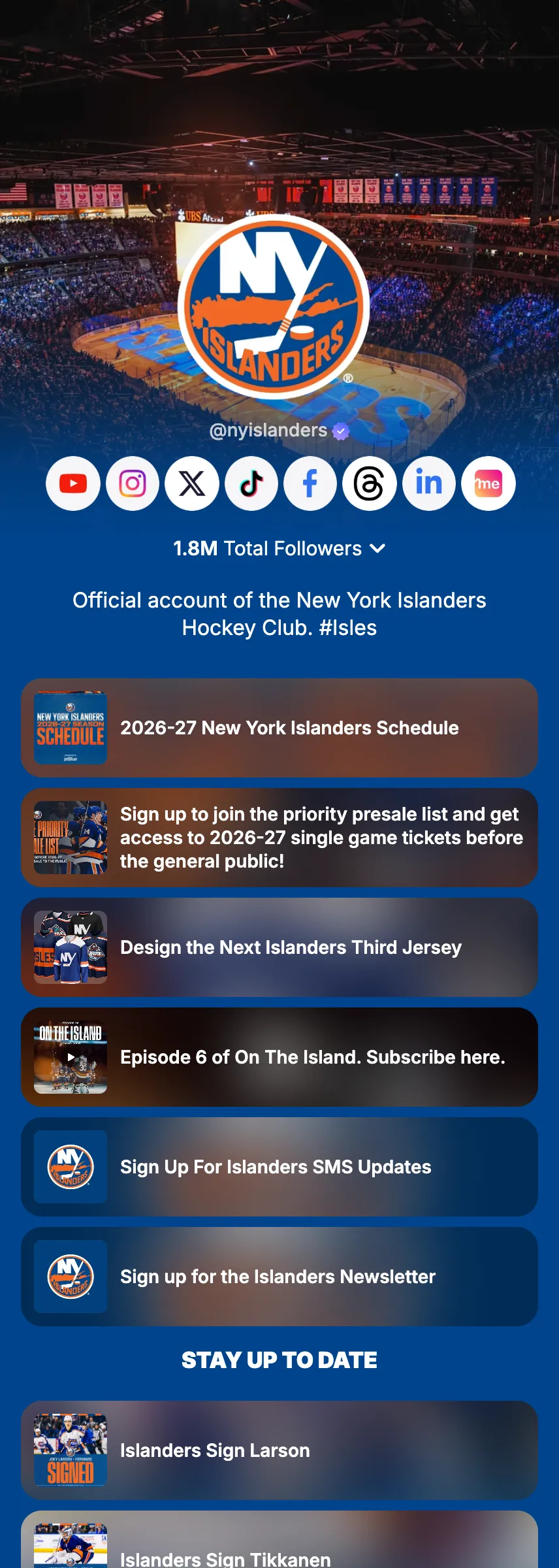
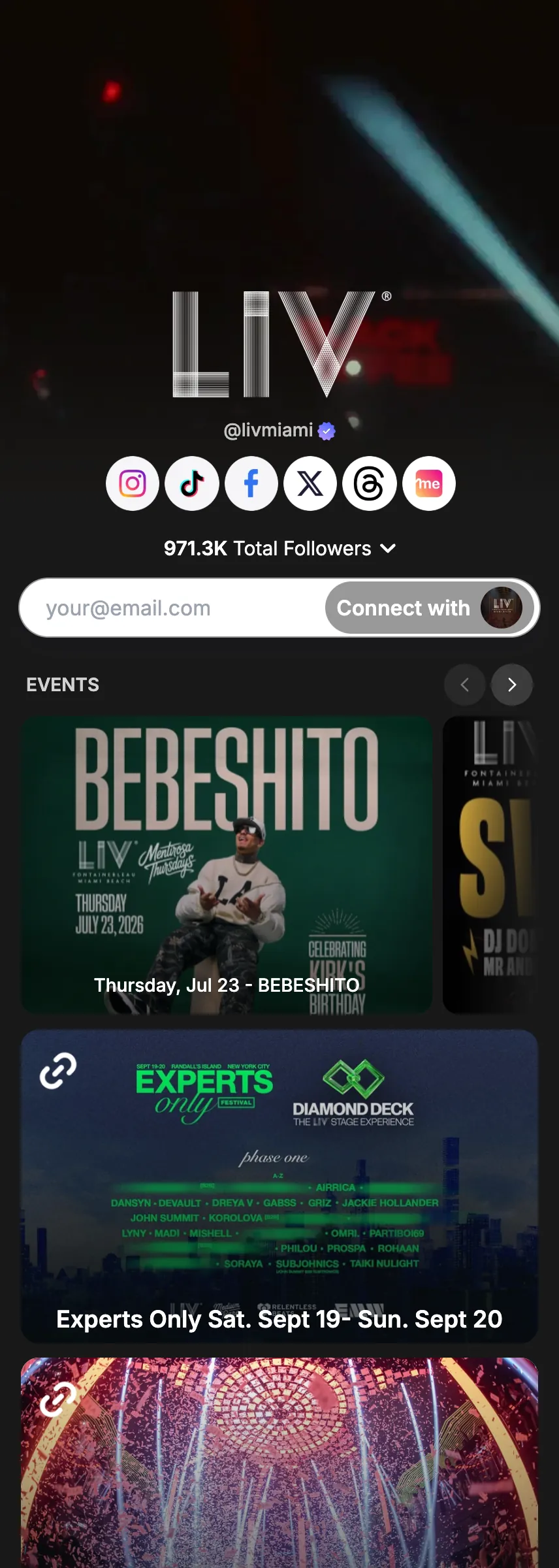
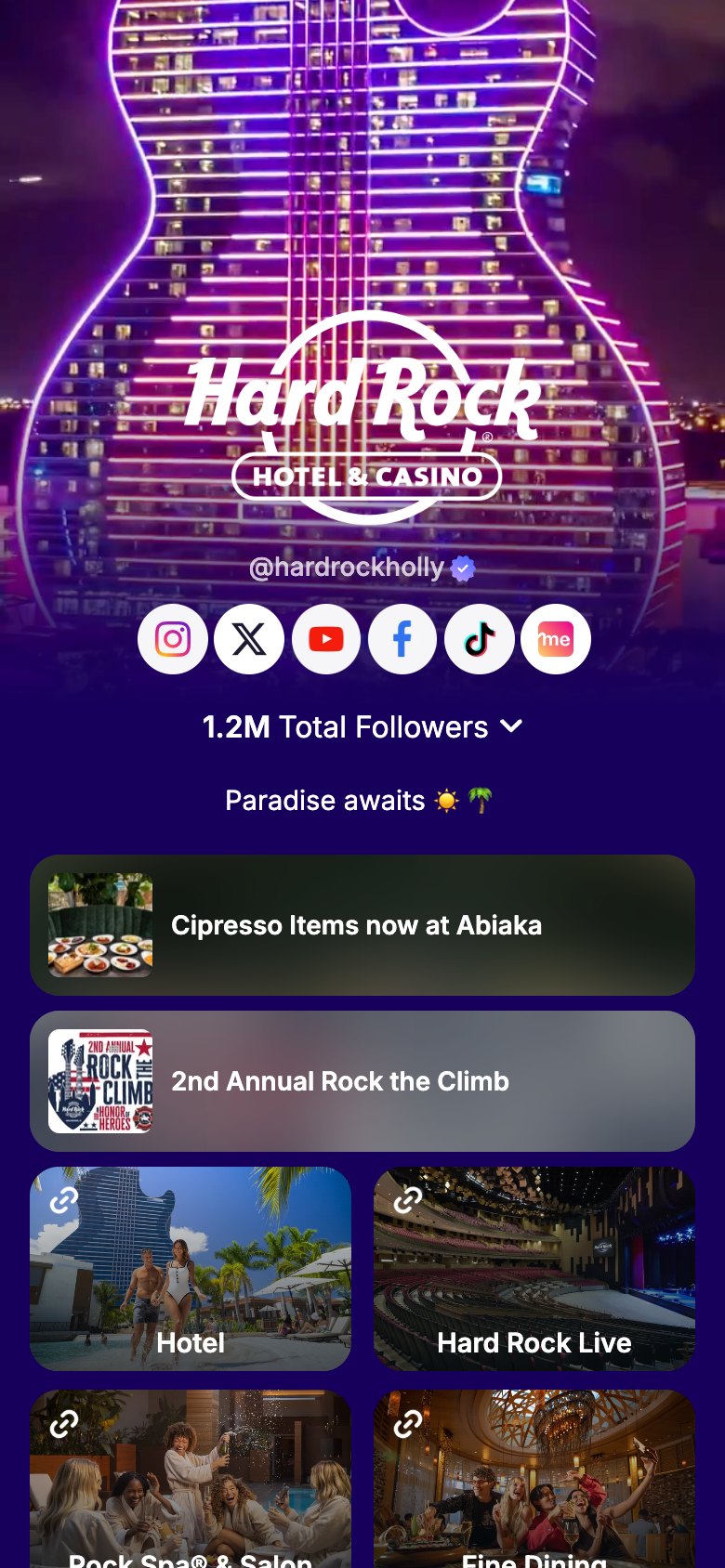
Everything you want people to find, one tap away.
Add unlimited links to your Linkme profile. Websites, landing pages, YouTube videos, portfolios, press features, affiliate links, and more. Fully customizable, and designed to generate clicks.
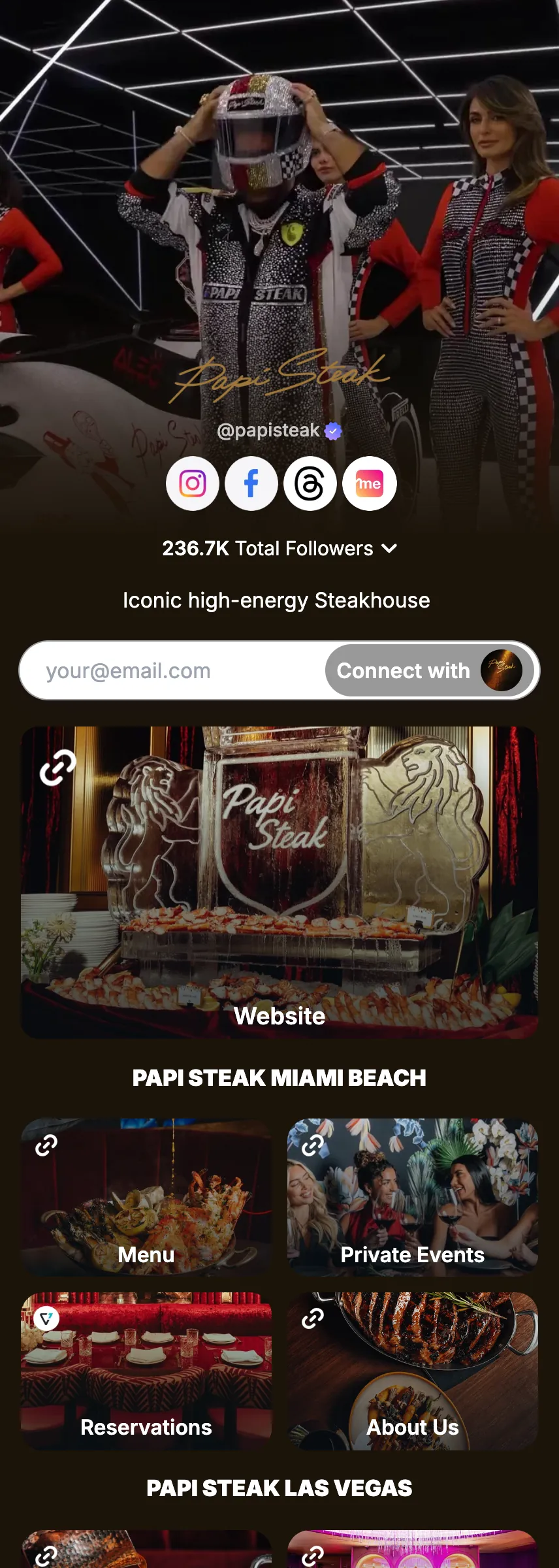
- Unlimited links
- Drag to reorder
- Carousel layout
How to use it
7 steps, in the order you take them in your Linkme dashboard.

- 1
Navigate to Edit Profile on your Linkme dashboard → Featured Links
- 2
Paste any URL and give it a custom label
- 3
Customize how each link looks: choose a small link, medium link, large link, or a button
- 4
Choose an icon and/or thumbnail to make it visually stand out
- 5
Add a YouTube video link and enable autoplay to play it directly on your profile
- 6
Drag and drop to reorder your links at any time
- 7
Display your links as a horizontal carousel for a compact, space-efficient layout
Good to know.
What to have ready for Links & websites, what you see after, and the fixes for the problems people hit.
Before you start
- The web addresses you want on your page, and a short label for each.
Which plans include it
- Free: unlimited links.
- Pro: animated links too.
What you will see after
- Every link shows its own click count in your analytics.
If something goes wrong
- You cannot animate a link.
- Animated links are on Pro.
- Your page feels long.
- Show your links as a horizontal carousel, or drag them into a better order.


Try Links & websites on your own page.
Claim your link.me in a minute. The free plan needs no card.