Your shows. Your fans. One link.
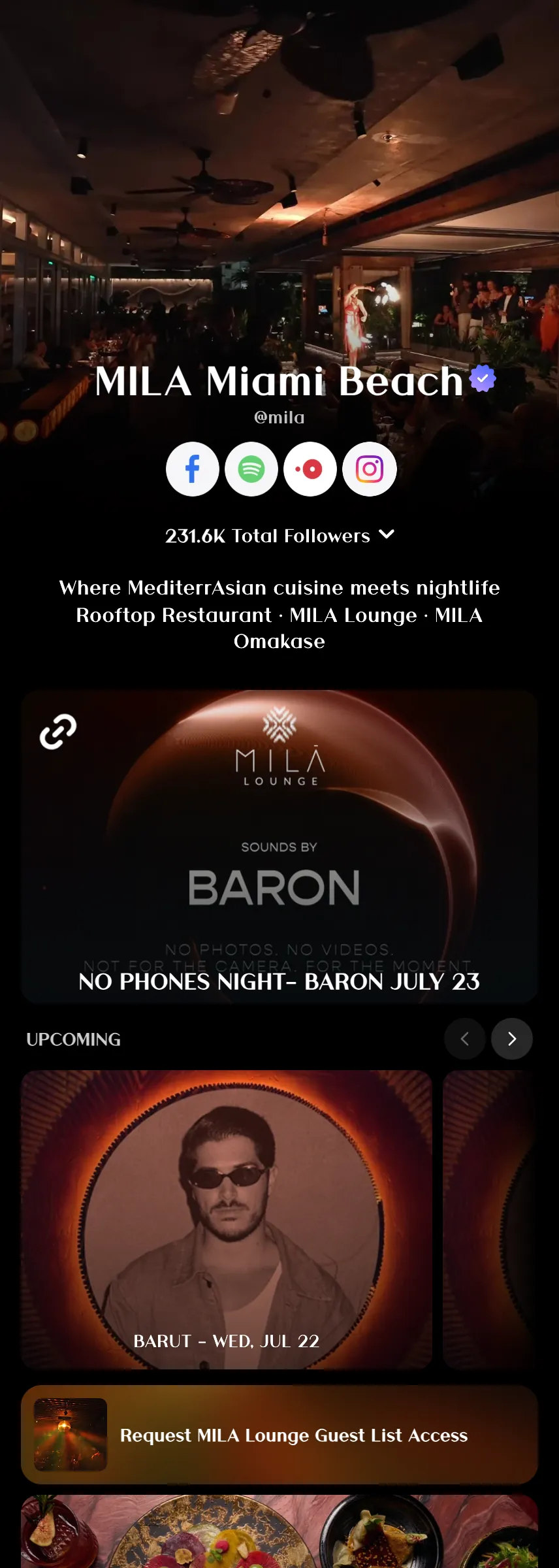
Add your upcoming events to your Linkme profile so fans always know where to find your next show. Attach your ticket links from any platform and drive your audience straight to the checkout. Your events, your ticket links, all in one place.
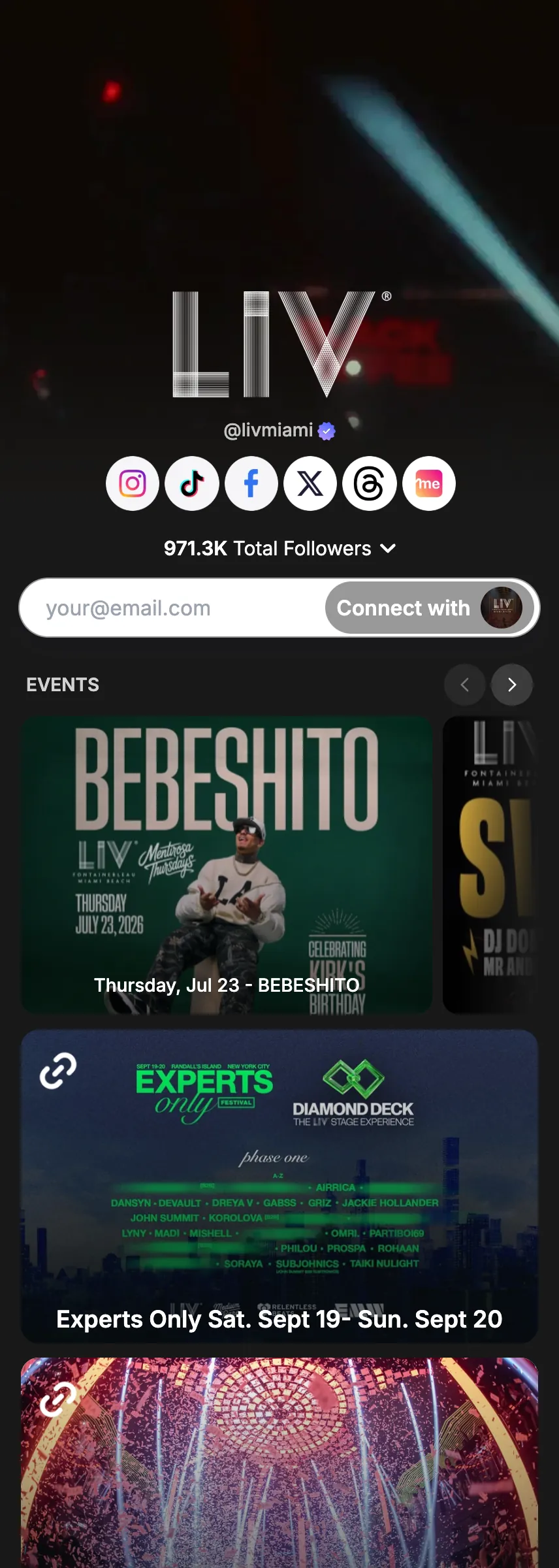
- Any ticketing platform
- Sorted by date
- Promote instantly
How to use it
5 steps, in the order you take them in your Linkme dashboard.
- 1
Navigate to Edit Profile on your Linkme dashboard → Create Event
- 2
Enter the event name, date, venue, and description
- 3
Attach your ticket link from any platform: Eventbrite, Dice, AXS, etc.
- 4
Events display in chronological order on your profile automatically
- 5
Promote your event instantly using Post to All
Good to know.
What to have ready for Tickets & events, what you see after, and the fixes for the problems people hit.
Before you start
- The event name, date, venue and description, and a ticket link from any platform.
What you will see after
- Your events show on your profile in date order, each with its ticket link.
If something goes wrong
- Events show in the wrong order.
- Events sort by date on their own. Check the date you entered.
- Not enough people know about the show.
- Promote it on every account at once with Post to All.
More in Build your page



Try Tickets & events on your own page.
Claim your link.me in a minute. The free plan needs no card.