One link. Every platform. Let fans stream anywhere.
Add any song or album link to your Linkme profile and Linkme automatically detects and attaches every streaming platform that carries it. One link drives streams across every platform at once. Fans land on your profile, tap their preferred platform, and stream instantly. One link. Every platform. Maximum streams.

- Auto-detects platforms
- Audio preview
- Per-platform clicks
How to use it
5 steps, in the order you take them in your Linkme dashboard.

- 1
Navigate to Edit Profile on your Linkme dashboard → Smart Music Link
- 2
Paste your song or album URL from any supported platform: Spotify, Apple Music, etc.
- 3
Linkme automatically finds and links every platform carrying it: Spotify, Apple Music, YouTube, Pandora, Amazon Music, Audiomack, Deezer, SoundCloud, Tidal, and more
- 4
Fans tap their preferred platform and stream instantly; you can also enable an audio preview on your profile
- 5
Track clicks per platform in your analytics
Good to know.
What to have ready for Smart music link, what you see after, and the fixes for the problems people hit.
Before you start
- A link to your song or album from any supported platform, such as Spotify or Apple Music.
What you will see after
- Fans tap their preferred platform and stream right away. Your analytics show the clicks on each platform.
If something goes wrong
- Fans want to hear it before they tap.
- Turn on the audio preview on your profile.
- You want to know where fans stream.
- Open your analytics. Clicks are counted per platform.
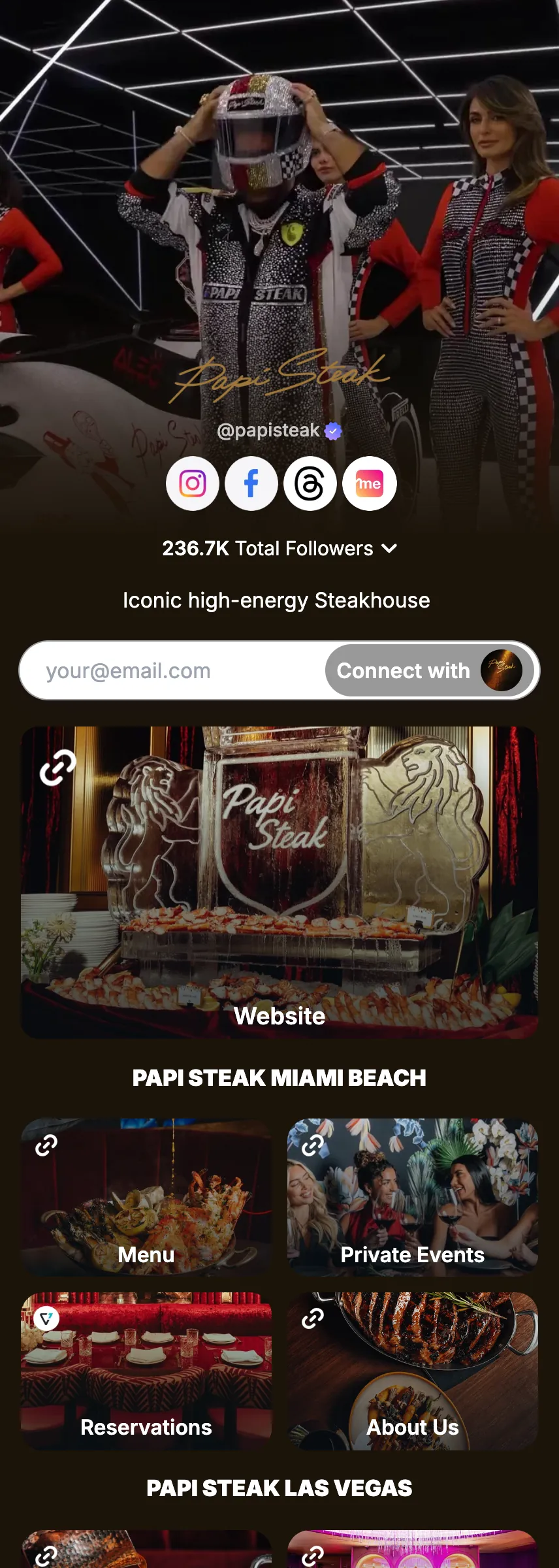

Try Smart music link on your own page.
Claim your link.me in a minute. The free plan needs no card.