Best AI Tools for Social Media Content Creation in 2026
Compare five AI tools for social media content creation by writing, design, video, pricing and team workflow. Find the right fit for your business.
On this page
Does your business need a better caption draft, an editable promotional graphic or a short clip from a recorded interview? Each is a social media content task, but each asks something different of an AI tool.
AI content tools can help generate new text and media, edit existing material or combine both. The right choice depends on the assets you produce and what happens after the first result: revisions, brand checks, team review and publishing.
Here are five options to consider for those jobs, from creation within a business workspace to specialist writing, design and video workflows.
AI content creation tools at a glance
| Tool | Main reason to consider it | Example task | Cost and access |
|---|---|---|---|
| Linkme | AI creation connected to a Business workspace and reviewed publishing | Draft a post and create supporting media for review | Business starts at $999/month for a broader organization package with shared AI credits |
| ChatGPT | Flexible ideation, writing and revision | Develop caption alternatives from an approved brief | Free available; individual Go US$8/month and Plus US$20/month, billed monthly |
| Canva | Editable branded graphics and social layouts | Arrange approved copy and assets in an event graphic | Free available; Pro US$144/year for one person; Business US$250/year/person |
| Adobe Express | AI-assisted assets and design in an Adobe workflow | Generate or adapt an asset, then build a social layout | Free available; individual Premium US$9.99/month, billed monthly with no annual commitment |
| Descript | Editing and repurposing recorded video and audio | Turn an interview or demonstration into a reviewed clip | Free available with limited, watermarked video exports; paid plans charge per editor and include media and AI allowances |
These purchases cover different scopes. A business package with workspaces, social profiles and team access is a different commitment from one person’s writing or editing subscription. The useful comparison is the cost of completing your team’s work, including any other software it needs.
Five AI tools for social media content creation
1. Linkme: AI content creation inside a business workflow
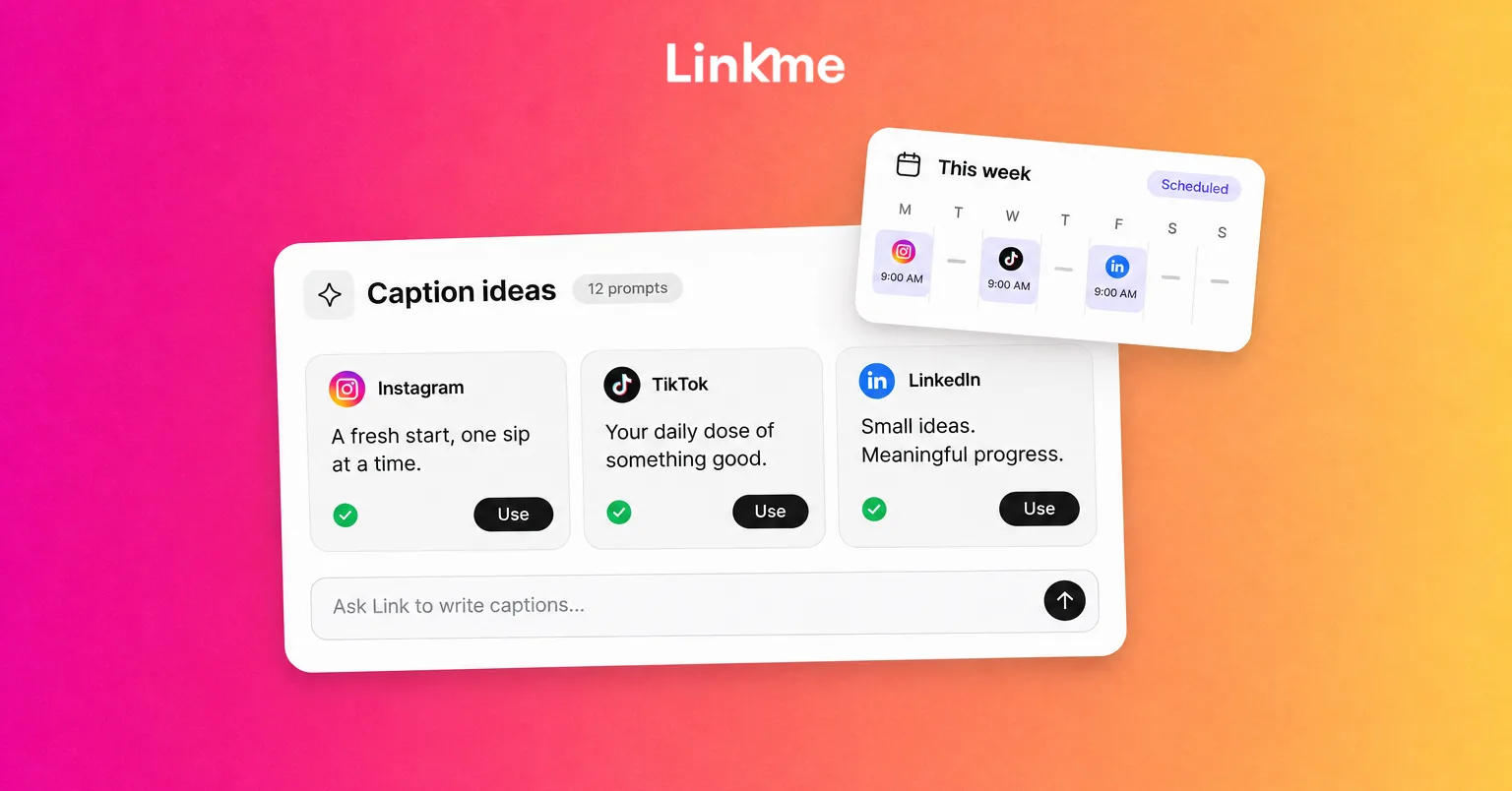
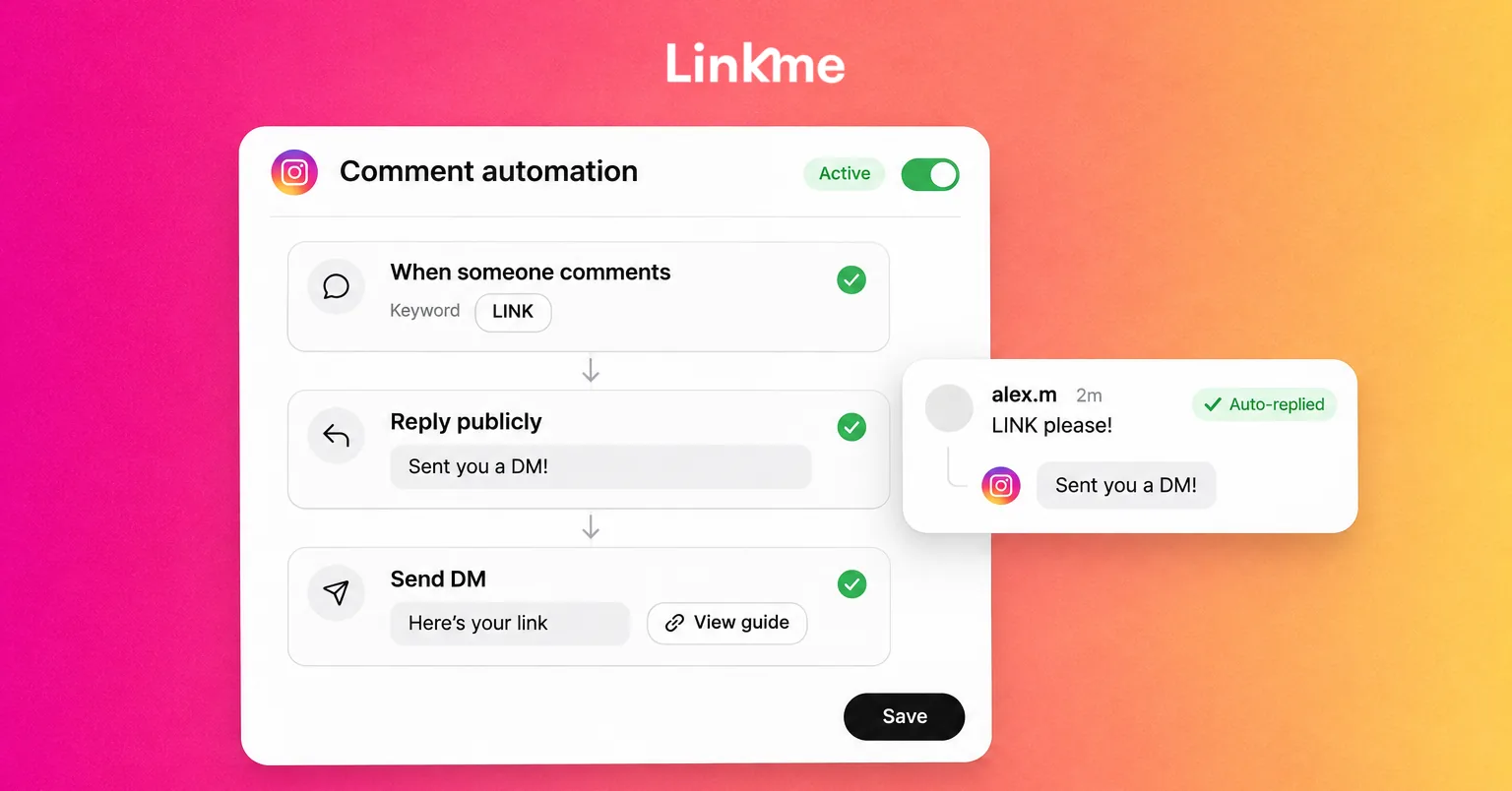
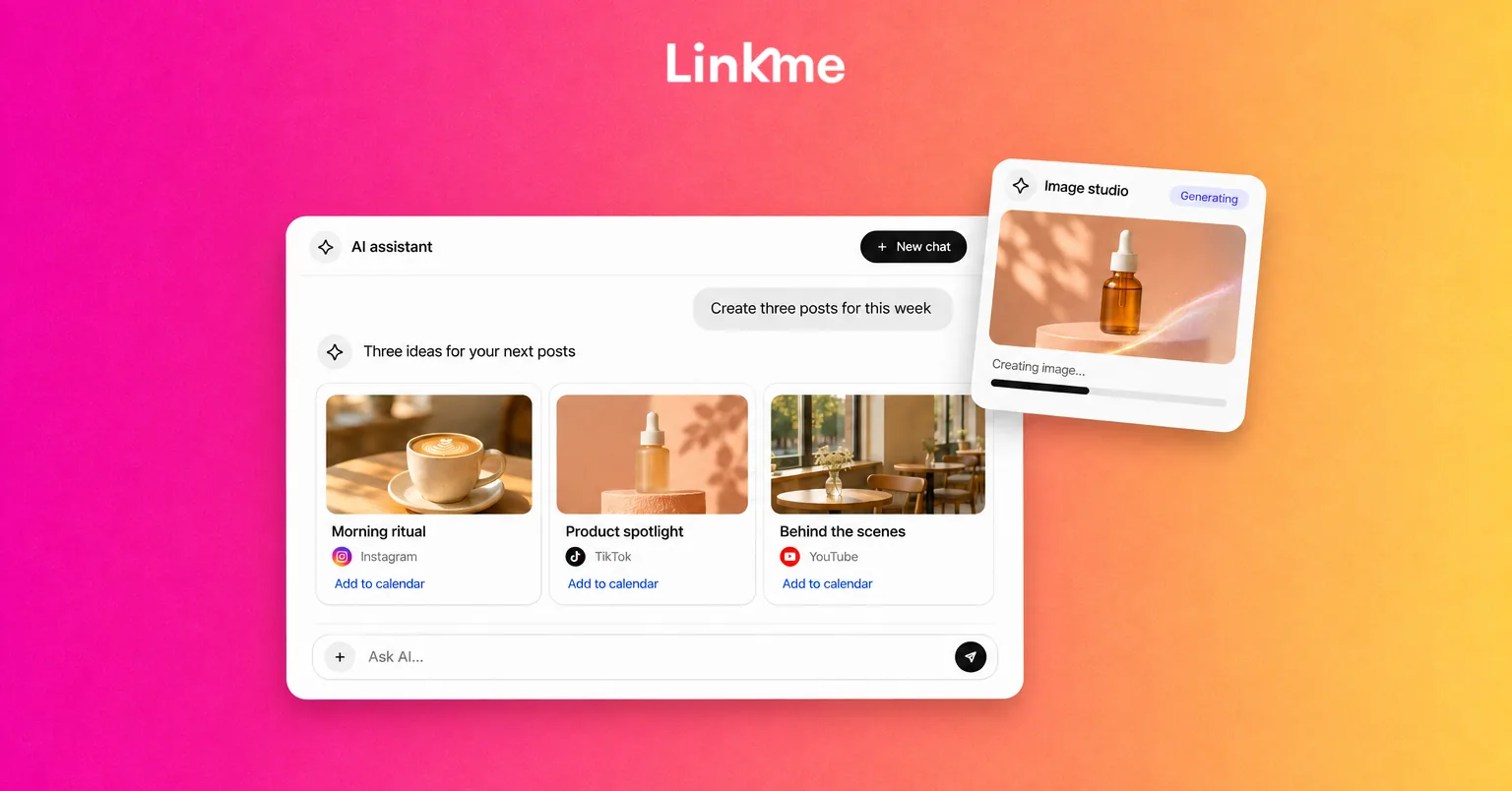
Linkme’s AI content tools help draft social posts and create images and videos. Link, the AI capability inside Linkme, connects that creation work with a broader business environment.
Consider a business preparing to announce an opening event. It has approved dates, an address, an offer and a visual asset it has permission to use. The team can use those inputs to develop a post draft and supporting media, check the result and approve the next publishing action.
That connection is the main reason to consider Linkme: creation sits alongside the work of preparing content to go public. Your team can move from the reviewed content to tools that publish and schedule social content.
Keep the review meaningful. An editable post draft lets the team revise the copy; generated media still needs its own visual check. User approval before a public action gives someone a decision point, but the reviewer must check the offer, dates, image accuracy and brand fit. It does not make those details correct automatically.
Cost and access: Linkme Business pricing starts at $999 per month. This is a broader organization package, including team access, workspaces, connected social profiles and shared AI credits. Compare that scope with your team’s requirements rather than treating it as a per-person caption subscription. AI usage draws on the package’s allowance.
Best fit: Evaluate Linkme for Business when your team wants content creation connected to its social workflow. If you need to understand the package for your organization, discuss your team’s workflow. For a specialist editing requirement, also compare the editing output and controls you need.
2. ChatGPT: flexible ideation, drafting and revision
ChatGPT is useful when the difficult part is deciding what to say and refining how to say it. An approved brief, accurate business details and examples of your tone give it material for caption options, alternative angles and revisions.
For the opening event, you could supply the confirmed details and ask for a concise announcement and a warmer invitation. Review whether each version makes the offer clear, fits the audience and avoids adding claims the business has not approved.
Its creation capabilities also include images, with access and usage depending on the plan. The writing use case is a reason to shortlist it, rather than a boundary around everything it can do.
For a copy workflow, the handoff may be as simple as moving the approved text into your design or publishing tool. If you need a connected workflow, check the specific supported connection and account access. Copying an output between tools is different from an integration.
Cost and access: The ChatGPT plans include Free, individual Go at US$8 per month and individual Plus at US$20 per month, both billed monthly. Business workspace access is a separate purchase. Text, uploads and image creation have their own plan-dependent limits, so choose around the work you need to repeat.
Best fit: Shortlist ChatGPT for flexible drafting and revision, including when you already have design and publishing tools. A convincing caption still needs factual review, especially for prices, availability and promotional terms.
3. Canva: editable social designs and branded visuals
Canva is worth considering when you need to turn an idea into a finished layout that a marketer can revise. Its design environment combines text, visual elements and brand assets with AI-assisted generation and editing.
For the opening event, the task could be an announcement graphic using the approved headline, event details and business logo. AI can help develop visual options, while the layout remains the place to arrange the actual information, adjust hierarchy and check readability.
Separate the generated asset from the finished design. A useful background image does not establish that the date, logo or product appearance is right. Put important event information into editable text and inspect the finished graphic at the size people will see it.
Canva also supports video work. Its appeal here is the editable design workflow, including preparing a final asset for the next person or publishing destination. Decide whether collaborators need access to the design itself or only an exported file.
Cost and access: Canva pricing includes Free, Pro at US$144 per year for one person and Business at US$250 per year per person. Those paid figures are yearly totals. Expanded AI access, brand tools and team approvals depend on the tier; do not assume a free account includes the controls your team needs.
Best fit: Shortlist Canva when editable layouts and repeatable brand presentation are central to your social production. Compare the required AI allowance and team controls alongside the design experience.
4. Adobe Express: AI-assisted creation in an Adobe design workflow
Adobe Express combines social design and brand work with relevant Firefly-powered generation and editing features. It is a useful alternative to examine when your team already works with Adobe assets or wants to create and adapt visuals within that environment.
Using the same event brief, the task might be to generate or adapt a supporting image, place it in a social layout and add the approved event information. The finished asset needs checks for text, branding, visual accuracy and the intended output size.
The choice between Express and Canva can come down to the editing experience, existing assets and the plan your team needs. Compare how each handles one of your actual designs and how easily the next person can revise it or use the export.
Cost and access: Adobe Express pricing includes Free and individual Premium at US$9.99 per month, billed monthly with no annual commitment. Premium adds brand and design tools with a defined generative allowance. Team access and separate Firefly plans have different terms; an Express subscription does not include every premium Firefly video or audio feature.
Best fit: Consider Express for AI-assisted design in a relevant Adobe workflow. Check the particular feature and asset terms you intend to use rather than assuming all Adobe AI tools share the same access or commercial-use conditions.
5. Descript: turning recordings into edited social clips
Descript is useful when your starting material is a recording. Its transcript-based editing, clipping, captions and audio cleanup can help turn an interview, demonstration or explanation into shorter social content.
For the opening-event campaign, assume the business already has an authorized recording of its owner explaining what visitors can expect. The job is to select a useful passage, remove unnecessary material, add accurate captions and export a clip for the intended channel.
Review the cut against the original meaning. A short extract can sound different when its surrounding explanation disappears. Check names and captions against the speech, then inspect framing, audio and the final export.
Descript also offers AI media-generation features. Its recording-based workflow is the reason to consider it here, particularly when existing footage is waiting to become usable social content.
Cost and access: Descript pricing includes a US$0 free plan with limited media processing and AI usage, and watermarked video exports up to 720p. Hobbyist supports watermark-free 1080p video exports. Paid plans use a per-editor purchasing unit, with separate media-processing and AI allowances. Check the required export tier and editor access when budgeting for recurring work.
Best fit: Shortlist Descript when your business has recordings to edit and repurpose. It can help with that production task; you still need suitable source footage and a review of the finished clip.
How to choose the right AI content tool for your team
Start with the asset and the source material
Name the output before choosing the software: a caption, editable graphic, newly generated image or clip from an existing recording. Then list the inputs you can supply, such as approved copy, product photography, brand assets or interview footage.
Also decide what must remain editable. A flattened image may be enough to publish, while another teammate may need to change text or adjust the layout later. Those are different output requirements.
Check brand control, review and handoff
Give the tool approved facts and usable brand references, then check whether the result can be revised in the way your team needs. Decide who checks factual accuracy and who approves the content for publication.
Look at the next step too. Native publishing, a supported integration and a manual export are different routes. Some creation tools include publishing or connected options, so inspect the actual destination and format you need rather than assuming every asset follows the same path.
Compare the usable cost
Build the comparison around the people and workload involved. Include the users who need editing access, required workspaces, brand or approval features, AI usage, media processing and final export quality.
A low entry price may cover the draft but leave another subscription or paid editor necessary to finish it. Equally, a broader package needs to solve enough of your team’s work to justify its scope. Credits across different products are not interchangeable units, and a media-processing allowance is not a promise of that much finished video.
Review content and permissions before publication
Check offer details, dates, names and claims. Inspect generated visuals for inaccurate products or text, and compare video captions with the recording. Brand settings can support consistency; a person still needs to approve the result.
Use source material you have permission to upload and adapt, including images, recordings and licensed assets. For generated people, voices or other synthetic media, check the selected feature’s use conditions and the destination platform’s relevant disclosure requirements.
Try your shortlist on one real content brief
Use a piece of work your business actually needs to evaluate the options:
- Prepare the brief. Include the audience, goal, confirmed offer or event details, tone, channels and permitted assets.
- Choose comparable tasks. Compare caption drafting with caption drafting, or graphic creation with graphic creation. A recorded clip and a text draft answer different needs.
- Inspect the working result. Check the first output, the revisions required, what remains editable and the final export or handoff.
- Record the usable plan and effort. Note the access required, allowance consumed and human review needed to make the asset usable.
- Choose for recurring work. Consider a combination when the extra capability, handoff and cost make sense for tasks your team regularly performs.
This gives you a more useful decision than choosing around the most impressive isolated generation. The tool needs to help produce content your business can finish, approve and use.
Frequently asked questions
Which AI tool is best for social media content?
Choose by the job. Linkme connects creation with a business social workflow; ChatGPT supports flexible drafting and revision; Canva and Adobe Express offer editable design environments; Descript is useful for working with recordings. Compare the output and team requirements that matter to you.
Are free AI content tools enough for a business?
They can be enough for some tasks. Check whether the free plan supports the workload, editing access, brand controls and export quality you need. A free drafting option may be useful even when the finished asset requires a paid design or video plan.
Does creating content with AI also publish it?
Creation and publication are separate actions. Some products provide publishing paths or supported connections; others need a manual handoff for your chosen destination. Check how the asset reaches the channel and where approval happens.
Do I still need to review AI-generated content?
Yes. Review facts, brand fit, visual accuracy, captions and permission to use the material. An output that looks finished can still contain details your business should correct before publishing.
Choose the tool that fits the content your team produces and the path from a working draft to reviewed, usable content.
Explore how Linkme connects AI content creation with your team’s social workflow. Book a demo to see how it fits your business.