How to Create an Email Campaign for Your Business
Learn how to create an email campaign, from choosing subscribers and writing your message to testing, sending and measuring the results for your business.
On this page
You have an event to announce, an offer to share or a business update your customers should hear. Before writing the email, you need to answer three questions: Who should receive it? What should they do next? How will you know whether it worked?
An email campaign brings an audience, message and objective together. It can involve one email or several coordinated messages. This guide walks through preparing and sending one campaign email, from choosing subscribers to reviewing the result.
For a running example, imagine a local business inviting subscribers to an upcoming workshop. The same process applies to a promotion, product announcement or service update.
What you need before creating an email campaign
Start with an offer or announcement, a subscribed audience and a working destination for your main call to action. That destination might be a registration page, booking form, product page or useful resource.
You also need an email platform that lets you choose recipients, build the message, send a test, handle unsubscribes and review results. Those functions help you manage the whole send, rather than simply produce an attractive email.
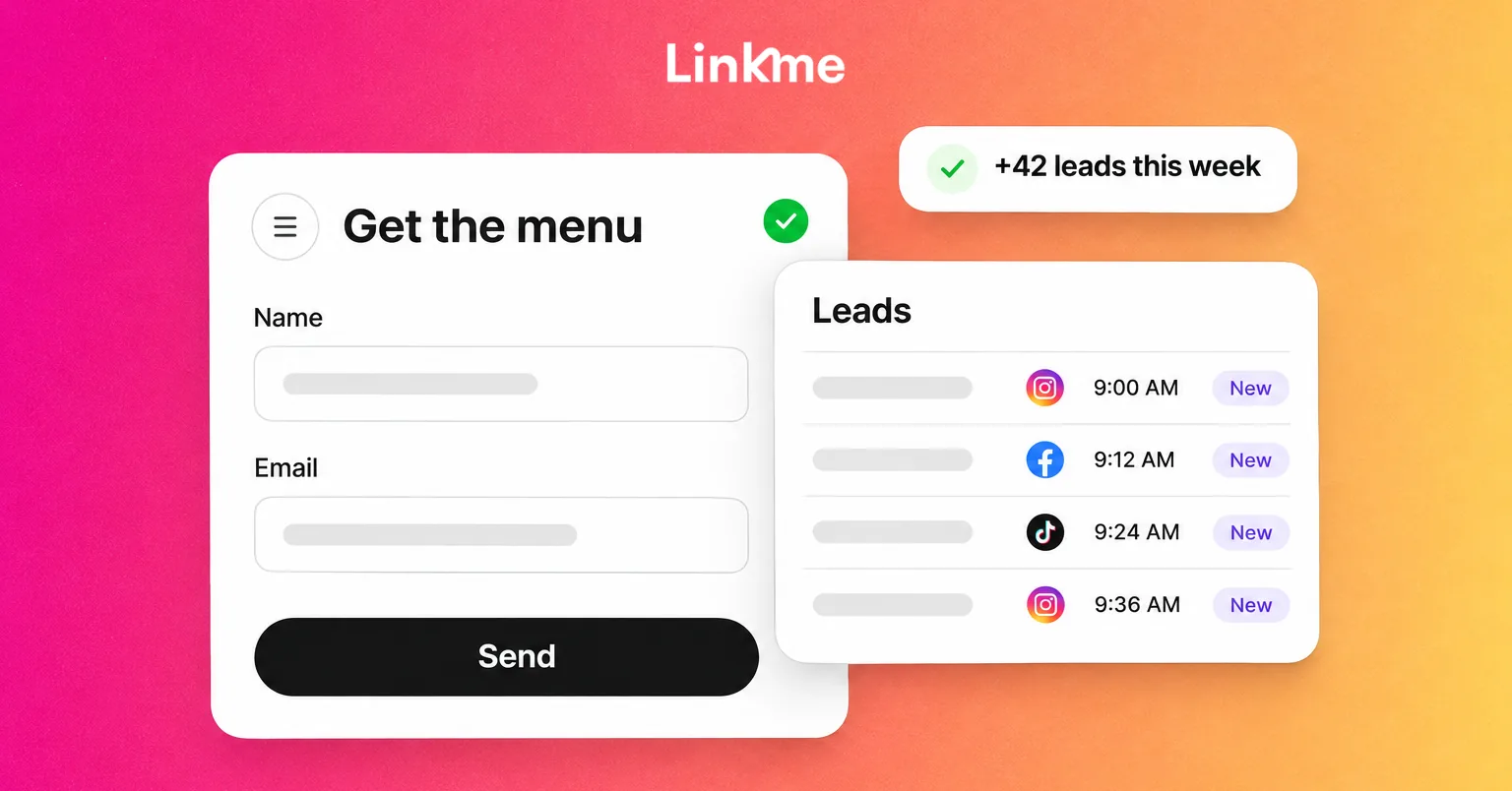
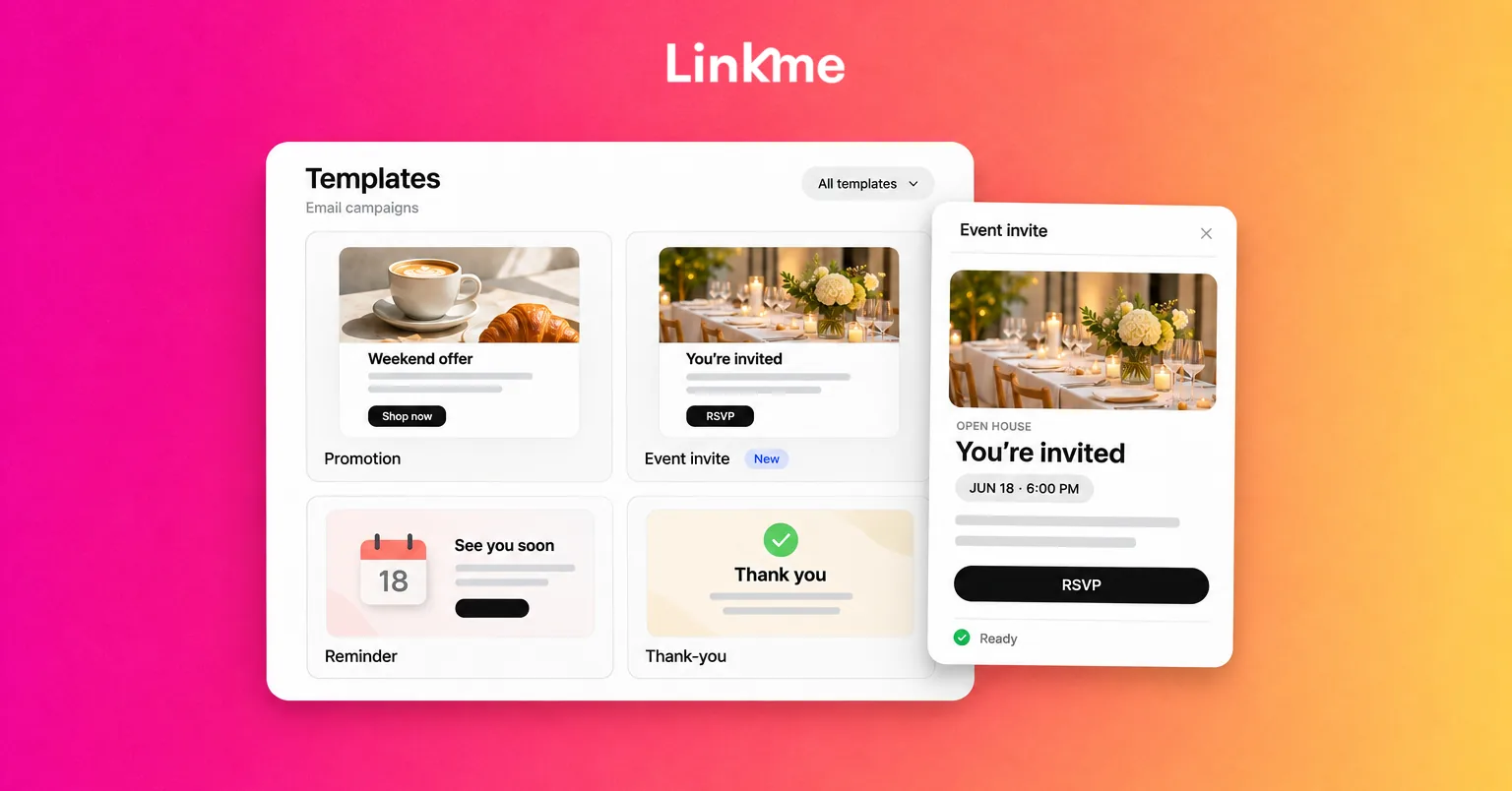
Linkme’s email campaign tools let you start from a template, personalize your message, choose subscribed recipients, send a test and review campaign engagement. Subscribers collected through your Linkme page are already in Leads, giving you a starting audience for relevant follow-up. Email campaigns are included in Linkme for Business.
Decide who will review the campaign, who will send it and who will answer replies. In a small business, one person may handle all three jobs. The responsibility should still be clear before the email goes out.
How to create an email campaign in eight steps
1. Choose the goal and the action you want readers to take
Write down the business result you want. “Tell people about our workshop” describes the message. “Get subscribers to register for the workshop” gives you an action to build the campaign around.
Other goals could include generating appointment bookings, selling a product, receiving inquiries or helping customers find an important update. Match the campaign type to that goal: an invitation for an event, a promotion for an offer or an announcement for something new.
Choose one primary call to action, or CTA. For the workshop invitation, that might be “Reserve your place.” Necessary supporting links can remain, but the main action should be easy to recognize.
Decide when you will review the outcome, too. For an event campaign, the registration deadline gives you a useful window. A recorded click is an intermediate metric; a completed registration records the action you wanted the reader to take.
2. Choose the subscribers who should receive it
Send the message to people for whom it is relevant. Use information you actually have, such as the updates they requested, their subscription source or their location.
For the workshop example, start with subscribers who asked for relevant local updates. A national audience may be less useful for an in-person event in one town.
Keep contact collection and marketing permission distinct. Someone buying a product, registering for an event or sharing an address on a form does not by itself establish permission for every future promotional email. Check what the person agreed to receive.
Before sending, exclude:
- Unsubscribed contacts and other suppressed addresses.
- Known invalid addresses or addresses that have hard-bounced, meaning delivery failed permanently.
- Duplicate recipients.
- People for whom the offer is irrelevant.
- People who have already completed the action, when you have the data to identify them.
Do not buy an email list or re-import opted-out contacts to reach them again. If you plan a second workshop invitation, check the registration records before including people who already reserved a place.
In Linkme, you can choose subscribed contacts individually or through the filters in Leads. The important decision is still whether those people should receive this particular message.
If you do not yet have an audience, collect email signups through your Linkme page and make the signup purpose clear. Build that permission-based audience before sending a campaign.
3. Prepare the sender and the page people will visit
Use a sender name your subscribers will recognize. A familiar business name, or a person’s name paired with the business, helps recipients understand who is contacting them.
Check three separate details:
| Detail | What to check |
|---|---|
| Sender name | It clearly identifies the person or business sending the message. |
| Sending address | It is ready to send through your chosen email provider. |
| Reply-to address | Replies reach an inbox someone will monitor. |
Complete the setup your provider requires before launch. Email authentication helps receiving services verify that a message is authorized to use its sending domain. Follow your provider’s instructions and the requirements of the services you send to; Google’s sender guidance distinguishes requirements for different senders. Finishing setup does not guarantee inbox placement.
Next, check the destination. If the email invites people to a workshop, the registration page should clearly show the topic, date, time zone, location, price and any important restrictions. Visitors should be able to register and receive confirmation without searching for the next step.
Plan how you will identify responses from the email before sending it. A campaign-tagged link can identify referred traffic when your destination analytics support it. To connect that traffic to completed registrations, the registration or analytics setup must also record the completed action and retain the source information.
Test that connection. If your systems cannot identify which registrations came from the email, keep total registrations and email engagement separate in your report. Do not count every registration during the campaign period as an email conversion.
4. Write the subject line, preview and main message
Your subject line should give the right person a clear reason to read. Be specific about the topic or benefit, and use urgency only when the deadline is real.
Where your editor supports preview text, use it to add information rather than repeat the subject. Here is a simple starting point for the workshop example:
| Element | Illustrative copy |
|---|---|
| Subject | Join our [workshop topic] session on [date] |
| Preview | See what you will learn, where to join and how to reserve your place. |
| CTA | Reserve your place |
Replace the bracketed details before sending. In the body, explain what the reader will get from the workshop, give the essential details and direct them to registration.
Keep the promise consistent across the subject, email and landing page. If there is a charge, a location restriction or a registration deadline, make it clear where the reader needs that information.
Personalization should help the message feel relevant. Use a first name only when the data is reliable, and check what happens when it is missing. A neutral greeting is better than a broken field or the wrong person’s name.
5. Build a layout that is easy to read and use
Start with a layout that suits the message. A short announcement may work well with mostly text and one button. An event invitation might need a useful photo and a clear block of event details.
Linkme’s templates provide a starting structure you can adapt for your campaign. Replace the sample content, apply your branding and give the primary action a clear place in the message.
Make the email usable on a phone:
- Use readable text and enough spacing between sections.
- Give the main button a descriptive label.
- Keep important dates, prices and instructions in text, even if they also appear in an image.
- Add useful alternative text to meaningful images.
- Check contrast and make buttons easy to select.
The footer needs attention, too. Identify the business clearly, include the required postal-address information and give recipients an easy way to unsubscribe. For US commercial email, the FTC’s CAN-SPAM guidance also covers accurate sender information, truthful subject lines, clear advertising identification and honoring opt-outs. Check the rules that apply to your audience and location.
A visible unsubscribe link and a mailbox provider’s technical one-click unsubscribe support are different things. Check that your sending service handles the requirements applicable to your campaign.
6. Send a test and get a final review
Send a test to yourself and, where useful, a colleague. Read the received email as well as the editor preview. Look at it on mobile and desktop, and open its links.
A test message may not reproduce recipient-specific personalization. Use your provider’s supported recipient preview or testing method to check actual values and missing-name fallbacks.
Test what happens after the click, too. For the workshop campaign, follow the registration path through confirmation using an appropriate test or non-chargeable method. Check that campaign source information is retained if you plan to use it in reporting.
Use this pre-send checklist:
- [ ] The goal, offer and destination agree.
- [ ] Recipients are relevant subscribers, and exclusions are applied.
- [ ] The final recipient count makes sense.
- [ ] The sender is ready, and replies reach the right person.
- [ ] The subject, preview text where used, copy, personalization and offer terms are correct.
- [ ] The mobile layout, images and CTA work.
- [ ] The footer and unsubscribe behavior have been checked.
- [ ] The registration, booking or checkout path works as intended.
- [ ] The source-tracking method works, or its measurement limit is recorded.
- [ ] The reviewer, sender and intended send time are clear.
If you work with a team, have someone review the finished campaign before the assigned sender releases it. This can be a straightforward human check; the review process does not need to depend on a formal approval feature.
7. Send when the message is useful to your audience
Choose a time that fits the message and gives recipients time to act. An invitation needs enough notice for someone to plan a visit. A limited offer needs a clear deadline and enough time for a considered decision.
Use previous campaign results when you have comparable data. There is no single sending hour that works for every business, audience and offer. Consider the audience’s time zone rather than assuming your own is the right one.
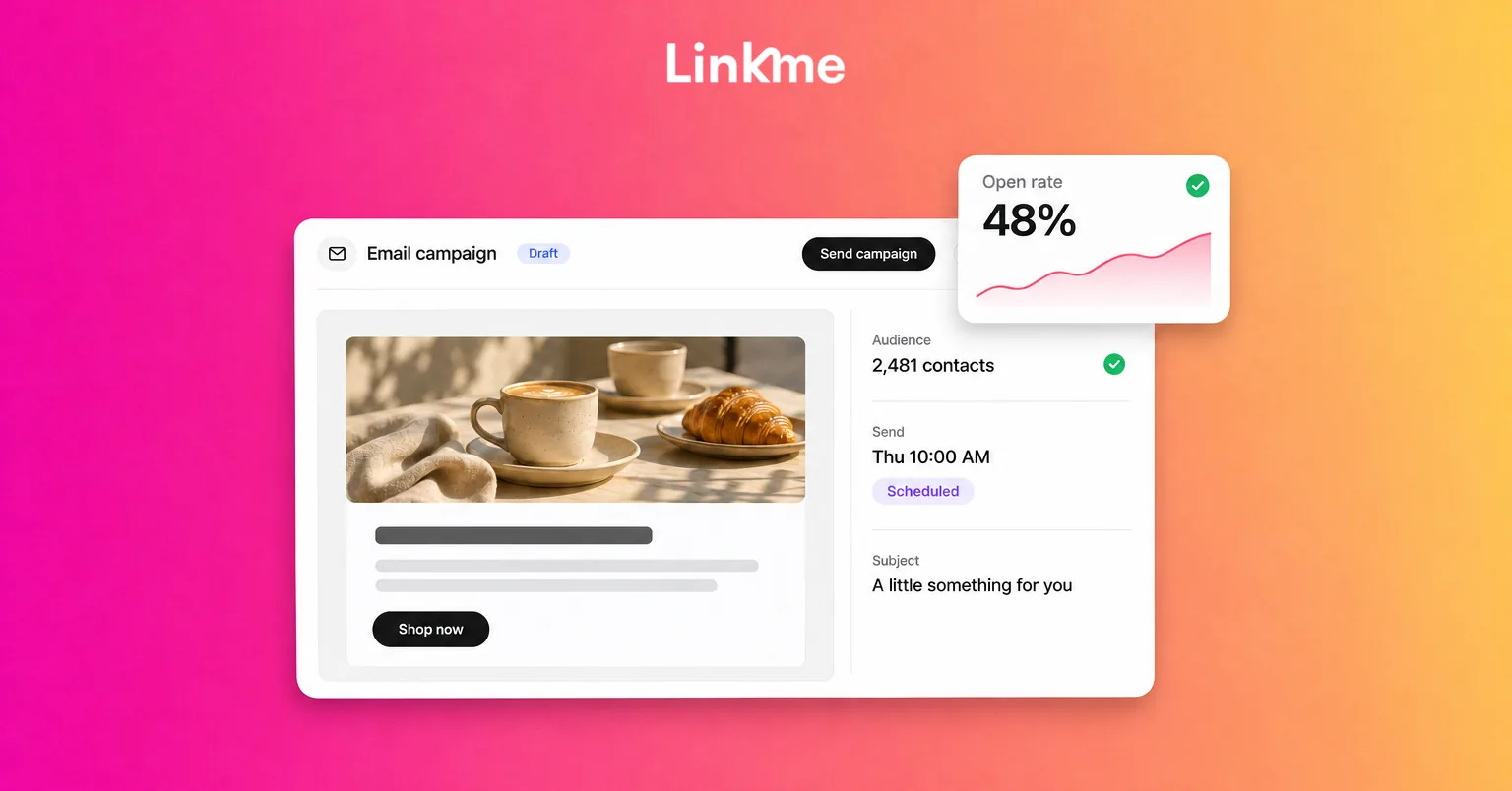
Linkme campaigns send immediately when you send them; scheduled email sends and automated sequences are not part of that workflow. For the workshop invitation, assign someone to send the reviewed campaign at the intended time.
Immediately before sending, recheck the recipients, count, offer details and destination. Then monitor delivery problems and incoming questions. If you are uncertain whether the campaign went out, check its status before sending again and risking a duplicate.
8. Measure the result and decide what to improve
Return to the goal you set at the beginning. For the workshop, review completed registrations in the registration system, using the source information you prepared to identify responses associated with the email.
Review campaign engagement alongside those outcomes. Linkme records delivered messages, opens, clicks and unsubscribes. These help you understand the response to a send, but they do not independently establish bookings, sales or revenue attribution.
Interpret the numbers carefully. A delivered message has not necessarily reached the inbox. Mail privacy protections can affect open tracking, and automated security checks can affect recorded clicks. Neither an apparent open nor a click is proof of a completed business action.
Use what you find to choose a practical next step:
| What you observe | What to check next |
|---|---|
| Many recorded clicks but few completed registrations | Destination clarity, registration friction, availability and whether the offer matches the email. |
| Few clicks from the relevant audience | Message relevance, CTA visibility and layout. |
| More unsubscribes or complaints | Permission, recipient selection, expectations and email frequency. |
| Replies repeating the same question | Missing information in the email or destination. |
Check bounce or complaint information where your provider makes it available. If delivery problems appear, address them before increasing the volume of sends.
For your next campaign, change one meaningful element and compare similar sends. With a small list, treat the result as a useful observation rather than a definitive test. Record what you sent, who received it, what happened and what you will change.
Frequently asked questions
Is an email campaign the same as an automated email sequence?
A campaign is organized around an audience and objective. It may be sent manually or include automated messages. An automated sequence starts or continues according to an action or timing rule, such as a signup followed by timed messages. This guide covers a campaign you prepare, review and send manually.
Can I start with a small email list?
Yes. Start with people who subscribed to relevant updates. You do not need a large list to prepare a useful campaign, but a small audience may not provide enough data for confident A/B-test conclusions.
Can I schedule an email campaign in Linkme?
No. Linkme email campaigns send immediately when you send them. Choose the intended time and assign someone to handle the send.
Should I resend to people who did not open?
Do not base that decision on opens alone. Privacy settings and image loading can affect tracking, so an apparent non-open does not establish that someone missed the email. Before planning follow-up, consider relevance, frequency, permission and whether the person already completed the action.
Put your next email campaign to work
A useful campaign connects the right subscribers with a clear message and a working next step. Prepare those pieces together, review the send and measure the action you wanted readers to take.
Explore how Linkme connects email campaigns with the subscribers your business collects. Book a demo to see how it fits your team’s workflow.