How to Build a Social Media Approval Workflow
Build a social media approval workflow with clear roles, review deadlines and version control. Use a practical approval record to manage changes before publishing.
On this page
- Key takeaways
- Decide which posts need review and which route they follow
- Name the decision-makers and connect the policy to permissions
- Submit a complete post and keep one approval record
- Review, revise and record an explicit decision
- See how the workflow handles a revised post
- Handle missed deadlines and urgent changes without guessing
- Put the agreed workflow into day-to-day publishing
- Frequently asked questions
- Give every post a clear decision and next action
A manager approves a caption in a message. The image changes afterward. When the post reaches its scheduled time, the publisher cannot tell whether the approval covers what is about to go live.
A social media approval workflow gives the team a clear way to review content, authorize a particular version and handle the next action. It connects people, content and publishing responsibility so nobody has to reconstruct the decision from scattered conversations.
Four actions matter:
| Action | What it means |
|---|---|
| Review | Check the assigned content or facts and provide feedback. |
| Approval | An authorized person accepts the identified version for the stated accounts and conditions. |
| Release | The content is allowed to proceed toward publication through the permitted publishing route. |
| Publication | The post actually appears successfully on its intended account. |
These are different concepts, but they do not always require separate people or manual steps. Approval can release a post that already has a scheduled time. The team needs to know what that decision will do before someone clicks Approve.
Decide which posts need review and which route they follow
Use the smallest sufficient review process
A routine service reminder and a new offer with changing availability may need different checks. Decide which content an authorized publisher can handle under an agreed policy, which needs a manager’s decision, and which needs input from someone responsible for the facts.
For example, the person who knows whether an offer is available should check that detail. A brand reviewer can assess wording and presentation. Neither should have to guess at the other’s responsibilities.
Keep the route proportionate to the work. A small team can combine preparation, approval and publication responsibilities. A solo marketer can use a documented self-check and seek relevant specialist input when needed. Adding a reviewer should answer a real question about the post.
Choose the order of input and final authority
Review can follow several arrangements:
| Route | When it is useful | What to decide |
|---|---|---|
| Single approver | One person has the relevant authority for the post. | Who approves, what that approval covers and who can cover an absence. |
| Sequential input | A later check depends on an earlier factual correction. | Who reviews first, who makes the revision and when the next review begins. |
| Parallel input | Independent reviewers can check the same version at the same time. | Which decisions are required, who resolves disagreement and who authorizes release. |
These are choices about how the team works. Check which parts the publishing software can enforce and which need a separate handoff.
Distinguish mandatory decisions from advice. If two reviewers must accept the post, one approval does not complete the process. If a colleague’s suggestion is optional, the person making the final decision should know that too.
Name the decision-makers and connect the policy to permissions
Assign preparation, review, approval and publication
For each post, identify:
- Preparation owner: assembles the content, collects feedback and submits revisions.
- Required reviewers: check the facts or content within their responsibility.
- Approver: accepts the version for publication once the necessary input is complete.
- Publisher: checks the permitted release route and verifies the result.
- Authorized backup: can make the required decision or handle publication when the usual person is unavailable.
One person may hold several responsibilities. The important part is knowing who acts next.
For an agency, separate any required client decision from internal quality review. Record what the client accepted, including the version and intended use, then make the internal publishing handoff explicit. A friendly comment about the idea is not necessarily approval of the finished post.
Check what the publishing system actually enforces
Written policy, a comment and a publishing restriction do different jobs. Check who can publish directly, who must submit content for review and which accounts those permissions cover.
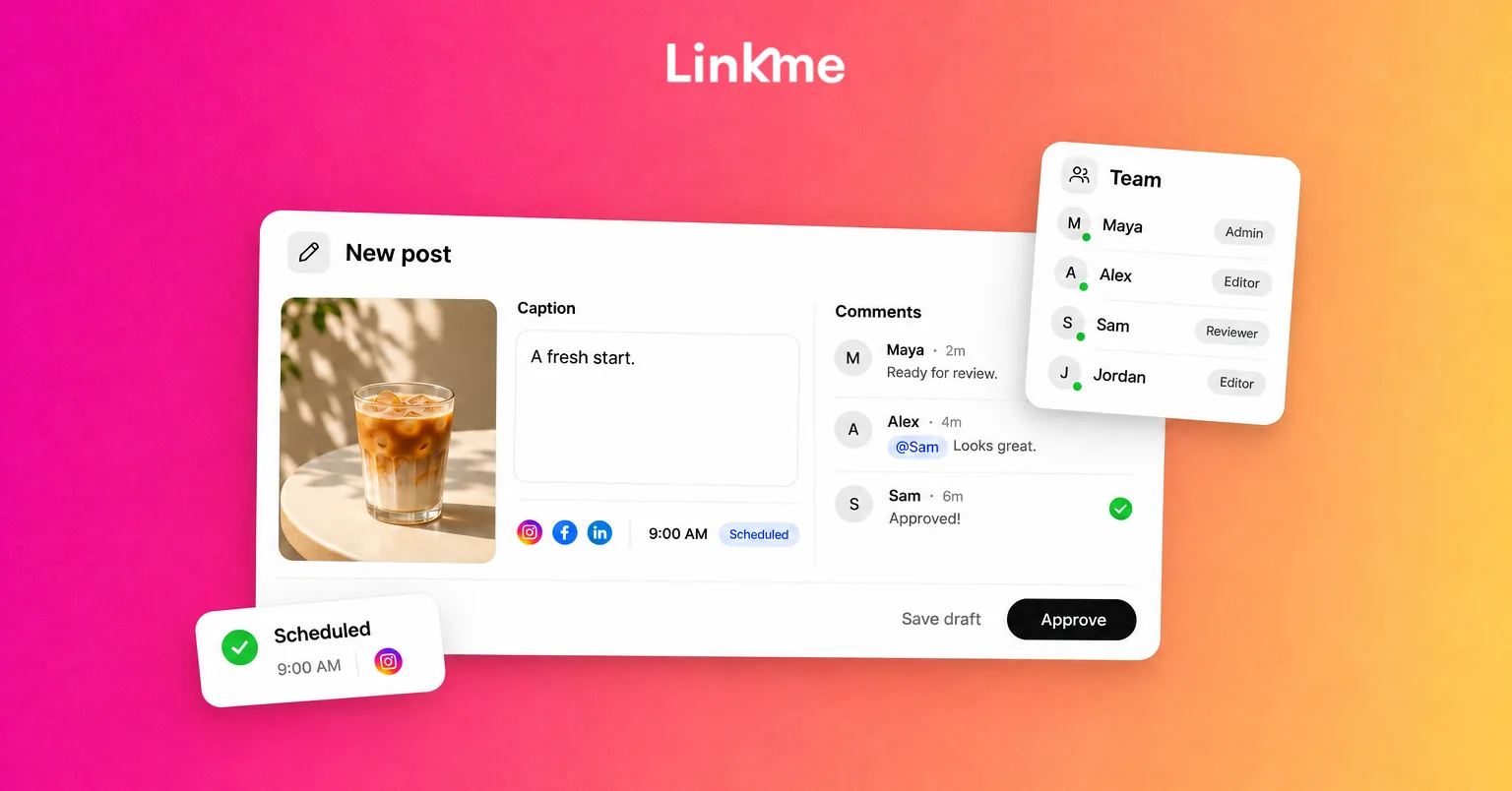
For example, Linkme’s team roles and approval controls support account-specific review in Business. Managers without publish-without-approval permission for the relevant account submit to an owner or authorized admin. Owners and admins can publish directly, and the owner can grant trusted managers direct publishing permission for particular accounts.
Match those privileges to the team’s agreed process. Also check native-platform access and other publishing tools: a restriction in one queue does not control every route onto the social account.
An authorized backup needs both decision authority and the access required to act. A name in a document does not provide either automatically.
Submit a complete post and keep one approval record
Give reviewers the version they are deciding on
Send a complete review packet: the exact account, caption, media, format, destination, call to action and intended publication time with its timezone. Include the offer, service or event facts the reviewer needs to check, along with any expiry or stop condition.
Review the actual media preview. A caption approval does not establish that the accompanying image, linked page or another account’s variation has been accepted.
Keep the content and its decision record together, or connect them through an unambiguous reference. A stable link to a document that keeps changing is not enough to identify what someone approved. Use a named revision or saved snapshot that preserves the accepted content.
Use a compact approval record
Copy this record for each post that needs review. The labels are planning aids, rather than a publishing tool’s interface states.
| Field | Your record |
|---|---|
| Post and version | [Post reference; revision-specific copy/media snapshot] |
| Publication scope | [Exact accounts; format; destination/CTA; intended date, time and timezone; publisher] |
| Preparation owner | [Person collecting revisions and resubmitting] |
| Required decisions | [Required factual/brand input; final approver; decision coordinator; authorized backup] |
| Deadlines and validity | [Review deadline; publication time; expiry or stop condition] |
| Decision and next action | [Awaiting decision / approved / changes requested / hold; who decided, when and on which version; next action and owner] |
Start with Awaiting decision until an authorized person actually decides. Keep the earlier version and decision when a revision is created. Update the current readiness label without erasing what happened before.
The publisher should be named in the publication scope or next action. Include the live post URL or another verifiable publication reference after checking the result. Updating this record does not itself approve, stop or publish a post in the publishing system.
Review, revise and record an explicit decision
Make feedback specific and resolve conflicts
Give reviewers a defined task. “Confirm the service region and booking date” is easier to act on than “Please check.” Ask them to identify the problem, the necessary correction and whether it blocks approval.
Have the preparation owner consolidate feedback and manage revisions. If reviewers disagree, send the disputed point to the person with the relevant authority. The publisher should not silently choose whichever comment is easiest to implement.
Optional suggestions can be considered separately. Required input remains incomplete until the responsible reviewer supplies it, even if someone else has already approved.
Approve the identified version, request changes or hold
A useful decision names the version and scope: “Approved: P201 v2 for the specified company profile at the recorded time.” Include who made the decision and when.
A change request needs a revision owner and a next step. A hold needs a reason and someone responsible for deciding when the post can move again.
After revision, submit the current version for its required decisions. Changes to the image, account, caption, offer or destination can affect what the previous approval meant. Even an unchanged caption may become misleading if the linked page’s availability changes.
In Linkme, caption or scheduled-time changes return an approved post for review. Other changes to business facts or destination content still need the team’s attention; the process should not depend on software detecting every change outside the post.
See how the workflow handles a revised post
Consider a hypothetical regional service company announcing maintenance appointments. The people, account identifier, content and dates below are fictional examples. All times use America/New_York.
Maya prepares the content. Omar checks service availability. Priya is the authorized approver and coordinates the decision. Theo handles publication for the specified profile. Jordan is the authorized backup approver with the necessary account access.
From an incomplete claim to an approved version
At 9 a.m. on Monday, November 9, Maya submits P201 v1 for the example Instagram profile @service_team_example. Its profile link leads to the fictional destination https://service.example/bookings; the team checks that route as part of the post’s scope.
The caption says: “Our new maintenance appointments are available in every region. See the booking details through our profile link.” Its image and destination page repeat the same claim. The intended publication time is Tuesday, November 10, at 10 a.m.
At 9:30 a.m., Omar identifies a blocking error: the service is available only in the South service region. Priya records Changes requested and assigns the revision to Maya.
Maya updates the caption, image and destination information together. The v2 caption reads: “Maintenance appointments are now available in our South service region. Check coverage and booking details through our profile link.” The media and destination use the same scope.
Omar confirms those facts at 11:15 a.m. Before Priya approves, she and Theo check the exact profile, v2 content, destination, future scheduled time and continued validity. Priya approves v2 at 11:30 a.m., ahead of the noon decision deadline. Theo then confirms that the publishing system retains the intended future schedule.
Here is the filled record at that point:
| Field | Example record |
|---|---|
| Post and version | P201 v2; saved caption/media packet P201-v2, including a snapshot of the destination’s service-region information. |
| Publication scope | Example Instagram profile @service_team_example; single image and caption; CTA through its profile link to https://service.example/bookings, checked against the P201-v2 destination snapshot; November 10, 2026, 10 a.m., America/New_York. Theo publishes. |
| Preparation owner | Maya collects changes, updates the packet and resubmits. |
| Required decisions | Omar confirms availability; Priya approves and coordinates the decision. Jordan is the authorized backup approver with account access. |
| Deadlines and validity | Review by November 9 at noon; publish November 10 at 10 a.m. Hold if service availability or booking details change before publication. |
| Decision and next action | Approved by Priya, November 9 at 11:30 a.m., for P201 v2 and the scope above. Theo confirms the retained schedule and checks for changes before publication. |
When approved content becomes unsuitable before publication
At 8:30 a.m. on Tuesday, November 10, Omar learns that bookings must now open on Thursday, November 12. The approved “now available” message is no longer suitable.
Theo stops the queued placement through the publishing controls and confirms it will not go out at 10 a.m. Priya marks the current planning state Hold, while retaining v2’s earlier approval as history.
Maya prepares P201 v3 with the new caption: “Bookings for maintenance appointments in our South service region open November 12. See coverage and booking details through our profile link.” She updates the image and the same destination consistently, retaining a new snapshot. Before submitting v3 for review, she sets Wednesday, November 11, at 10 a.m. as its revised publication time in the publishing system. Priya sets the new decision deadline for Tuesday, November 10, at 9:45 a.m.; the hold condition for changed availability still applies.
Omar confirms the new facts at 9:15 a.m. Tuesday. Priya and Theo check the revised packet, profile-link destination and future timing before Priya approves v3 at 9:30 a.m., ahead of its new decision deadline. Theo then verifies the retained November 11, 10 a.m. schedule. The v3 record retains the same six fields, with the new version, content, timing, deadline and decision.
| Version | Content and review state | Publishing action |
|---|---|---|
| P201 v1 | Incorrect all-regions claim; changes requested November 9 at 9:30 a.m. | Do not release this version. Maya owns the revision. |
| P201 v2 | South-region claim approved November 9 at 11:30 a.m.; later superseded by changed availability. | Originally scheduled for November 10 at 10 a.m.; Theo stops the queued placement before that time. |
| P201 v3 | November 12 booking date confirmed; approved November 10 at 9:30 a.m. after the revised scope check. | Theo confirms the November 11, 10 a.m. schedule, then verifies the actual publication and records its reference. |
If the service facts change again before Wednesday’s publication, the same stop condition applies. Once the post appears, Theo records its live URL or another verifiable publication reference. Neither the old approval nor a completed planning row substitutes for that final check.
Handle missed deadlines and urgent changes without guessing
Set a fallback for silence or reviewer absence
Agree what happens when a decision deadline passes. Notify the authorized backup or decision owner. If required approval is still missing, hold or reschedule through the publishing system.
Silence is not approval. A workable deadline depends on the content, reviewer availability and time needed for corrections; it is not a universal number of hours.
Recheck validity before late approval or release
Before approving a late post, check that its content and timing still make sense. An expired offer, changed service or canceled event may need withdrawal or revision.
In Linkme, approval retains the scheduled time, and an overdue post can publish after approval. Check the content, account and validity before clicking Approve. Stop unsuitable queued content through the supported controls first.
When an edit invalidates approval, update the current planning status too. Preserve the previous decision as history, but do not leave a stale Approved label describing the changed version.
Agree an urgent route in advance
Name who may authorize an urgent exception, which checks remain necessary, who publishes and where the decision is recorded. If the necessary authority cannot be reached, hold publication.
An urgent request does not grant new publishing privileges or replace configured approval controls. Keep the account, destination and current facts clear even when the review window is short.
If an error is already live, notify the decision owner, agree the correction or withdrawal, use the supported controls and check what remains published. Removing a post does not undo the exposure it has already received.
Put the agreed workflow into day-to-day publishing
Use Linkme’s supported review controls
Within Linkme for Business, shared drafts, review visibility and recorded team activity can support the preparation-to-publication handoff.
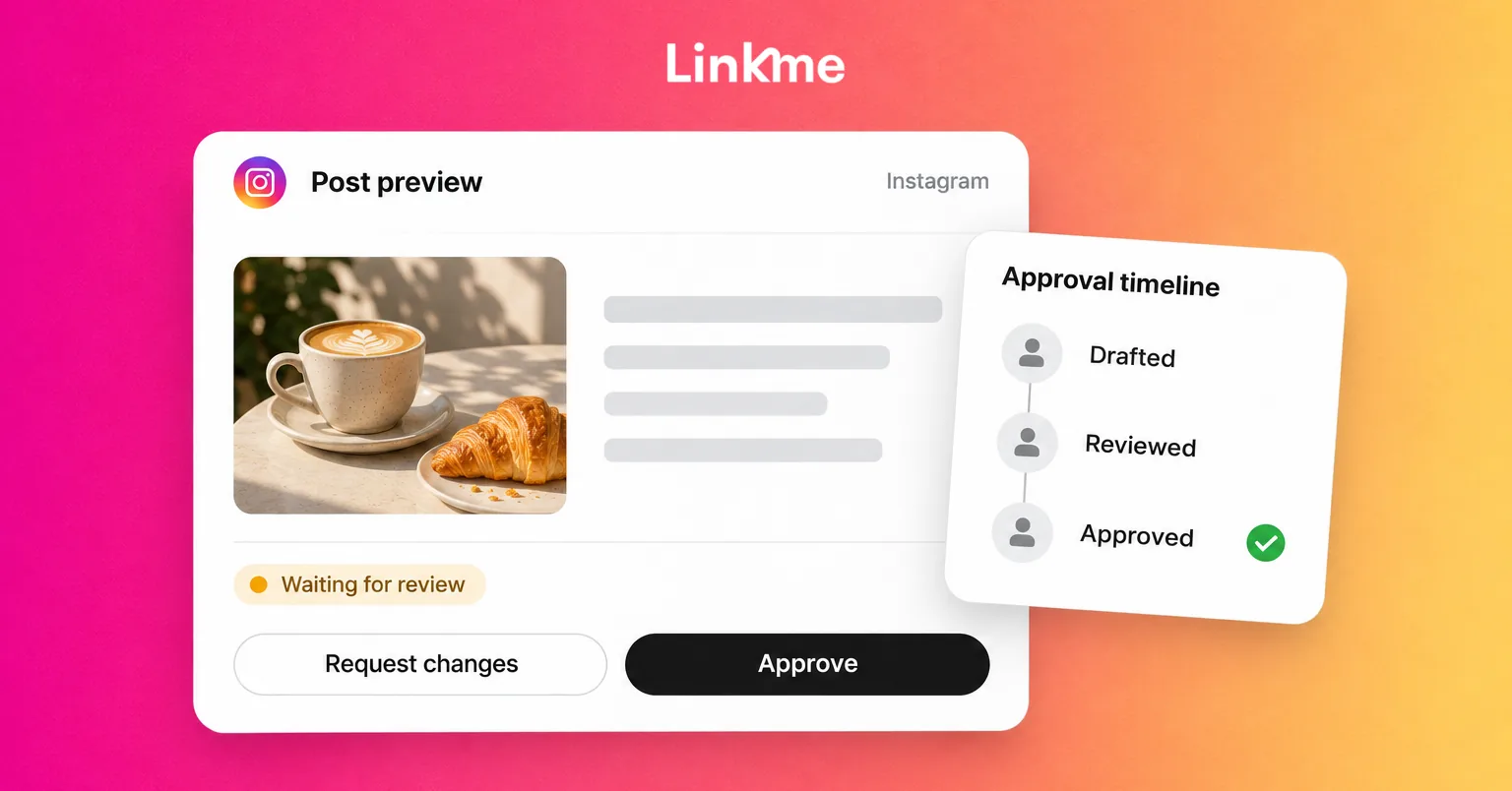
For content requiring approval, prepare the draft and submit it for owner/admin review. The reviewer works through Needs attention, inspects the content and approves or requests changes. Media previews must finish loading before approval becomes available; the reviewer still needs to check what those previews contain.
Use Linkme’s post approval workflow for the product steps. Keep any required specialist or client input tied to the current version before the authorized internal reviewer makes the product decision.
After approval, check the retained schedule and actual publication result. Review state and delivery state answer different questions. If a post targets several accounts, inspect each result and address failed placements without blindly reposting ones that succeeded.
Check whether the process is helping
Use team records and activity history to review where posts wait, why submissions return for changes and where responsibility is unclear. Track recurring causes, such as missing media, unresolved availability or conflicting instructions.
Distinguish a deliberate hold from an avoidable delay. A post waiting for a real business decision is different from one nobody realized they owned.
Improve the brief, reviewer assignment, preparation lead time or backup route based on those observations. The aim is a process people can follow, with the required decisions made on time and on the right content.
Frequently asked questions
Who should approve social media posts?
Choose the person with authority over the proposed use, supported by the necessary factual or specialist input. Small teams can combine roles. Name an authorized backup and check that they can access the relevant account and content.
Does every post need the same approval process?
No. Routine content may follow delegated publishing rules, while a new offer or sensitive factual claim needs additional input. Document the route and match permissions to it, so reviewers and publishers understand the same expectations.
What happens if a post changes after approval?
Identify the new version, assess the changed facts or scope and obtain the required renewed decision. Keep the earlier decision as history. Linkme returns caption/time changes for review; the team must also notice relevant changes outside those fields.
What if the reviewer misses the deadline?
Use the agreed backup or escalation route. If required approval remains absent, hold or reschedule the post. Check that a late approval would still authorize suitable content at a suitable time.
Give every post a clear decision and next action
A useful approval workflow lets the team answer three questions: which version is current, who needs to decide and what happens next. Keep those answers connected to the actual publishing controls and the post’s final result.
See how Linkme supports your team’s post review, publishing permissions and approval history. Book a demo.