Best Social Media Collaboration Tools for Teams in 2026
Compare six social media collaboration tools for shared drafts, feedback, approvals and team access. Find the plan and workflow that fit your team's needs.
On this page
A writer, designer and marketing lead can all see the content calendar and still be unsure where to discuss a draft, which revision is current or who can publish it.
Social media collaboration tools help people work together on content: preparing posts, sharing feedback, reviewing changes and handing approved work to the right publisher. Some emphasize previews and stakeholder review. Others connect that work with publishing, customer care and reporting.
The right choice depends on the handoff your team needs to improve. These six options offer different ways to organize that work, with important differences in permissions, outside participation and cost.
Social media collaboration tools at a glance
| Tool | Useful collaboration focus | Outside reviewers | Relevant tier and billing unit | Important distinction |
|---|---|---|---|---|
| Linkme | Shared drafts, ownership, internal feedback and permission-based review within a business workspace | Owner/admin review inside Linkme; discuss any required client handoff | Business package through a demo | Match account-specific publishing powers to the review process |
| Planable | Previews, comments and separate brand/client workspaces | Public links allow viewing/commenting; approval needs an account | Pro for Required approval; Enterprise for Multi-level; per workspace | Optional approval allows publishing without sign-off |
| Buffer | Shared drafting and channel-specific contributor/reviewer access | Invited Buffer users with the relevant permissions | Team; per connected channel, unlimited members | Full Access approvers can also queue content directly |
| Hootsuite | Shared-account content discussion, review and broader social team coordination | Enterprise supports recording approval obtained outside the platform | Advanced for internal approvals; per user; Enterprise custom | An outside-decision record differs from a guest approval portal |
| Sprout Social | Shared drafts and structured workflows across a social team | Advanced supports external approval through an email-accessed workflow | Professional for internal workflows; Advanced for external approvers; per seat | Publishing privileges and workflow settings affect enforcement |
| SocialPilot | Manager/client review alongside publishing and account groups | Premium supports invited clients using no-login review links | Standard for manager review; Premium for client review; user/account bundles | Manager choices and Auto-Approve can bypass client sign-off |
Six social media collaboration tools to consider
1. Linkme: coordinate drafts, review and publishing in a business workspace
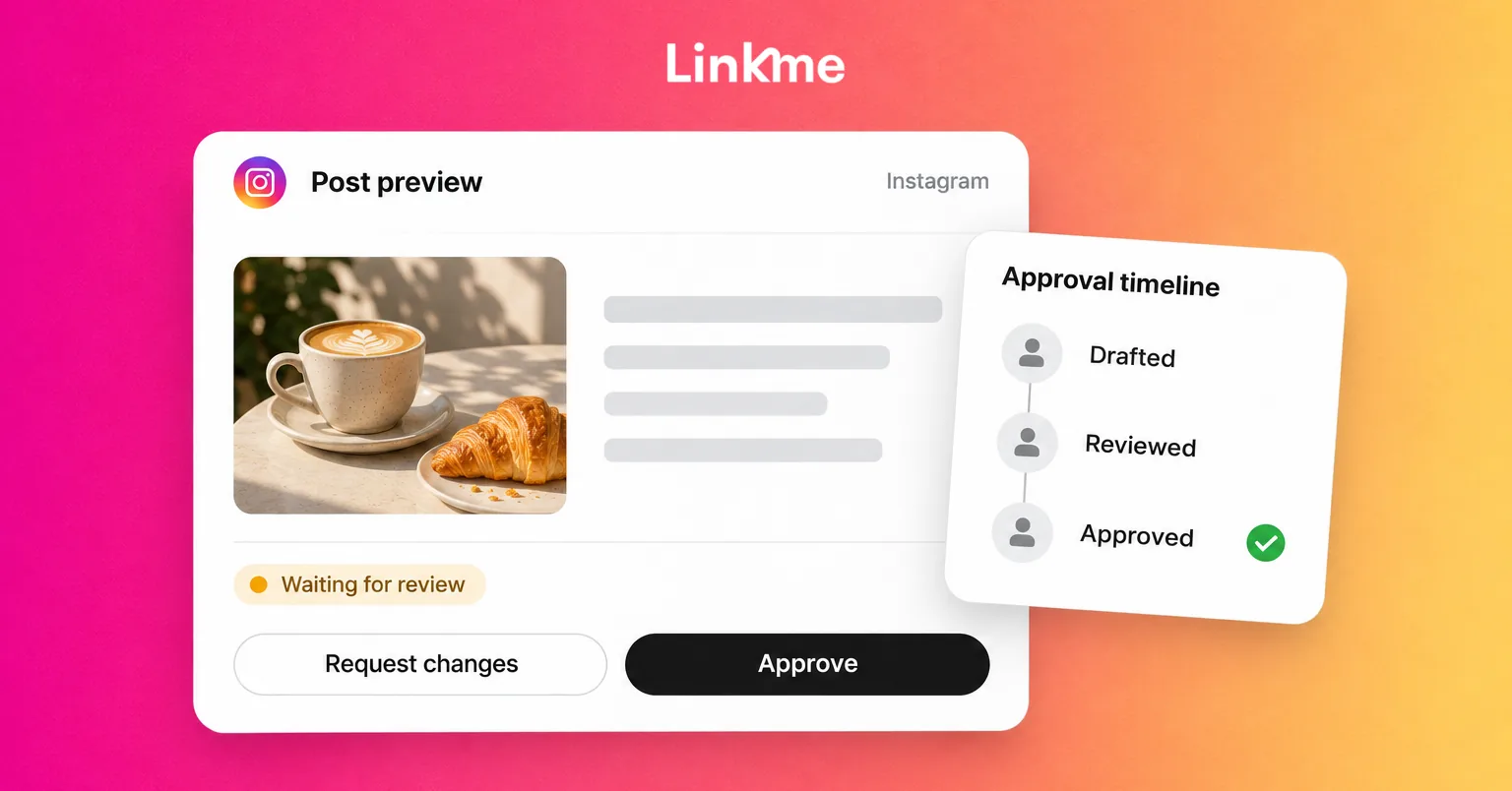
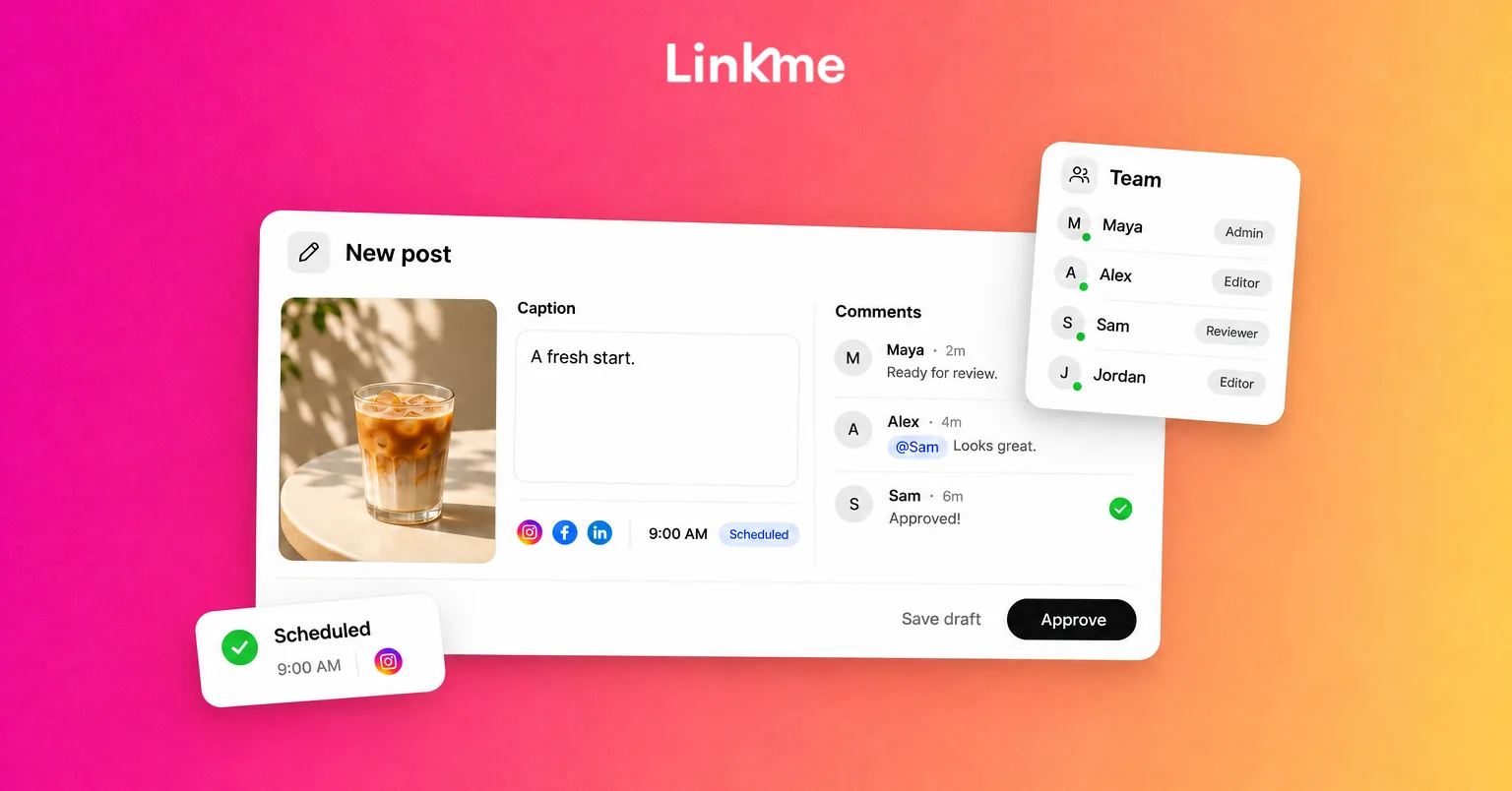
Linkme suits business teams that want shared preparation and review connected to their publishing work. Shared drafts can carry an owner, stage, review deadline and campaign, while internal comments and recorded activity keep feedback near the post.
A writer can prepare content for an assigned business profile, a colleague can provide feedback, and an owner or authorized admin can review the finished version when required. The person responsible for publishing then checks the actual account result. In a small team, one person may hold several of those responsibilities.
Linkme’s team roles and approval controls distinguish direct publishers from managers who need review. Business managers submit for owner/admin approval unless the owner has granted publish-without-approval permission for the relevant account. Owners and admins can publish directly.
Drafts can be shared or kept private. Conflicting saves are detected and the draft reloads, so agree who is making a revision rather than treating shared access as simultaneous co-editing. Comments and activity history help trace work; teams needing document rollback or automated multi-stage approval should discuss that exact requirement.
Caption or time changes return approved content for review. Approval can release an already-scheduled post, including an overdue one, so check the account, content and timing before approving. Linkme’s post approval guide explains the product steps.
Plan and fit: Discuss the account/team scope through Linkme for Business. If the process includes outside-client sign-off, clarify that handoff and the required reviewer access. Book a demo to discuss your team’s needs.
2. Planable: review content in brand or client workspaces
Planable is a useful candidate when the review conversation needs to stay close to the content preview. Workspaces give a brand or client its own content context, and colleagues can comment while a creator revises the post.
For example, a designer supplies a new asset, a stakeholder comments on the preview, and the creator updates the post before requesting the required decision. Internal-only content and comments can be separated from client-facing work on the appropriate plan.
The approval setting matters. None and Optional allow publication without sign-off. Required, on Pro and Enterprise, needs at least one authorized approver. Enterprise adds ordered Multi-level approvals when the process needs several stages.
Public share links let people view and comment without logging in. Actual approval requires an account with Approver permission; Client membership needs Pro or Enterprise. Content locking after approval and automatic scheduling on approval are separate settings to consider.
Plan and fit: Planable’s Pro plan costs US$59 per workspace on monthly billing or US$590 per workspace per year. It includes unlimited users, ten social pages and 150 created posts per workspace per month. Count the workspaces and content volume you need. Analytics and Social Inbox are separate add-ons, so include them when those jobs belong in your requirements.
3. Buffer: collaborate through shared drafts and channel permissions
Buffer’s Team plan fits an internal publishing team that wants a direct contributor-to-reviewer handoff. Colleagues use shared drafts and Notes to discuss content, with access assigned to particular channels.
A contributor with Needs Approval permission prepares a draft and requests review. An owner or Full Access user can respond, revise and approve it into the queue or its selected schedule. Owners and Full Access users can also queue content directly, so the approval requirement depends on the contributor’s permissions.
This distinction matters when inviting a client. A client who acts as an approver needs Full Access on the relevant channel, which also permits direct queueing/publication. That access is broader than an approval-only guest role. Invited collaborators use Buffer accounts.
Notes support in-context discussion and mentions, but are unavailable in the mobile app. Drafts and Notes also exist on single-user plans; invited team collaboration and approval require Team.
Plan and fit: Buffer Team includes unlimited team members and is priced per connected channel. For the first ten channels, the rate is US$12 per channel/month on monthly billing or US$120 per channel/year. Count actual profiles or pages, including several on the same network. Adding colleagues does not create a per-seat charge, but adding connected channels changes the cost.
4. Hootsuite: coordinate content review and wider social team work
Hootsuite is worth considering when content review needs to sit alongside wider publishing and customer-care responsibilities. Teammates with access to a shared account can work on its drafts and discuss posts through internal comments.
A contributor can prepare a draft for a shared brand account, a colleague can comment on the asset, and an authorized reviewer can handle the revised content before publication. Account access matters throughout: a draft without a selected social account remains private to its creator.
Advanced and Enterprise support approval workflows, including sequential and parallel routes. Permissions distinguish people who must submit from people authorized to approve or publish. A one-time request for feedback does not replace the configured required process.
Enterprise also supports an authorized internal member documenting an approval obtained outside Hootsuite. That is a record of an outside decision; it should be evaluated separately from a workflow where a client directly approves through a guest link.
Plan and fit: Compare Hootsuite Advanced and Enterprise against the actual team structure. Advanced is billed per user, so count everyone needing internal access. Enterprise is custom-priced. Identify whether the need is internal review, wider team coordination or documenting an external decision before selecting the package.
5. Sprout Social: support structured review across a social team
Sprout Social is a candidate for teams that need shared preparation and structured content review alongside broader social operations. Draft access follows profile permissions, while approval workflows can include multiple steps and Any or All decisions within a step.
A creator can submit a draft, an internal reviewer can request a correction, and the revised post can move through the remaining required decisions. Professional and Advanced support internal approval workflows. Publishing privileges and settings that allow steps to be skipped still matter; a workflow is not a universal restriction on every user.
For outside stakeholders, Advanced supports up to three external approvers in a workflow with Link Sharing enabled. They follow email prompts to approve, reject or comment without paid Sprout seats. Internal comments remain separate from external feedback. Shared calendar previews are another form of visibility, rather than a substitute for that decision workflow.
Plan and fit: Sprout’s Professional plan is US$299 per seat/month, billed annually; Advanced is US$399 per seat/month, billed annually. Both include unlimited social profiles. Price Advanced when the required process includes external approvers, and count internal seats. Premium Analytics and Listening are separate considerations if the team also requires those capabilities.
6. SocialPilot: manage internal and client review handoffs
SocialPilot fits teams considering manager/client review alongside grouped accounts, a publishing calendar and bundled user allowances.
An owner or admin enables Draft Sharing for account-scoped draft visibility. A Content Scheduler can then prepare work and submit it for manager review. Post comments become available after the Draft stage, so a team expecting detailed discussion on unfinished drafts should examine that preparation handoff closely.
Standard includes manager approval. Premium adds client approval, including Approve On-the-Go: invited Client-role contacts can approve, comment or send work back through no-login review links. These are permission-based client invitations, rather than unrestricted anonymous approval links.
Managers can choose whether to involve the client or approve the content themselves. Auto-Approve can also bypass client sign-off. Decide how those options align with your process instead of assuming every client-associated post is technically blocked until that client approves.
Plan and fit: SocialPilot Standard includes 15 social accounts and three users; Premium includes 25 accounts, six users and unlimited client-review seats. Standard is US$42.50/month equivalent on annual billing or US$50 month to month. Premium is US$85/month equivalent on annual billing or US$100 month to month. A client granted publishing access counts toward team membership, so unlimited client seats do not mean unlimited publishers.
How to choose a collaboration tool for your team
Start with the handoffs your current setup cannot support
Identify where the work becomes unclear. Is the current draft difficult to find? Does feedback arrive away from the content? Can the wrong person publish? Are clients seeing internal discussions? Does nobody own failed placements?
Keep useful task boards, design tools and communication channels. A social platform should solve a specific gap in how content moves between people.
Check your required networks, account types and formats as an initial eligibility test. If inbox assignment or shared reporting is part of the job, include it in the package requirements rather than assuming every collaboration tool covers it.
Compare the real people and access requirements
List internal authors, designers, reviewers, publishers, outside clients and read-only stakeholders separately. Then check what each can see and do.
Ask whether reviewers need an account or paid seat, whether approval access also permits publishing, and how brand/client scope is restricted. Check what happens when accepted content changes, how the current revision is identified and how much history the team can retrieve.
The answer may be different for two teams with the same headcount. One needs internal review; another needs a client who can decide without gaining publishing powers.
Price the plan that supports those requirements
Consider a hypothetical team with three internal people: a writer, a designer and a marketing lead. They manage three brands, with two connected profiles per brand, giving six profile connections. Add two external client contacts only if outside review is needed.
Use this worksheet for the shortlisted setup:
| Field | Record for your team |
|---|---|
| Required workflow and tier | [Internal review, external decision, ordered stages; required plan] |
| Billing unit and count | [Users, profiles/channels, workspaces or package; quantity] |
| Included allowance | [Relevant users, accounts, posts and reviewer access] |
| Extra cost | [Required additional capacity, Inbox, reporting or other add-ons] |
| Total and commitment | [Currency; annual total or monthly payment; billing period; quote needed if applicable] |
| Fit decision | [Requirement met, permission tradeoff accepted, or unresolved gap] |
Here is how the quantities work for the hypothetical team. Numeric totals below use USD annual billing, excluding taxes and optional extras. A monthly equivalent divides the annual subscription by twelve; it is not a monthly-payment offer.
| Setup | Units and included scope | Base annual cost | Monthly equivalent | Workflow distinction |
|---|---|---|---|---|
| Linkme Business | Discuss three internal people, six profiles and any client-review requirement | Package quote | Package quote | Confirm the actual internal/external handoff and access scope |
| Planable Pro | Three workspaces if each brand needs its own context; unlimited users; ten pages and 150 posts per workspace/month | 3 × US$590 = US$1,770 | US$147.50 | Client approvers need accounts; ordered stages require Enterprise |
| Buffer Team | Six connected channels; unlimited members | 6 × US$120 = US$720 | US$60 | Invited client approvers have Full Access, including direct publishing powers |
| Hootsuite Advanced or Enterprise | Three internal users; select the tier for the actual workflow | Confirm the three-user price or Enterprise quote | Confirm with the package | Documenting an outside decision is different from guest approval |
| Sprout Advanced | Three internal seats; two external approvers within the supported workflow allowance | 3 × US$399 × 12 = US$14,364 | US$1,197 | External approvers need no extra paid Sprout seats |
| SocialPilot Premium | Six profiles and three internal users fit its 25-account/six-user bundle; client-review seats included | US$85 × 12 = US$1,020 | US$85 | Client sign-off depends on manager choices and Auto-Approve settings |
Three Planable workspaces are an assumption about separate brand contexts, not a result forced by six profiles. If outside decisions are unnecessary, a lower collaboration tier may fit: for example, Sprout Professional or SocialPilot Standard.
These setups differ in reviewer access, publishing authority and approval behavior. Use the figures to cost a suitable setup, then decide whether its workflow meets the requirement. A lower price does not resolve a missing handoff.
Use this checklist in a demo or trial
Take one realistic post through the team before choosing a platform. Record what happens at each step.
| Action | What to observe | Decision or question to record |
|---|---|---|
| Create a draft for one exact profile. | Who can find it and identify the next owner? | Does shared preparation work within the intended account scope? |
| Add an asset and request one specific change. | Where feedback lives, and whether it is internal or client-visible. | Can people review the actual content without exposing the wrong discussion? |
| Revise the content. | How the current version and earlier decisions are represented. | Can the team tell what was accepted and what changed? |
| Inspect contributor, reviewer and publisher access. | Who can approve, publish directly and view another brand’s content? | Do those powers match the responsibilities you want to delegate? |
| Include an outside contact if needed. | Login, paid-seat and view/comment/approval requirements. | Is this a real decision workflow, feedback only or an outside record? |
| Set a future time, follow the review route, then make a pre-publication change. | Whether approval resets, content locks or another action is needed. | What must the team do before that revised content can publish? |
| Check delivery and price the exact setup. | Per-account results, recovery responsibilities, required units and extras. | Does the workflow fit, and what is the total commitment? |
Keep enough time between the exercise and any intended publication to handle changes. Approval and successful delivery remain separate checks; recovering a failed placement should not blindly duplicate one that already published.
Frequently asked questions
How are collaboration tools different from social media schedulers?
Scheduling handles when content is published. Collaboration covers the people working on that content: shared preparation, feedback, responsibility, access and review. Many products combine both, but their team controls differ.
Can clients approve posts without an account?
It depends on the product and workflow. Planable public links support comments, while formal approval requires an account. SocialPilot Premium supports invited clients using no-login review links. Sprout Advanced supports an external approval stream. Hootsuite’s Enterprise outside-approval record documents a decision obtained elsewhere.
Do we need a specialist approval tool or a broader management platform?
Start with the missing handoff. Preview-based stakeholder review may be the main need; another team may also require customer-care assignments or reporting access. Include those tasks before deciding how much platform to buy.
What should we count when comparing costs?
Count internal users, actual connected profiles, required workspaces, reviewer roles and any extra capacity or features. Compare the plan that supports the workflow, with the billing period stated. Reviewer access can affect both permissions and cost.
Choose for the way your team actually works
A useful collaboration tool gives contributors, reviewers and publishers a clear place to work, with access and decisions that match their responsibilities. Use a real team scenario to shortlist the right fit.
If your team needs shared drafts, clear publishing permissions and post reviews in one business workspace, explore Linkme for Business or book a demo to discuss your team’s needs.