Publishing & Scheduling
Plan, schedule and publish posts across every network your business uses.
Publishing & Scheduling articles

Best Social Media Scheduling Tools in 2026
The best social media scheduling tool is the one that fits how your team publishes. That means supporting your accounts and post formats, giving the right people approval access, and making it clear when a post succeeds or fails.
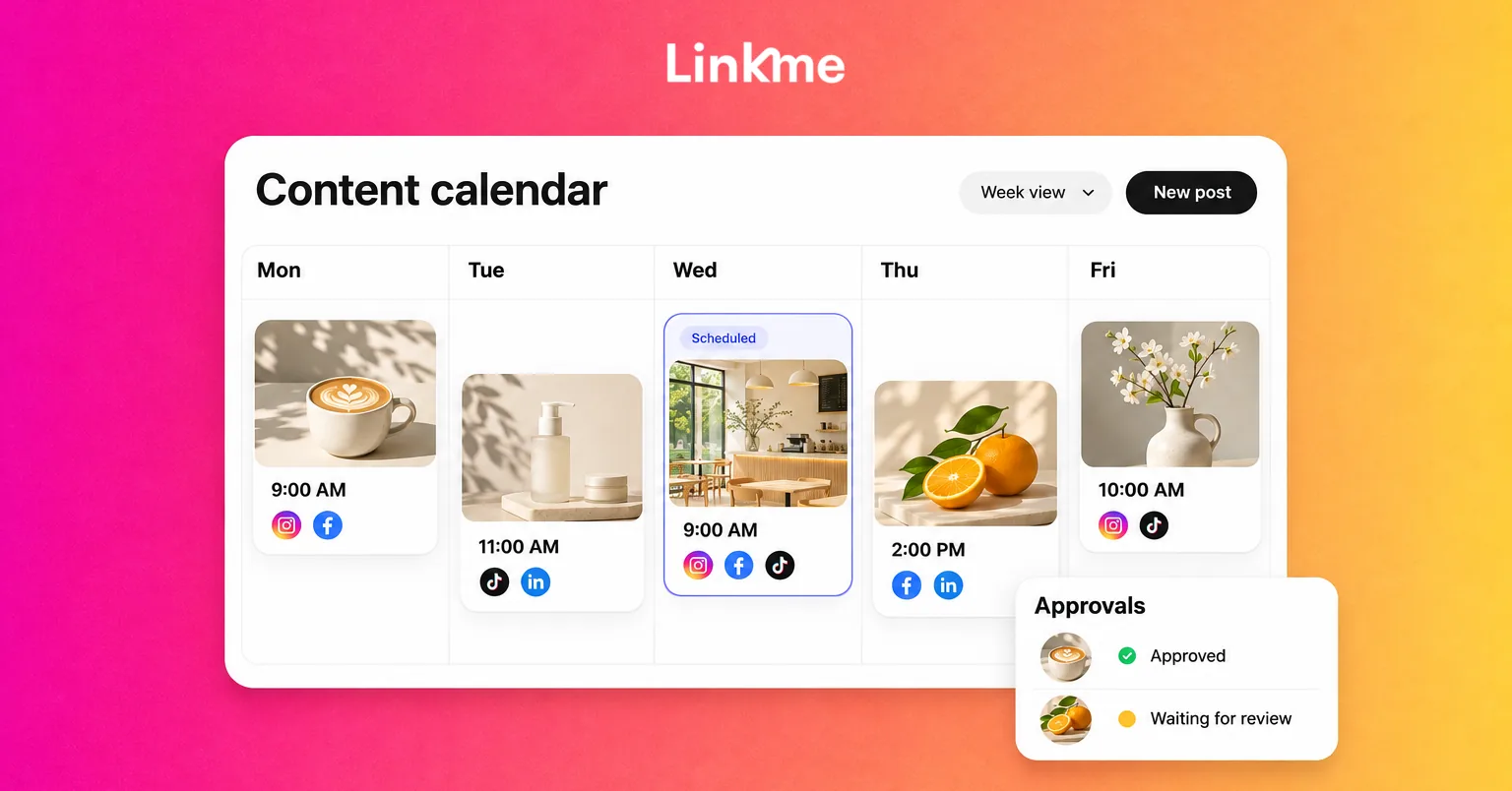
How to Create a Social Media Calendar, With a Template
A post has a date in the calendar, but the image is unfinished. Nobody owns the review, and the person responsible for publishing assumes somebody else has already scheduled it.
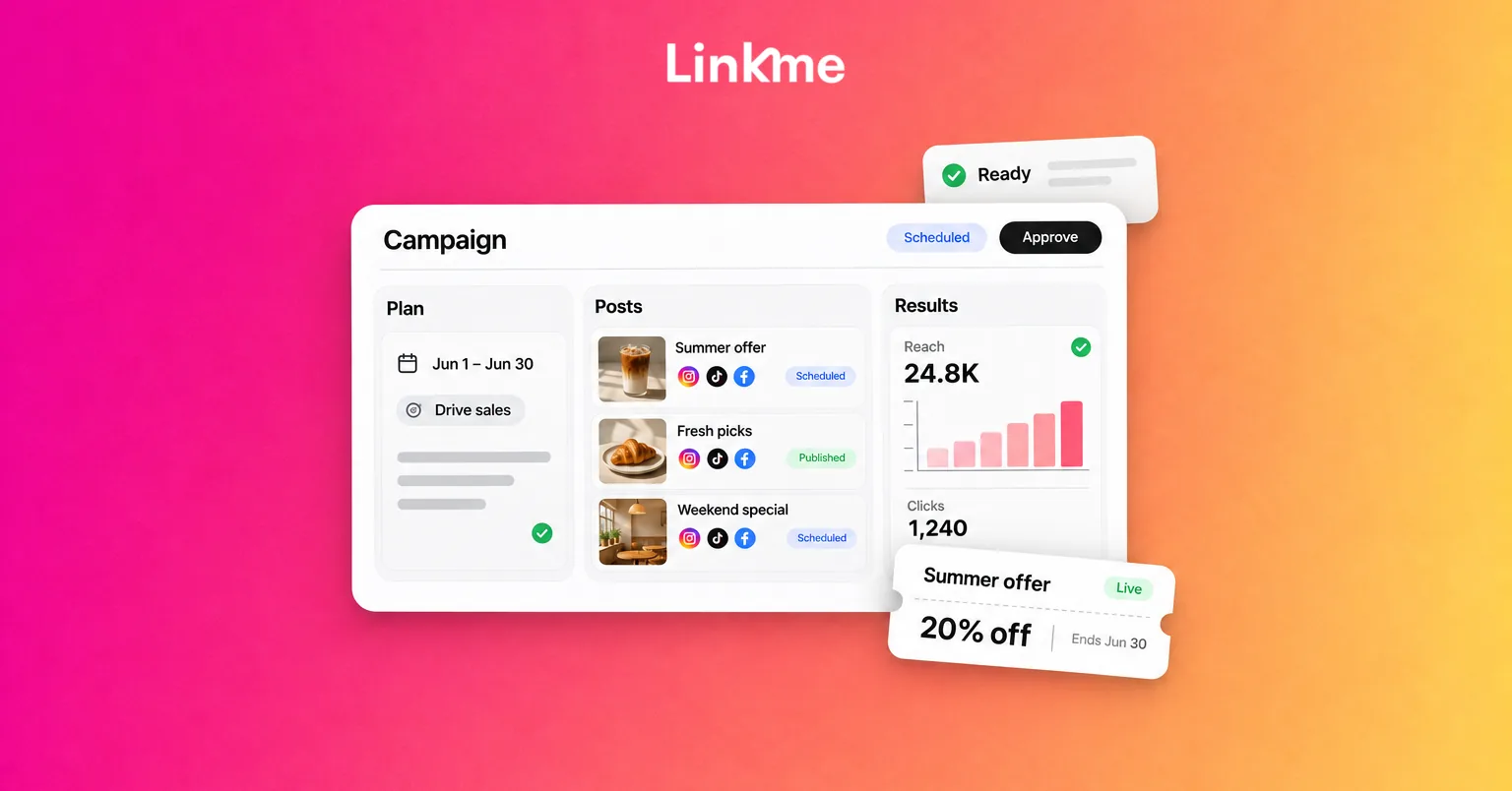
Social Media Campaign Template: Posts, Offers and Reporting
A campaign can have polished posts and still miss something basic: the offer page has the wrong date, a reminder runs after registration closes, or nobody checks the inquiries.
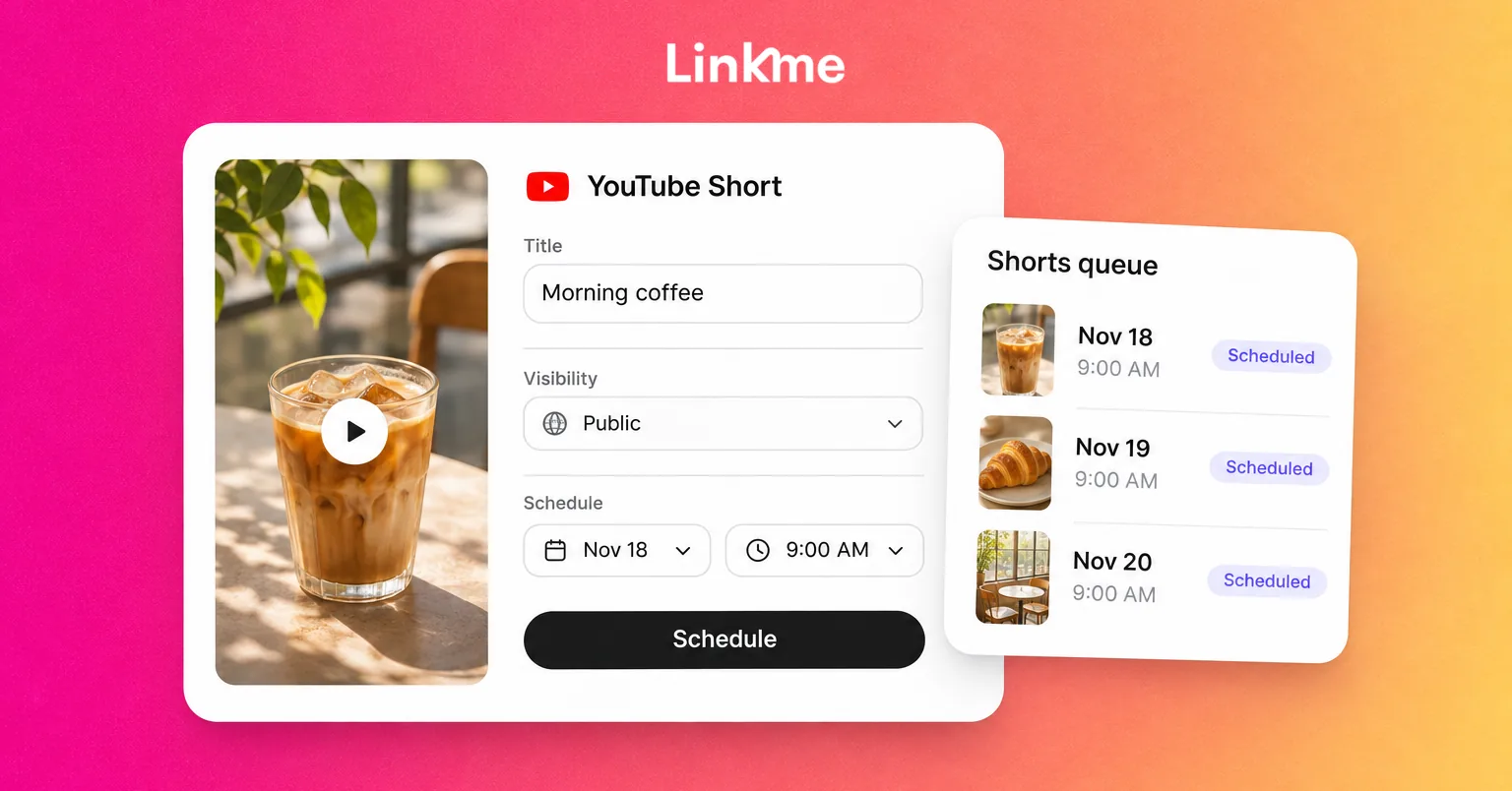
How to Schedule YouTube Shorts
You can schedule a YouTube Short in YouTube Studio by uploading an eligible video, completing its details and audience settings, then choosing Schedule for a future date and time. The video stays private until its scheduled public release.
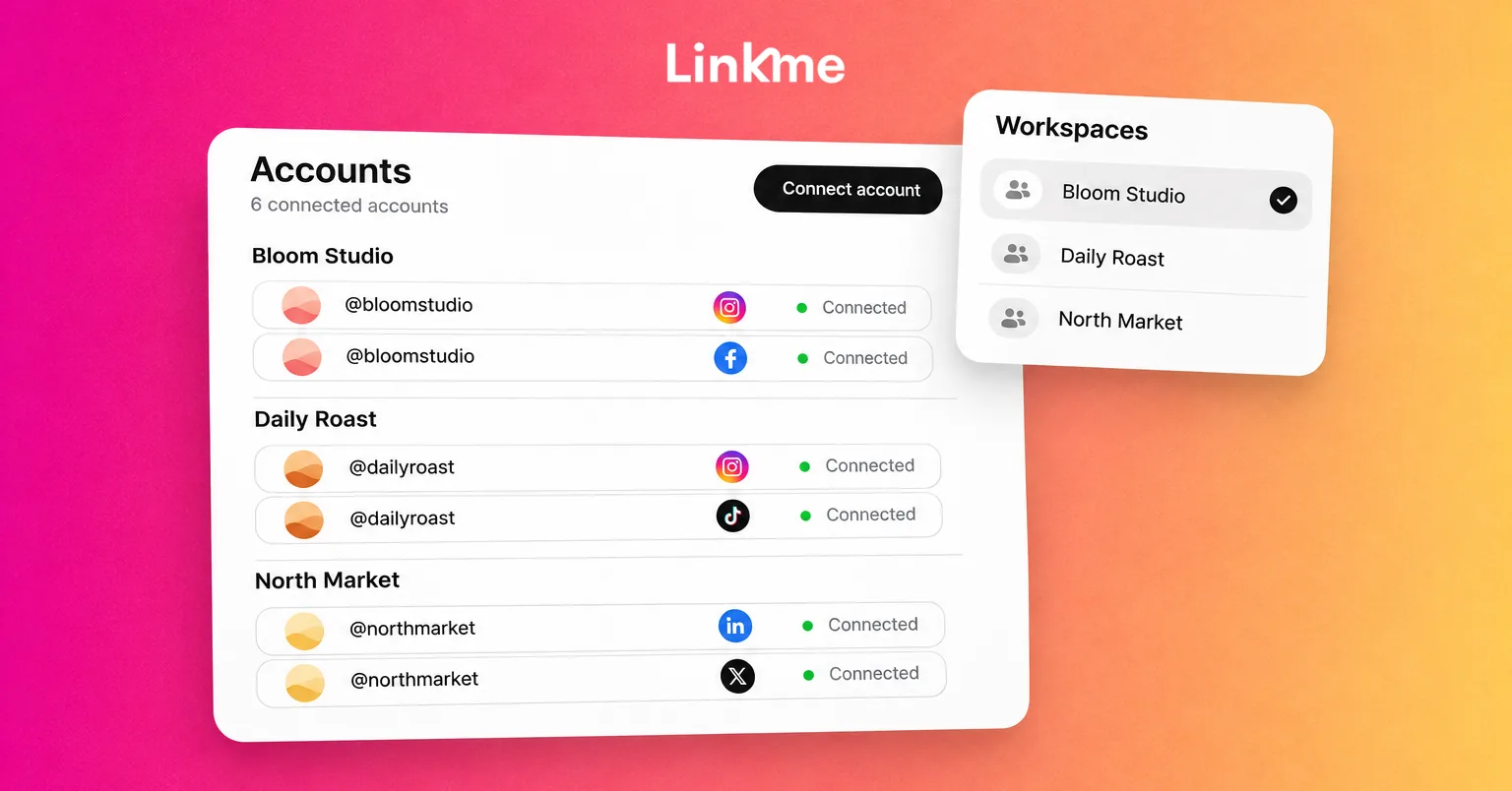
How to Manage Multiple Social Media Accounts for Your Business
Two Instagram profiles have similar avatars. A teammate can access both brands, but the post in front of them belongs to only one. Elsewhere, a scheduled post has failed after an authorization change during a staff handoff.
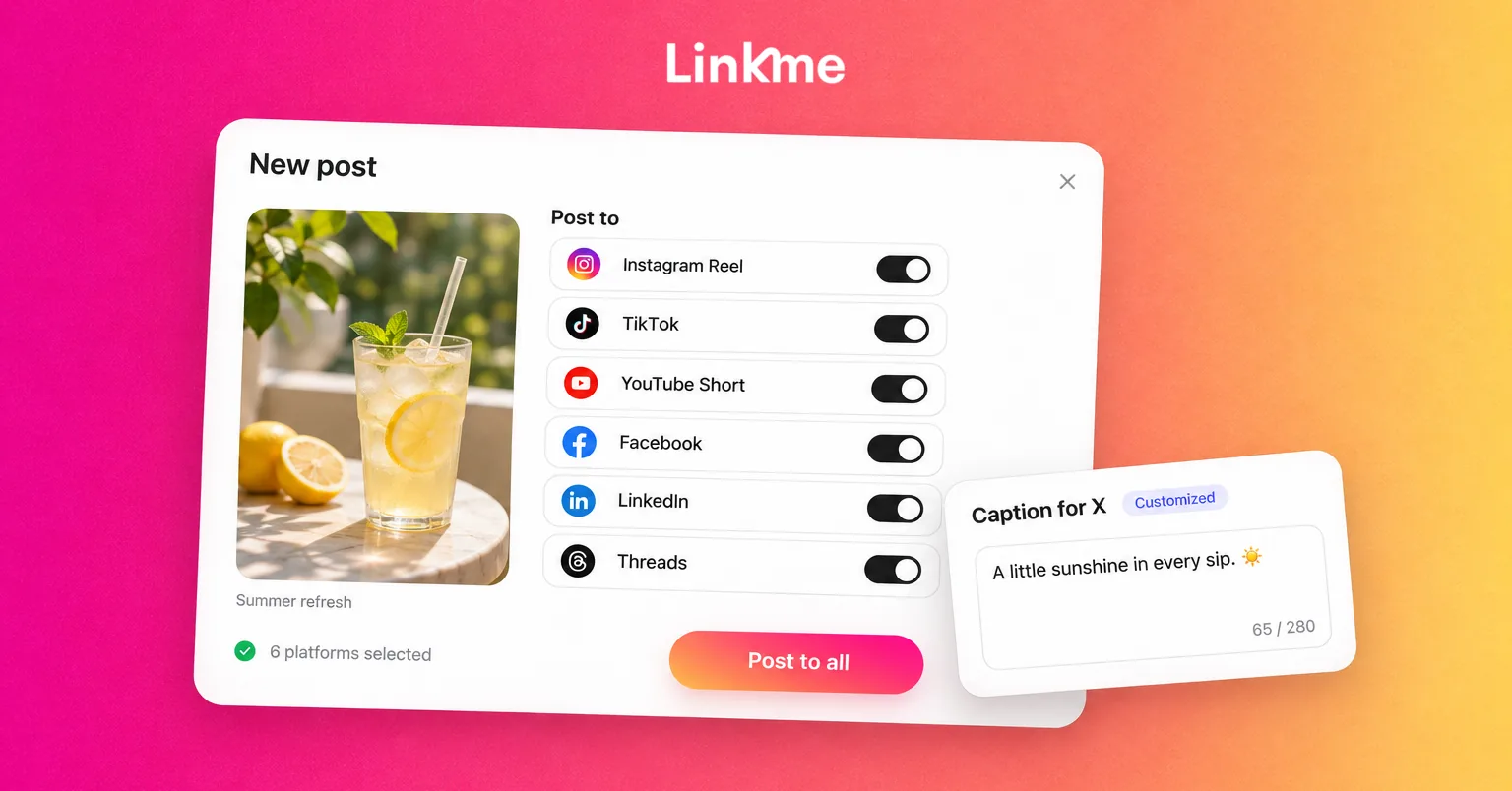
How to Cross-Post on Social Media: A Practical Guide
To cross-post on social media, prepare one core message, choose the accounts where it belongs, adapt each version, and publish or schedule the posts. Then check that every version went live with the right media, caption and destination link.
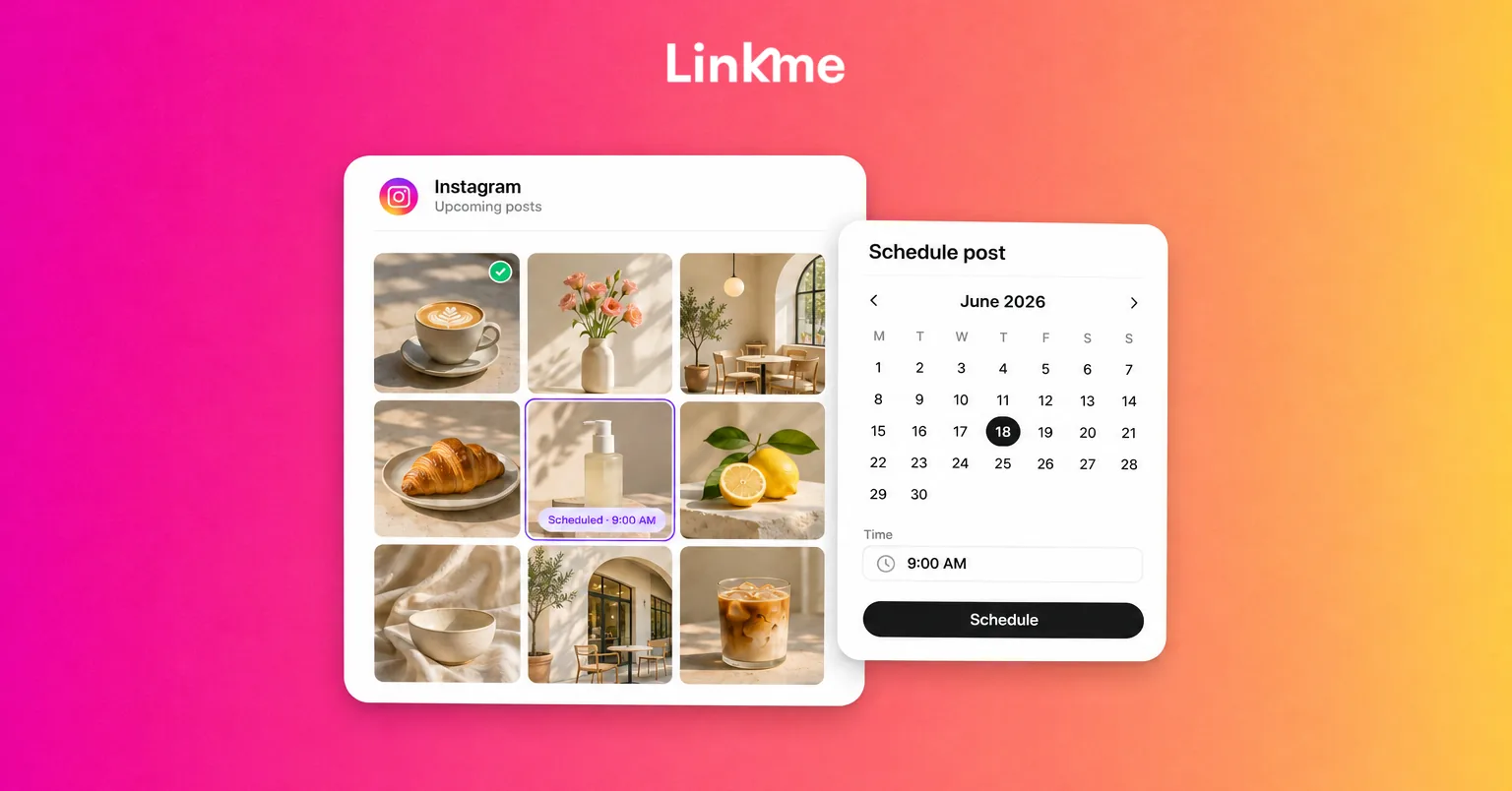
How to Schedule Instagram Posts: A Practical Guide
To schedule an Instagram post, prepare the content, select the account and publication time, confirm it is queued, then check that it publishes. You can do that in Instagram’s own app or through a publishing workspace such as Linkme.
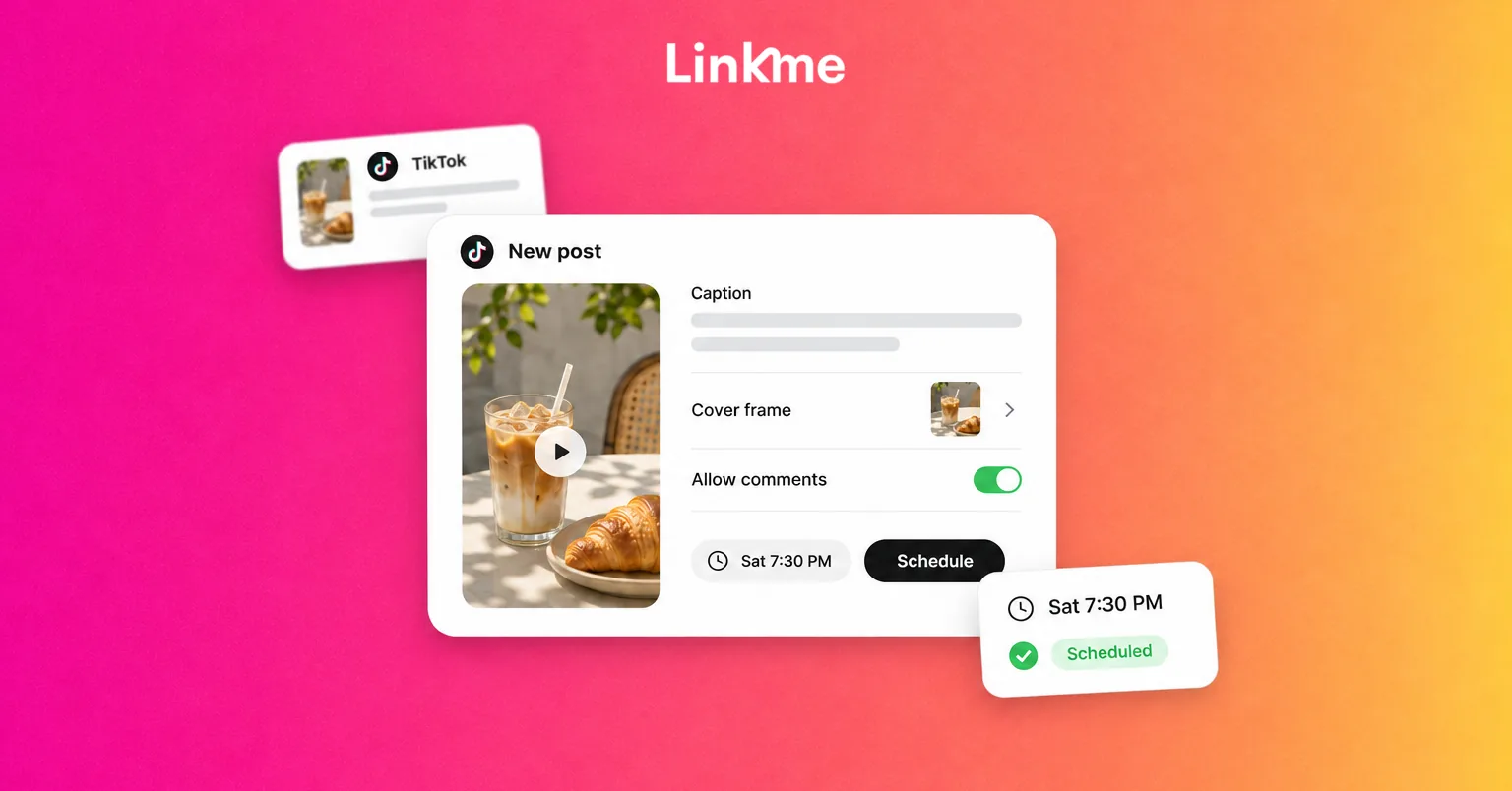
How to Schedule TikTok Posts: A Practical Guide
You can schedule TikTok content through a publishing workspace such as Linkme or an available native TikTok scheduler. Prepare the media and caption, select the account and publication time, confirm the scheduled entry, then check the result when it is due.
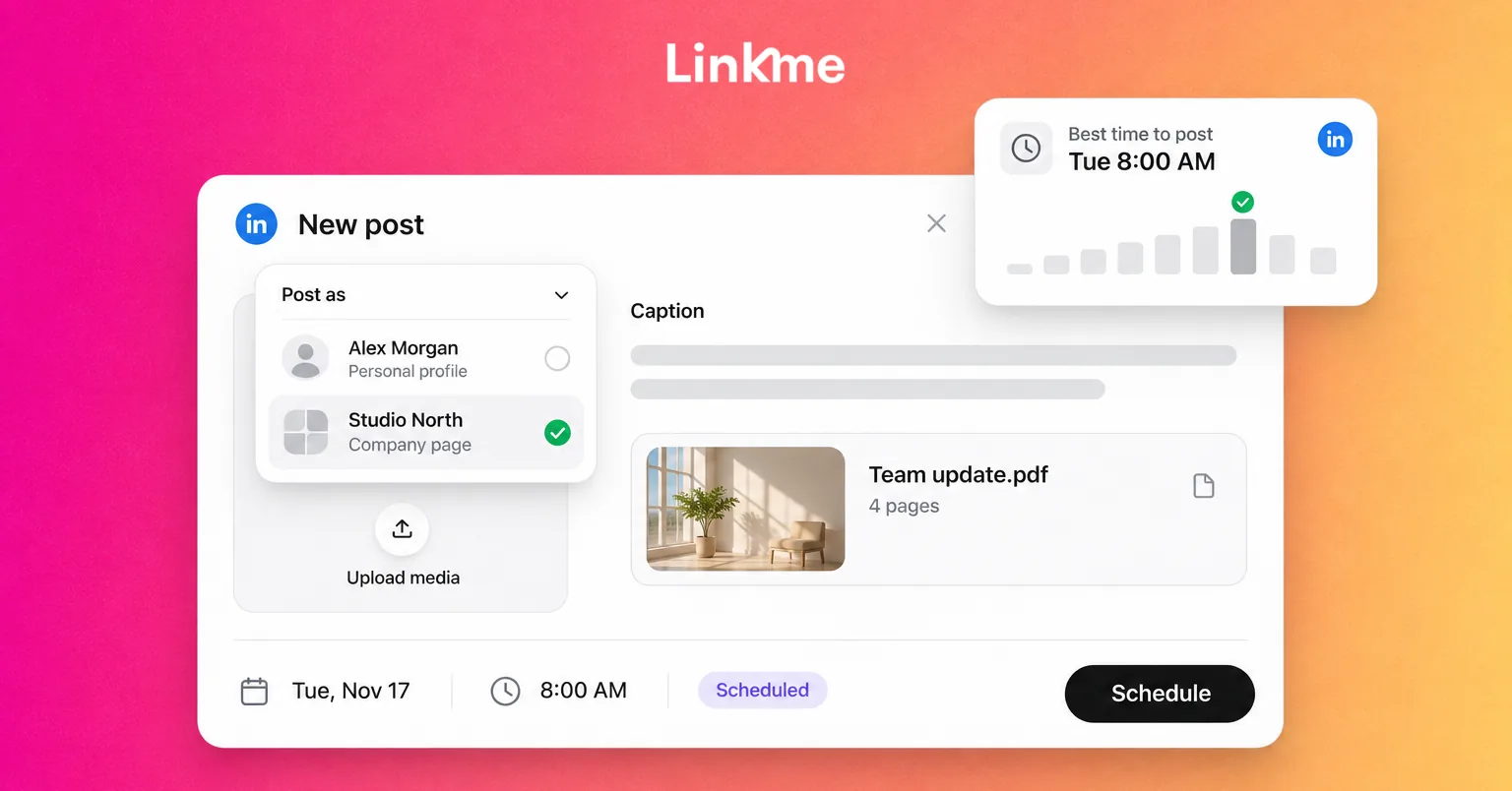
How to Schedule LinkedIn Posts: Profiles and Company Pages
You can schedule LinkedIn posts directly from your personal profile or, with the right admin role, from a company Page. You can also use Linkme to prepare, review and schedule content for a connected LinkedIn destination alongside your other social content.
See Linkme for Business
Plan, approve and publish posts, automate replies, answer messages and report on results from one workspace.