How to Cross-Post on Social Media: A Practical Guide
Learn how to cross-post on social media with platform-specific captions, formats and timing. Follow a practical workflow, example and publishing checklist.
On this page
- Key takeaways
- What is cross-posting on social media?
- When should you cross-post, and when should you create a separate post?
- Choose how you will publish across platforms
- How to cross-post on social media, step by step
- A final cross-posting checklist
- Frequently asked questions
- Put the workflow to work on your next announcement
To cross-post on social media, prepare one core message, choose the accounts where it belongs, adapt each version, and publish or schedule the posts. Then check that every version went live with the right media, caption and destination link.
You can post to multiple social media platforms at once, or give each version a different publishing time. The goal is to reuse the work behind a campaign while making each post useful to the people who see it.
A product announcement, for example, might keep the same launch date across Instagram, Facebook and LinkedIn. Its opening line, visual treatment and next step can change to suit each audience.
What is cross-posting on social media?
Cross-posting means publishing the same core content across more than one social network. The versions can use the same source asset without having identical captions or publishing times.
A few related activities serve different purposes:
- Reposting or sharing distributes an existing post through a network’s available features. You can share your own post or someone else’s.
- Repurposing turns an asset into another format, such as a webinar becoming a short demonstration video.
- Scheduling determines when a post goes live. You can schedule a cross-posted campaign or a post intended for just one account.
Publishing to several location accounts on the same network also requires coordination, even when you are not distributing the campaign across different platforms.
When should you cross-post, and when should you create a separate post?
Cross-posting is useful when several audiences need the same information. You can reuse preparation work while keeping launch dates, offer details and event information consistent.
Use the message’s relevance and format to decide where it belongs:
| Situation | Approach | What to consider |
|---|---|---|
| An announcement, event or service update matters to several audiences | Cross-post with appropriate adjustments | Keep the facts consistent and adapt the presentation |
| The idea fits, but the format or intended action differs | Create a separate version | A poll, document, sticker or in-app sound may need different handling |
| The audience, location or offer does not fit | Skip that destination | Publishing to another account only helps when the message belongs there |
Consider audience overlap too. Someone following your business on three networks may see the announcement several times. Change the opening or timing where useful, and leave room for posts created specifically for each channel.
Choose how you will publish across platforms
Publish manually for an occasional campaign
For a small number of posts, upload the adapted versions directly in each app. This also gives you access to native features that may be unavailable through your publishing tool.
Keep the captions and assets together so you can check that each version uses the right details. Manual publishing still needs a clear owner and a record of which accounts have received the post.
Use native sharing for a supported connection
Some platforms provide a built-in sharing connection. For example, eligible connected Instagram and Facebook accounts can share supported content through Meta’s native options.
Check which account will receive the post and whether the selected content type is supported. If automatic sharing is enabled, account for it in your publishing plan so you do not send a second copy to the same destination.
Use a publishing workspace for a broader set of accounts
A shared workspace becomes useful when you regularly prepare posts for several accounts or need someone else to review them.
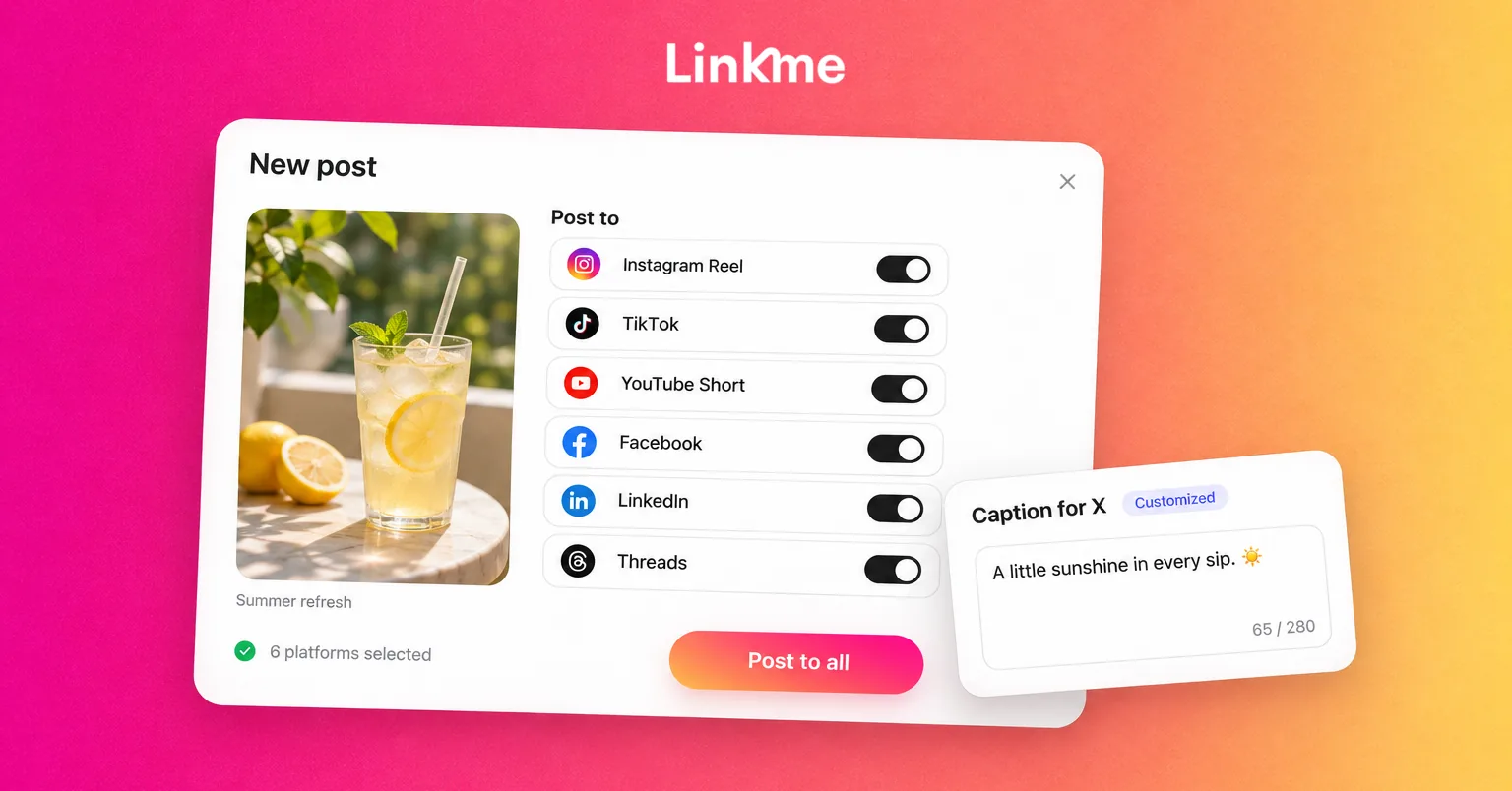
You can publish across your social accounts with Linkme, customize captions by network, schedule posts and check each destination’s publishing status. That keeps the preparation and follow-up in one workflow.
Check support for the specific account and format you intend to use. Across publishing tools, some workflows publish directly, while others send a draft or notification that someone must finish in the destination app. If a needed native feature is unavailable, plan that final step instead of assuming the scheduled post includes it.
How to cross-post on social media, step by step
1. Set the goal and select the right accounts
Start with the action you want the reader to take: register for a workshop, read an article, ask a question or visit a location.
Choose the networks where that audience is active and the exact accounts that should receive the message. An offer available at one branch should not accidentally appear on every location’s profile.
If you use a publishing workspace, connect or reauthorize the accounts through the platform’s authorization process. Confirm that the correct business identities appear and that the person publishing has the necessary access.
Choose one person to own the release. Before adding anything to the schedule, check existing posts and native auto-sharing settings. If Instagram already shares the post to Facebook, scheduling another Facebook version can create a duplicate.
2. Prepare the core message and reusable media
Collect the approved facts before adapting the post: what is happening, who it is for, when it happens and where interested readers should go.
Keep an original media export available. Starting from that file makes it easier to crop or edit versions without carrying over another app’s overlays or losing quality through repeated downloads.
Check that you have permission to use the images, footage and audio on each intended destination. Music available inside one app should not be assumed to carry the same permissions elsewhere.
Make subtitles readable, check that important text is not cropped, and prepare descriptive alt text where the publishing route supports it.
3. Adapt the caption, format and next action for each network
Review each version as a complete post. Adjust:
- The opening: give that audience a reason to care.
- The caption: keep the useful details and remove references that only make sense elsewhere.
- The media: check the crop, cover, text placement and supported format.
- The mentions: verify the correct handle on that network.
- The call to action: tell readers where they can actually take the next step.
Linkme supports a caption for each network and checks format rules in the composer. Use those controls to keep the campaign consistent while making the individual posts appropriate.
Some native elements need to be added inside the destination app. Check any required promotional or paid-partnership disclosure settings too. For example, TikTok’s promotional-content guidance covers both a business promoting its own offer and qualifying third-party promotion.
Link placement also changes. A direct registration link can suit a supported Facebook or LinkedIn post. An Instagram caption might direct readers to the profile link, which must point to the relevant destination. On YouTube, URLs in Shorts descriptions and comments are not clickable. If you direct viewers to a channel-profile link, confirm that the link has been added and opens the right page.
Example: one workshop announcement, three versions
Imagine an office-software business running a workshop on setting up a shared project tracker. These hypothetical captions promote the same session. Replace the bracketed details before using them.
| Destination | Adapted caption | Media and destination check |
|---|---|---|
| Still chasing project updates? See a shared project tracker in action. Join our workshop on [date] at [time and time zone] for a practical walkthrough and Q&A. Find the registration page through the link in our profile. | Show the tracker in use with readable on-screen text. Confirm the profile link leads to registration. | |
| Join our shared project tracker workshop on [date] at [time and time zone]. We’ll walk through a simple setup and answer your questions about keeping project updates in one place. Register here: [registration link]. | Use a suitable feed image or video from the same source creative. Test the registration link. | |
| Give your team one place to track project updates. Our workshop on [date] at [time and time zone] will demonstrate a shared project tracker and leave time for questions. Register: [registration link]. | Show the workflow’s business use. Confirm the post comes from the intended company account. |
The subject, date and offer stay consistent. The framing and next action change. Include LinkedIn only when the workshop is relevant to its business audience.
For a workshop interest list, you can collect signups on your Linkme page. Label the form as a workshop interest signup so people know what they are requesting.
4. Review each version and set the publishing time
Have the responsible person check the final caption, media, destination and offer details before publication.
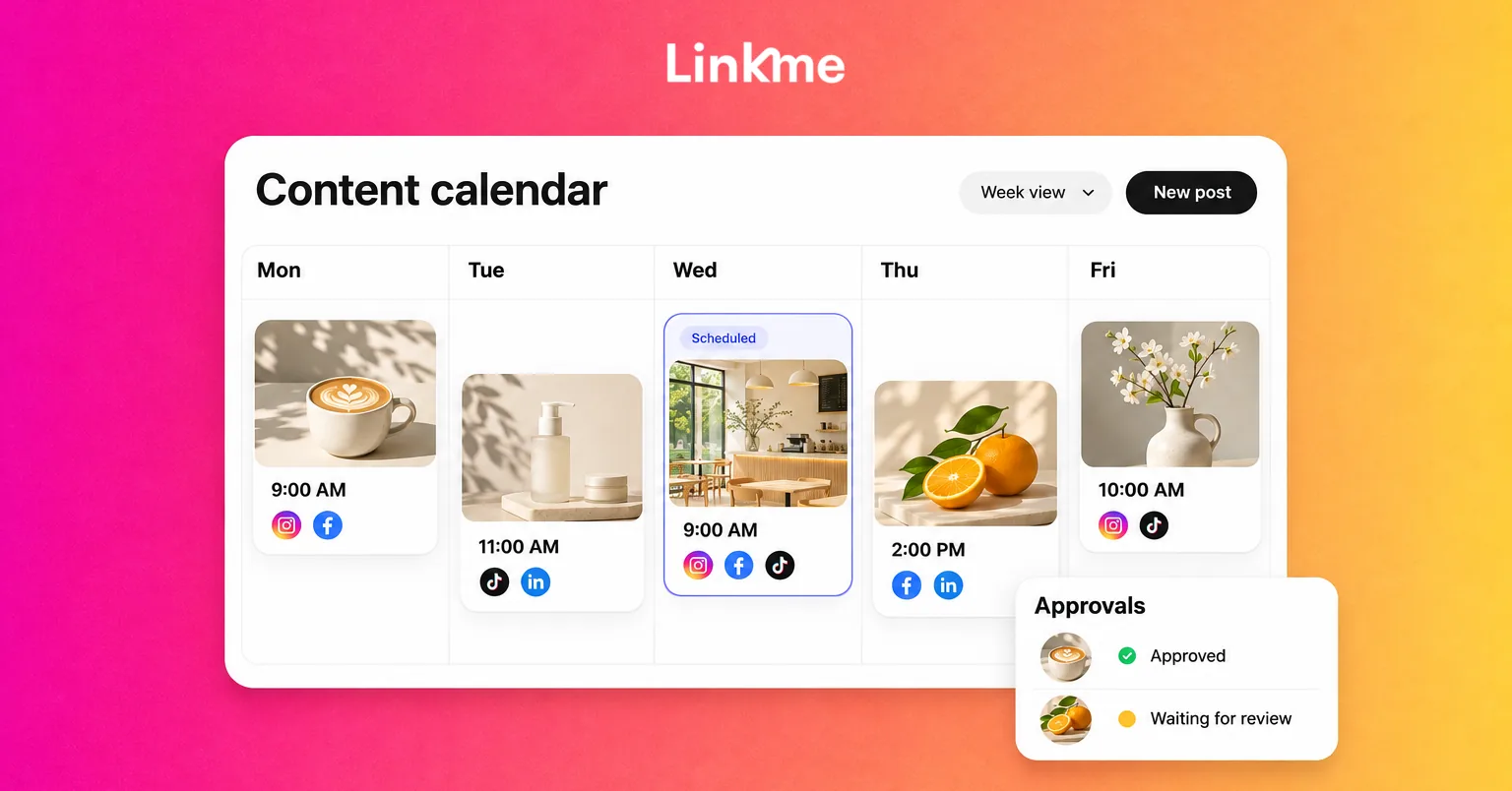
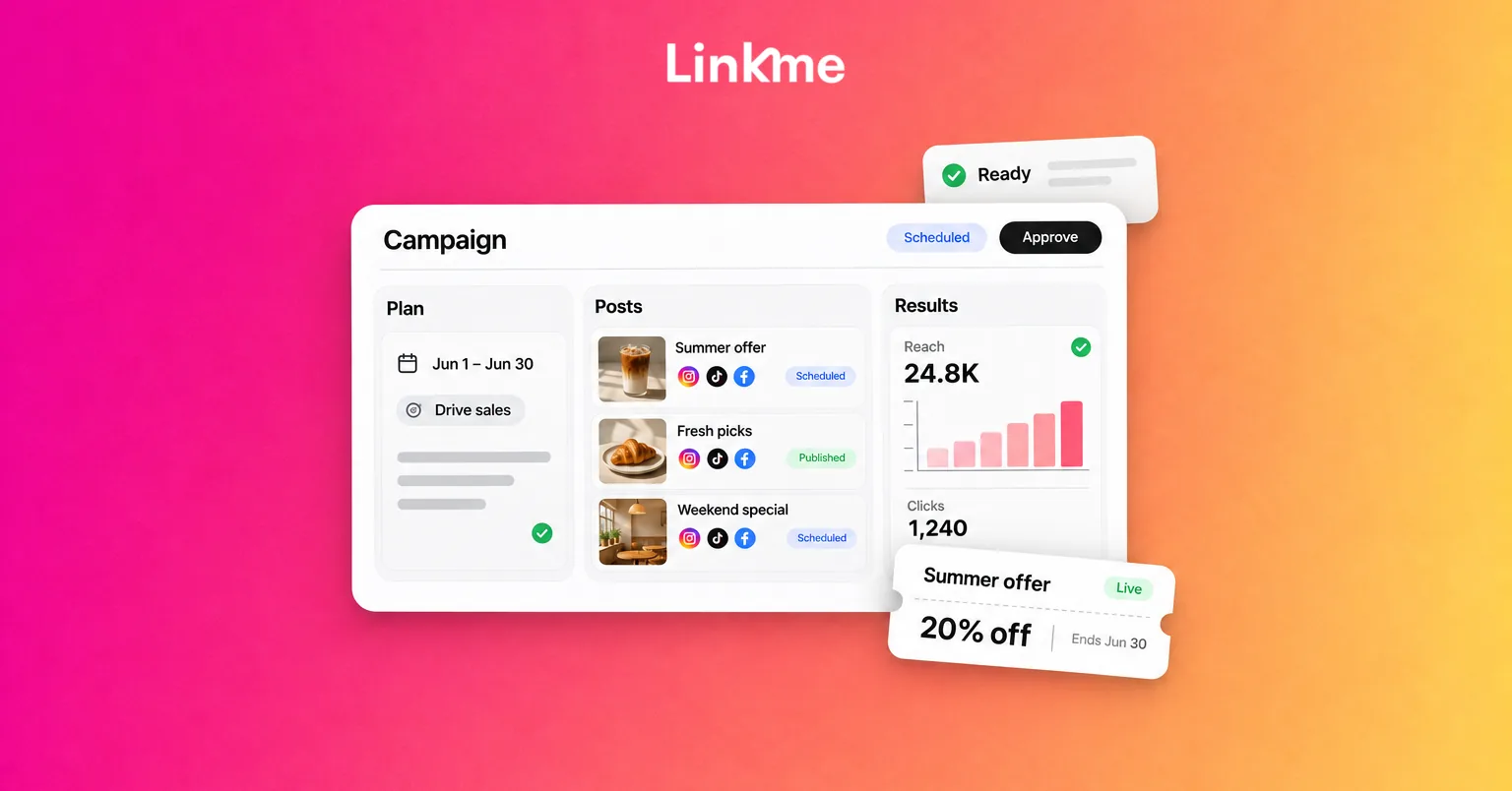
For teams using Linkme for Business, shared drafts, approvals and post history help coordinate that review. Managers without direct publishing permission submit posts for sign-off. Owners, admins and managers granted the relevant publishing permission can publish directly.
If your team needs help with the setup, see how to manage post approvals. Changing an approved caption or scheduled time returns the post for approval, so make those changes before the final check where possible.
Check the scheduler’s time zone against the audience’s local time. Linkme’s Business scheduling follows the business time zone. A time-sensitive announcement may need a coordinated release, while another campaign can use separately scheduled versions. Check how your chosen tool handles those versions before assigning different times.
Pay particular attention to delayed reviews. In Linkme, an overdue post can publish after approval. If the planned time has passed, deliberately choose a new future time or confirm that the post should go out now before signing off.
5. Publish and check every destination
A scheduled post is still waiting to publish. After release, inspect the actual post on each selected account.
Check the caption, media, sound, mentions and destination link. If the publishing route requires someone to finish a draft or respond to an app notification, assign that step and confirm completion.
Linkme shows publishing status by network and lets you retry failed destinations. If two networks published successfully and a third failed, inspect the third network’s error and correct the problem before retrying it. Resending the entire campaign can duplicate the successful posts.
A disconnected account, unsupported format or incomplete native step can require different fixes. Follow the destination’s specific error rather than assuming every failure needs another upload.
6. Respond and assess what worked
Assign someone to answer the comments and questions the campaign generates.
Then assess the outcome against the original goal. For a workshop, that might mean registration-page visits and completed registrations, alongside questions showing interest in the subject.
Use native platform analytics for social-post performance and the destination’s measurement tools for visits or enquiries. Where supported, consistent campaign and source tags can help distinguish traffic sources. A shared profile link may serve several posts, so it does not automatically identify which individual post produced a visit.
Compare similar metrics over a consistent period. Adding reach figures from several networks does not tell you how many unique people saw the campaign, because the audiences can overlap.
A final cross-posting checklist
Use this checklist for the release:
- [ ] Correct business accounts, permissions and destinations selected.
- [ ] Existing scheduled posts and native auto-sharing checked for duplicates.
- [ ] Captions, mentions, media and calls to action adapted for each network.
- [ ] Usage rights, required promotional disclosures, subtitles and supported accessibility fields checked.
- [ ] Registration or offer page tested and matched to the post.
- [ ] Required approval complete, final changes reviewed and time zone confirmed.
- [ ] Any overdue release deliberately rescheduled or approved for immediate publication.
- [ ] Native-app completion steps assigned where needed.
- [ ] Every destination checked after publication, with failed posts handled individually.
- [ ] Replies and results assigned to an owner.
Frequently asked questions
Can I post to all my social media accounts at once?
You can coordinate publication to selected supported accounts using native sharing or a publishing tool. Check each account’s formats and publishing method first. Media processing and platform responses mean the posts may not appear at exactly the same instant.
Can I cross-post for free?
Yes. You can upload adapted versions manually or use supported native sharing options. As the number of accounts and reviewers grows, compare that workload with the cost and capabilities of a publishing workspace.
Does cross-posting hurt reach?
Cross-posting alone does not tell you how a post will perform. Relevance, presentation, repetition and the destination’s rules all matter. Adapt the content and review your own account results instead of assuming the same outcome on every network.
Why did my post publish on one platform but fail on another?
Each destination has its own account access, media requirements and publishing process. Check the failed destination’s error, connection and any required native completion step. Correct that issue and retry the failed destination without duplicating posts that are already live.
Put the workflow to work on your next announcement
Choose one upcoming announcement and prepare the versions its audiences need. Give each destination a clear next action, assign the review and check the live posts after release.
Bring your publishing and approval requirements to a Linkme demo to see how the workflow fits your team.