How to Manage Multiple Social Media Accounts for Your Business
Manage multiple social media accounts with clear access, named account administrators and publishing checks. Organize profiles, handle reconnects and plan team handoffs.
On this page
- Key takeaways
- Know which accounts you need and who controls them
- Set up access without relying on shared logins
- Organize the workspace around clear business identities
- Prevent posts and replies from going out under the wrong account
- Monitor account health and customer response
- Review access when people or account needs change
- A short routine for keeping multiple accounts under control
- Frequently asked questions
Two Instagram profiles have similar avatars. A teammate can access both brands, but the post in front of them belongs to only one. Elsewhere, a scheduled post has failed after an authorization change during a staff handoff.
Managing multiple social media accounts means keeping those identities, permissions and responsibilities clear. It includes different networks, several profiles on the same network, and the people who prepare posts, publish and answer customers.
A workable system starts with an account register, appropriate access and a few repeatable checks. That gives the team a clear route through ordinary publishing, connection problems and changes in responsibility.
Know which accounts you need and who controls them
Give each profile a clear purpose
An account should serve an audience the business can support. Separate profiles may make sense for brands, locations, languages, products or customer support when their needs differ.
Before creating another one, ask what customers will gain and who will maintain it. A separate support account needs someone to monitor it; a location account needs useful local information and a response route.
Managing a few profiles through native tools can be reasonable. A shared workspace becomes useful when account selection, permissions, publication checks and team handoffs are difficult to coordinate manually.
For an existing profile with an unclear purpose, record it for review. Check its audience, content and access before making an authorized decision about its future.
Build one account register
Use one row per native social profile. Record the handle, profile URL or stable account identifier, so the team can distinguish accounts even when their names and avatars look similar.
Keep the administrator who can authorize or recover access separate from the person responsible for daily publishing. They may be different people.
Here is a hypothetical register for two businesses, Sample Studio and Sample Supply. All names, identifiers, access assignments and connection states below are illustrative. The handles are example labels, not links to actual customer accounts. The recorded check date is November 5, 2026.
| Account key + exact profile | Network + brand/purpose | Native administrator + backup | Workspace / assigned access | Connection state + next action | Publishing / response responsibility |
|---|---|---|---|---|---|
SS-IG: @sample_studio_example |
Instagram; Sample Studio, service information | Alex administers; Robin is backup. Record other access holders in SS-IG’s native access list. | Studio scope; Alex administers, Taylor handles publishing. Reference the current permissions list. | Connected, checked Nov 5. Alex handles any new connection alert. | Taylor publishes; Robin handles replies. Alex covers absences. |
SP-IG: @sample_supply_example |
Instagram; Sample Supply, product information | Jordan administers; Casey is backup. Reference SP-IG’s native access list. | Supply scope; Jordan administers, Taylor handles publishing. Keep reply permissions recorded separately. | Reconnect needed, checked Nov 5. Jordan owns the authorization check and pending-post review. | Taylor publishes; Casey handles replies. Jordan is backup. |
SS-LI: Sample Studio / LI-EXAMPLE-01 |
LinkedIn; Sample Studio, company updates | Alex administers; Robin is backup. Reference SS-LI’s native access list. | Not connected to the publishing workspace; Taylor uses authorized native access. | Not connected, checked Nov 5. Alex decides whether to add it to the workspace. | Taylor publishes; Robin monitors responses. Alex is backup. |
This is three profiles across two networks. If all three are connected to a management tool, they count as three connected profiles. Keep the inventory separate from the number of connections currently configured or working.
A Linkme page is another distinct item: a destination for information and links, with its own management context. It does not become an extra Instagram or LinkedIn profile merely because those accounts connect to it.
Keep passwords, recovery codes and other secret material out of the register. Record the authorized contacts and references to current access lists instead. Restrict those records to the people who need them, and give any unresolved issue a named next action.
Set up access without relying on shared logins
Separate native access from workspace permissions
There are two layers to check: access on the social network itself and permissions inside the management tool.
A person may be able to publish through a workspace without holding the authority needed to restore the native connection. Conversely, someone removed from the workspace may still have access through the social platform or another tool.
Have an authorized person connect the intended profile, then verify its identity and the functions available in the workspace. Connecting it does not merge accounts or transfer native ownership. Keep administration consistent with the platform’s controls and the business’s authorized arrangements.
Assign account scope and publishing powers by task
Decide who administers the portfolio, who works on each brand, who can publish, who reviews and who answers customers. One person can hold several responsibilities in a small business.
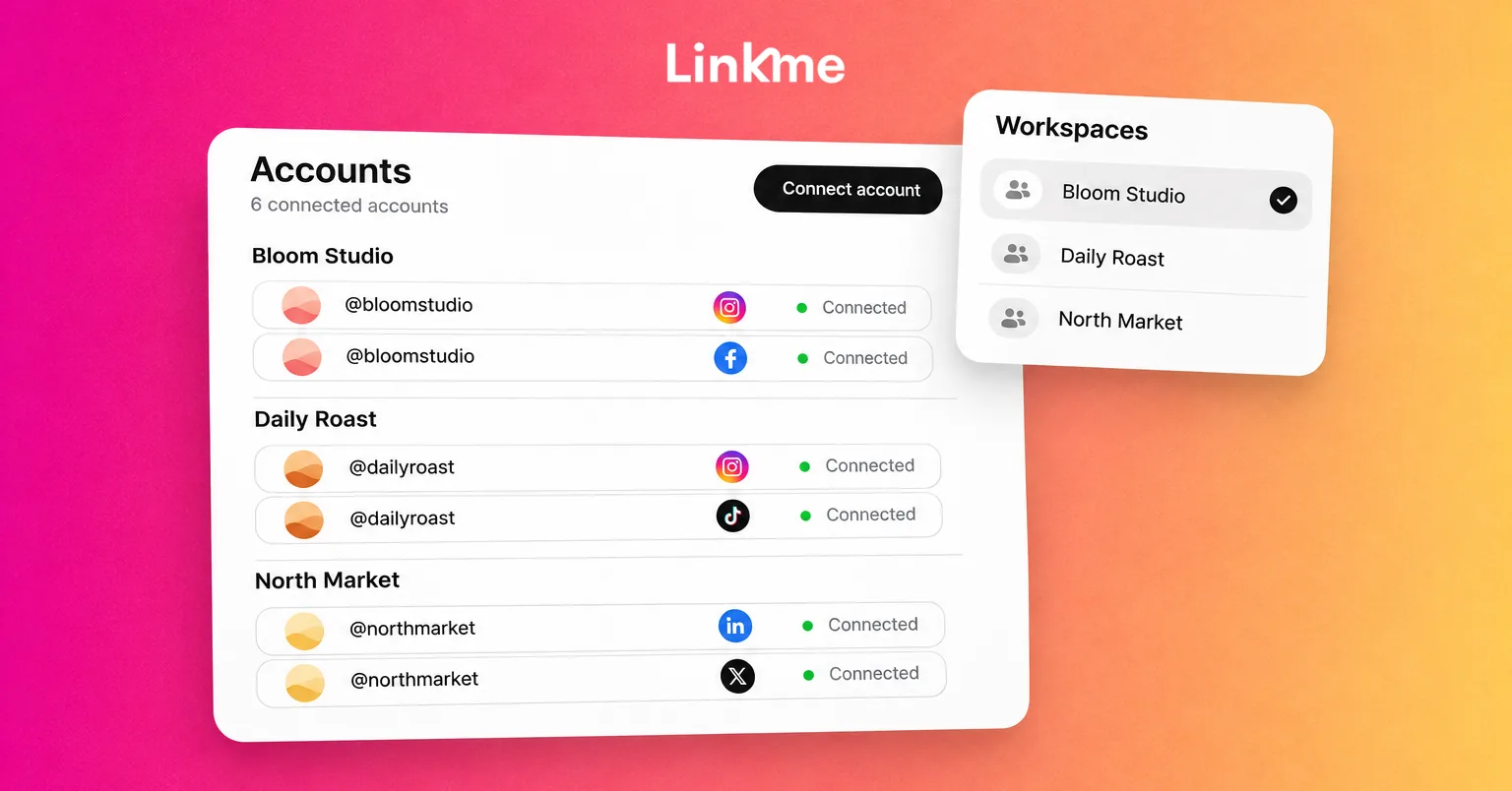
You can manage publishing across multiple accounts in Linkme, including selecting from several connected profiles on a network within your package’s allowances. Assign the relevant access rather than treating a connection as permission for everyone to use it.
In Linkme Business, managers without publish-without-approval permission for the relevant account submit posts for owner or admin review. Owners and admins can publish directly. Access to publishing and access to customer messages also need separate consideration.
Linkme’s team access and security controls support individual logins, defined roles and visibility into team activity. Match those controls to the work each person is meant to perform, and check assignments again when their job changes.
Keep recovery and authentication workable
Use individual access where supported, unique passwords stored in an appropriate password manager, and multifactor authentication where available. Know who can use the authorized recovery route if the usual administrator is unavailable.
Keep that protection in place for both the native accounts and the connected workspace. Linkme’s security view shows two-factor status, while each person enables it for their own login. Active-session visibility covers that person’s own devices.
A recovery contact is useful only if the business can reach them and they retain the necessary authority. Review that dependency before a handoff becomes urgent.
Organize the workspace around clear business identities
Group accounts so the active brand is obvious
Use consistent internal labels that show the brand, client or location. Keep the exact profile identifier visible, and organize drafts, approved assets and working references so people can recognize the intended business quickly.
Keep client or brand customer information with the appropriate team. Access to two businesses does not give somebody permission to reuse their private information between them.
Labels and separate browser profiles can help people stay oriented, but permissions determine what they may access. In Linkme, group and venue scope can organize work, while assigned access limits which pages a teammate works on. Teams managing locations can also organize location pages and manager access without treating those pages as merged social profiles.
Check the functions you need on each connected profile
Confirm the actual network, account type, formats, publishing method and response coverage your team needs. Publishing support does not establish identical inbox or analytics coverage.
Count profiles, people and brands when considering a package. Two brands using the same networks still have distinct profiles to manage.
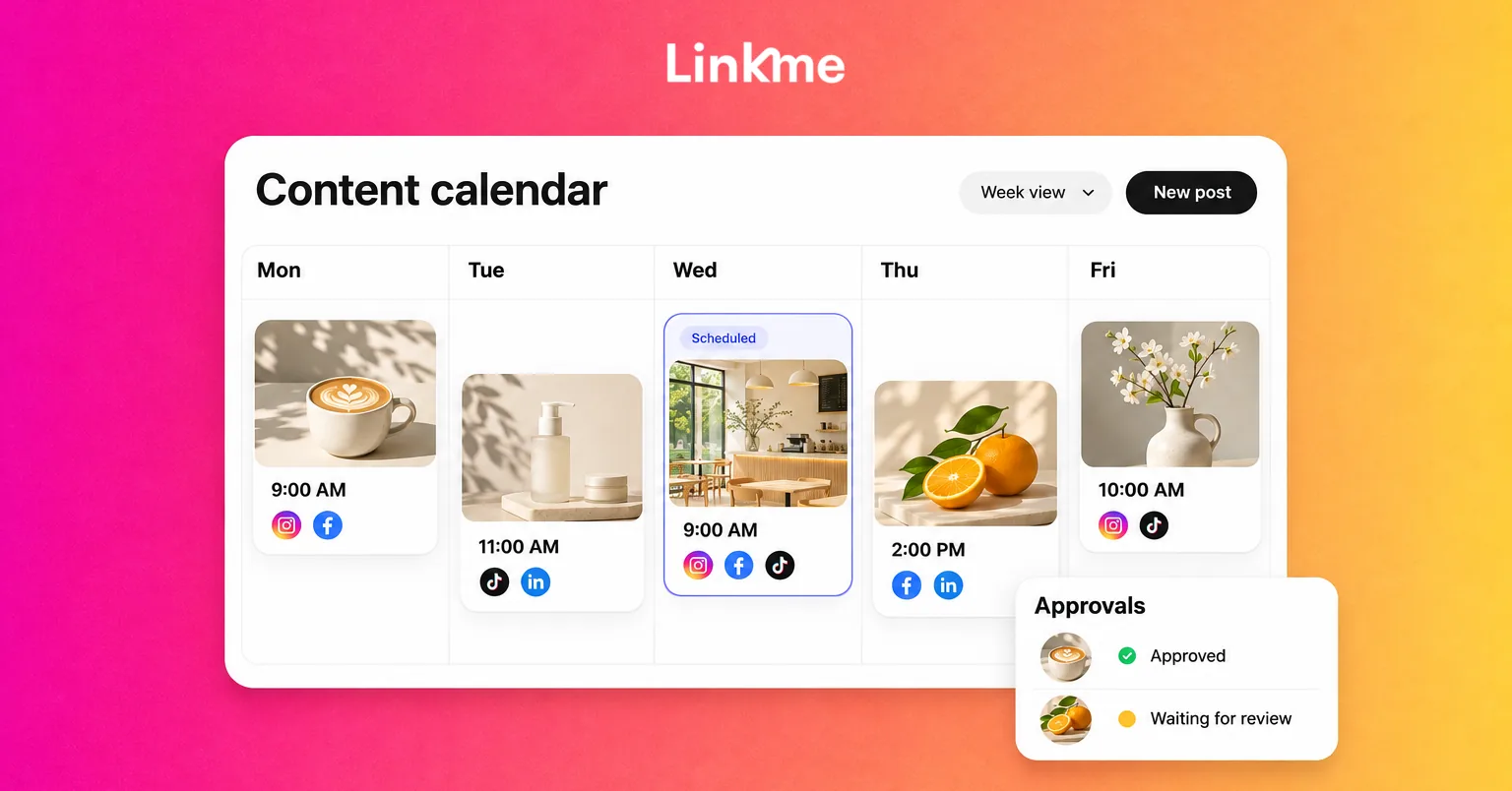
For a team coordinating that work, Linkme for Business brings account selection, drafts, publishing and review into a shared workflow. A normal publishing cycle is straightforward:
- Choose the intended brand or group and the exact profiles.
- Prepare the appropriate content versions and destinations.
- Obtain required review through the people authorized to approve.
- Have the permitted publisher schedule or publish.
- Confirm the result for each selected account.
The value is clear responsibility and visibility across the work. The team still checks that each account receives suitable content.
Prevent posts and replies from going out under the wrong account
Make identity checks part of the handoff
Before scheduling or publishing, confirm the brand, exact selected profile, audience, asset version, destination and intended time. Before replying, check which account the customer contacted, the conversation context and your authority to answer.
Consider a hypothetical near-miss using the register above. Taylor prepares a Sample Studio service announcement while working across both brands. Before submission, Taylor notices Sample Supply’s Instagram profile is selected and the call to action points to a Sample Supply destination.
The correction is specific: select @sample_studio_example, attach the intended Studio creative and check the Studio destination. Taylor then submits the corrected Studio post to Alex for the required review. After approval, the permitted publisher can schedule it through the normal process. The team caught the mismatch by checking identity and context, rather than assuming the previously selected account was correct.
An avatar alone is a weak final check, especially when brands or locations use similar designs.
Reuse ideas while keeping account details separate
A shared content idea can reduce production work. Keep approved assets organized, then adapt the caption, format, offer eligibility, link placement and audience details for each profile.
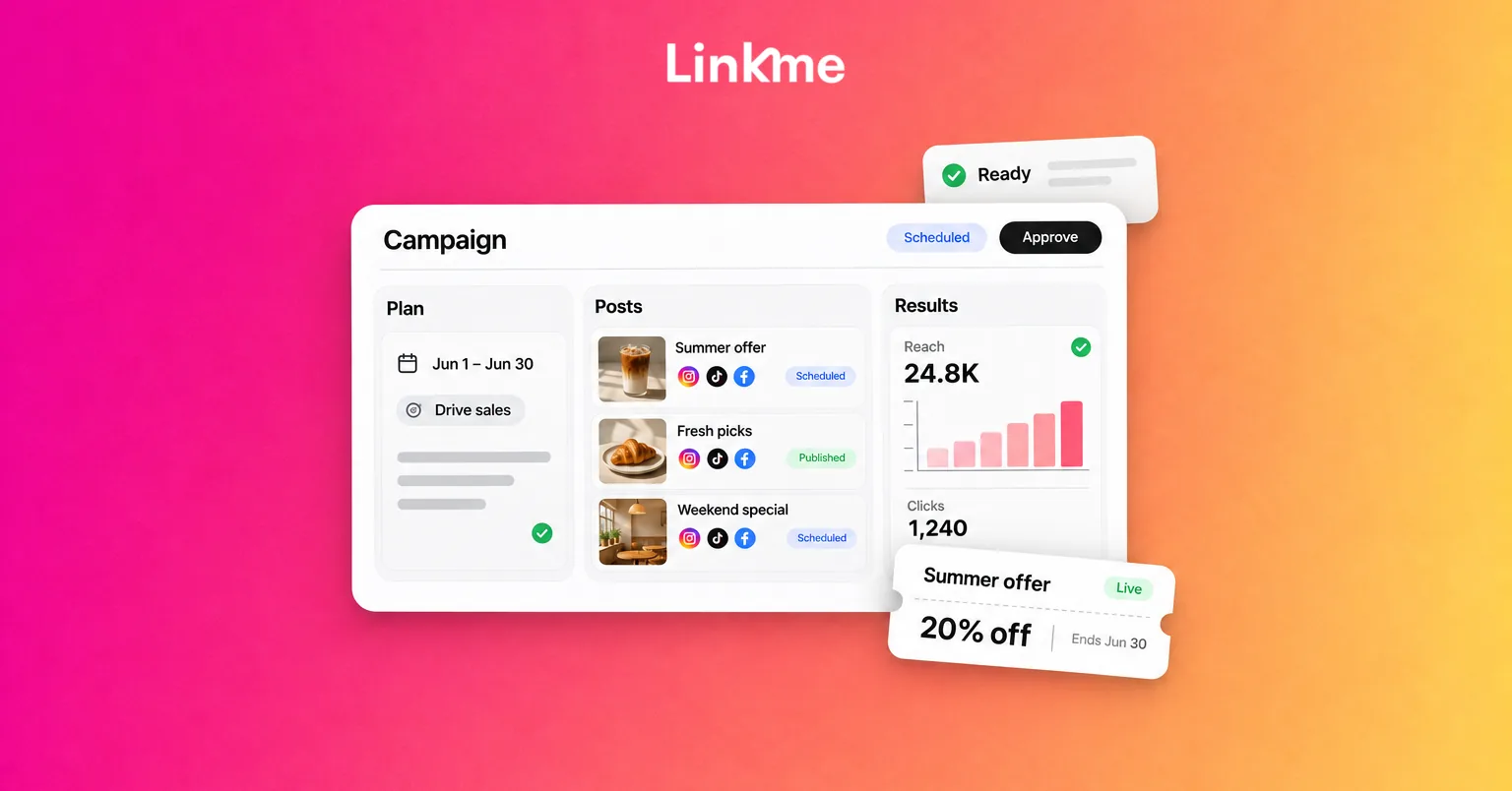
Maintain a shared publishing plan so the team can see what belongs to each account. The account register identifies responsibility and access; the content calendar holds the individual posts and dates.
If a wrong-account post is already live, notify the responsible owner and stop affected pending content where appropriate. Correct or withdraw it through supported controls, then verify the actual state. Removing a post does not undo exposure that already occurred, and the available controls can differ by network and format.
Monitor account health and customer response
Check connection problems and publication results
Give connection alerts and failed posts a named owner. Read the reported error before choosing a repair: it may concern authorization, permissions, media, a destination or another issue.
In the sample register, SP-IG needs attention. Jordan checks the affected Sample Supply connection and handles any required native authorization. Taylor checks which Supply posts are pending or failed. The separate Studio posts should not be blindly sent again just because Supply encountered a problem.
Linkme’s connection-health information includes who connected an account and explanations when reconnection is needed. Have the authorized person reconnect where required, inspect the affected work and verify its result through the normal publishing process.
Reconnecting and deliberately disconnecting are different actions. Disconnecting a Linkme connection pauses scheduled posts and retains history, so it should not be the automatic first step for every error. After a repair, check what remains queued, paused or failed; do not assume missed posts will replay automatically.
Before retrying, confirm that the content is still timely and has the required approval. Verify the actual publication result afterward, including whether other placements already succeeded.
Give every profile a response owner and escalation route
Assign somebody to check comments and DMs, with backup coverage for absences. Identify who supplies product, brand or location facts when the responder cannot answer directly.
A central team may manage a queue while another team provides the local answer. Check which networks and message types the tool supports, and agree native-platform or alternative coverage for the rest. Assigned account access does not automatically give every manager access to every inbox.
Before answering, confirm the business identity and whether a colleague has already responded. Hand over questions outside your authority with enough context for the next person to continue. Keep unanswered questions visible as tasks with owners, alongside publishing problems.
Review access when people or account needs change
Add a profile through a repeatable handoff
Before adding an account to routine work, confirm its purpose, native administrator and backup, authorization, workspace assignment, publishing owner and response owner. Check the required formats and functions, then record the verified connection state.
Use suitable content through the normal approval and publishing process to check the workflow. Follow the network’s available options; do not assume it offers a private test post.
An account can remain in the register even if the team manages it natively. The important point is that its route and responsibilities are explicit.
Reassign work before a teammate leaves
Review the drafts, scheduled posts, approvals, conversations and integrations that depend on that person. Establish another authorized administrator or recovery route, and confirm the successor can perform the necessary tasks.
Reassign pending work and reply coverage, then remove access that is no longer authorized. Review the workspace, native platforms and other connected tools separately. Handle any shared credentials under the business’s access policy.
After the change, check required connections, scheduled work and the account register. Removing a workspace member does not establish that their native access, other tools or sessions have been revoked.
If access must be removed urgently, follow the business’s process and have an authorized administrator address the handoff. Routine planning should avoid leaving a departing person as the only route to an account.
Removing a teammate, disconnecting a network and changing business ownership are separate operations. Treat an ownership change through the applicable authorized process rather than assuming an ordinary account assignment transfers it.
Check whether each account still earns its place
Review each profile against its purpose. A customer-support account and a company-news page have different jobs, so combined follower totals cannot tell you whether both are useful.
Separate a staffing or delivery problem from a content problem. If an account has gone quiet, check whether the cause is missing access, no assigned contributor or content that no longer serves its audience.
Use native-platform data for social engagement, Linkme page data for destination activity, and appropriately tracked business records for outcomes. Preserve the account identity and reporting period before combining results. A destination click does not prove a completed sale or inquiry.
For an unused profile, agree an authorized next step after reviewing customer expectations, records and access. Keep useful history and clarify who owns any remaining work.
A short routine for keeping multiple accounts under control
Set a checking rhythm that fits the volume of posts, customer questions and business risk. The routine should answer five questions:
- Are any connections, failed publications or time-sensitive replies waiting on somebody?
- Do the next posts match the exact accounts, assets, destinations and required approval?
- Is backup coverage clear for publishing and customer response?
- Does the register reflect current access, responsibility and profile purpose?
- Which account problems need a repair, a staffing change or a different content decision?
Keep the next action and person responsible visible. That turns a collection of accounts into work the team can manage together.
Frequently asked questions
Can I manage several accounts on the same social platform?
Yes, where the platform and your chosen tools support them. Check the native account type, required functions and package allowances. In Linkme, several connected profiles on a network can be selected for publishing within the agreed package limits. There is no single account maximum that applies to every platform and tool.
Does connecting an account move its ownership?
A connection authorizes supported work through a tool. It does not, by itself, merge profiles or transfer native ownership. Check native-platform administration, workspace permissions and any authorized ownership process separately.
How can a team avoid posting to the wrong account?
Use exact account identifiers, clear brand context and appropriate permissions. Before publishing or replying, check the selected profile, content, destination and customer context. Make that check part of the handoff instead of relying on a familiar avatar or last-used selection.
What should I check when a connected account stops publishing?
Read the actual error and check authorization, access, format requirements and the affected pending work. Have an authorized person reconnect where needed, then verify any retry. Avoid disconnecting everything or duplicating posts that already succeeded.
Clear account identities, named responsibilities and a workable handoff process make the everyday publishing job easier to coordinate, while giving problems somewhere to go when they occur.
See how Linkme can organize your team’s connected accounts, publishing and access. Book a demo.