Social Media for Retail: A Practical Strategy for Stores and Online Shops
Build a retail social media plan with useful content ideas, clear shopping paths and a practical routine for stores and online shops. Learn what to measure.
On this page
- Key takeaways
- Choose the shopper action you want to support
- Choose channels your shop can support well
- Build content around real retail buying decisions
- Give each post a useful shopping or visiting route
- Build a repeatable production and publishing routine
- A small retail week in practice
- Answer the questions that stand between interest and purchase
- Measure the shopper action, then adjust the plan
- Frequently asked questions
Social media for retail should help shoppers discover products, decide what suits them and take a useful next step. For one person, that means opening the right product page. For another, it means checking a store’s location or getting an answer before making the trip.
A practical strategy connects those decisions to the content your team can produce and support. The product shown, the caption, the destination and the answer a customer receives should tell the same story.
Linkme’s social publishing tools can help teams prepare and publish retail content to their chosen connected accounts. Start by deciding what that content needs to do for the shopper.
Choose the shopper action you want to support
Distinguish store visits, online purchases and buying questions
Give each piece of content a main job. A new-arrival post might help someone explore a range. A demonstration might answer a question about size or use. An event announcement might help local customers plan a visit.
The next step should fit how the shop operates. An online shopper needs the relevant item or variant, its price and the available fulfillment options. A local shopper may need the correct branch, opening hours and a way to confirm availability. An undecided shopper may need an answer before either route makes sense.
Choose an observation that matches the job. If you want people to ask about a product, record relevant inquiries and whether staff answered them. If you want purchases, examine the retailer’s completed-order evidence. Do not make every post responsible for every outcome.
Start with actual customer and business information
Use the questions staff hear, the products available and the information customers need to choose. Look at previous posts for useful patterns: which explanations generated relevant questions, which destinations people opened and where customers became confused.
You can start with modest information. A shop owner may know that customers struggle to compare two sizes or regularly ask about a material. That is a useful content starting point. Keep it separate from an untested assumption about what all shoppers want.
Choose channels your shop can support well
Select channels using evidence of customer activity, suitable formats and staff capacity. Consider both making the content and responding after it appears.
Instagram or Facebook may be candidates for a shop’s visual or local content. TikTok may suit a demonstration-led video approach. Pinterest may be relevant to product and use inspiration, while YouTube can accommodate demonstrations needing more explanation. Assess these options against your own products, customers and resources.
Check the practical route too. A format that attracts interest still needs a workable way to find the product, ask a question or plan a visit. Preview the actual destination rather than assuming a caption link works the same way on every channel.
Start with a mix you can maintain and learn from it. There is no universal platform set, posting ratio or time of day that replaces that decision.
Paid promotion can be a separate, limited test when you have a clear objective, suitable creative, an accurate destination and a chosen budget. Evaluate the result against that objective. Advertising and creator partnerships are options, rather than prerequisites for following the routine below.
Build content around real retail buying decisions
Choose content that helps shoppers understand a product or the business. These six jobs offer a starting mix:
| Content job | Concrete example | Facts or assets needed | Useful next step |
|---|---|---|---|
| Show the product in use | Demonstrate an item’s size, handle, fit or everyday use | The actual item and variant, an accurate visual and supported use claims | View the pictured item or range |
| Help shoppers choose | Compare two options for different needs | Verified differences in dimensions, material or use | Read the detail or ask a specific question |
| Explain use, care or a buying question | Answer a real question about an item or shop policy | Approved instructions or the business’s current answer | Open the relevant product, care or policy information |
| Announce an arrival, restock or offer | Show what is available and where | Current availability, price, dates and material conditions | Shop the item or confirm the relevant location |
| Show people and the store experience | Share a staff demonstration, display or confirmed local activity | Genuine context, usable assets and accurate store or event details | Explore the shop or activity |
| Show genuine customer use | Share an authorized customer photo, video or words | Permission for the intended use and accurate attribution | Learn about the featured product if it remains available |
Choose the jobs that fit the information and assets you have. A recurring selection tip or staff demonstration can become a useful series when there is fresh material to share.
Promotions are one part of the mix. An announcement can introduce a product without adding a discount, and an educational post can be useful without ending in a sales request.
Use customer and creator material with a clear purpose
Choose customer or creator content for its relevance to the product and audience. Agree how the retailer may reuse it, including whether the permission covers paid advertising. Keep the person’s words and experience accurate, and check rights to other elements such as music. A tag or credit alone does not establish permission to download and reuse a photo in marketing.
For endorsements aimed at U.S. consumers, FTC disclosure guidance explains how paid and gifted relationships should be made clear with the endorsement. In video, include the disclosure in the video itself rather than relying only on the description. Plan the disclosure alongside the asset.
Give each post a useful shopping or visiting route
Match the destination to the item and the action
If a post shows a particular product or variant, check that the destination makes that choice easy to find. Match the image, name, price and availability, and show the relevant fulfillment information.
For a store visit, provide the correct location, hours and event details where applicable. If availability varies by branch, identify the relevant branch and tell people how to check it. Do not imply a product is available everywhere because one location has it.
Test the route on a phone from the actual social placement. Check that the intended action works and that any promoted offer is still valid. Use a direct product destination when it serves the job; a maintained page is useful when shoppers genuinely need several choices.
Check shopping eligibility and the actual checkout route
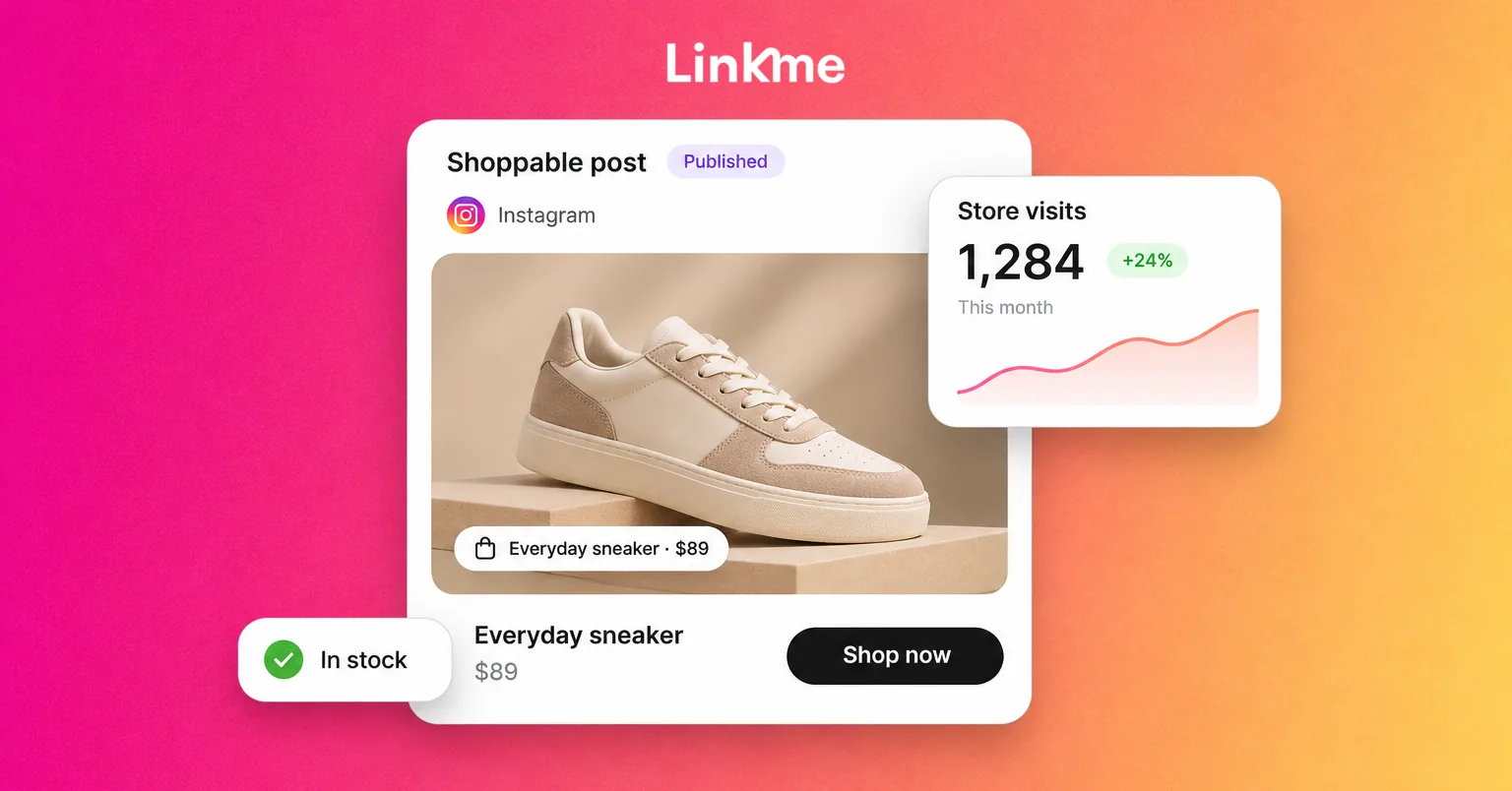
Product tags and shop features can support eligible businesses, products, catalogs, markets and formats. Check your setup before building a plan around them. Inspect where a tag takes the shopper and how the purchase is completed.
For example, Shopify’s documented Instagram Shopping flow directs shoppers to the seller’s website checkout. The presence of a shopping tag does not mean every purchase happens within the social app.
With Linkme’s retail destination pages, store-product purchases continue to the retailer’s own checkout. Offer creation and coupon redemption stay in the retailer’s own systems; Linkme can point shoppers to the relevant offer page. Keep the retail records and destination accurate rather than assuming the publishing tool synchronizes inventory or orders.
Keep store information and seasonal links current
Name the person who updates opening hours, location details, offer dates and featured destinations. Check those details again when the business changes them.
A Linkme page’s printed QR code opens the maintained page, so the links on that page can change without reprinting its code. This can help signs or displays point to current information. The page visit is still a different observation from a completed purchase or an arrival in the store.
Larger destinations may also need a directory, events, dining and several property pages. Linkme for malls and retail destinations shows that particular workflow. An independent shop can choose a simpler route around its own products and customer needs.
Build a repeatable production and publishing routine
Prepare a reliable product and post brief
Before making the post, collect the details that affect its accuracy:
- The item, variant and assets you will show.
- The post’s purpose, selected channels and intended destination.
- Current availability for the relevant store or online route.
- Price, currency, offer dates and material conditions where applicable.
- Any delivery, pickup, returns or care statement the post needs.
- The person and business record used to confirm those details.
You do not need to put every field into every caption. The purpose is to give the person creating and reviewing the content a reliable reference.
Review the version that will actually go live
Check the image or video, caption, selected account and destination together. A corrected caption does not fix an old price baked into an image. Likewise, the right product photo does not resolve a link to the wrong variant.
Give preparation, review and publishing clear responsibility. A small shop may have one person doing several jobs; a larger team may split them. Follow the formal sign-off required by the account’s roles and permissions.
Linkme’s shared drafting, review and scheduling can support that handoff. The team still needs to check the final content and confirm the correct accounts and intended publication time.
Recheck when stock, prices or store conditions change
Before a queued promotion goes live, check that its promise still holds. If an item sells out, a price changes or an offer ends, review affected upcoming posts and their destinations. Update or pause the material as appropriate, and correct prominent live promotions where possible.
Look at asset text as well as captions and links. For multi-store retailers, check the actual branch information instead of copying availability across locations.
Stock changes do not update the social queue by themselves. Give someone responsibility for communicating changes to the publisher and checking what is already live.
A small retail week in practice
Consider a hypothetical independent homewares shop with one physical store and an online shop. The owner chooses three posts about a mug range because the team has enough time and usable assets for that work. This is an illustrative capacity choice.
| Point in the chosen week | Content or action | Fact and asset check | Destination or follow-up |
|---|---|---|---|
| Before publication | Prepare the mug-range information and real photos | Confirm variants, prices, availability by purchase route and the corresponding pages | Correct the product and store destinations before promotion |
| Early in the week | Demonstrate the mugs’ scale and handles | Show the actual items; use only supported product descriptions | Direct shoppers to the pictured variant or relevant range; note product questions |
| Midweek | Answer a real question about choosing between the mugs | Check the answer against product measurements and approved information | Point to the relevant detail and answer unresolved questions |
| Later in the week | Show the range in the store display | Recheck current availability, opening hours and the purchase routes actually offered | Give accurate store information or the matching online destination |
| Throughout and after | Answer questions and review the work | Record availability changes and actual inquiries or orders from the appropriate sources | Decide what to clarify, repeat or stop |
Now suppose a featured variant becomes unavailable before its queued post. The publisher pauses that post and checks whether the remaining range still supports the message. If it does, the team updates the asset, caption and destination together and follows any required review again. If it does not, it chooses a different useful post.
The value of this plan is the connection between the product facts, the content and what the shopper can do next.
Answer the questions that stand between interest and purchase
Decide who handles questions about fit, availability, location, fulfillment and returns. Arrange a realistic backup where one is available. Confirm the facts before promising a stock hold, restock date or refund.
Move order identifiers and personal information to the retailer’s appropriate private support route. The person answering should know where to check an issue and when to escalate it.
A prepared message or link can help with a repeated question, but it is not live confirmation that a product remains in stock. Keep customer answers aligned with current retailer information.
Useful questions can also become future content. If shoppers repeatedly need a clearer size comparison, improve that explanation in the post or product destination.
Handle the inquiry the person made. An inquiry is separate from permission to receive marketing updates. Shoppers who want future news can choose to sign up, and an existing permission-based email relationship can support later follow-up.
Measure the shopper action, then adjust the plan
Choose evidence that matches the job you gave the content:
- Discovery and interest: native channel reach, views, saves and relevant questions describe attention or response.
- Destination activity: website analytics and, where used, Linkme page visits and link clicks describe activity on those routes. Linkme’s figures come from its pages, rather than the connected social platforms.
- Online sales: retailer checkout records and correctly configured purchase reporting can show completed orders and attributed value. Tagged traffic alone does not create purchase tracking.
- Store activity: recorded redemptions, verified visit evidence where available and voluntary customer-reported discovery can provide context. A directions request, scan or call-button click does not by itself confirm an arrival, completed call or purchase.
Use consistent campaign labels when tracking links, and test the real route. Parameters may need to pass through a destination page or redirect. A shared profile link does not identify every originating post, so interpret its results within that scope.
Compare periods with context. Stockouts, different offers, store hours, seasonality and paid spend can affect what happened. Avoid adding platform-attributed orders together without checking whether they count the same purchases. Attribution assigns credit; it does not alone establish the additional sales caused by the activity.
End the review with one useful adjustment. That might be clarifying a product comparison, correcting a destination or changing the content when availability changes. Record the next observation you will use to judge the adjustment.
Frequently asked questions
Which social media platform is best for a retail business?
Choose around your actual customers, suitable formats, available shopping or visit routes and staff capacity. Start with channels the shop can support and evaluate what they help people do.
What should a shop post besides promotions?
Show products in use, help people compare options, answer care or buying questions, introduce the store experience and share authorized customer material. Choose from the information and assets you can support.
How often should a retail business post?
Use a manageable frequency that allows the team to create, verify and support the content. Adjust from actual observations. The three-post illustration above reflects one hypothetical shop’s resources.
Do retailers need social shopping features to make social media useful?
No. Eligible shopping features can support some businesses, but accurate product information, helpful answers and a working destination remain useful. Check the actual route customers can use.
A workable retail social media strategy keeps useful content, current business information and the shopper’s next step connected. Build a routine your team can repeat and improve from evidence.
Explore how Linkme for Business can support that team workflow. Book a demo to discuss retail content, publishing and useful destinations for your business.